



ODOO'S FUNCTION
Odoo automatically runs the forecast information computation multiple times — both when opening a Manufacturing Order (MO) form and when editing MO lines — which can cause slow performance on large databases.
CLUEDOO'S FUNCTION
CLuedoo introduces an option to disable forecast computation on MO lines, preventing redundant recalculations and improving overall system performance when managing Manufacturing Orders.
| Go to Settings > Manufacturing > You will have an option to Disable Manufacturing Forecast | 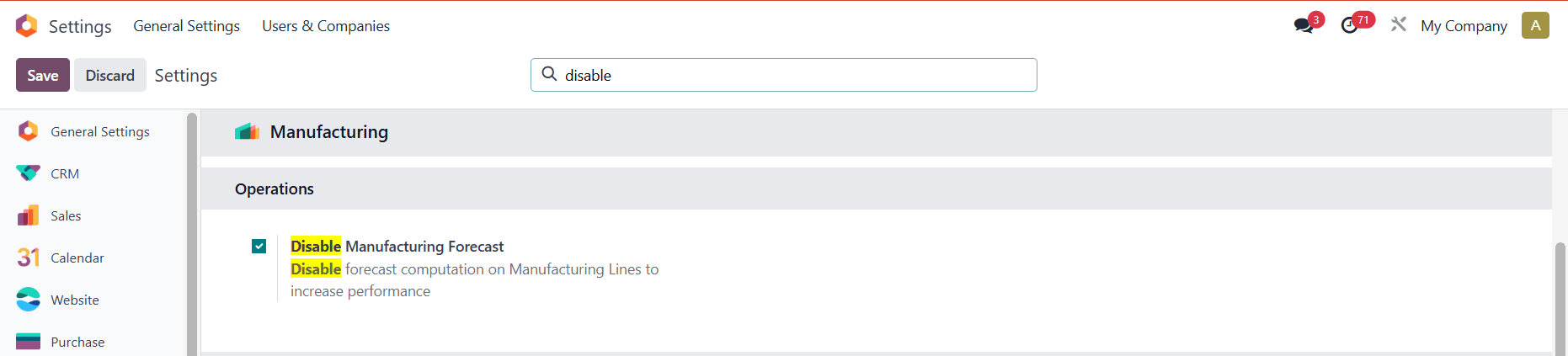 |
Create a Manufacturing Order with a product tracked by Lots/Unique Serial Number > Confirm > Add a Lot/Serial Number to the finished product > Save Result: The forecast computation function is disabled --> avoid performance issues or delays Note: No visible UI changes when testing, only in the backend | 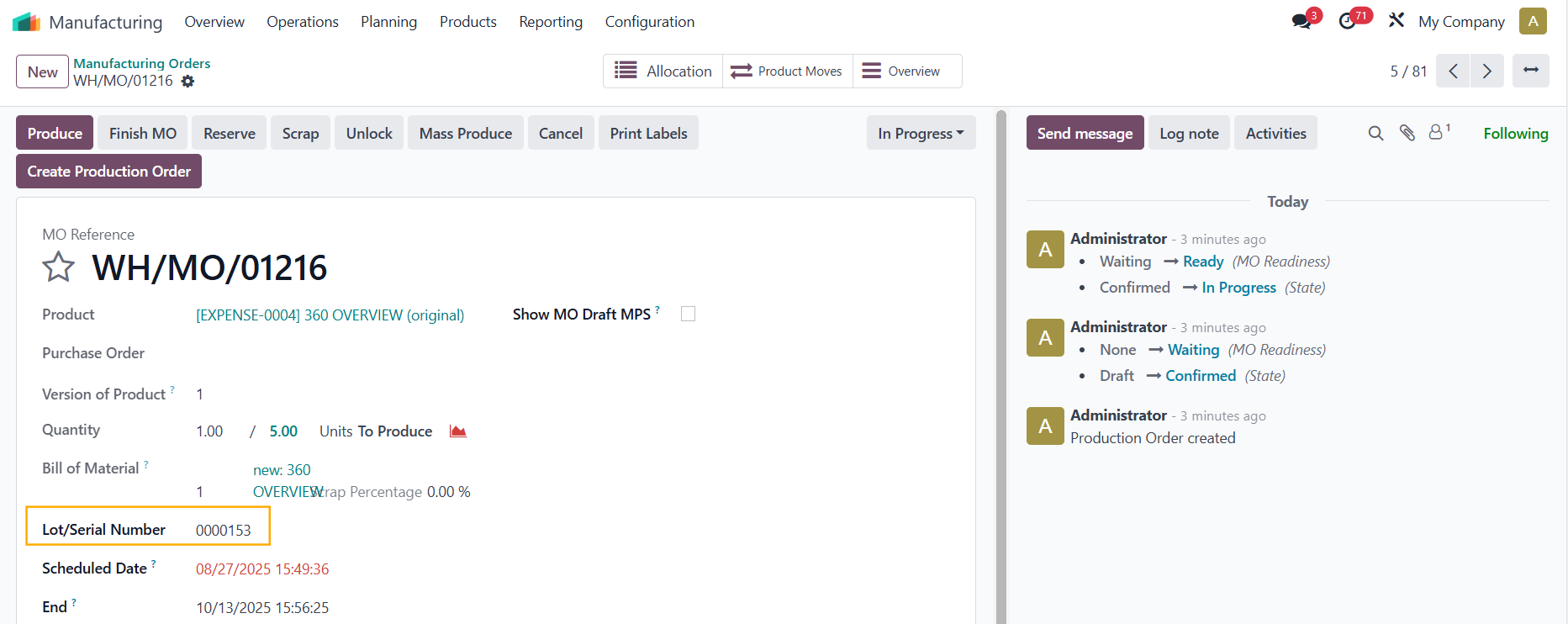 |