ODOO'S FUNCTION
In Odoo, the "Add Properties" feature is available to all users by default. There is no specific access right to restrict who can create new custom fields, which can lead to an unmanaged database with too many unwanted fields created by unauthorized users.
CLUEDOO'S FUNCTION
CLuedoo introduces a dedicated access right to control this feature. Only users assigned to the specific group "Add properties" can see and use this function. For all other users, the "Add Properties" option is completely hidden from the interface, ensuring better data governance and preventing unauthorized field creation.
CONFIGURATION | |
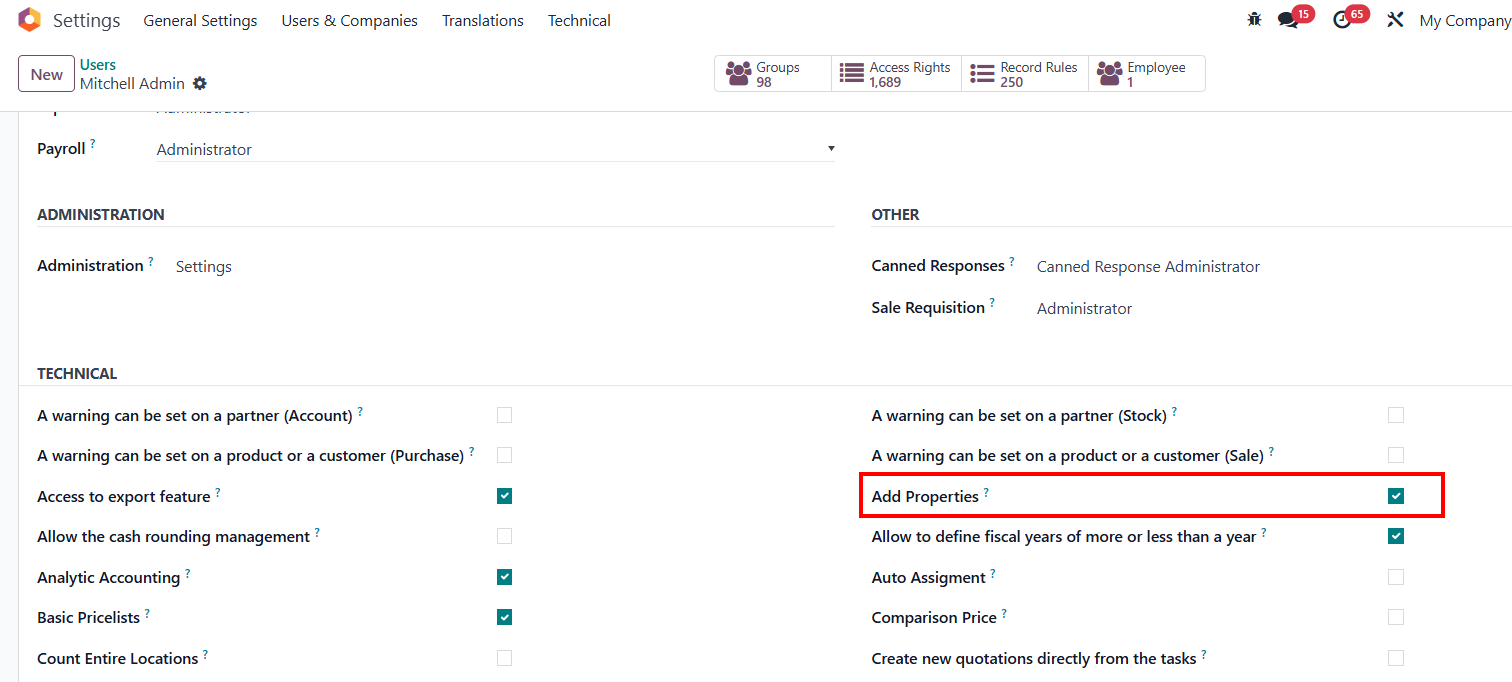
1.Set up individuallyGo to Settings > Users and companies > Users > Choose one user > Tick/ Untick the checkbox "Add properties" |
|
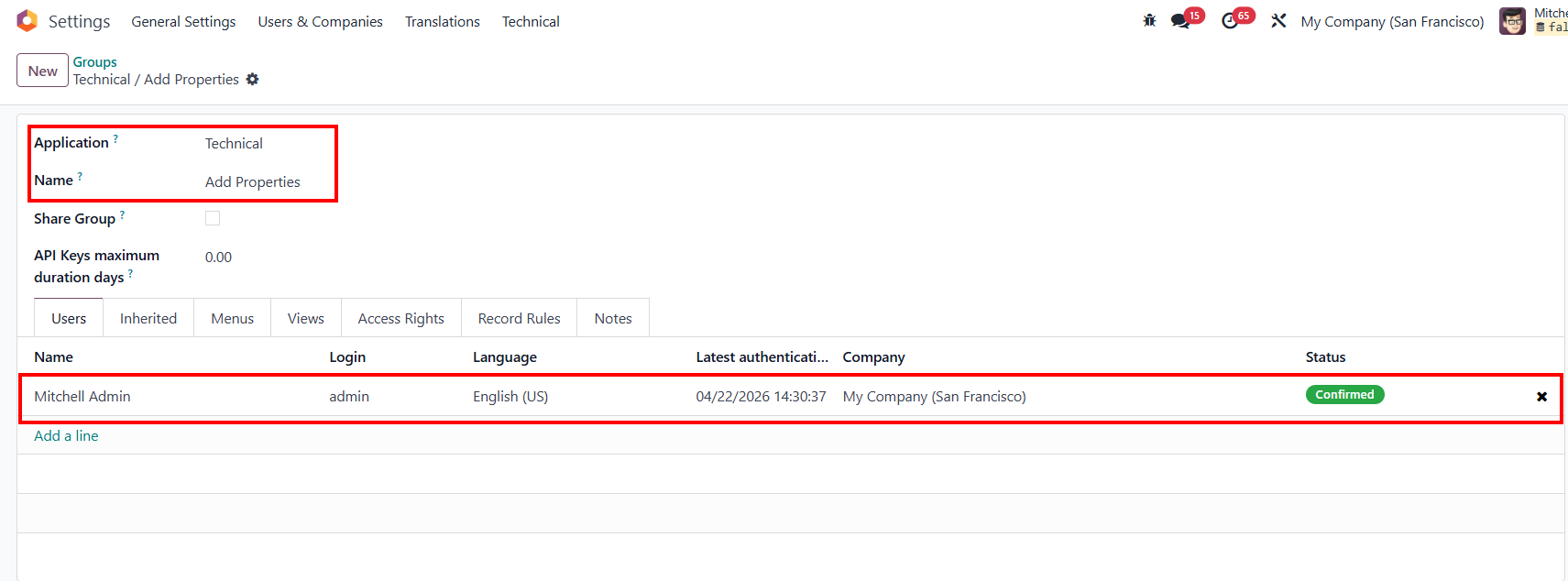
2. Or set up in groupsGo to Settings > Users and Companies > Groups > Search for "Technical / Add Properties" > Add users |
|
USAGE | |
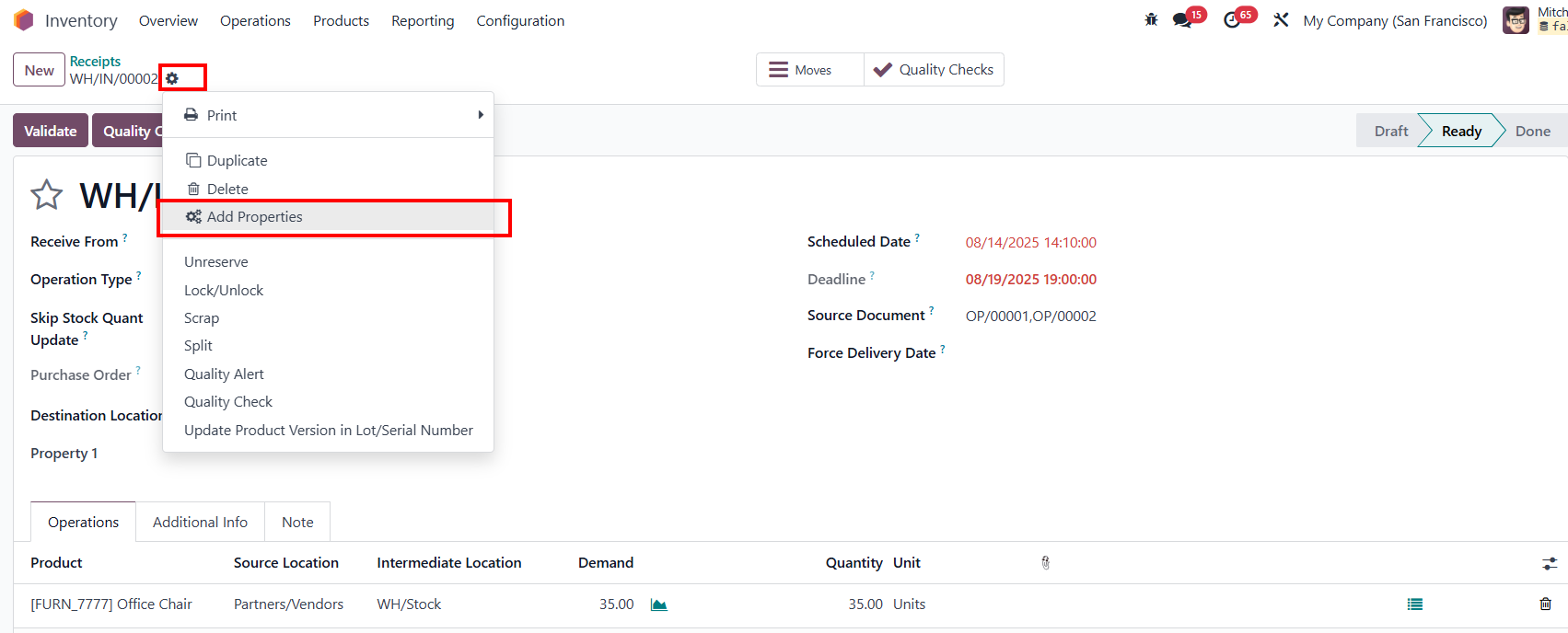
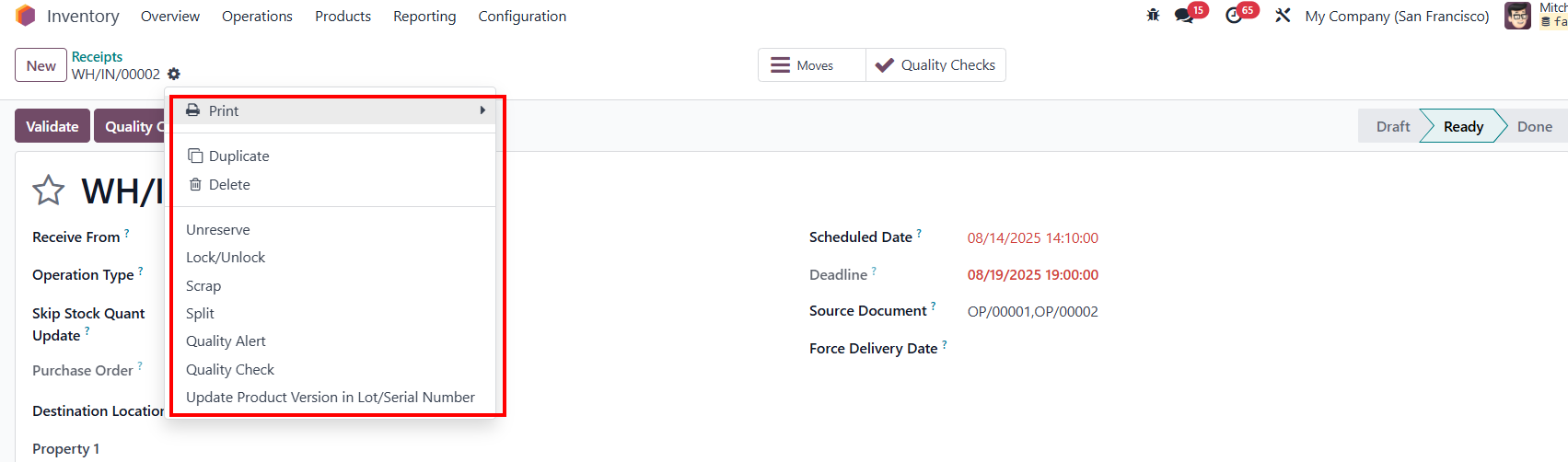
Go to Inventory > Operations > Receipts > Click on the gear button > User can see the button "Add Properties". |
|
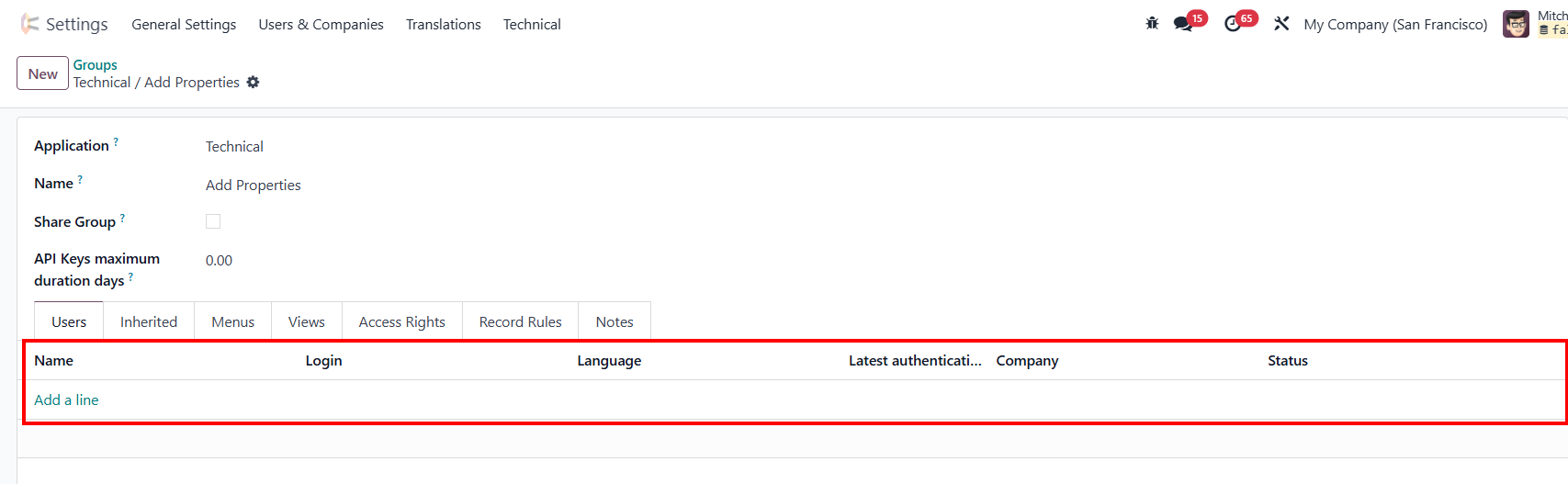
4. If untick the checkbox in Settings or delete the user from the group "Technical/ Add Properties" |
|
The button Add Properties is hidden. |
|