

ODOO'S FUNCTION
In Odoo, sales orders (SO) and batch deliveries are not directly linked via a smart button. There is no native functionality to quickly navigate between a sales order and its associated batch delivery, making tracking and management less efficient.
CLUEDOO'S FUNCTION
CLuedoo introduces a new feature that adds a smart button on the sales order, linking it directly to the associated batch delivery. This enhancement allows users to quickly access and manage batch deliveries from the SO interface, improving visibility and workflow efficiency. Similarly, a smart button is added on the batch delivery, providing a direct link back to the originating sales orders, ensuring seamless navigation between sales and logistics operations.
1. Create multiple sales orders > Confirm > Delivery > Check the transfers | 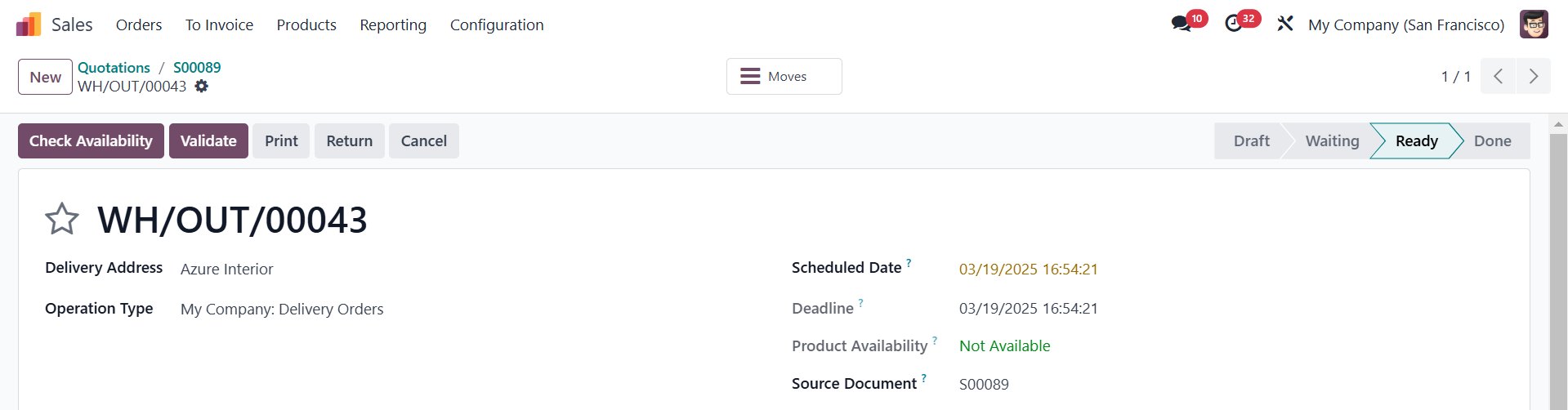 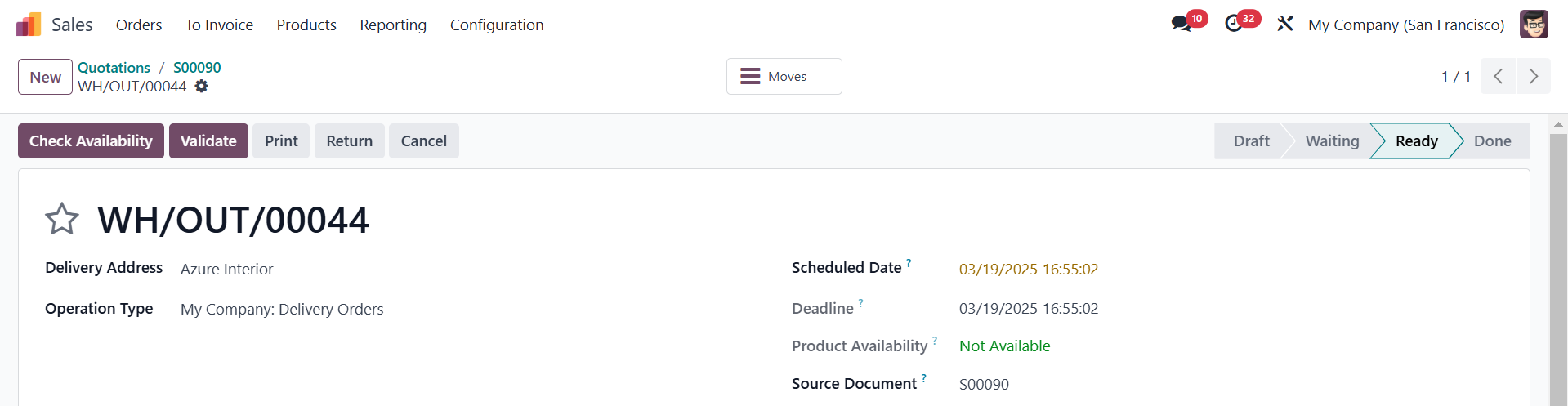 |
2. Go to Inventory > Operations > Transfers > Deliveries > Choose the transfers that were created from the SOs in step 1 > Actions > Add to batch | 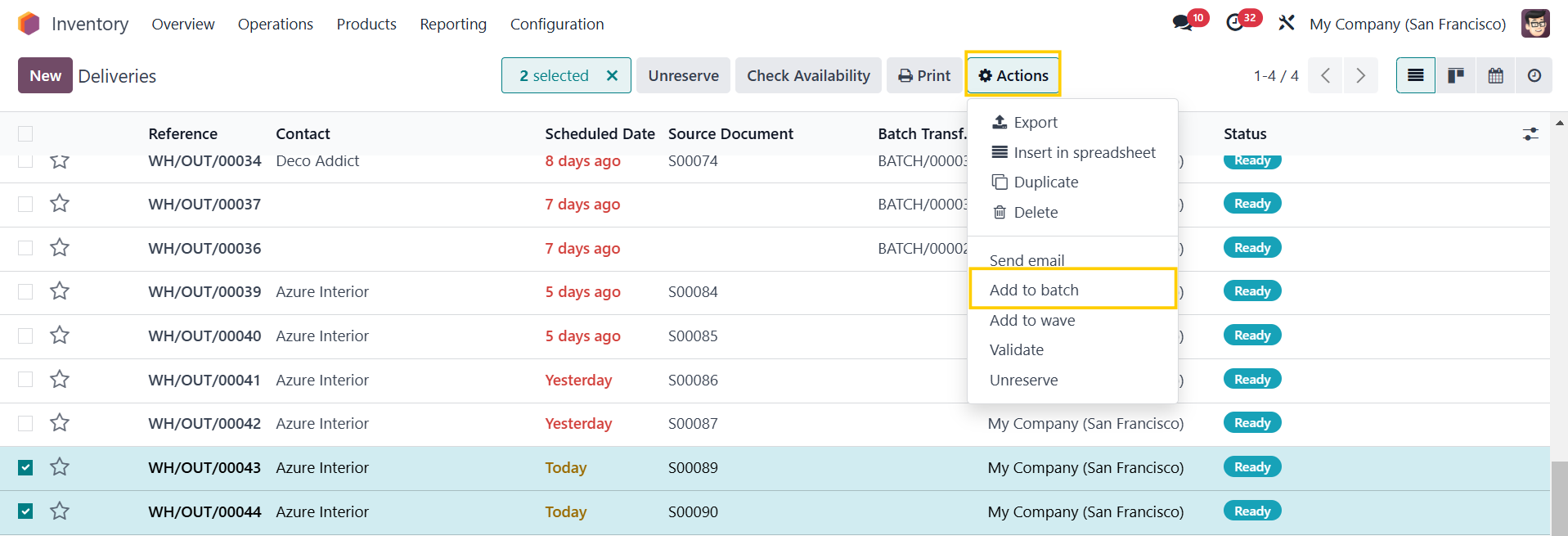 |
A pop-up appears > Fill in the information > Confirm You will see a Sales smart button that links to the original SO in the batch | 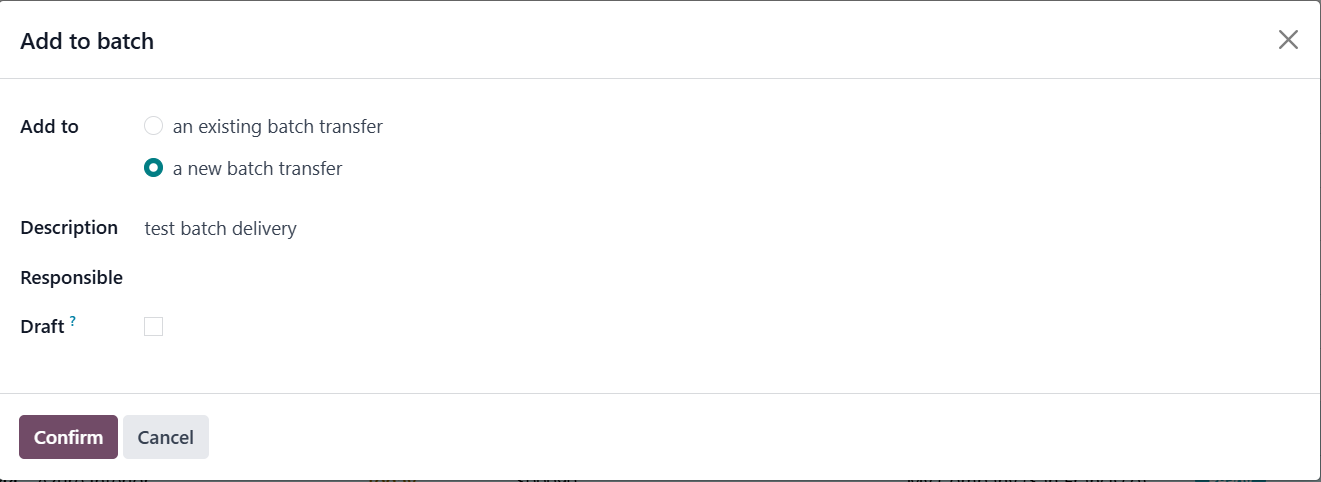 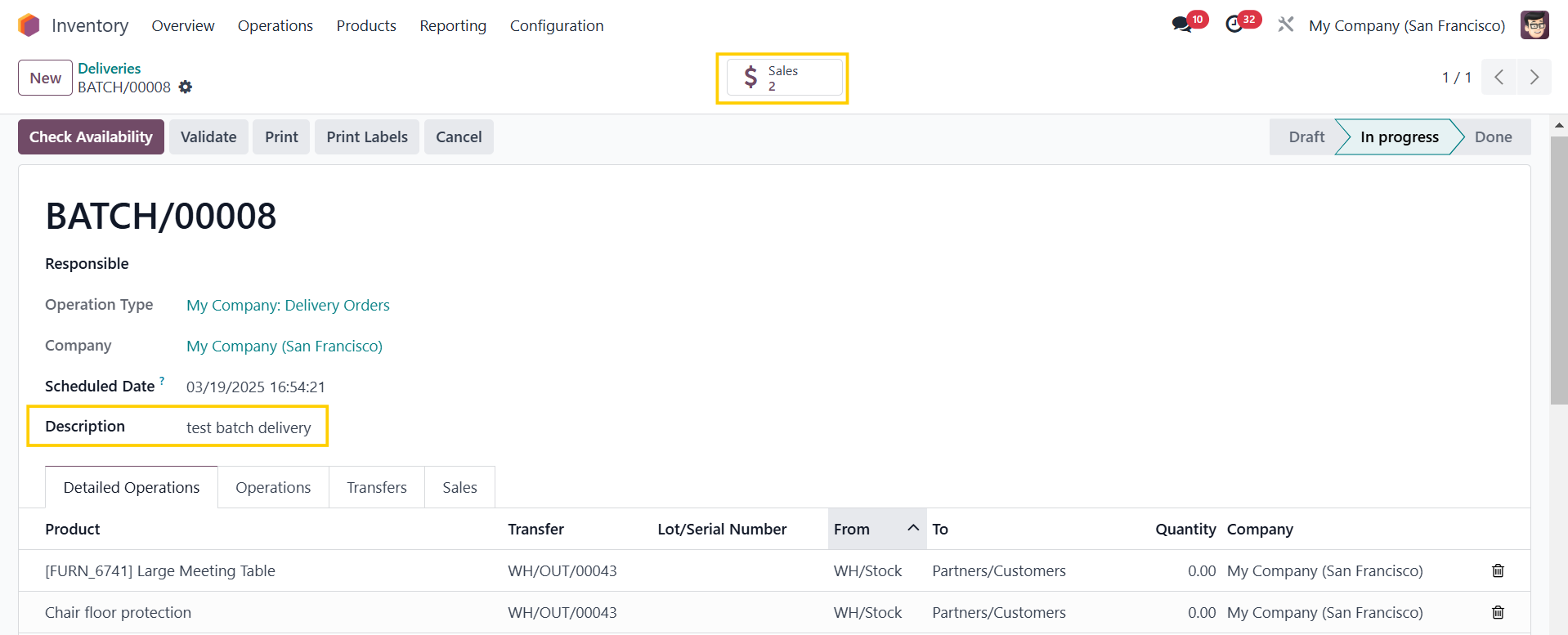 |
3. Alternatively, you can check the batch delivery in Inventory > Operations > Jobs > Batch Transfers | 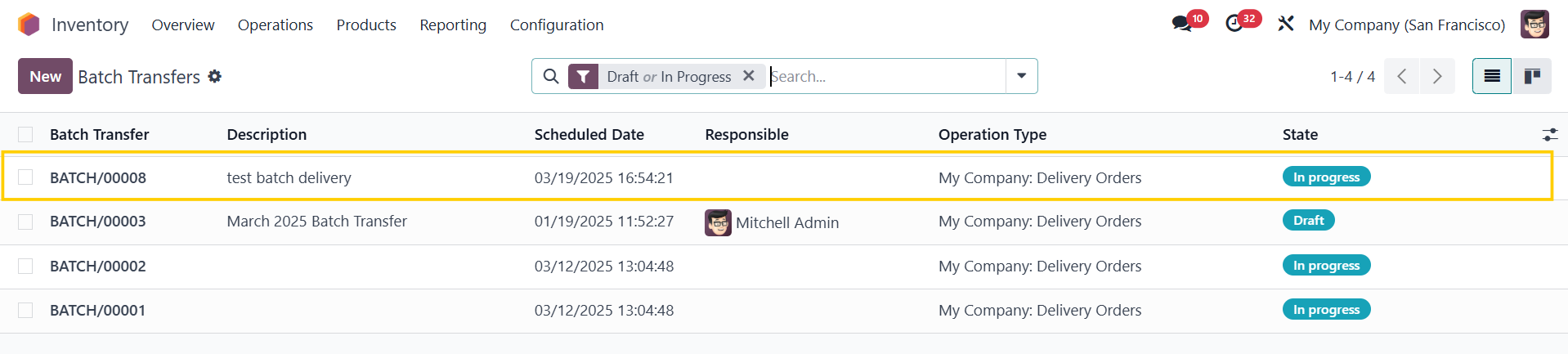 |
4. Click on the Sales button and it will lead you to the original SOs > A Batch smart button has also been added that links the SO to the batch delivery. | 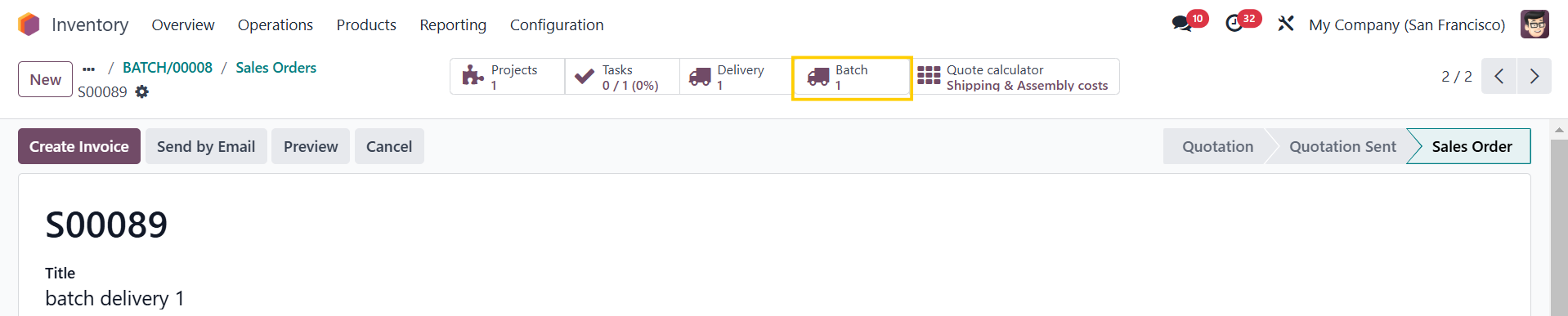  |