
ODOO'S FUNCTION
With CLuedoo modules Account Period Lock and Period Lock for Expenses installed, if you try to approve an expense report today, but the expense dates are dated from a previous month that has already been locked, Odoo will block the approval to protect your closed financial records.
CLUEDOO'S FUNCTION
CLuedoo solves the "locked period" issue by automatically setting the Expense Report Date, and the resulting Accounting entry, to the exact day you approve the report. This allows managers to process late expenses immediately without getting system errors, cleanly recording the costs in the current open month while keeping past records safely locked.
1. Go to Expense Reports > Create a new expense report | 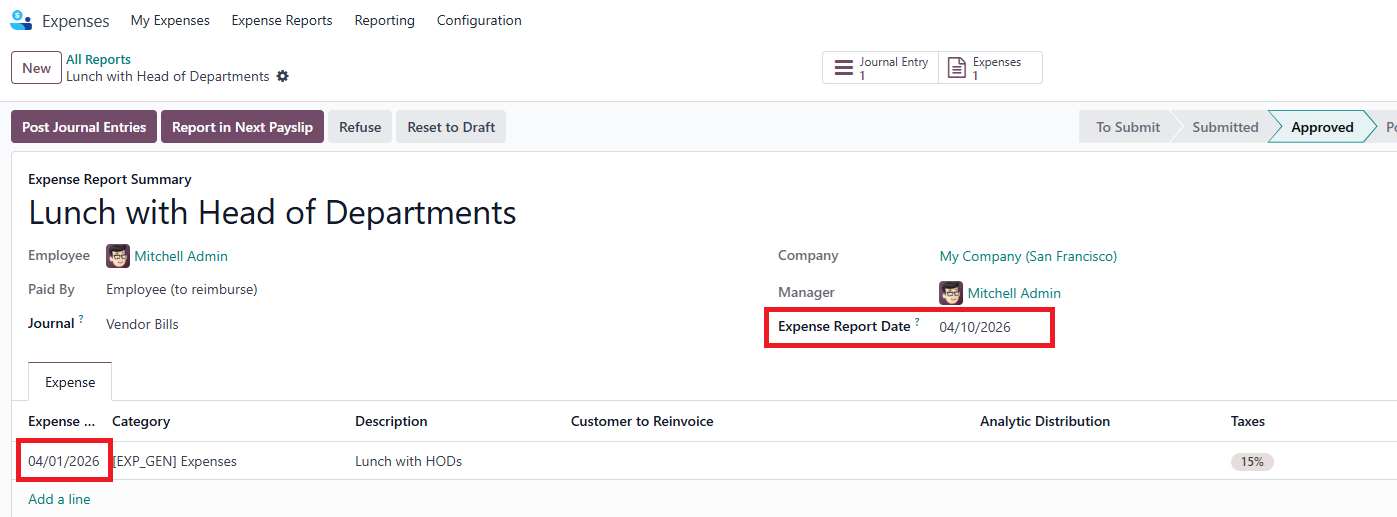 |
2. Click on the Journal Entry smart button | 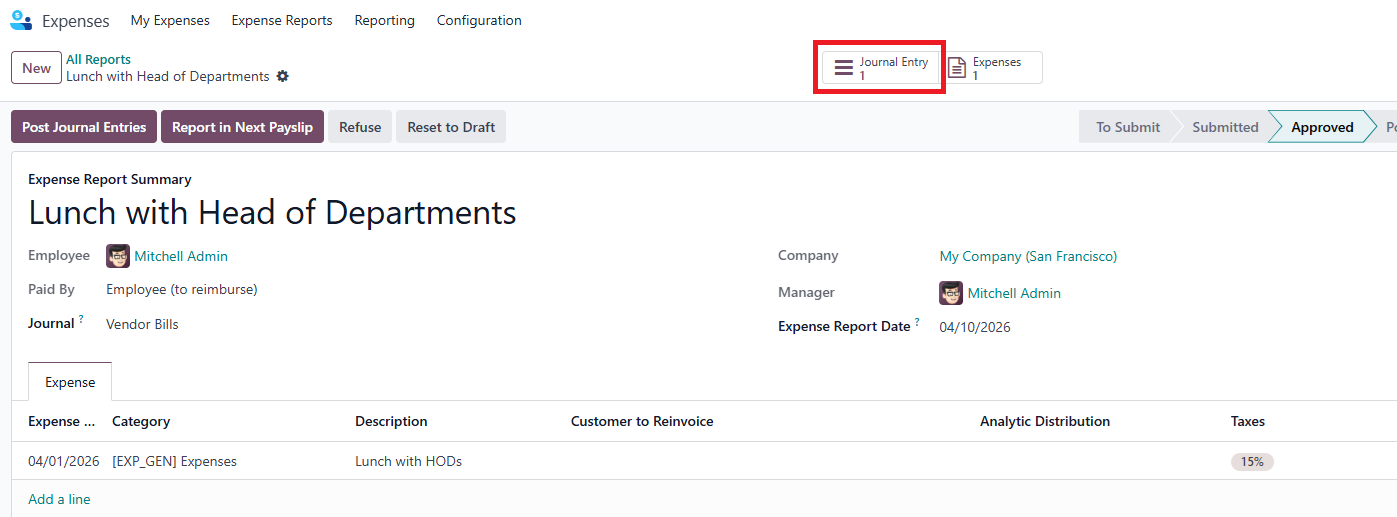 |
3. You can see the Accounting Date = the Expense Report date = the day of the approval | 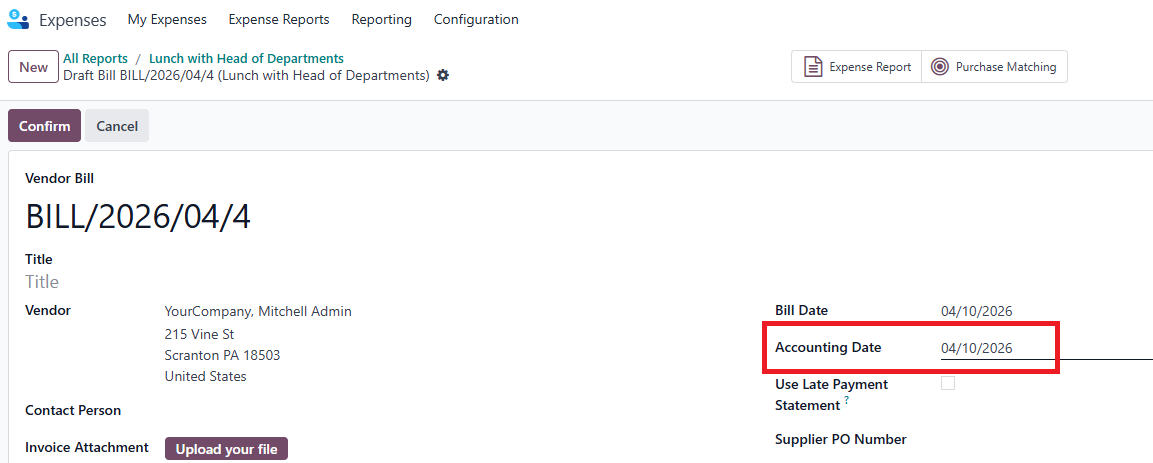 |