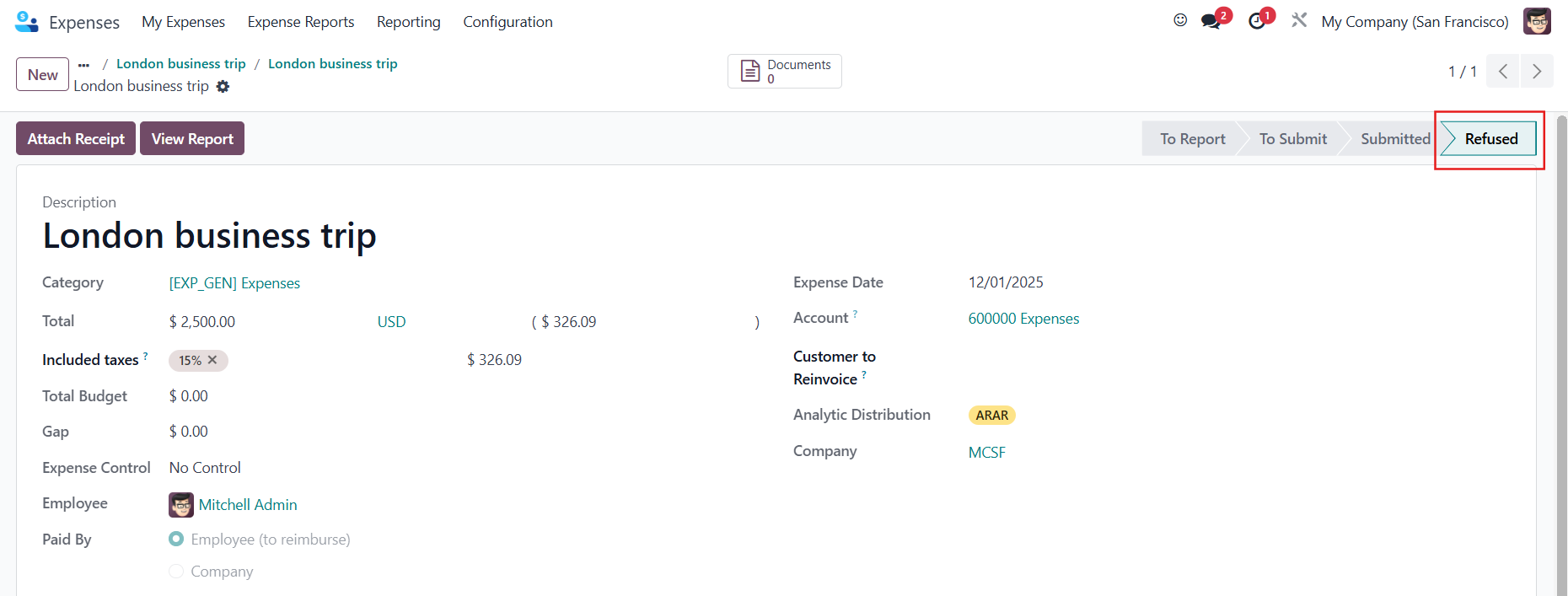



ODOO'S FUNCTION
Odoo allows for cancelling/refusing an expense report before posting the journal entry.
CLUEDOO'S FUNCTION
CLuedoo extends the ability to cancel an expense report after posting the entry in order to fix the details.
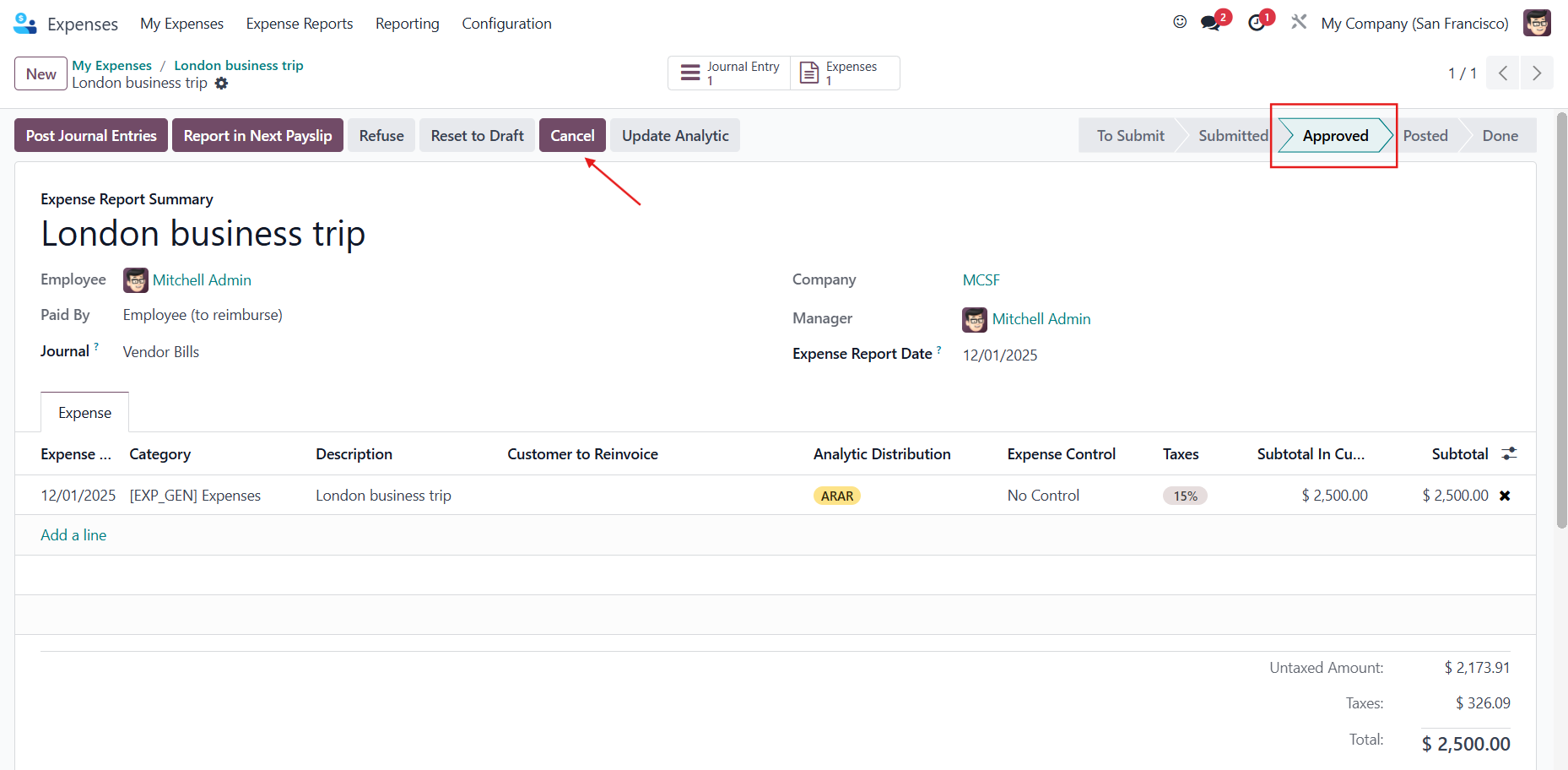
1 Go to Expenses → Create an expense → Create Report → Submit to Manager → Approve → Post Journal Entries Then, click the Cancel button to cancel the expense report. Notes:
|  |
| 2 The state of the expense report will be changed to Refused. | 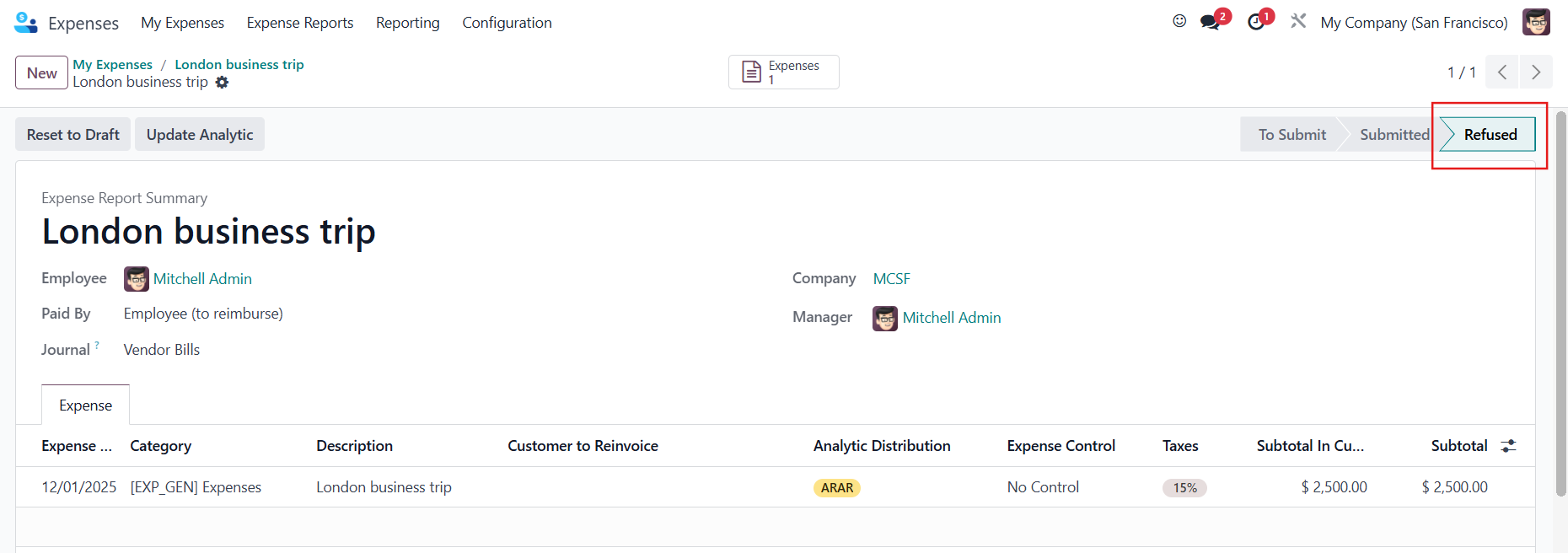 |
The related expense will automatically change as well. |
|