
ODOO'S FUNCTION
Standard Odoo limits your view to only the company you are currently working in. You cannot see employees from other companies in the group unless you switch your active company. This makes it difficult to see the full organization chart or find colleagues in other branches.
CLUEDOO'S FUNCTION
CLuedoo allows authorized users to see all employees from all entities in one place (Kanban, List, and Hierarchy views). You can see the complete reporting line of the entire group. To ensure security, you can see that an employee exists, but you cannot open their private details if they belong to a company you are not allowed to access.
CONFIGURATION | |
Users can set up Global Organization Chart Access through:
| 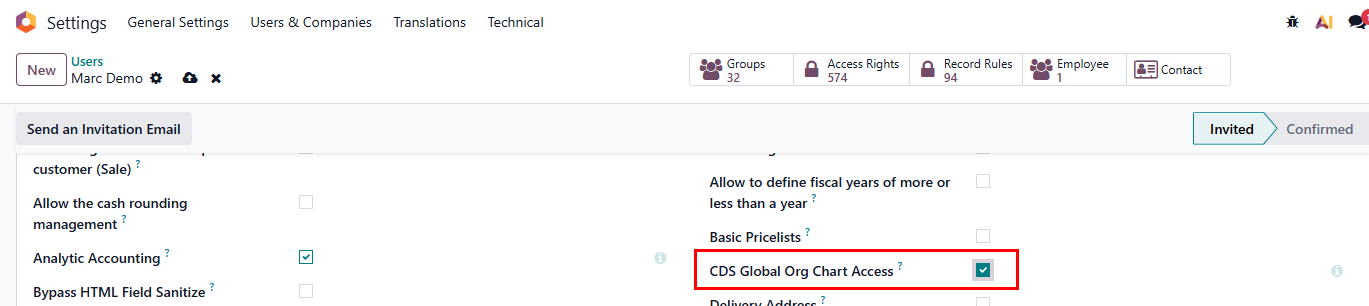 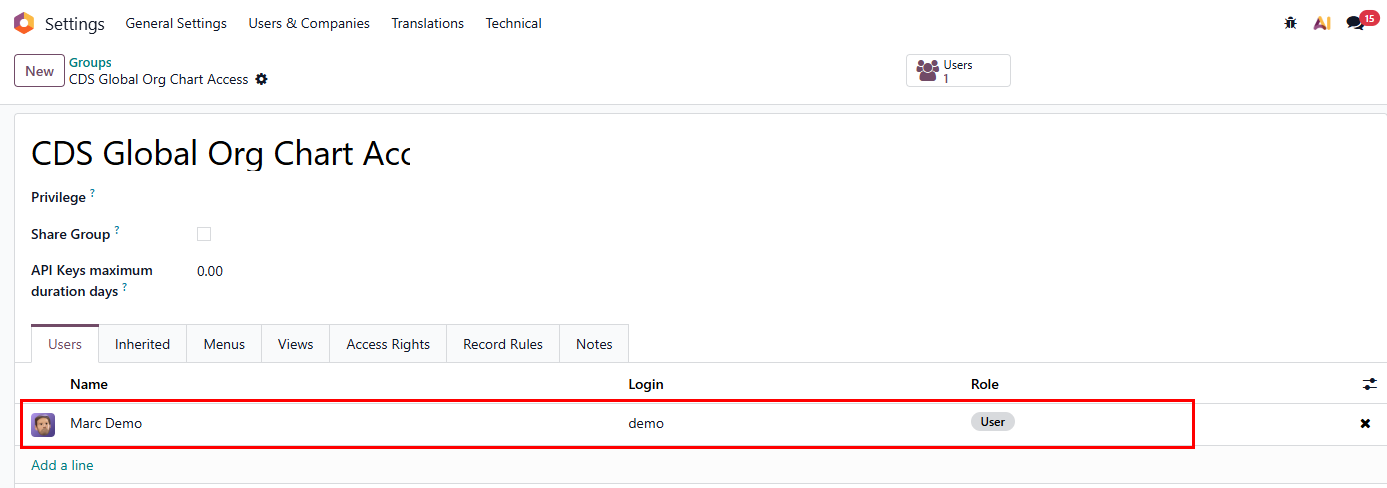 |
USAGE | |
1. Go to the Employees app | 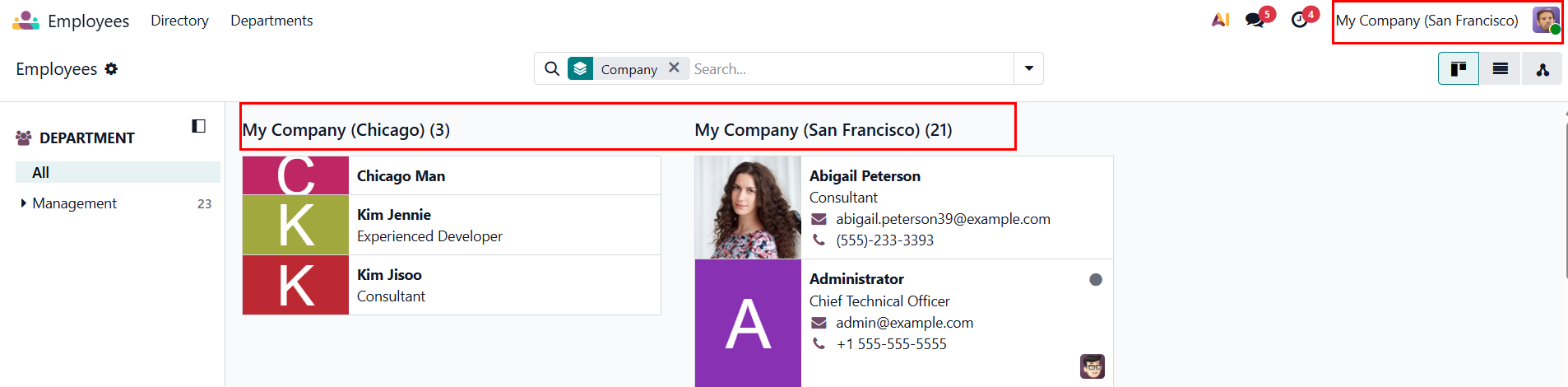 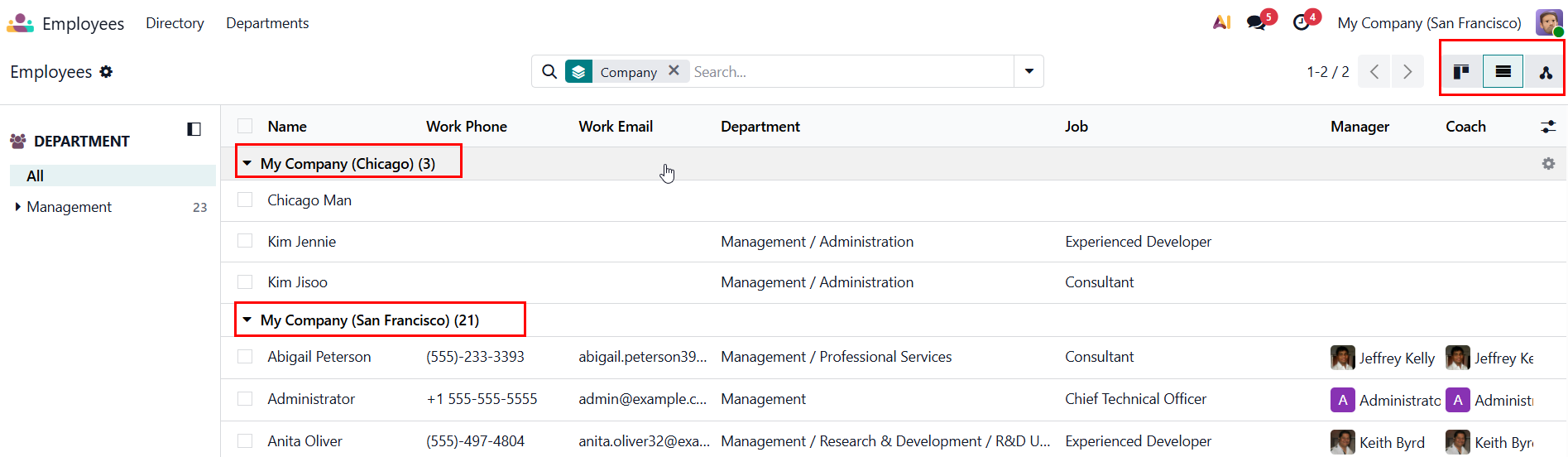  |
2. User can not see the detailed information of other companies' employees in the form view. If the user clicks to see detailed information of employees from other company > There will be an error notification 'Access denied: different company' | 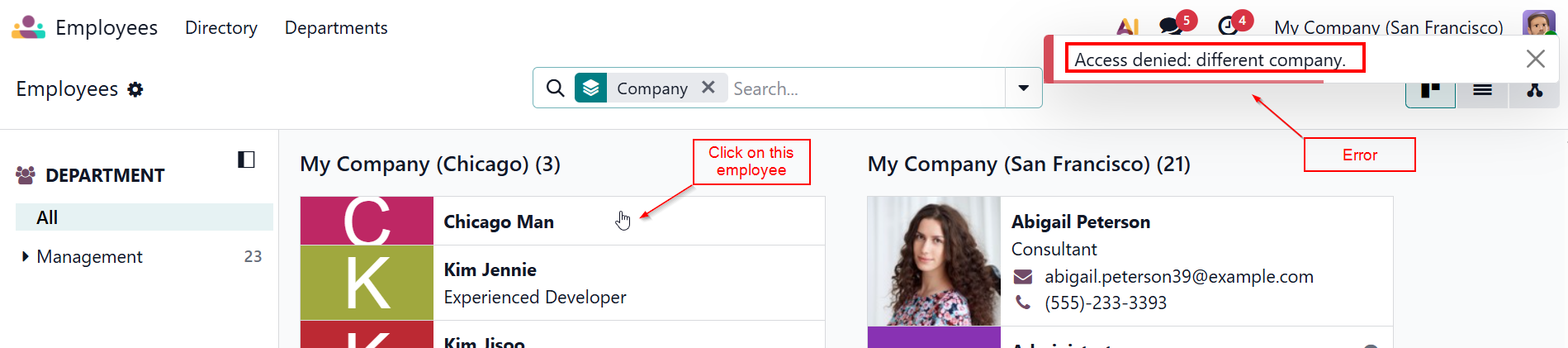 |
If users don't have 'CDS Global ORG Chart Access' right |  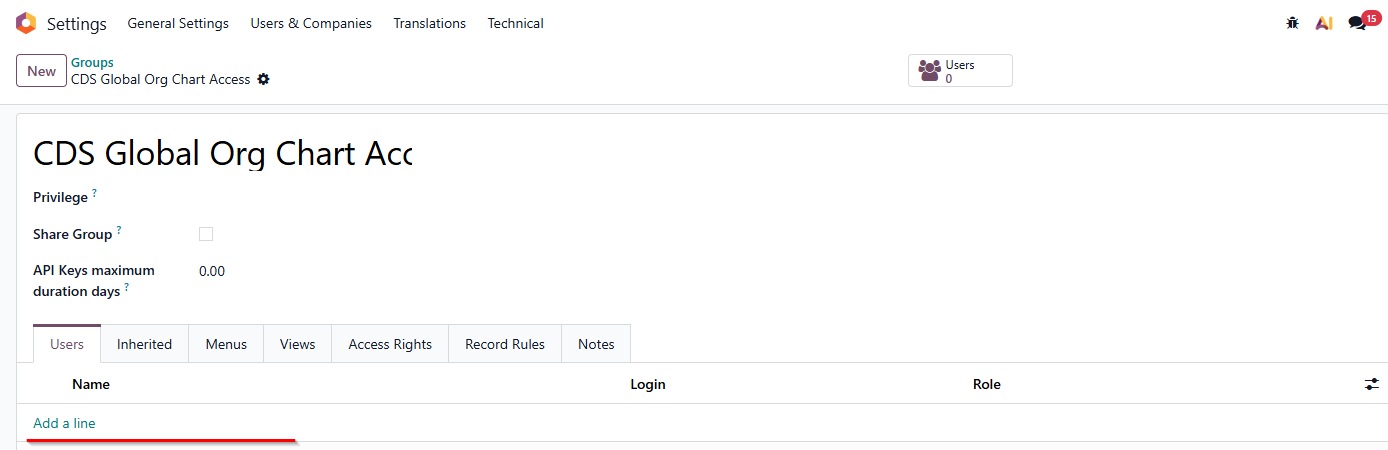 |
2. Go to Employees > Users can only see employees belong to their company, and cannot see other companies' employees. | 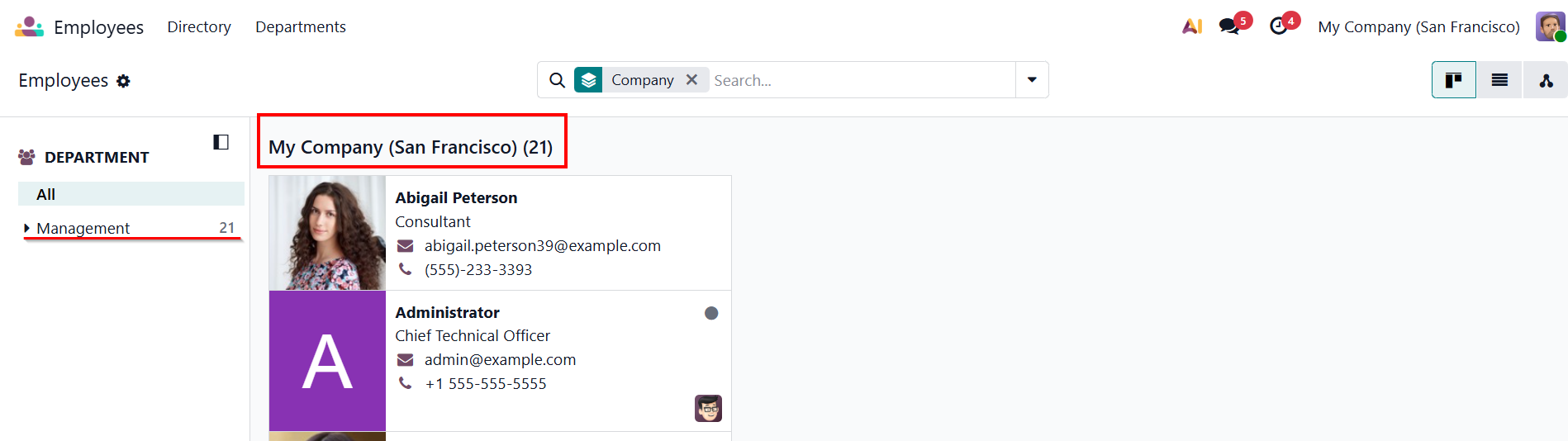 |