



ODOO'S FUNCTION
By default, Odoo allows users using studio to set conditional read-only at the field level only, not the page level. Odoo Studio only supports Can Edit with True/False values, meaning editing can be enabled or disabled for the entire form without conditions.
CLUEDOO'S FUNCTION
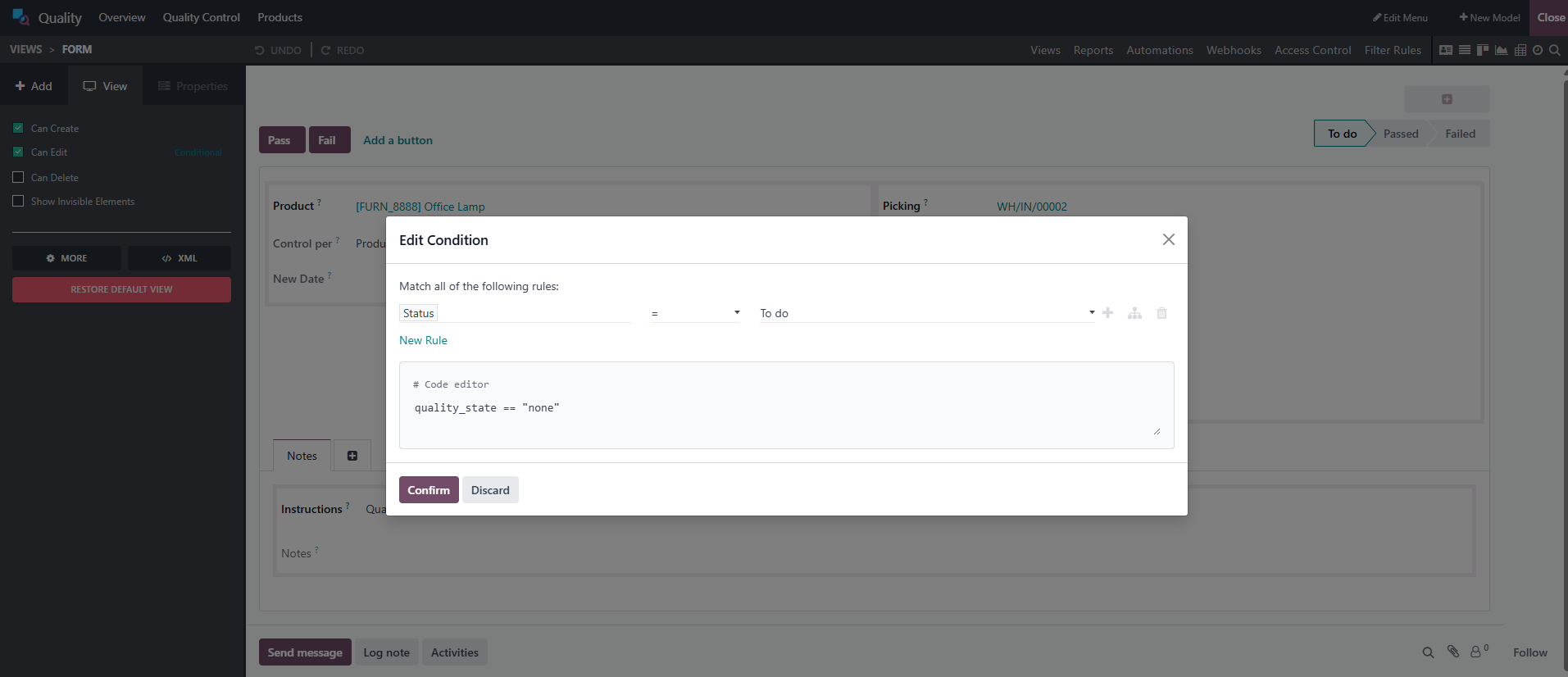
CLuedoo enhances the standard process by introducing conditional editing in the Can Edit option within Studio, which means users now can add conditional read-only on page level.
This allows users to define rules that control whether the whole form is editable based on specific conditions.
Go to the any form view > Open Studio > Under the View tab:
| 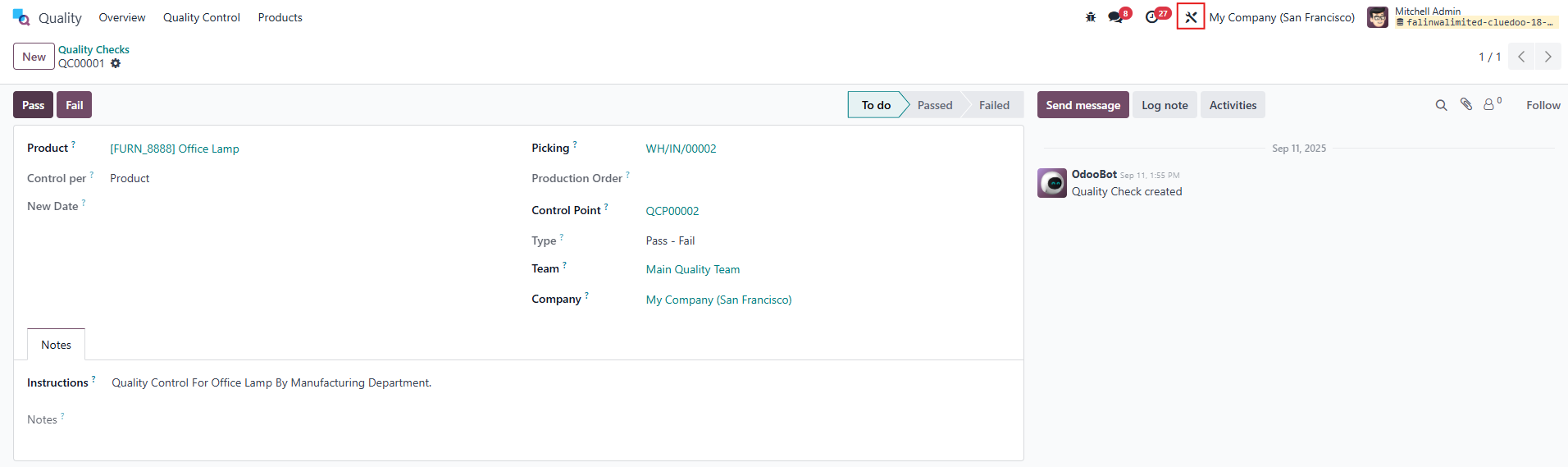 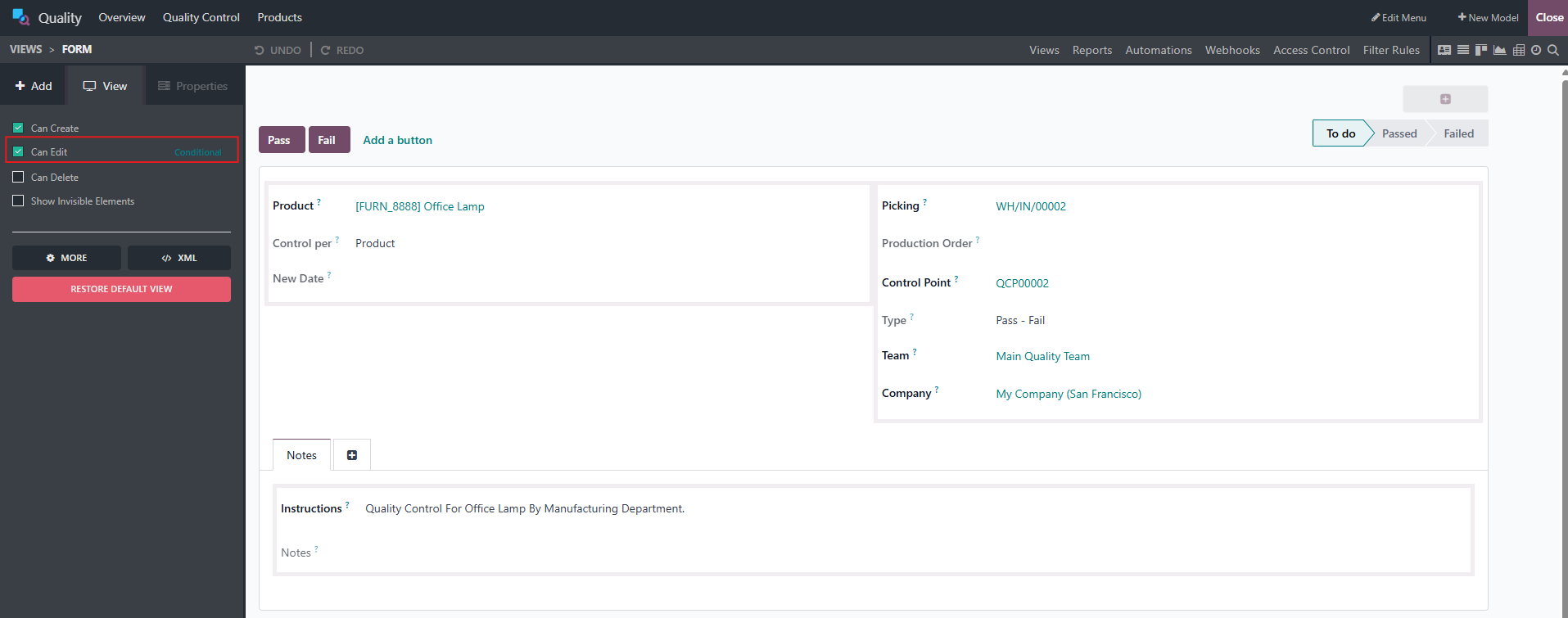 |
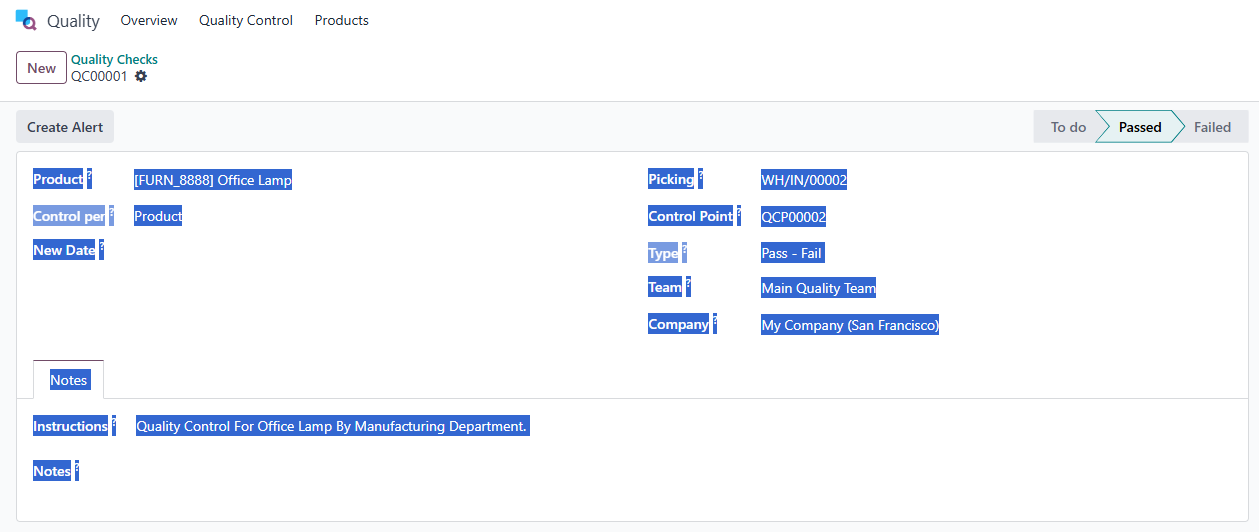
For example, in the Quality Check form view, open Studio and click Conditional and set the rule Status = To Do. → Result: All fields are editable only when the record is in To Do state. Once the Quality Check is marked as Passed or Failed, the fields become locked. NOTES:
|   |