
ODOO'S FUNCTION
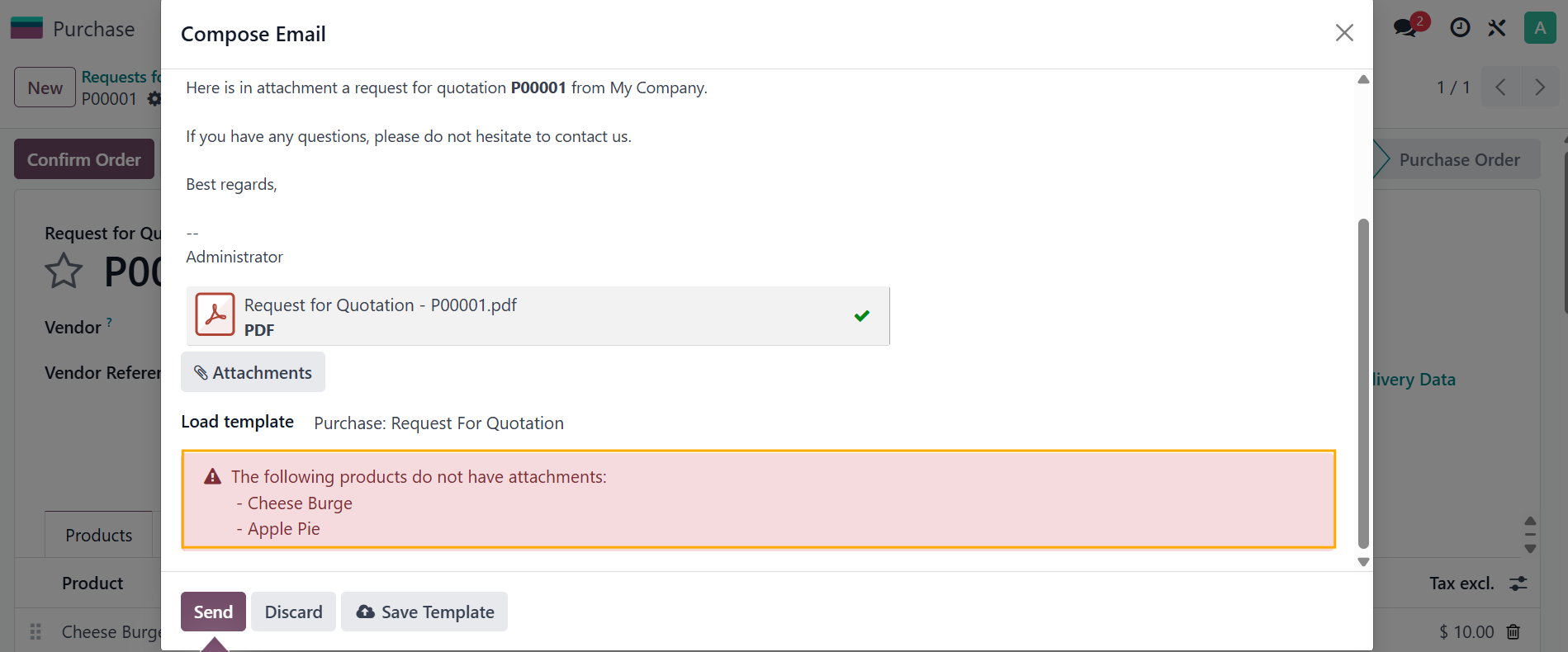
In Odoo, emails sent from documents such as Purchase Orders or Sales Orders do not automatically include product-related attachments. Users need to manually add any required attachments to the email before sending.
CLUEDOO'S FUNCTION
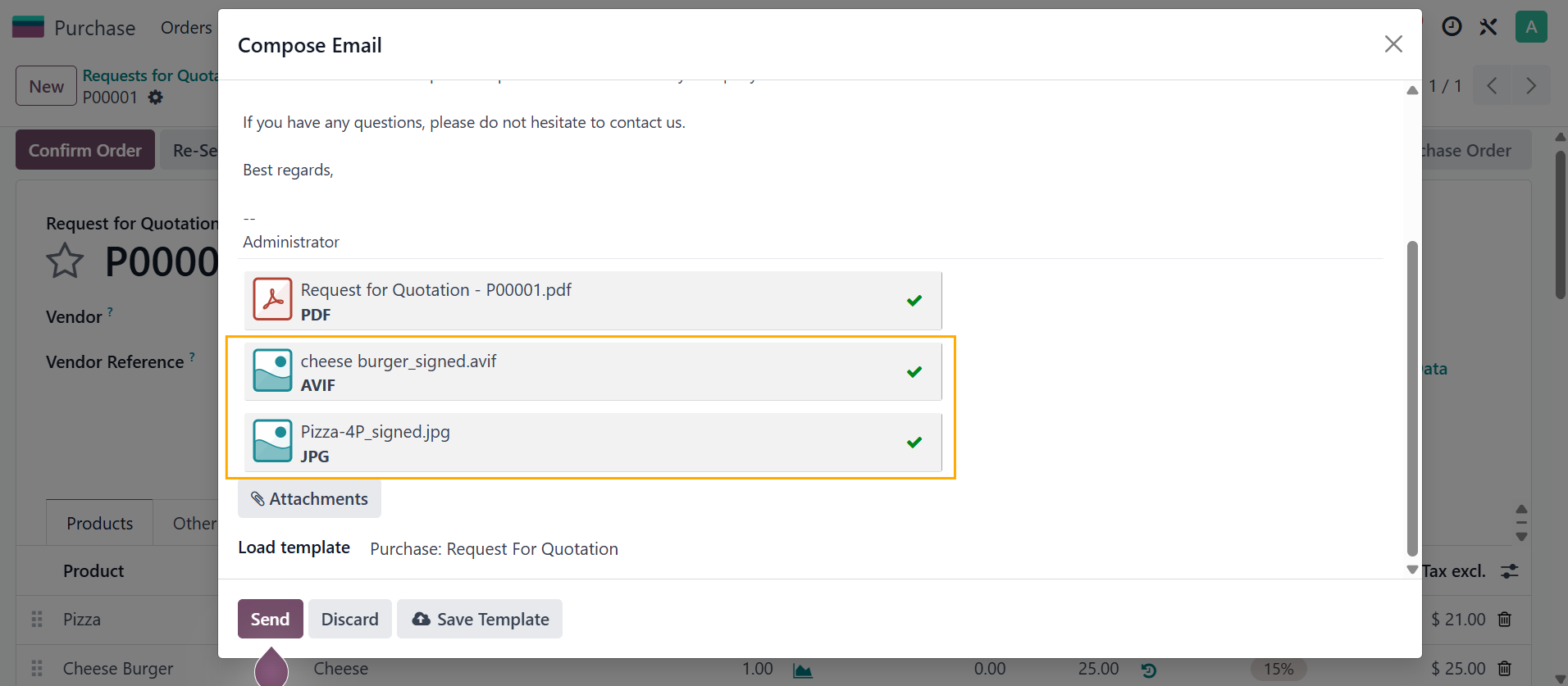
CLuedoo enhances the standard Odoo process by adding a checkbox “Include product attachments” on the email template. When this option is enabled, any email sent using that template will automatically attach the latest product attachment related to the corresponding record.
1. Go to Settings > Technical > Email > Email Templates
e.g., Purchase: Request for Quotation
e.g., record.order_line.product_id.product_tmpl_id because I want Odoo to use the attachment linked to the product template
e.g., [('name', 'ilike', 'signed')] > Odoo will use only attachments that have “signed” in their filename. | 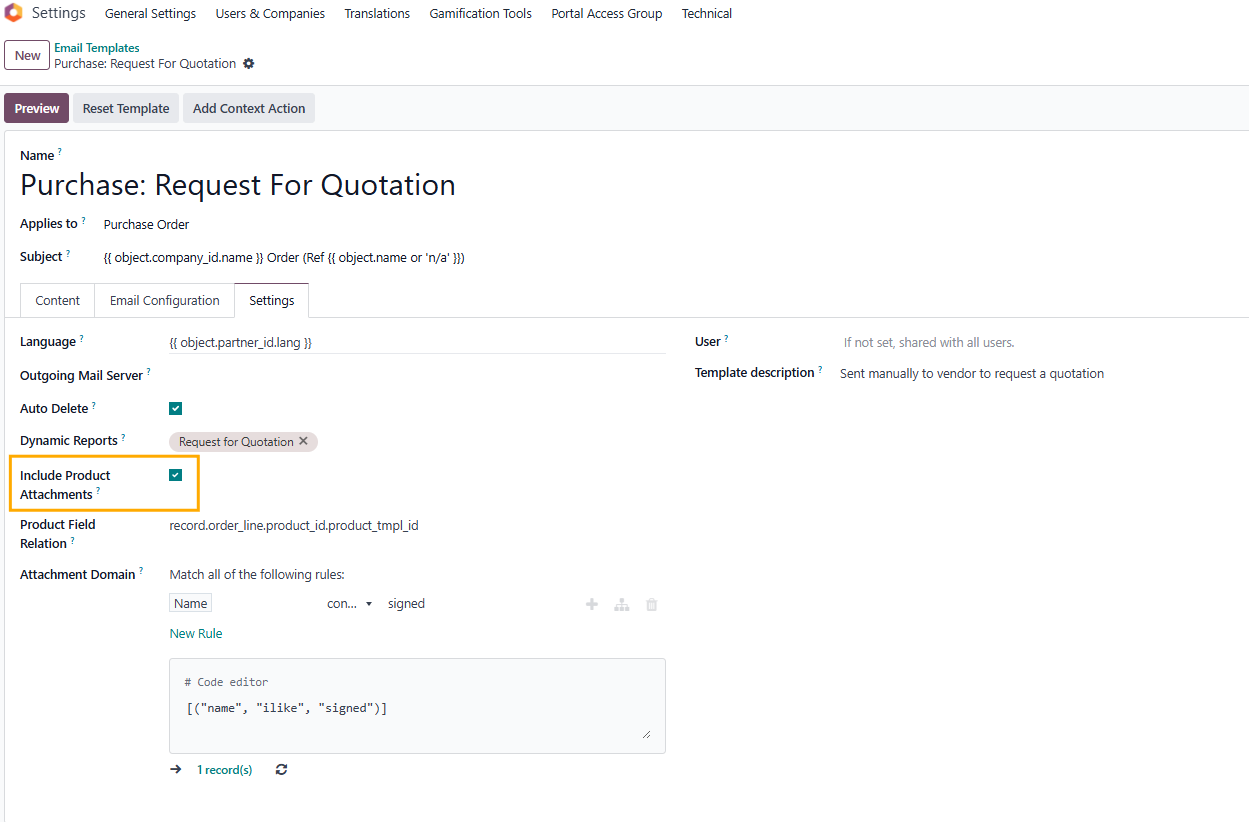 |
2. Go to Products and create/choose an existing one > Attach file(s) or image(s) to the product | 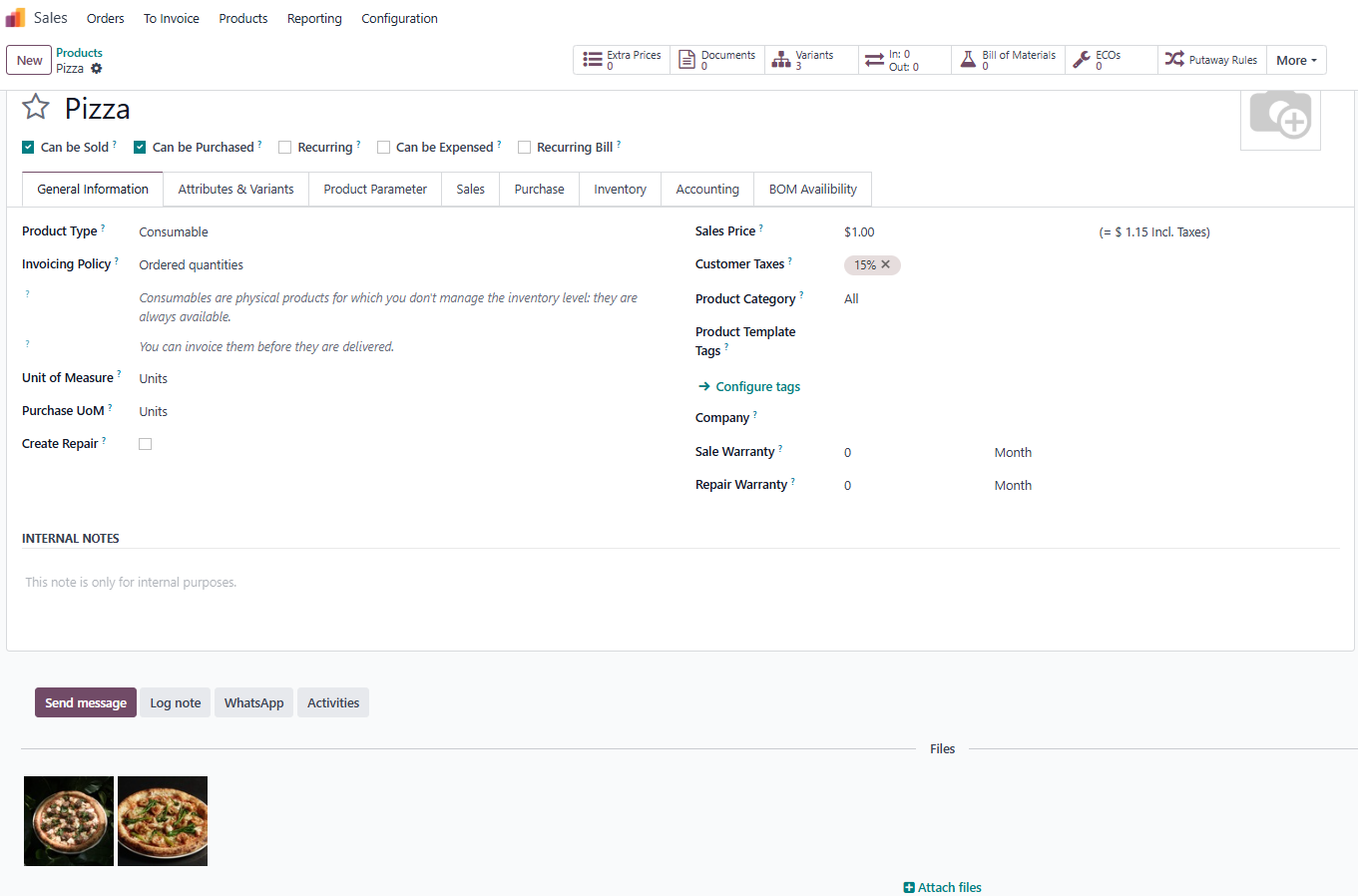 |
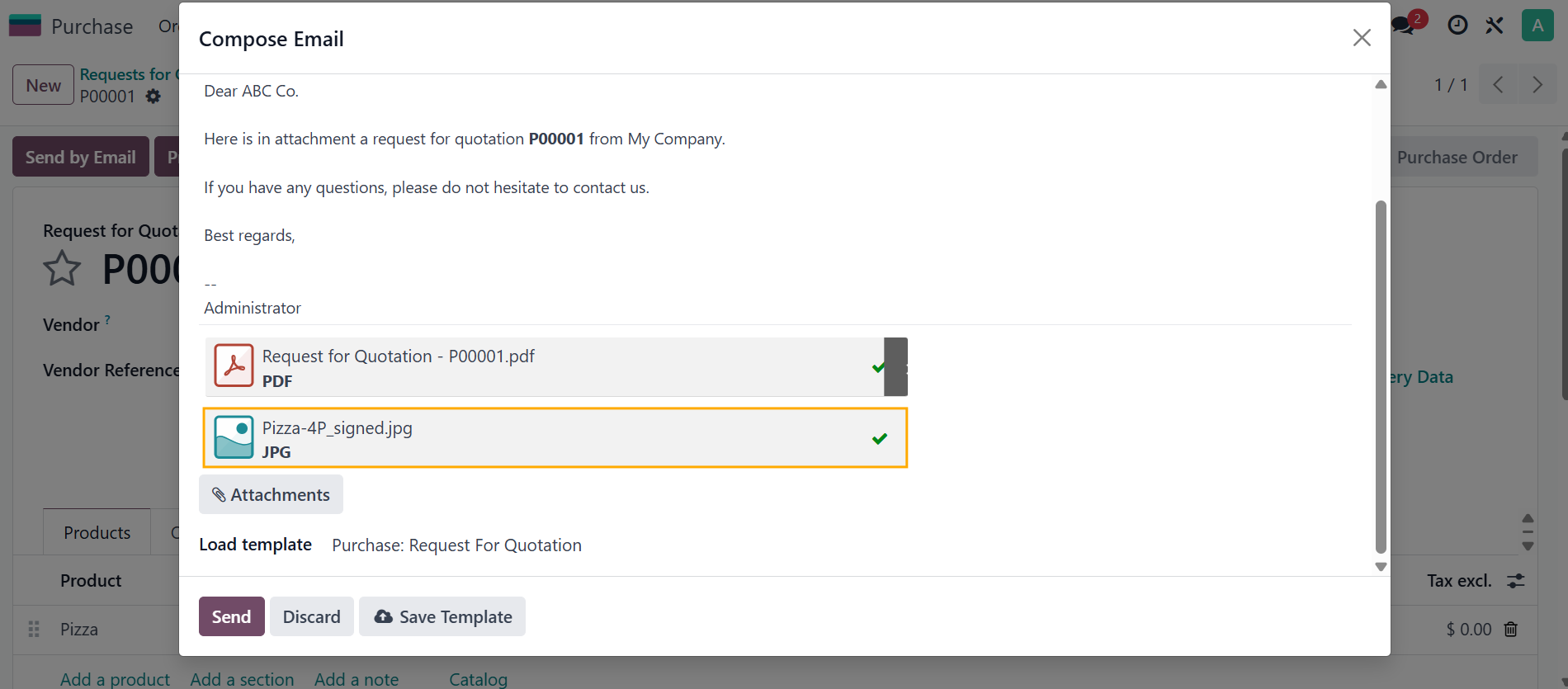
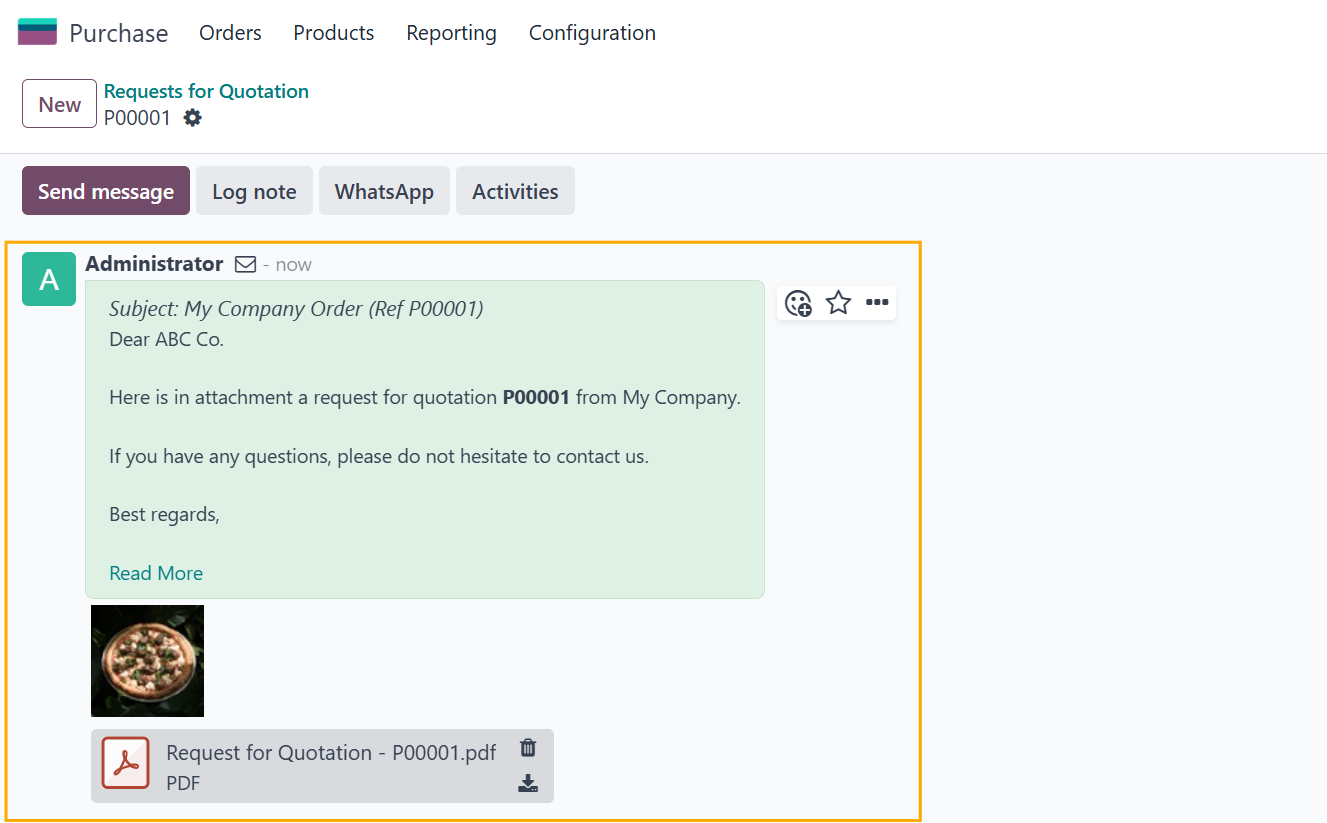
3. Create an RFQ > add the product > Send by Email > The product attachment(s) will be included in the email Notes:
|   |
|  |
|  |