
ODOO'S FUNCTION
In Odoo, Public holidays are managed in the Time Off app but are not displayed in the Calendar app, so users cannot see them directly when planning their schedules.
CLUEDOO'S FUNCTION
Public holidays defined in Time Off can be shown in the Calendar app using the “Add Calendar Event” checkbox, giving users clear visibility of non-working days when planning meetings and activities.
1. Go to Time Off > Configuration > Public Holidays We have a checkbox Add Calendar Event to decide whether the public holidays should appear on the Calendar app |  |
2. On the Calendar app, the public holidays that we set will appear on the calendar meetings of all the employees in the company by default | 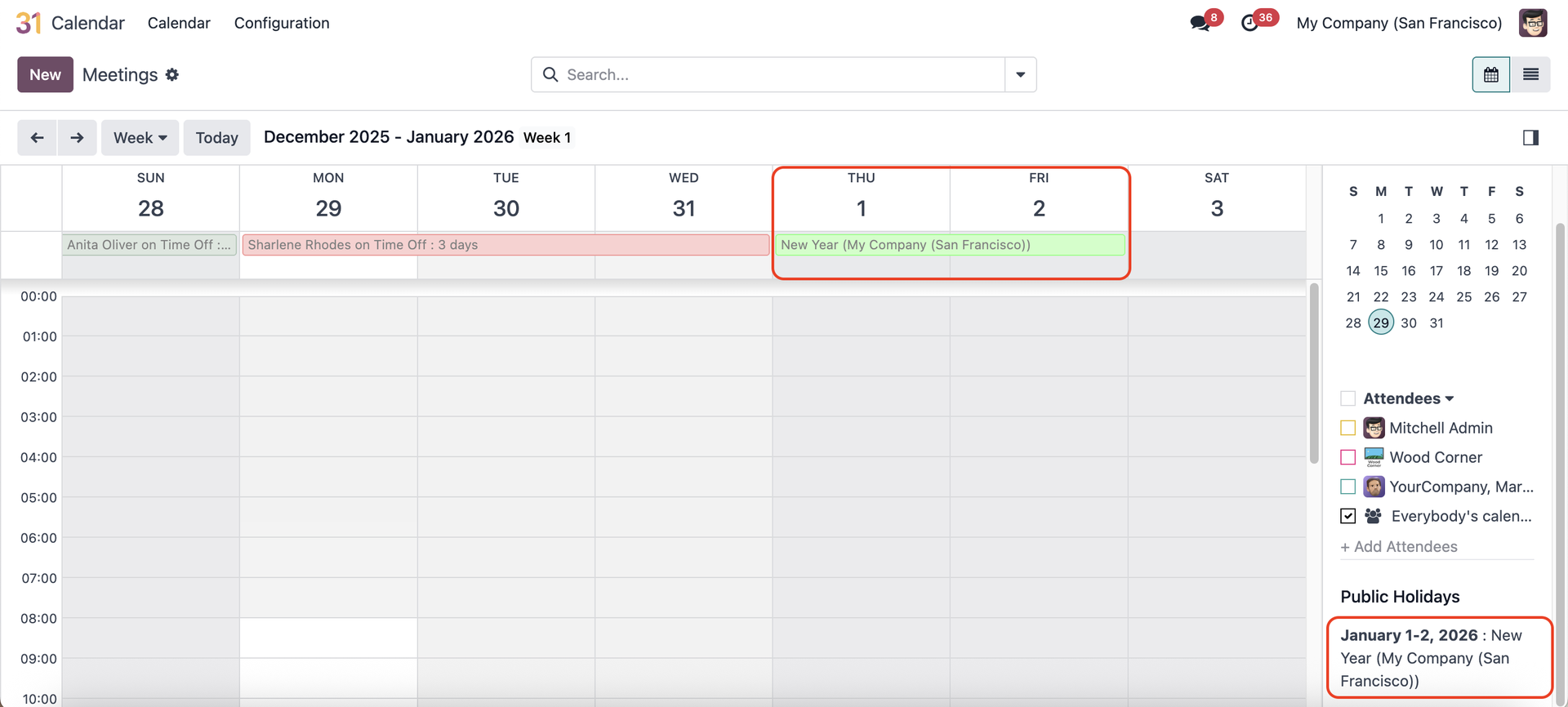 |