ODOO'S FUNCTION
Odoo recently upgraded how it stores complex information - like product costs for different companies or foreign language translations. Instead of creating thousands of heavy, slow database records that bog down your system, Odoo now bundles this data neatly behind the scenes (using a fast format called JSON). This makes your database incredibly quick and efficient. However, because this data is tightly packed together, it can be a bit tricky for everyday users to mass-import new information or quickly edit values across multiple companies using Odoo's standard tools.
CLUEDOO'S FUNCTION
CLuedoo bridges the gap between Odoo’s lightning-fast backend and your everyday usability. We provide intuitive tools so you can manage complex multi-company data and translations without needing an IT degree:
1️⃣ Smart Data Import/Export Engine: Stop wrestling with clunky spreadsheets when updating multi-company values! Our dedicated import/export tool lets you safely and quickly bulk-import complex bundled data directly into Odoo in one smooth action.
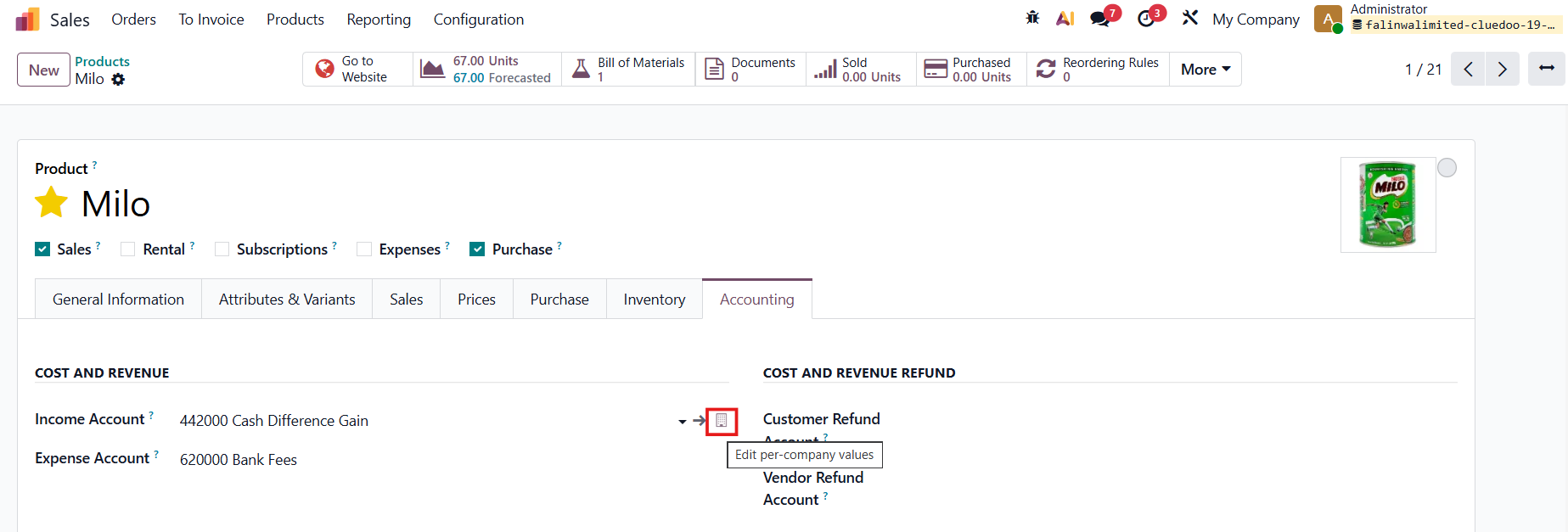
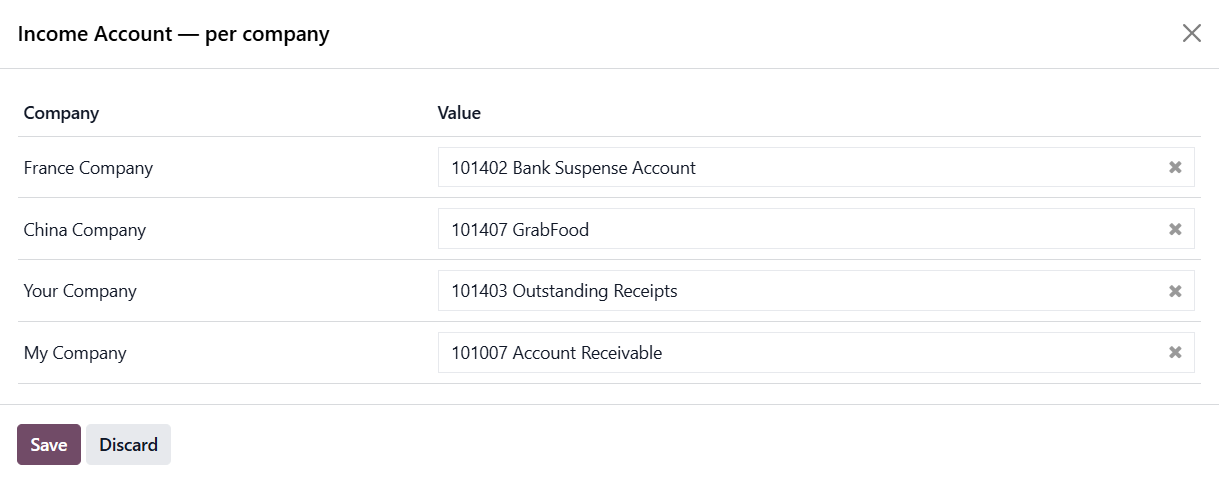
2️⃣ All-in-One Editing Pop-up: Say goodbye to constantly switching your active company environment just to update a single product's cost. Just click the new badge next to a supported field to view and edit values for all your companies on a single, easy-to-read screen.
SMART DATA IMPORT/EXPORT ENGINE | |
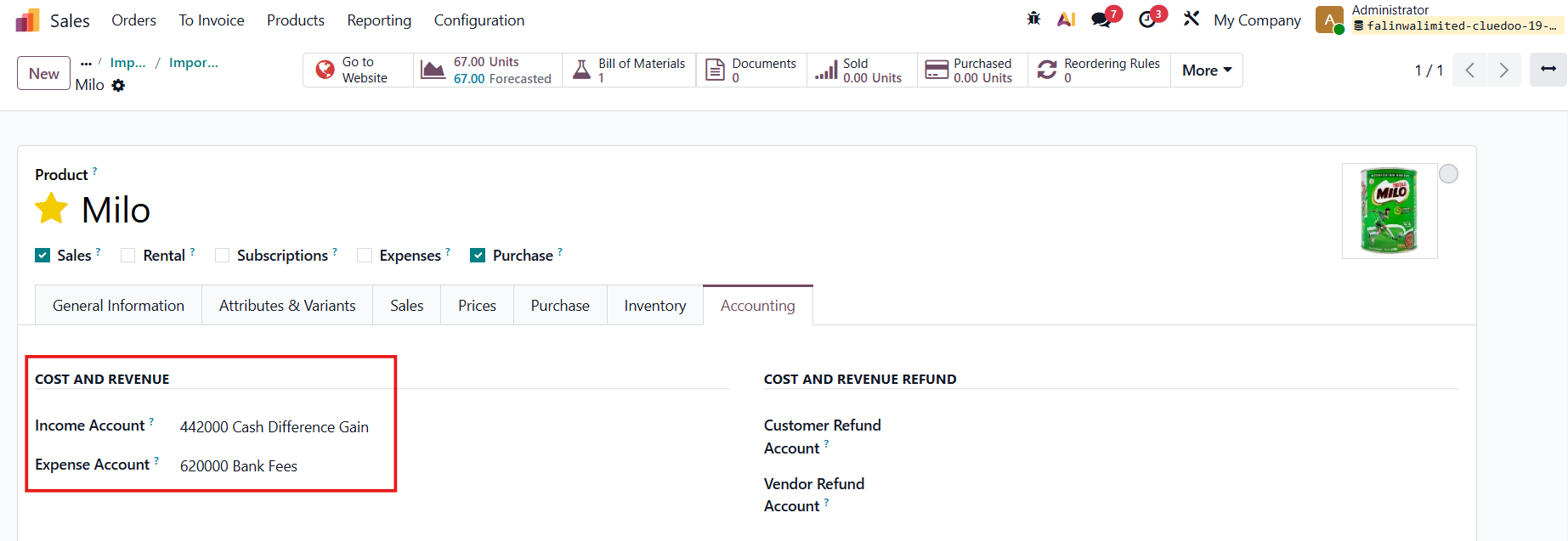
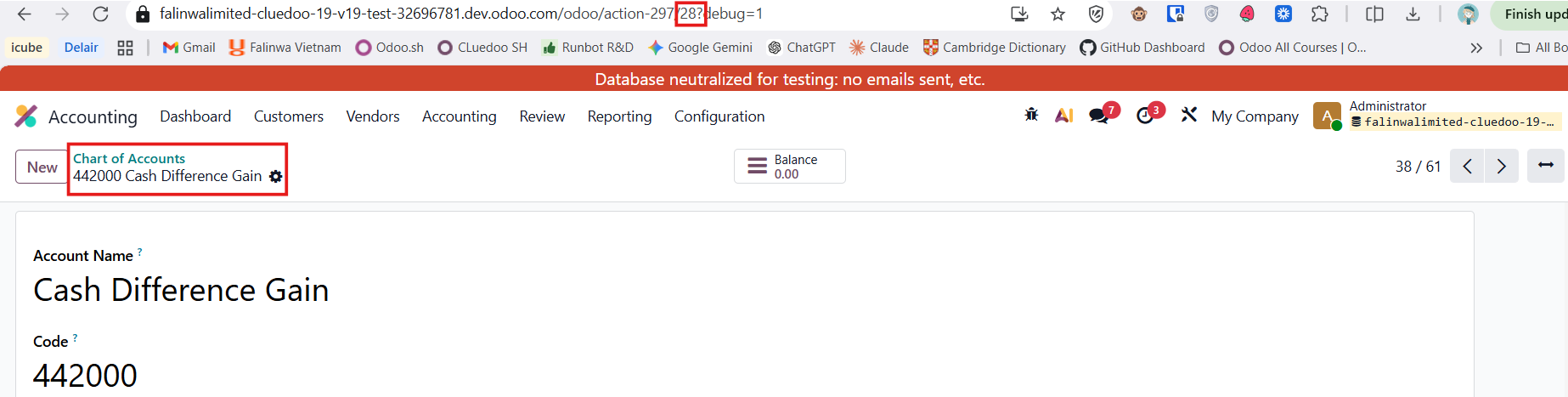
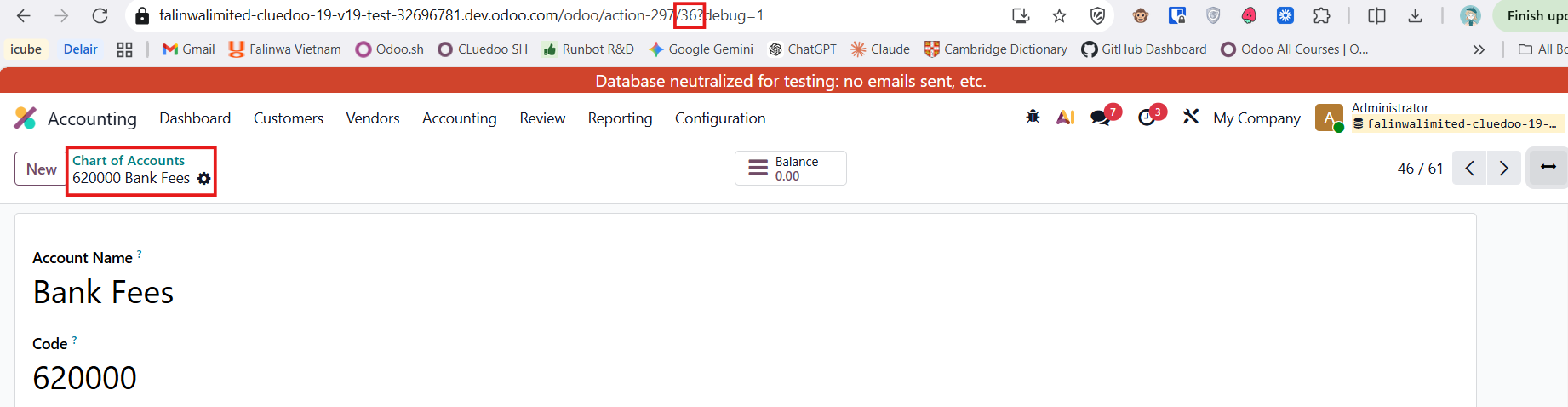
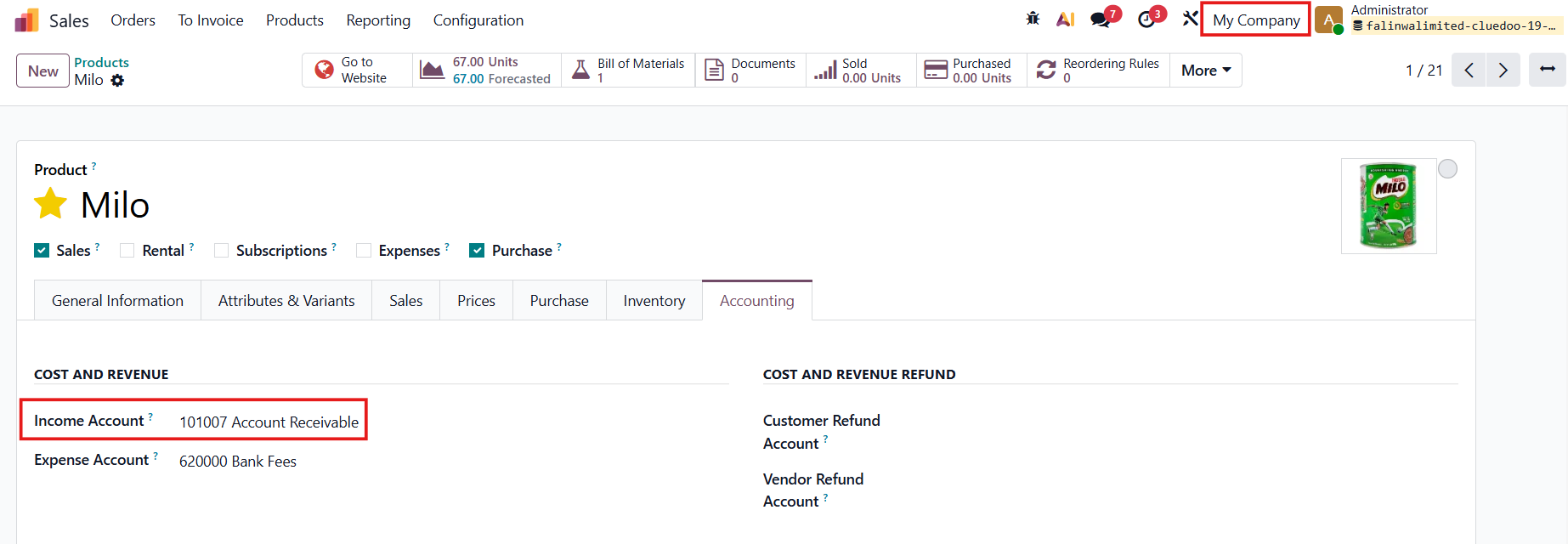
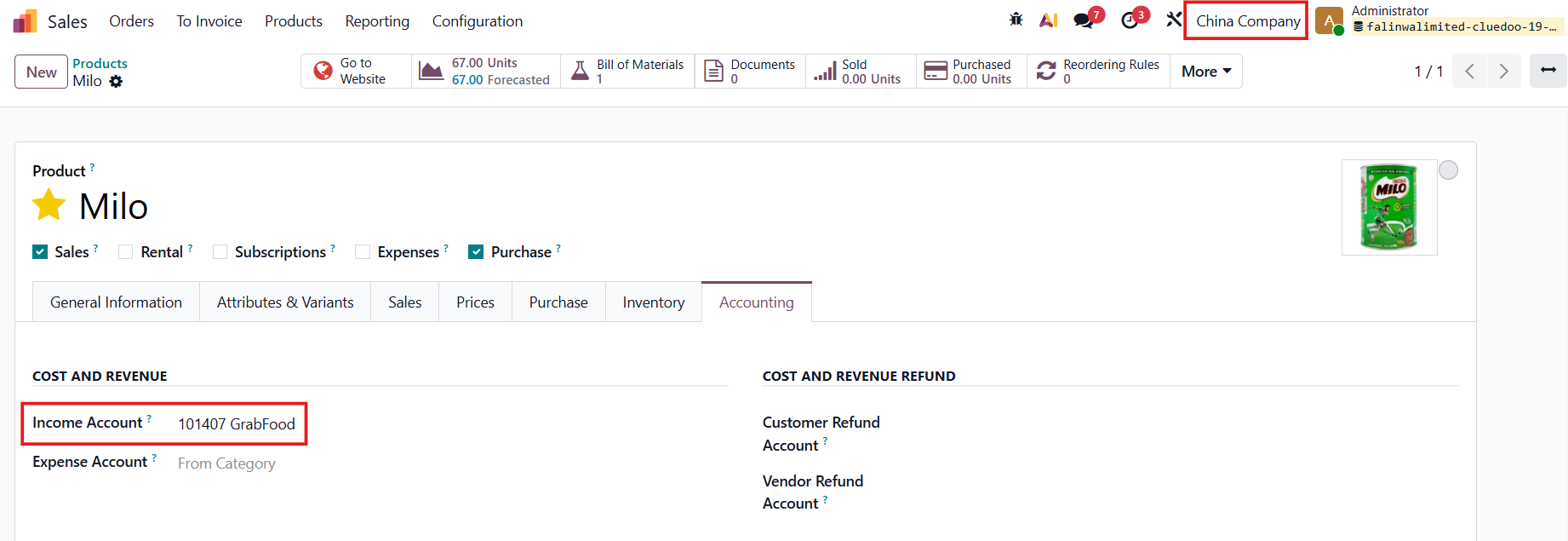
1. Go to Sales > Products > Open any product Choose some company-dependent (company-specific) fields and input the values for each company. e.g., Income Account and Expense Account Note: It works for any company-dependent field on any model in the entire Odoo ecosystem, not just products. For example, Contacts, Product Categories, etc. | 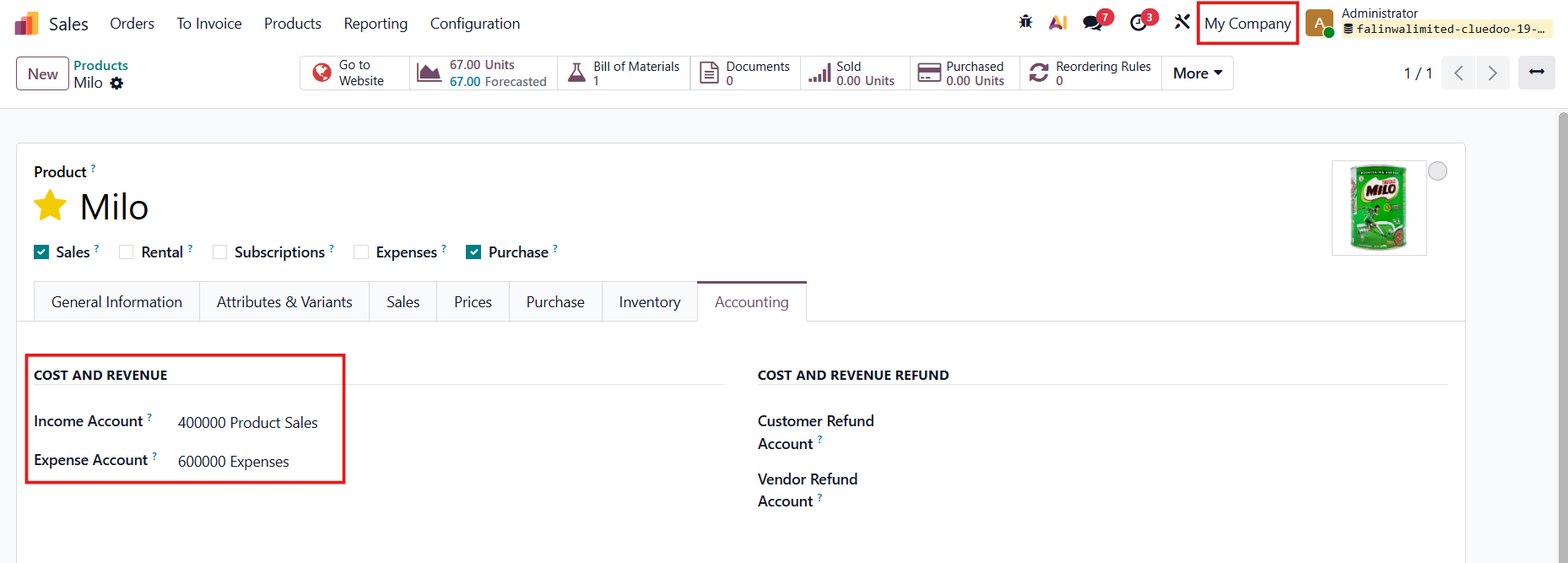 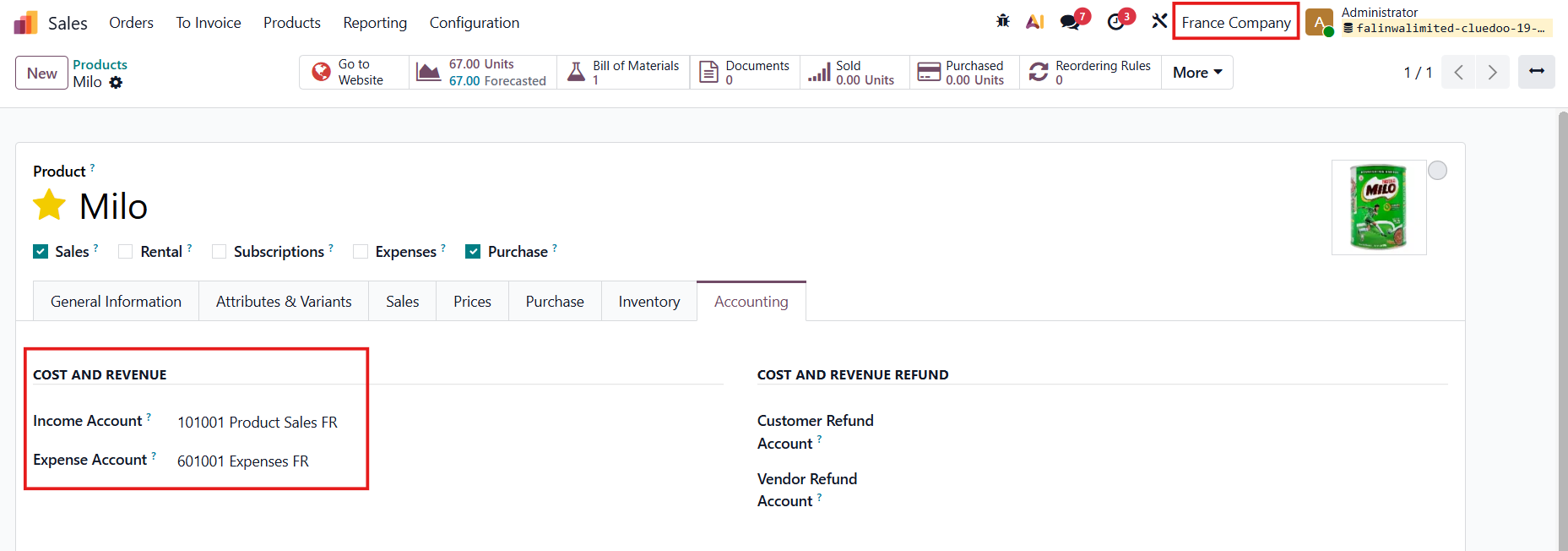 |
2. Head to the products list view > Choose the configured product > Actions > Export |  |
Tick the 2 statements and add the fields that you want to export > Click Export | 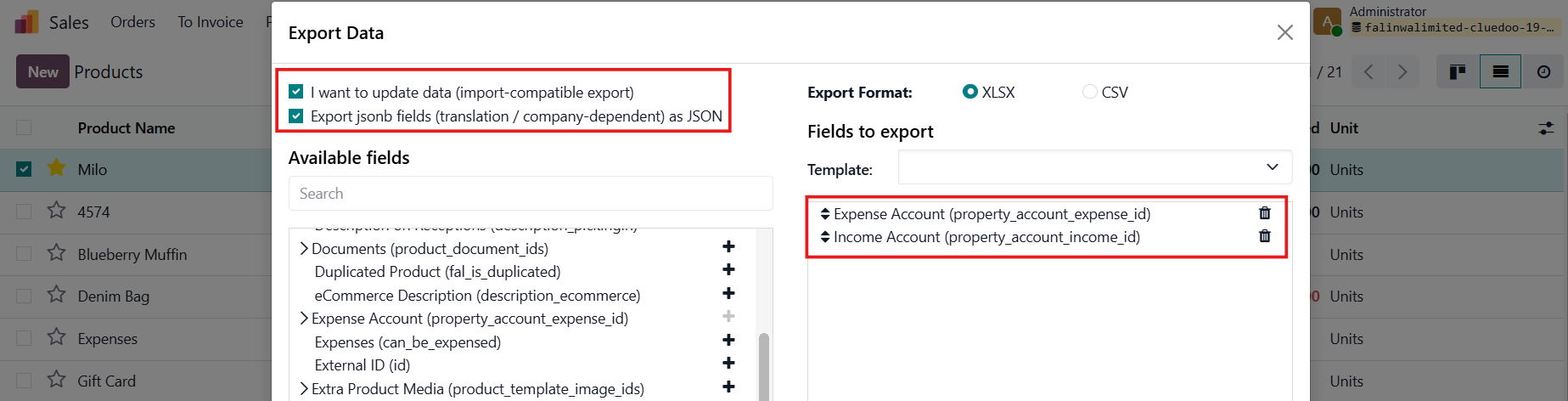 |
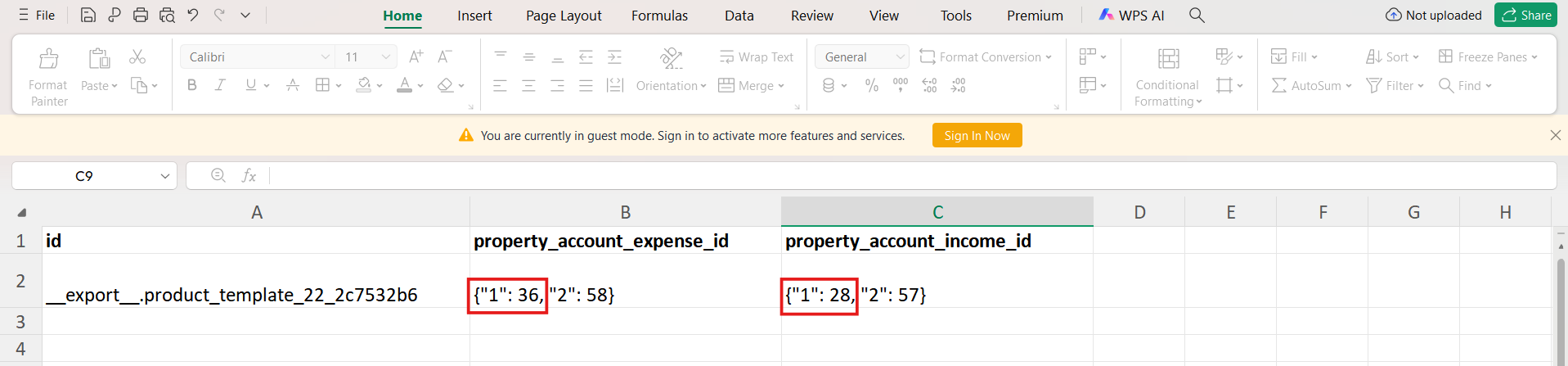
3. In the downloaded XLSX file, the data for both companies are exported. | 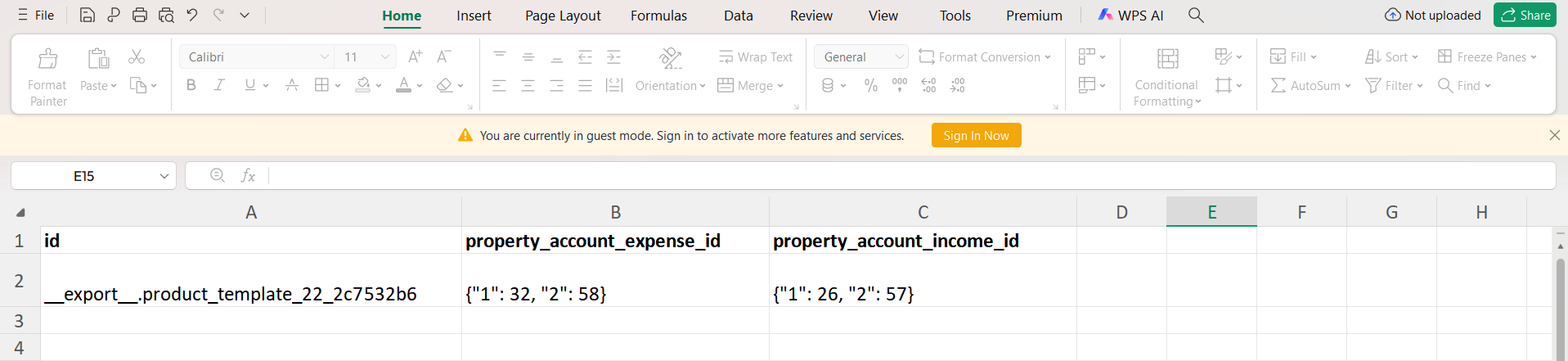 |
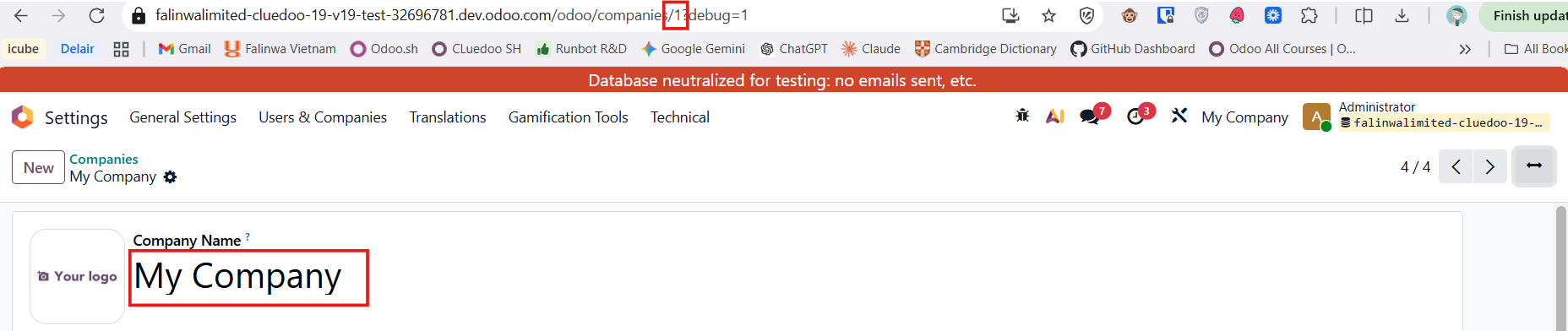
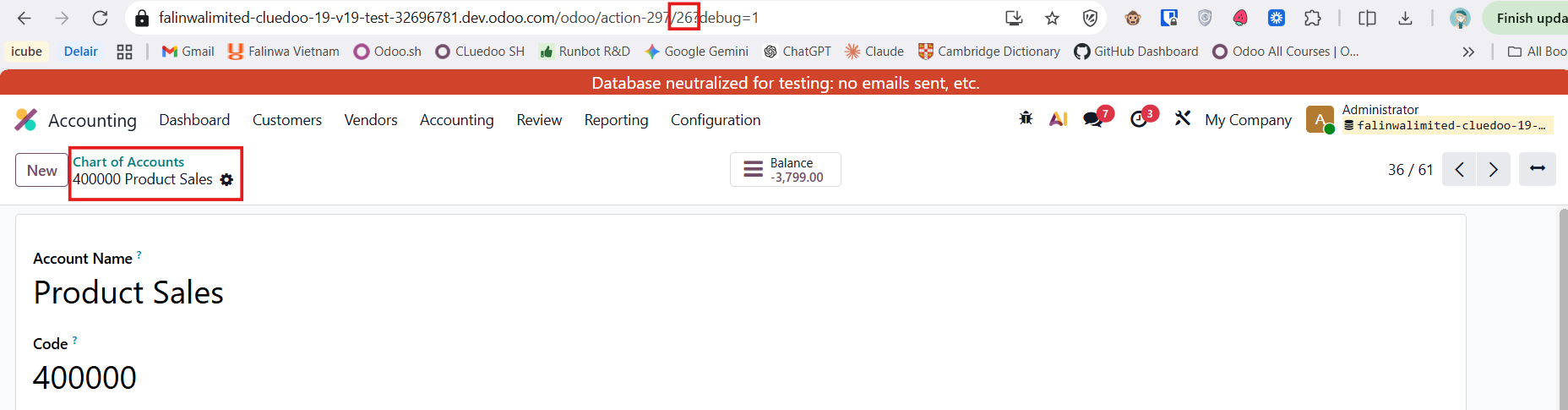
Meaning of the numbers:
| Company ID |
4. Change some / all the data > Save |
|
5. Go back to Products > Actions > Import records |
|
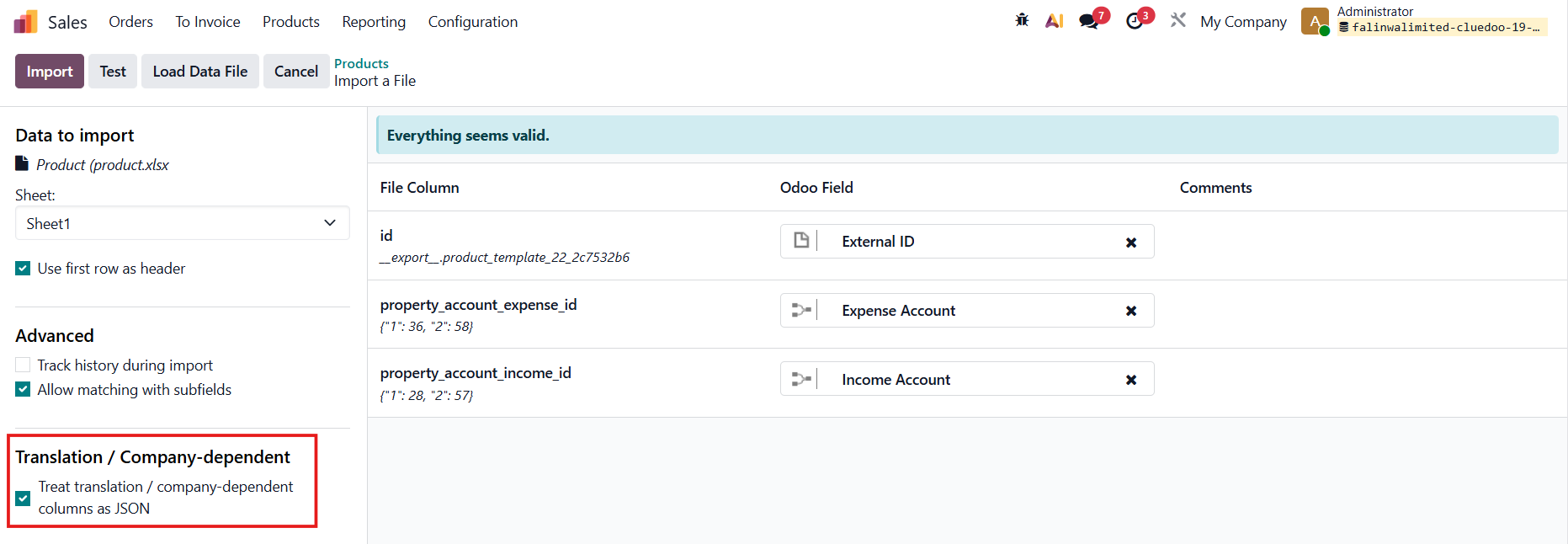
Click Upload Data File > Choose the file you just saved > Tick the Translation / Company-dependent field Click Test to check if there is any error > Import |
|
6. After the record is imported successfully, the values will change according to what you set. |
|
ALL-IN-ONE EDITING POP-UP | |
1. Navigate to Sales > Products > Open any product Choose some company-dependent (company-specific) fields > There is a pop-up icon next to the field value e.g., Income Account Note: It works for any company-dependent field on any model in the entire Odoo ecosystem, not just products. For example, Contacts, Product Categories, etc. |
|
2. The pop-up window appears listing all the active companies in your system. Edit the values. e.g., 101007 Account Receivable for My Company, 101407 GrabFood for China Company |
|
Result |
|