



ODOO'S FUNCTION
In Odoo v19, when a product is archived, its barcode remains unchanged and the system now allows the same barcode to be reused on a new product, which can create confusion and tracking issues because multiple (archived and active) products can share the same barcode in the database.
CLUEDOO'S FUNCTION
Cluedoo changes the way barcodes are handled for archived products. When a product is archived, the module modifies the barcode, allowing the original barcode to be reused for active products. This avoids conflicts while still preserving the historical data of archived items.
1. Go to Data Cleaning > Deduplication Rules, we can create a rule to manage the deduplication of Product. | 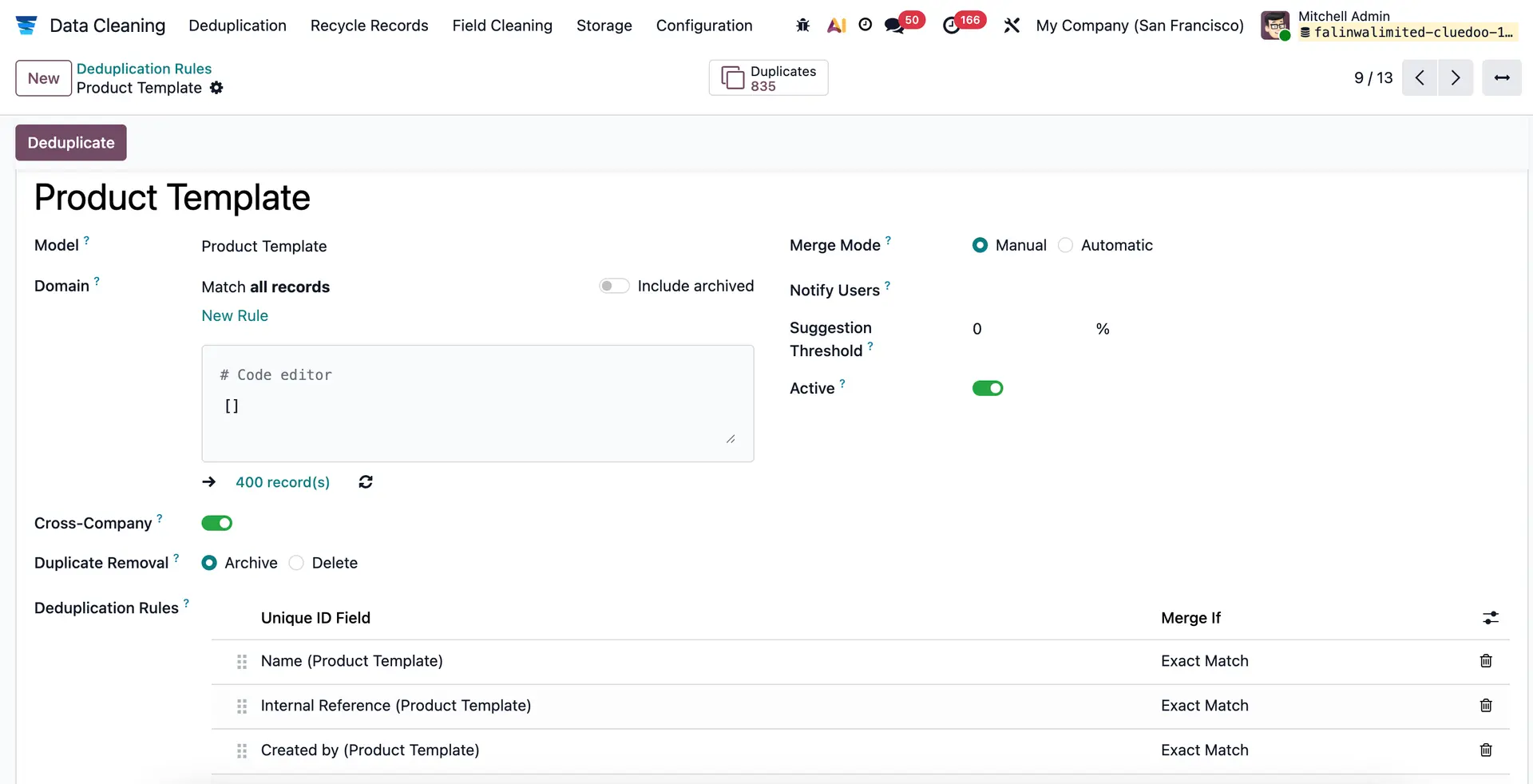 |
Here we have a product with barcode, ex: Flour. | 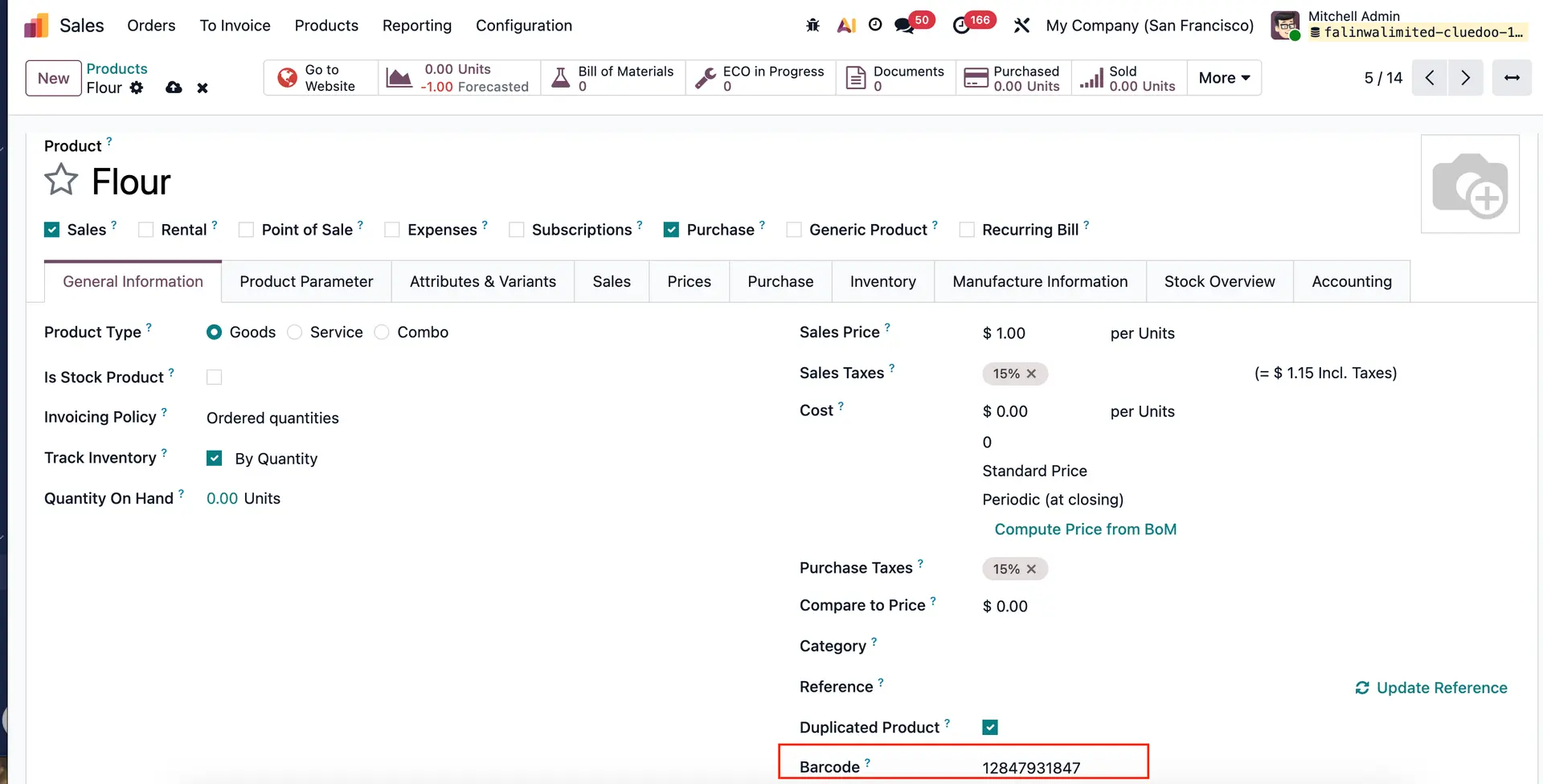 |
Here is a product with no barcode. | 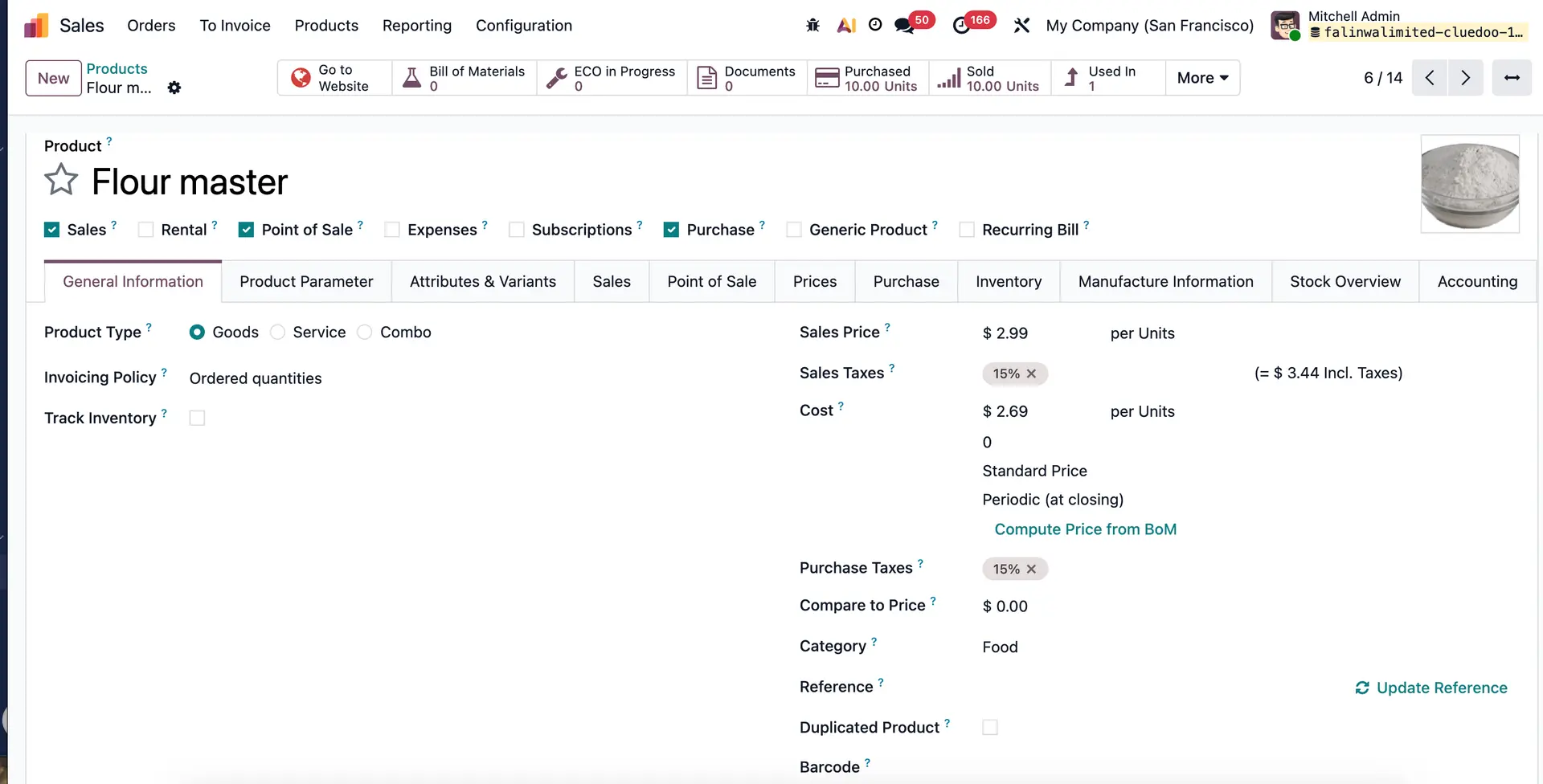 |
2. Click on Deduplicate > set a product as "Is Master" by toggling the switch to keep the product when they are merged. Select some products, one is a master product and another is the product that has barcode, then click Merge. | 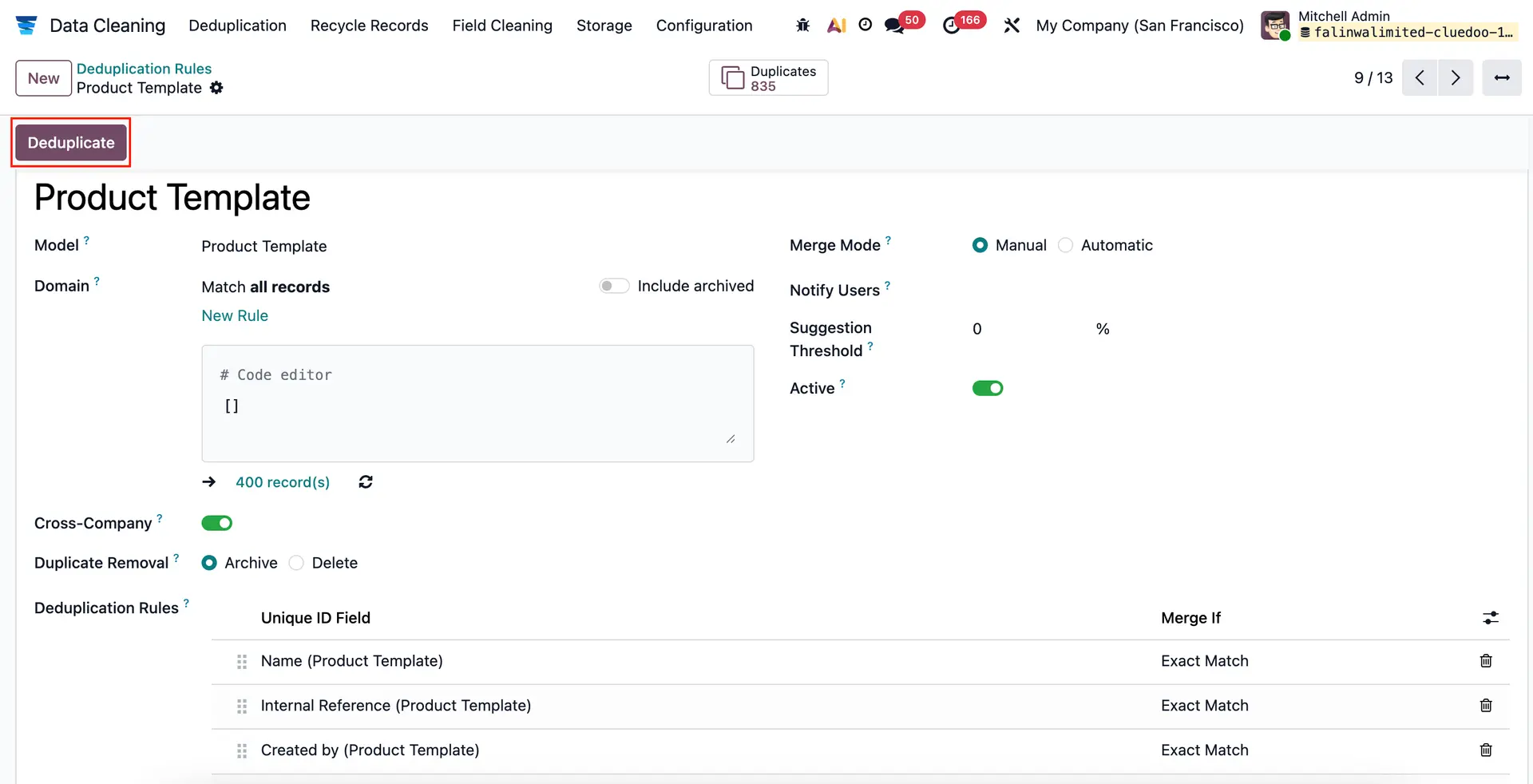 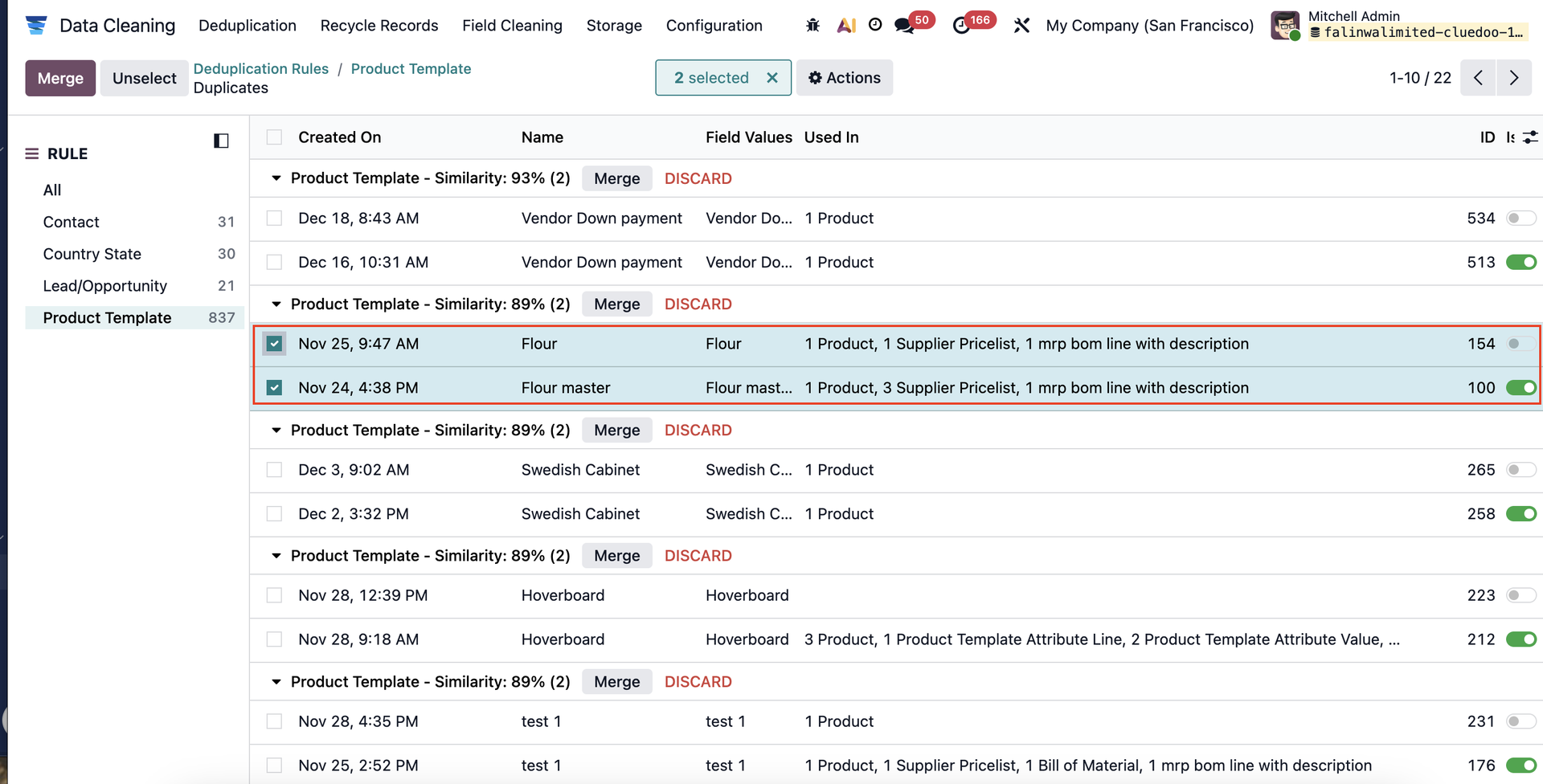 |
3. Now check on the master product, it will have the barcode from the archived product. | 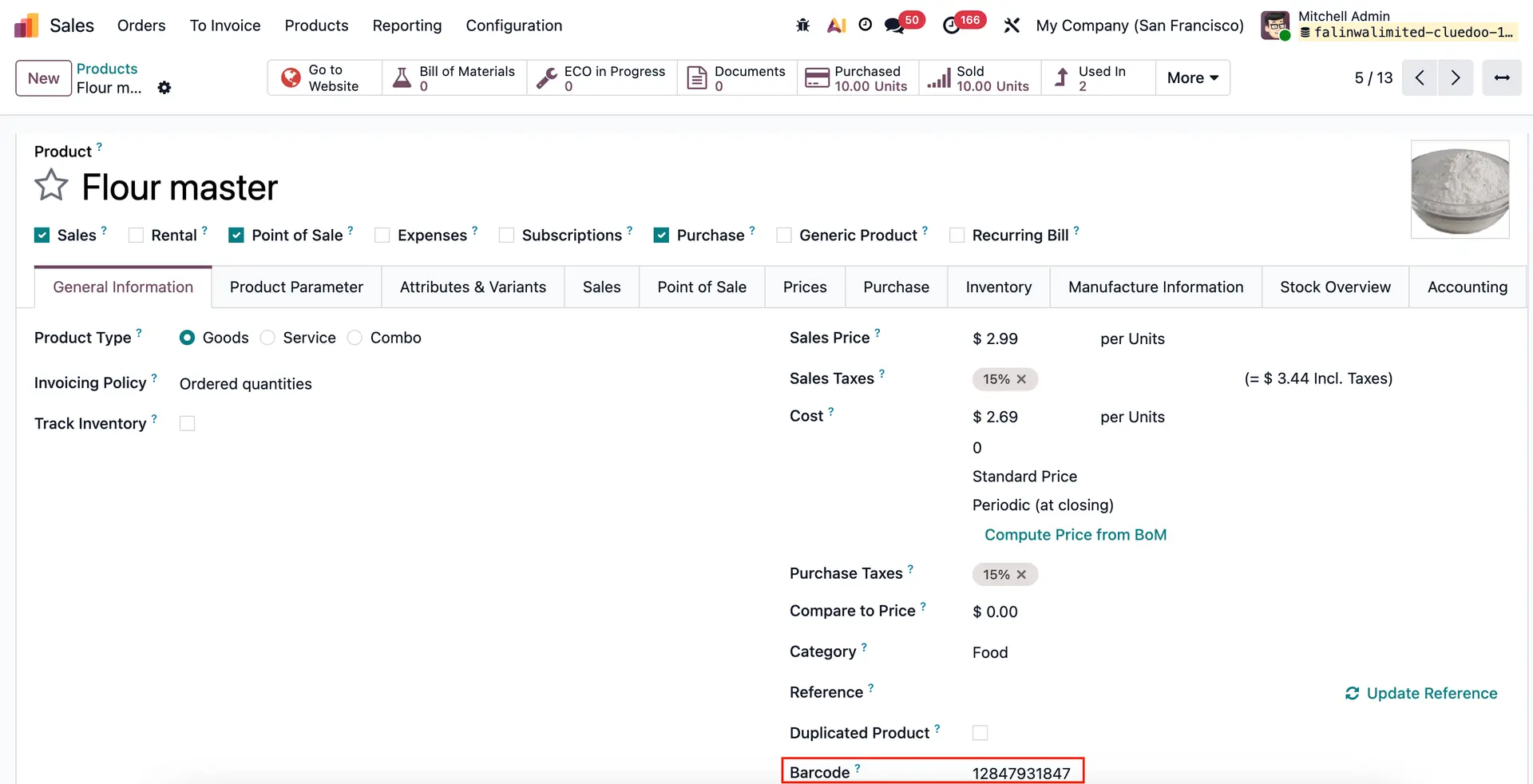 |
4. The archived product will have the barcode with prefix DC_Archive | 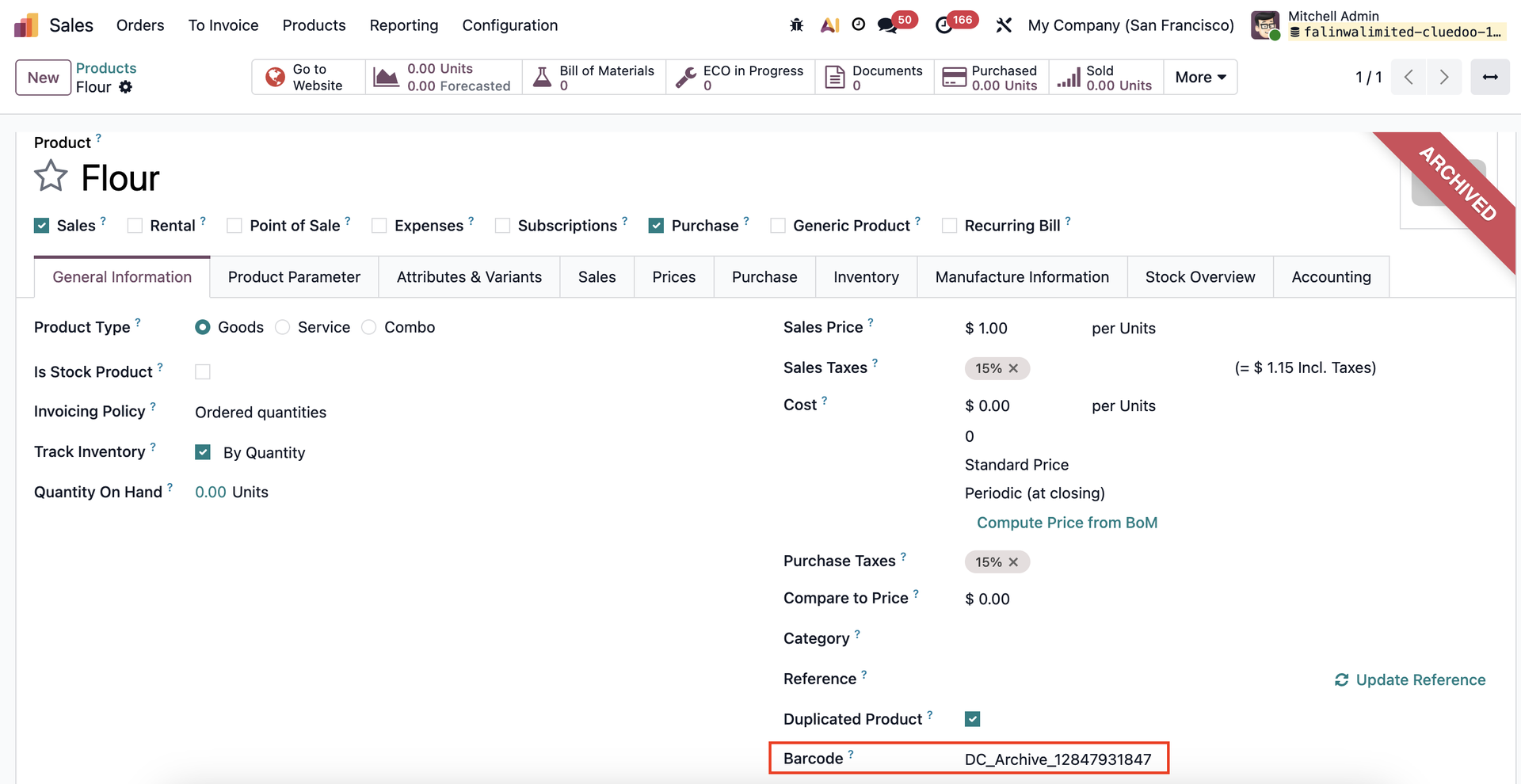 |