



ODOO'S FUNCTION
By default, Odoo’s Repairs module allows users to create Repair Orders (ROs) and manually input details such as product lines and operations for each repair. However, there is no functionality to define reusable Repair Order Templates to standardize repair processes.
CLUEDOO'S FUNCTION
This module introduces Repair Order Templates under Configuration > Repair Order Template, allowing users to create reusable templates with predefined settings.
Go to the 'Repair' Module. | 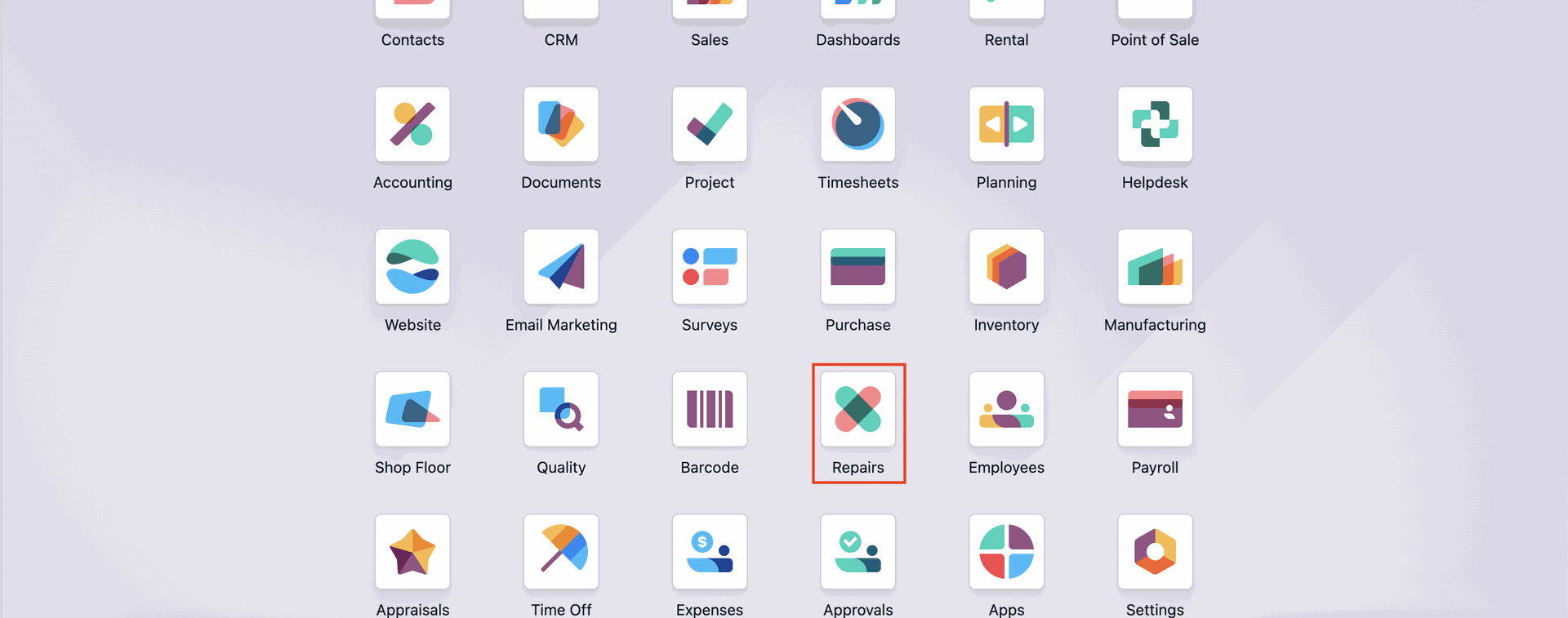 |
Reach for the Configuration menu, then click on 'Repair Order Template'. | 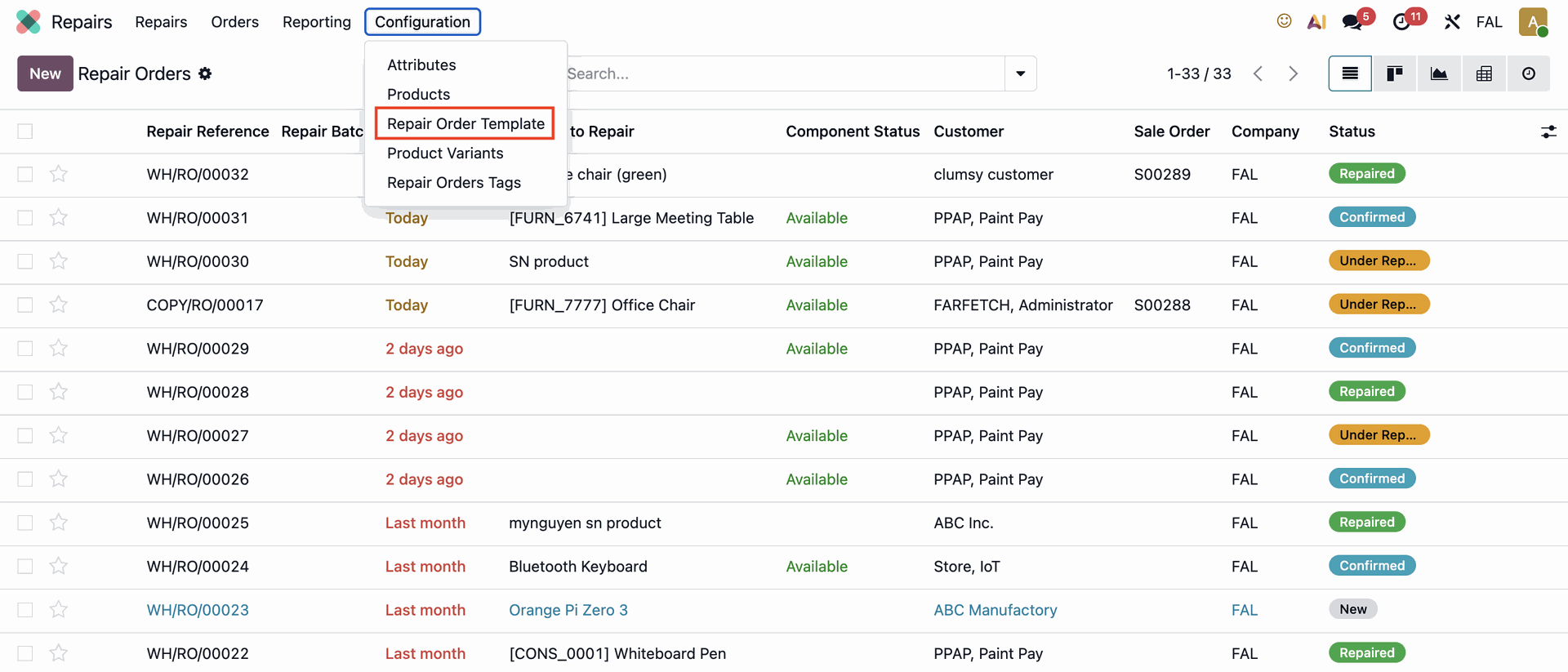 |
Click on the 'New' button to create a new Repair Template. | 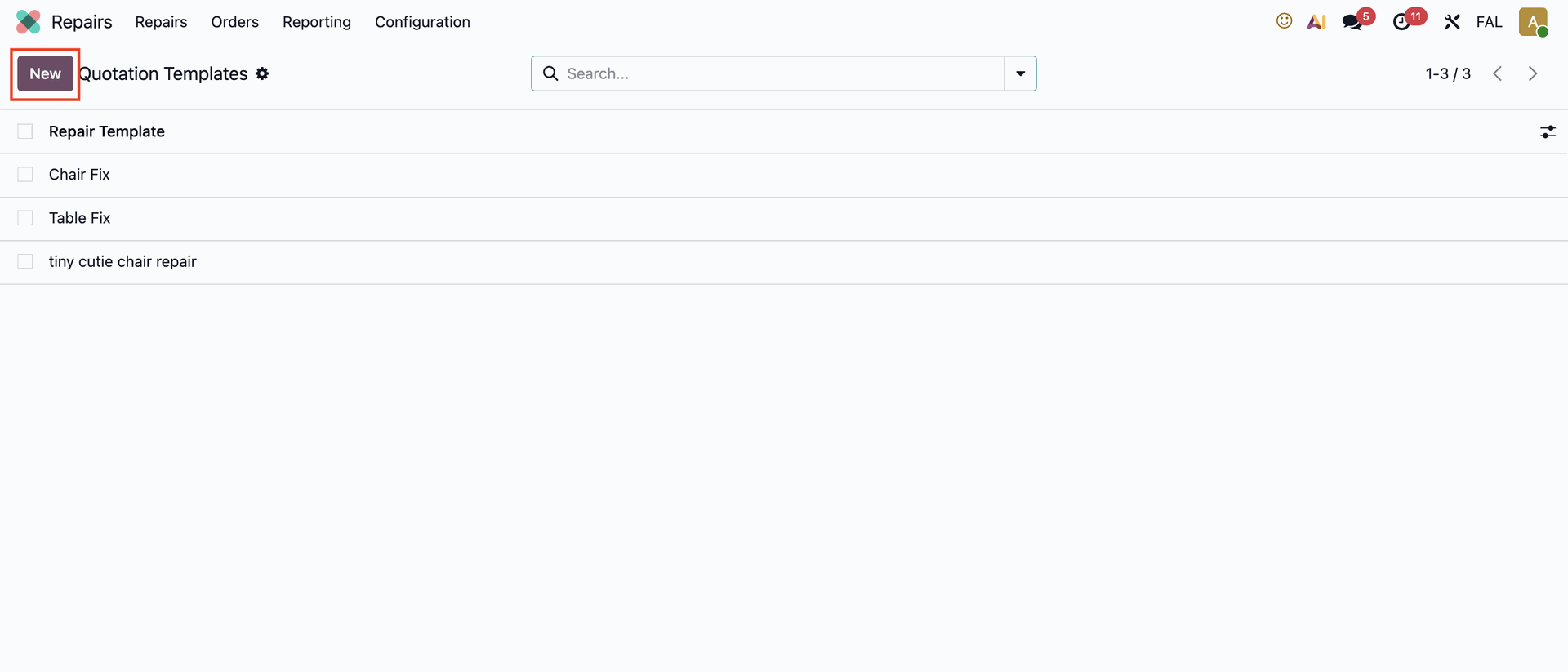 |
Fill out the title and Product to repair field, and all the necessary fields. | 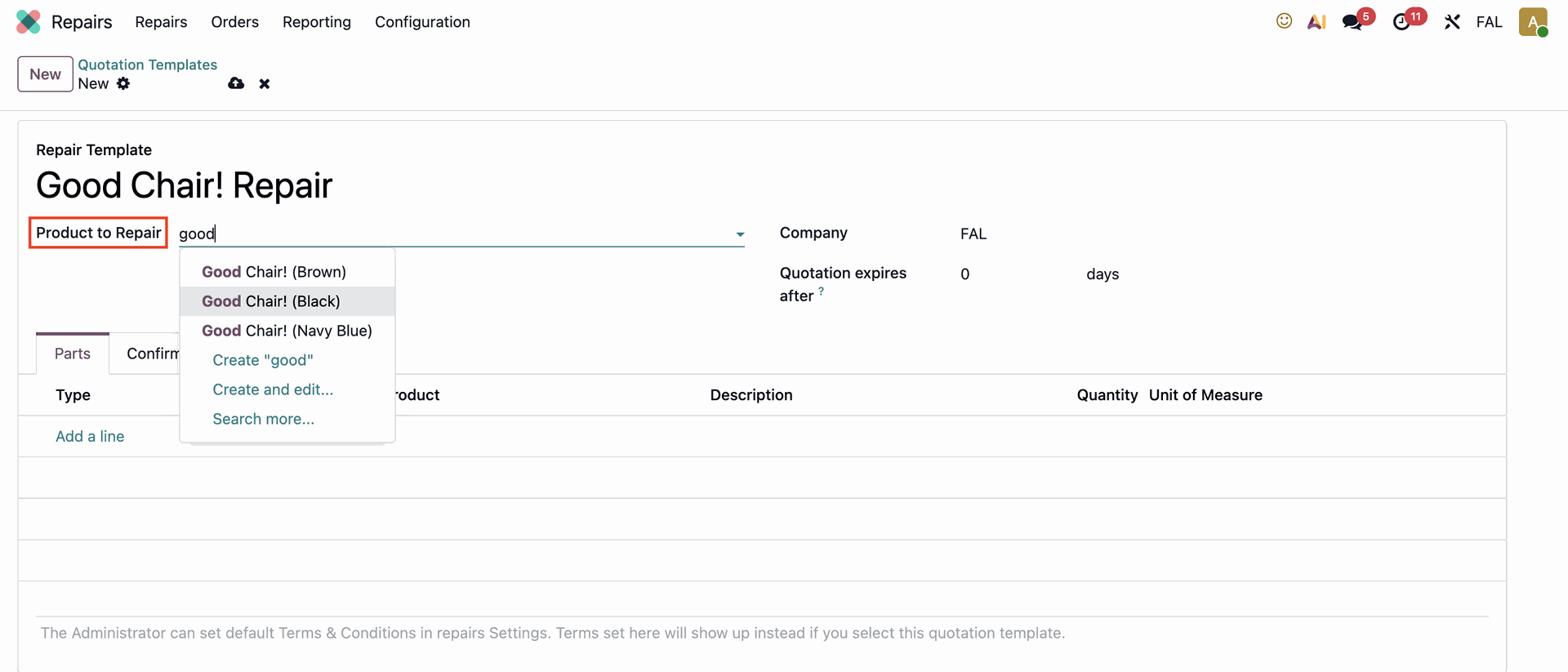 |
Click on the 'Miscellaneous' tab and insert the locations for Product Source Location and Component Source Location. | 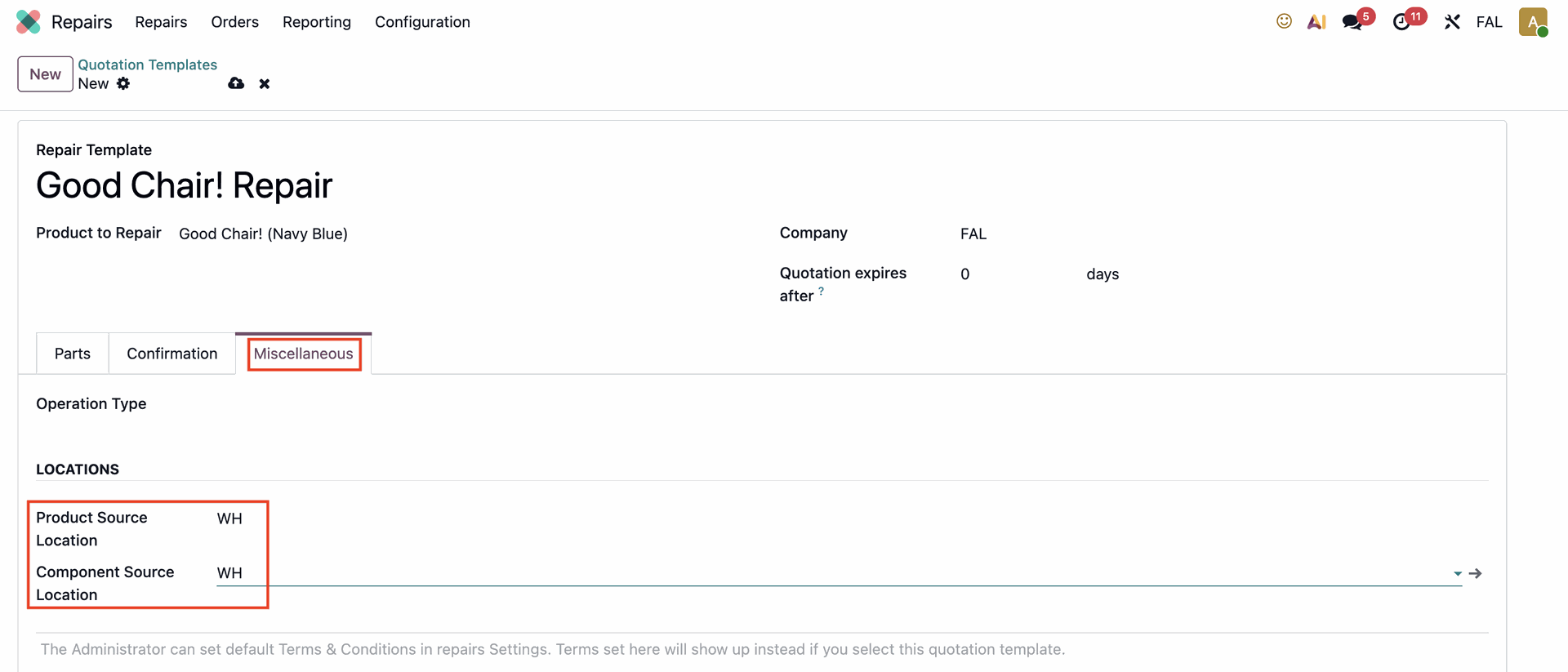 |
Now that the template is made, create the Repair Order by clicking on the 'New' button. | 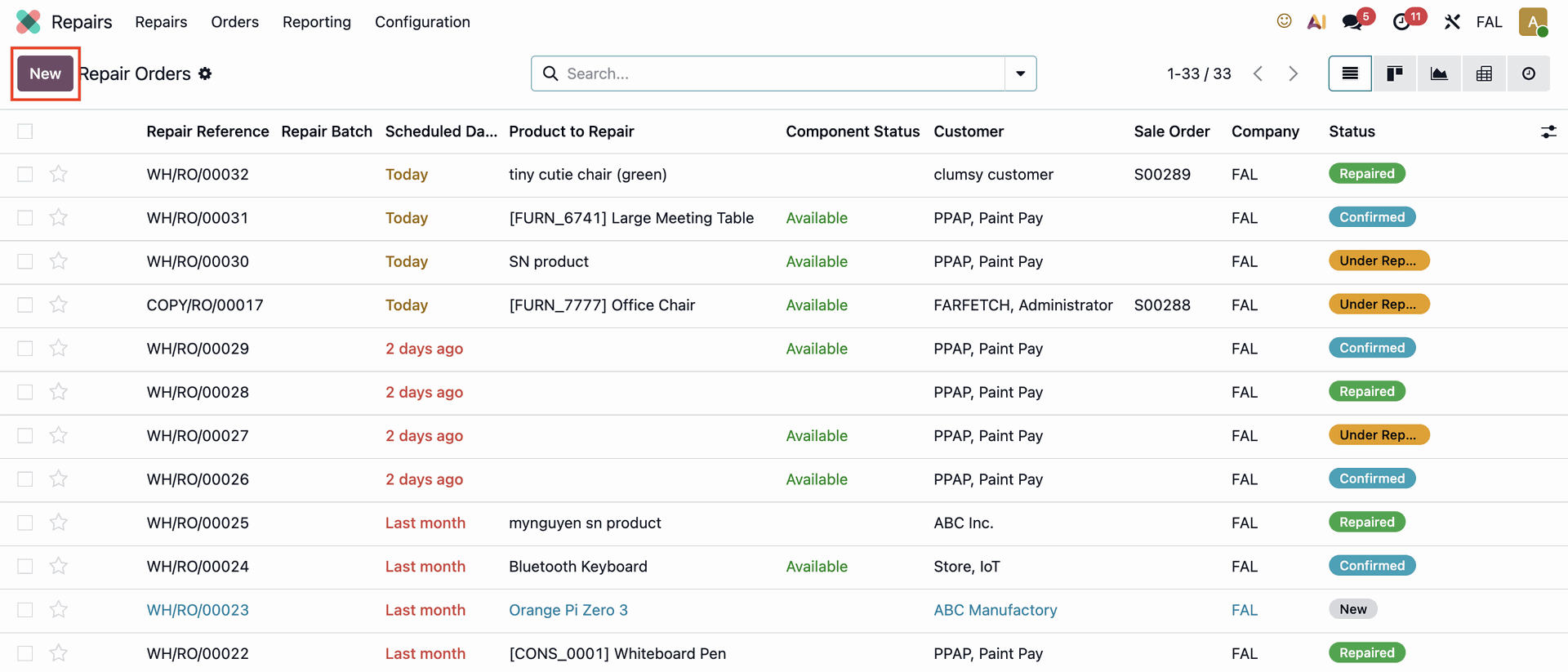 |
Fill the 'Repair Template' with the Repair Order template that has been created before. | 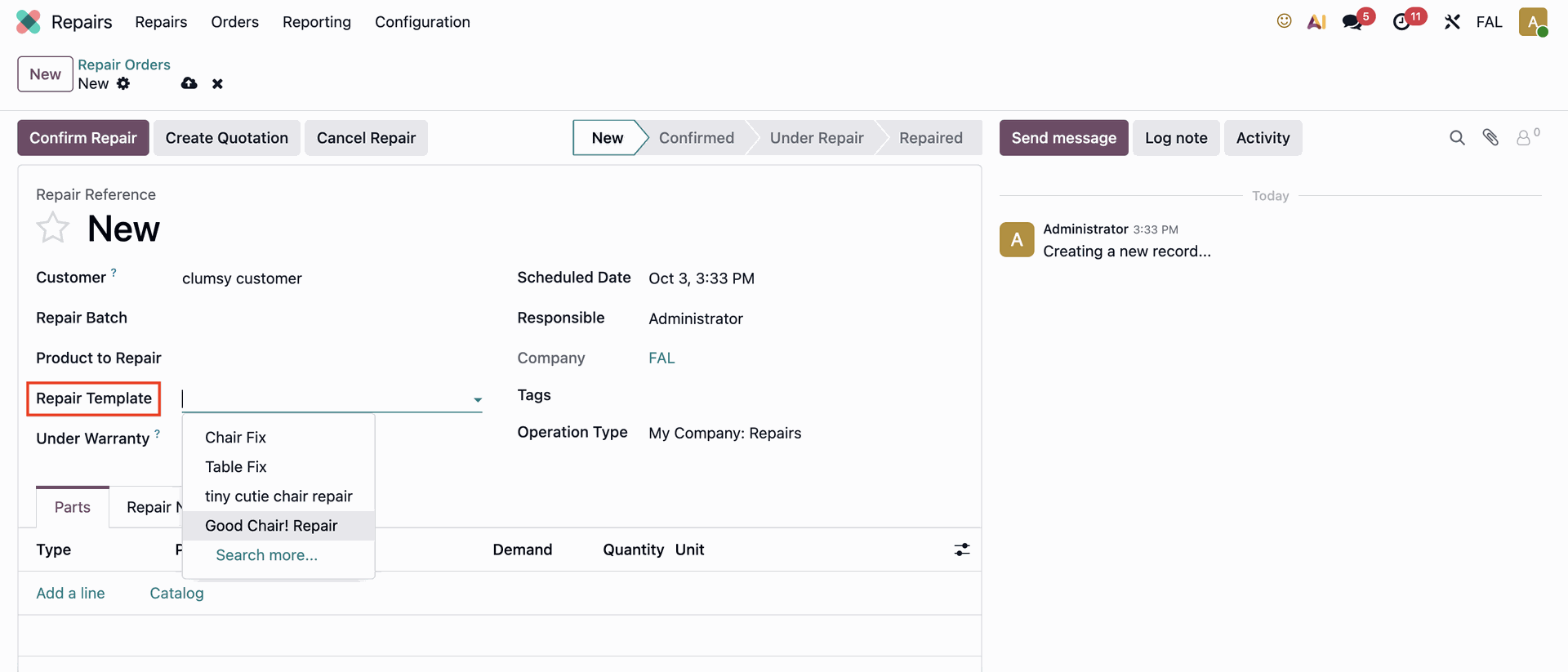 |
The Parts tab will automatically populated by the template data that was filled before. | 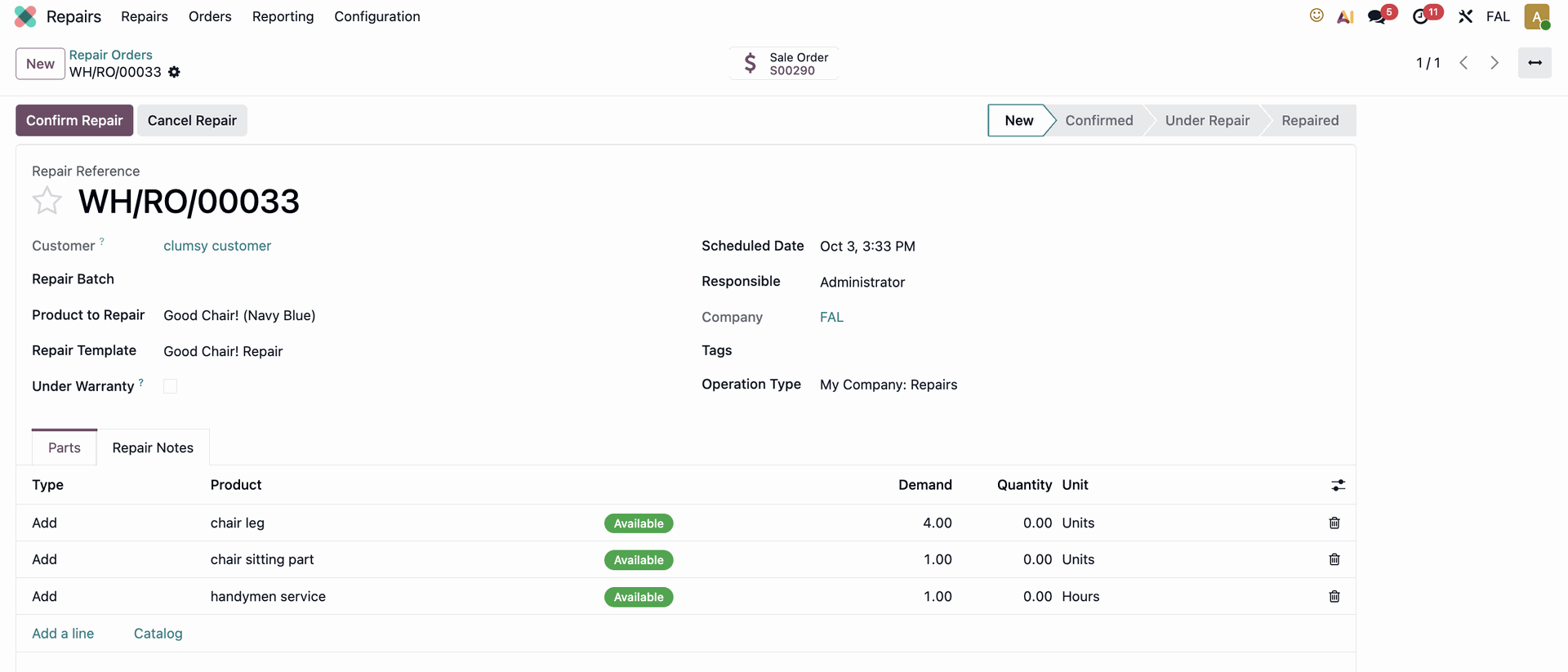 |