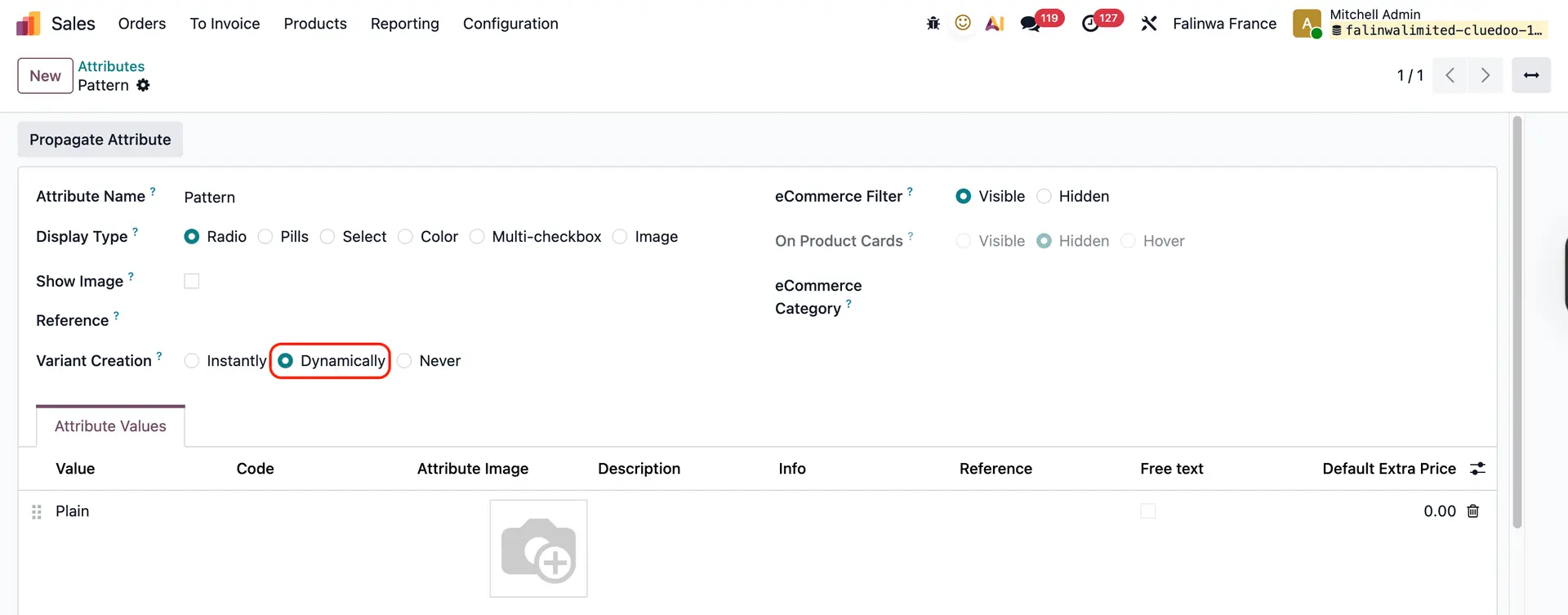



ODOO'S FUNCTION
Odoo does not provide a native concept of a BoM template and does not automatically generate variant-specific BoMs based on component attribute values. When components have variants, Odoo requires users to manually create each BoM for every variant combination, which is time-consuming and prone to errors, especially when multiple components have multiple variant options.
CLUEDOO'S FUNCTION
CLuedoo allows you to create a BoM template that serves as a generic structure for products with variants. When the components in this template contain attribute values (meaning the components have variants), Cluedoo enhances Odoo by automatically generating variant-specific BoMs.
When the user clicks “Create Real BoM”, the system creates one BoM for every possible combination of the component variants.
For example, if Component 1 has variants a and b, and Component 2 has variants c and d, the system will generate four real BoMs - one for each possible variant combination - ensuring every product configuration has its own detailed BoM.
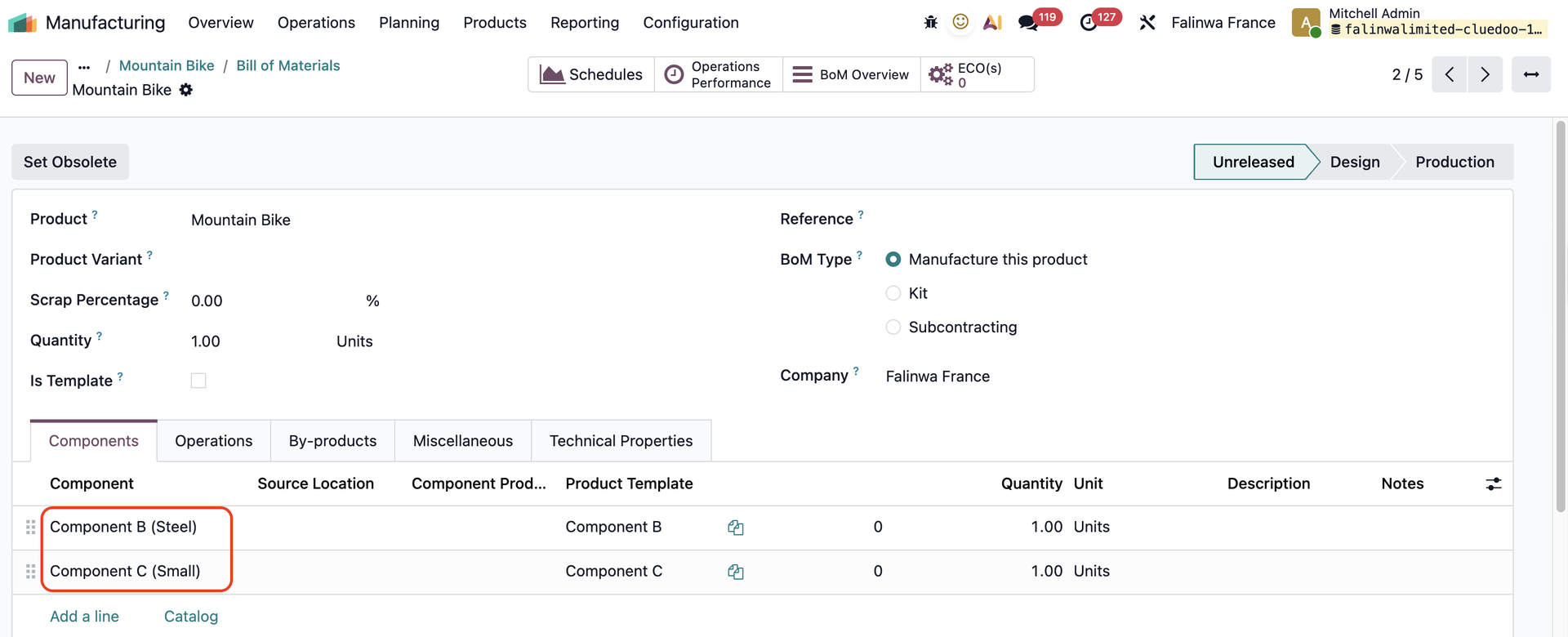
1. Create a new Bill of Materials > Check Is Template to make this BoM a template > Add components that have attribute values | 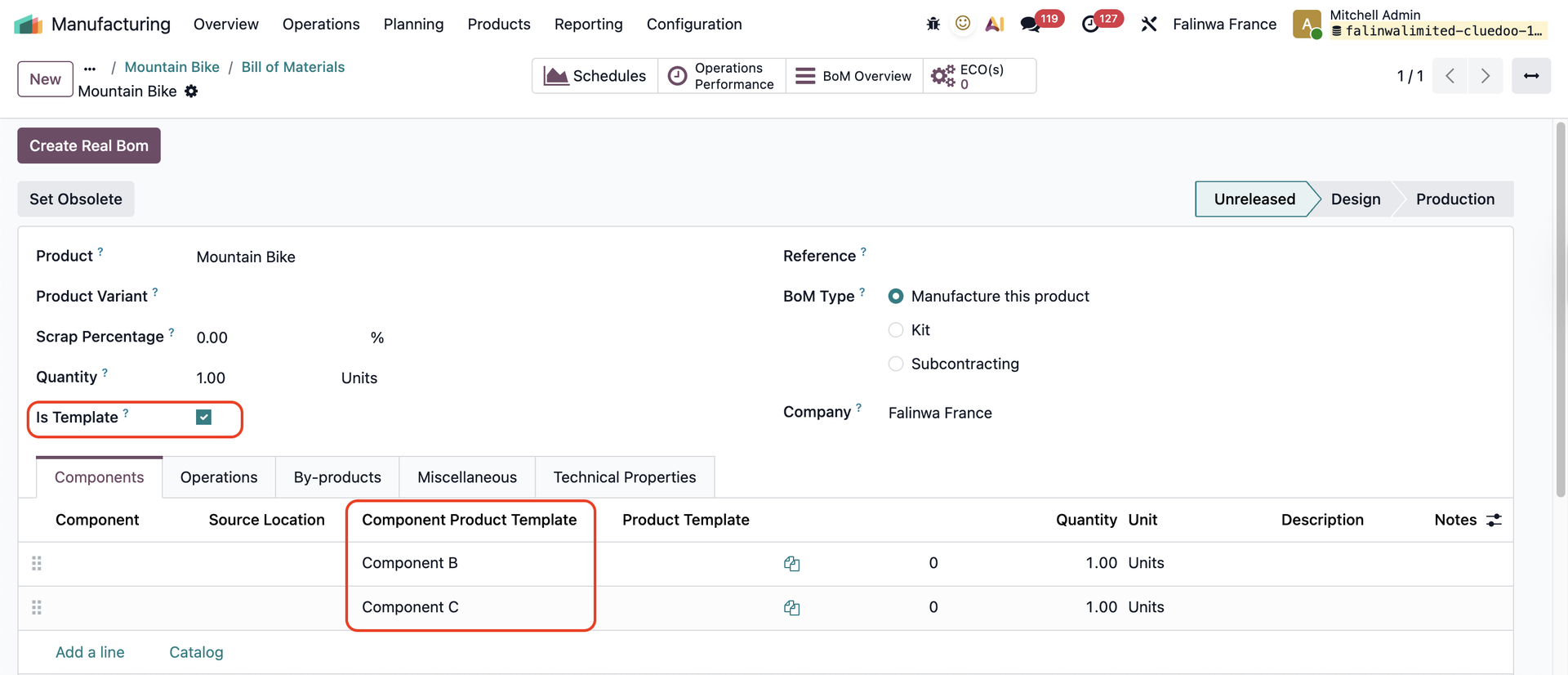  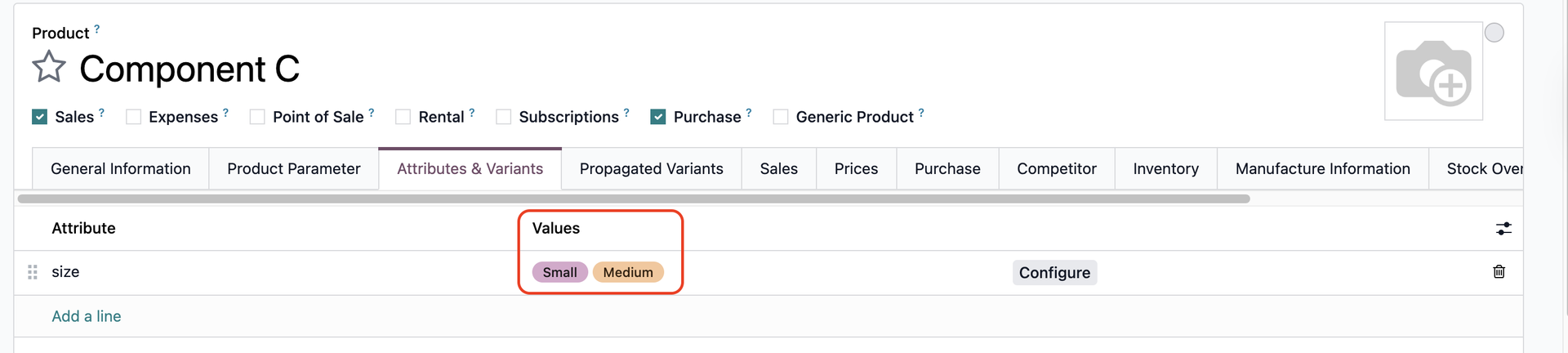 |
2. Create Real BoM > This will create new BoM for each possible combination of component variants. | 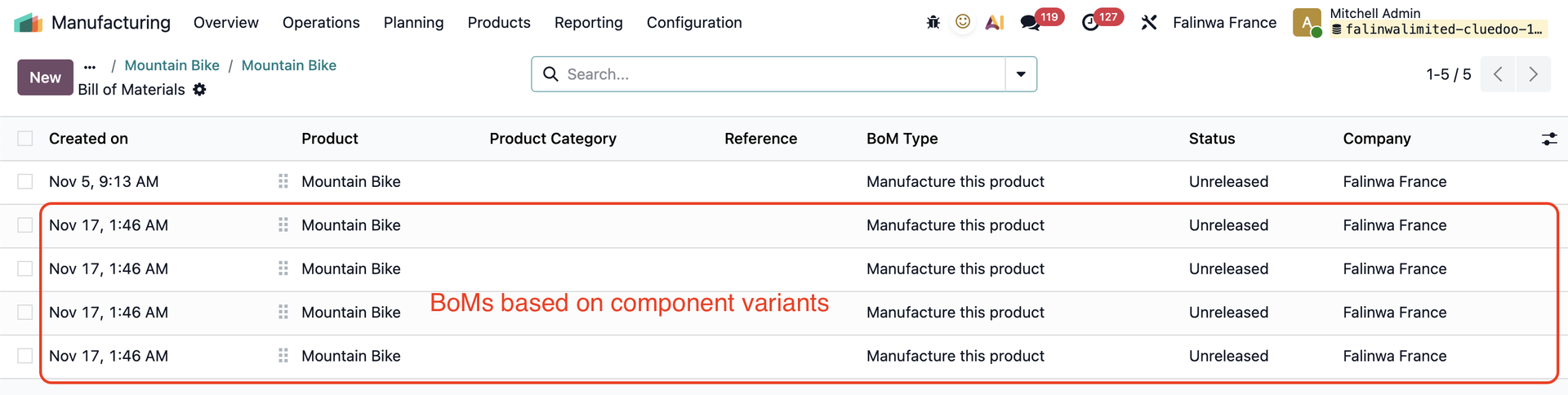 |
 | |
Notes:
|
|