


ODOO'S FUNCTION
In Odoo, certain advanced functionalities, particularly in Manufacturing Resource Planning (MRP) and Product Lifecycle Management (PLM), are not natively available in Odoo’s standard, which means users cannot set advanced product parameter management, BoM status tracking, flexible version labeling, batched ECO handling, serial number management, automated quality checks, and document synchronization.
CLUEDOO'S FUNCTION
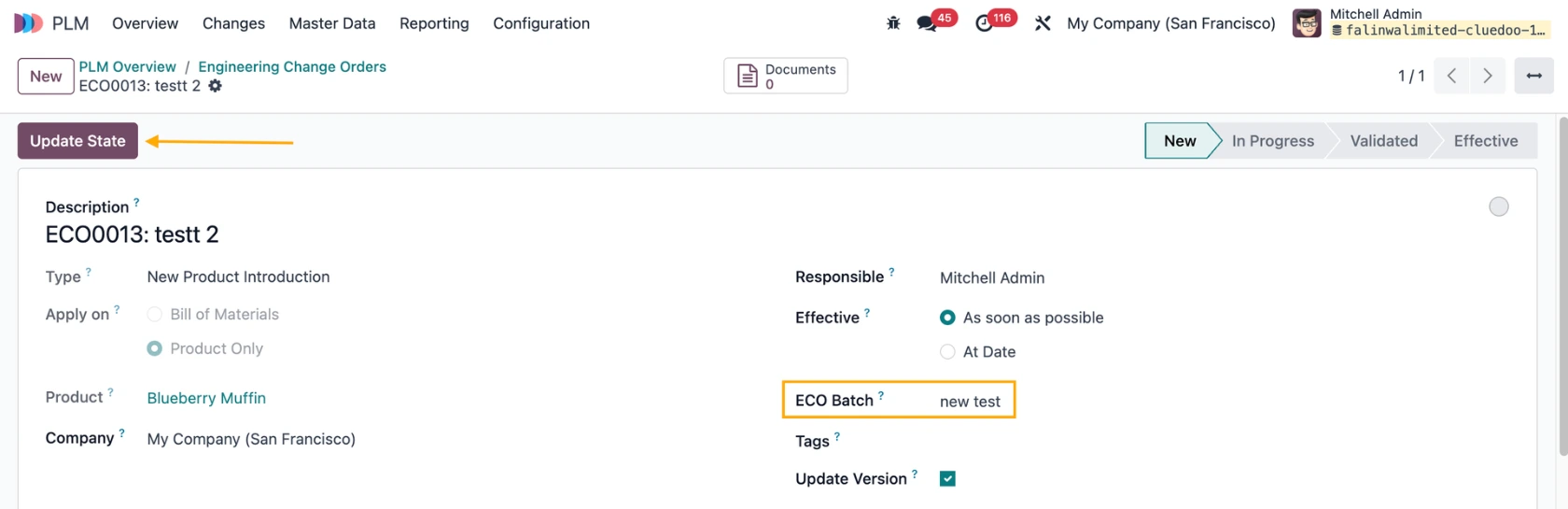
CLuedoo introduces fal_mrp_plm_eco_group designed to streamline user management and enhance efficiency by grouping Engineering Change Orders (ECOs) into batches for efficient parameter management.
1. Go to ECO > Changes > ECO > Choose the ECOs that you want to group together > Actions > Group ECO(s) Add a name > Create Note: The ECOs should not be in the Effective stage |   |
2. Now you have a batch of ECOs that you can change the parameter values at once |  |
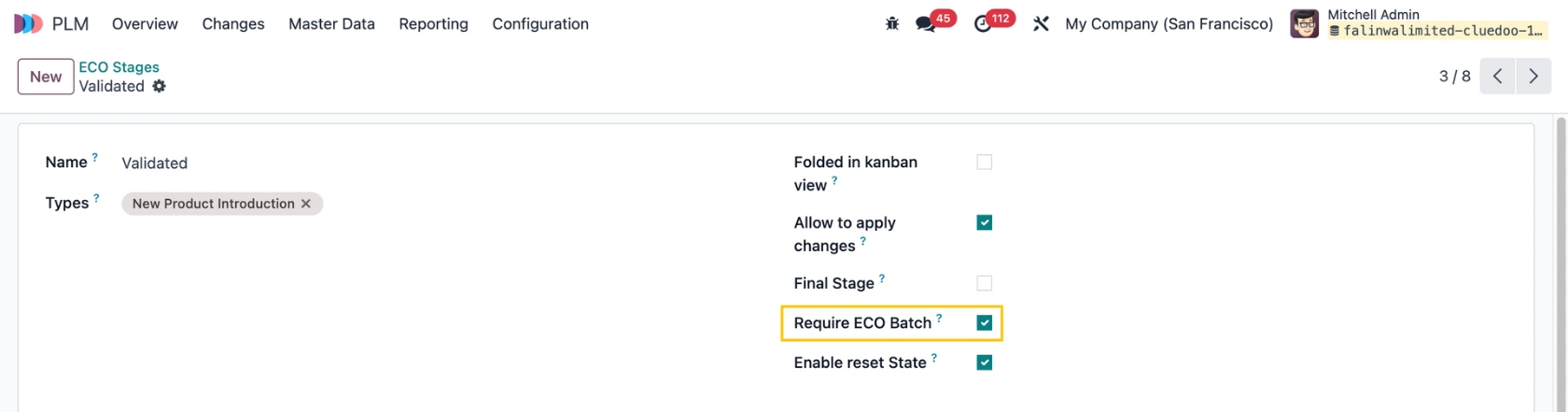
REQUIRE ECO BATCHWhen this option is enabled in an ECO stage |
|
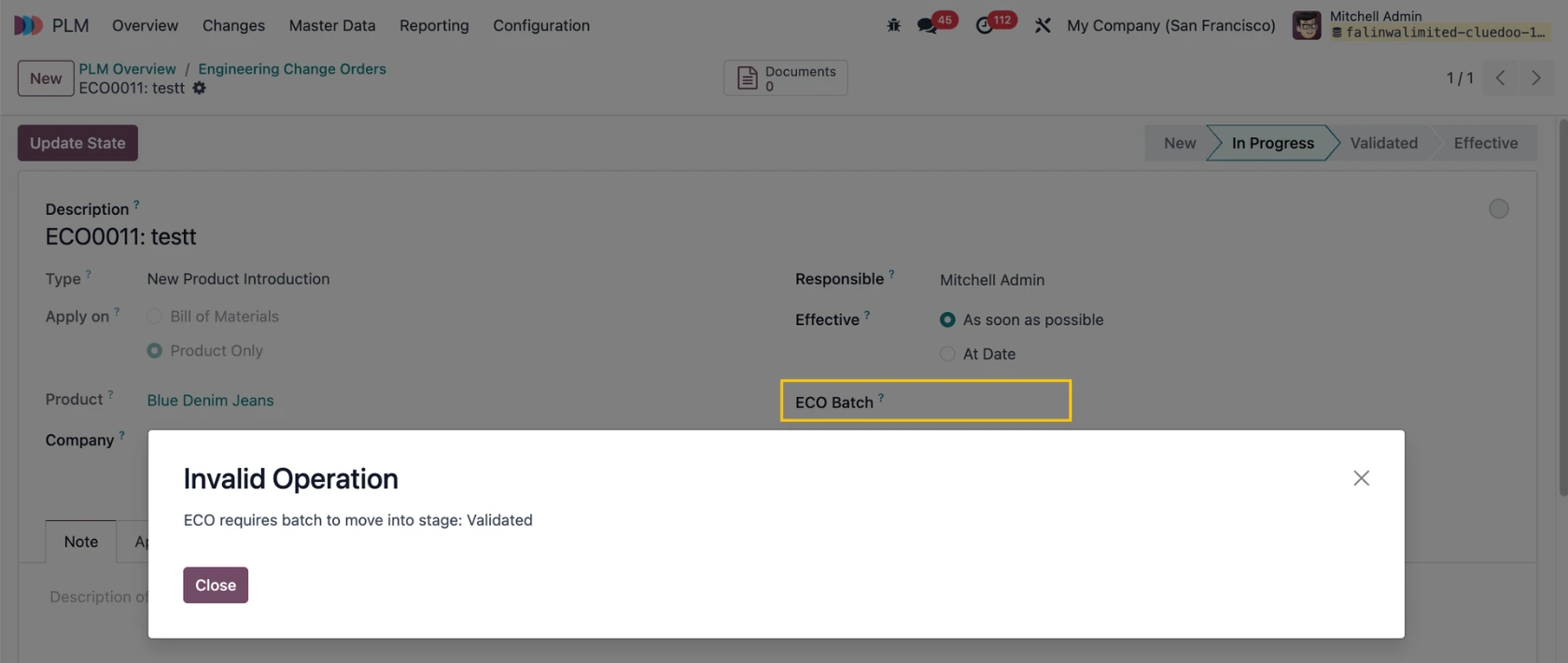
There will be a warning displayed if no ECO Batch is chosen in the ECO when moving to this stage. |
|
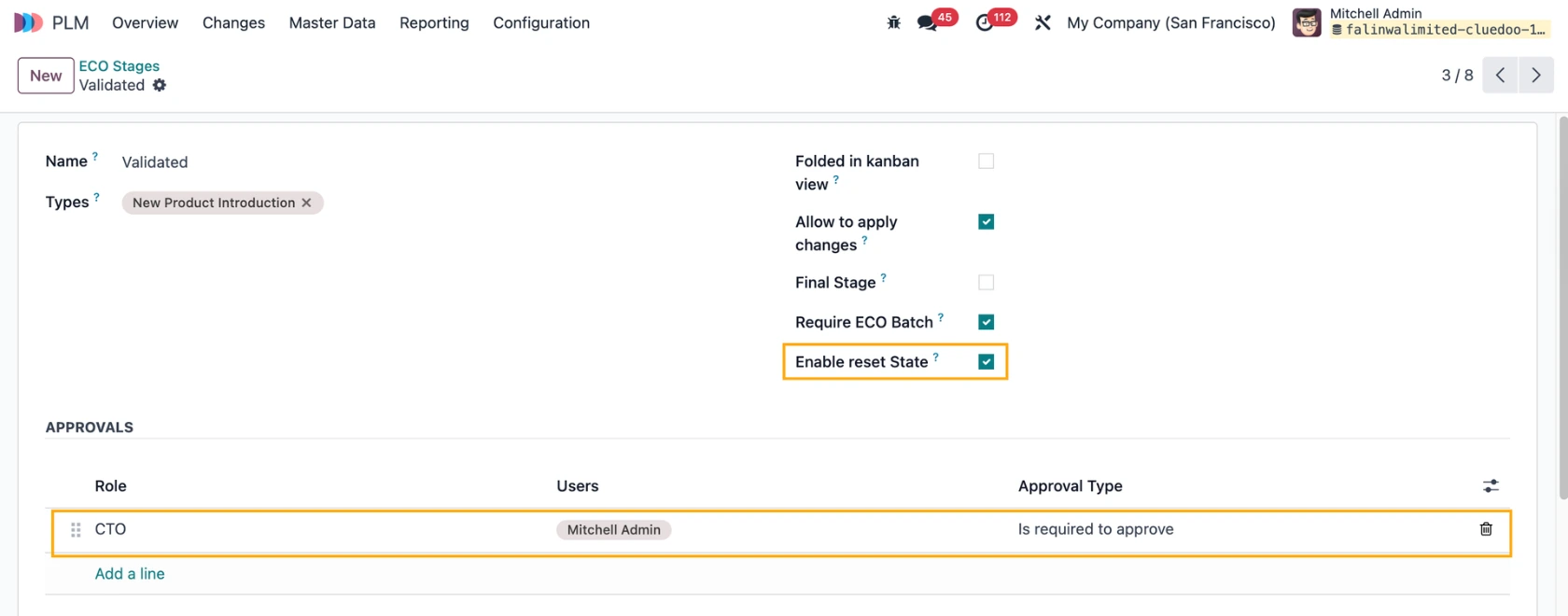
ENABLE RESET STAGEChoose an ECO Stage and tick the Enable reset Stage. e.g., Validated Fill in the Approvals section. |
|
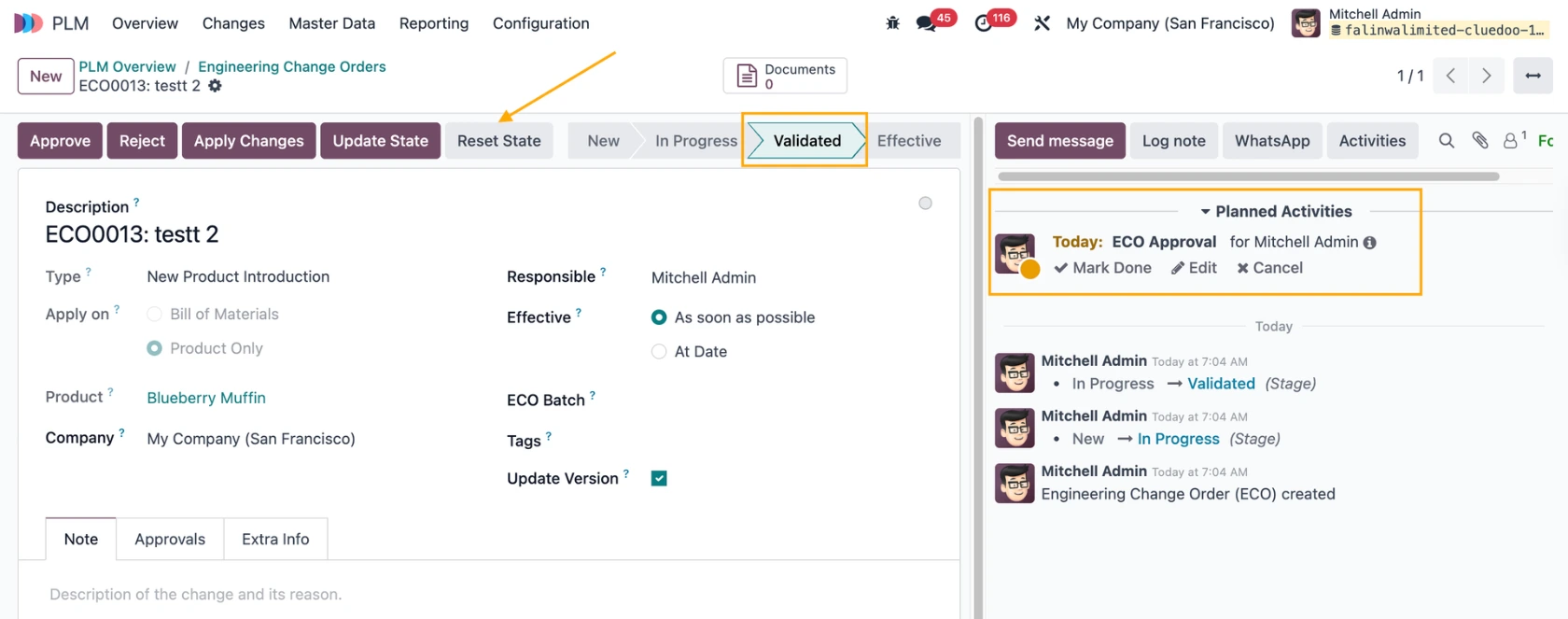
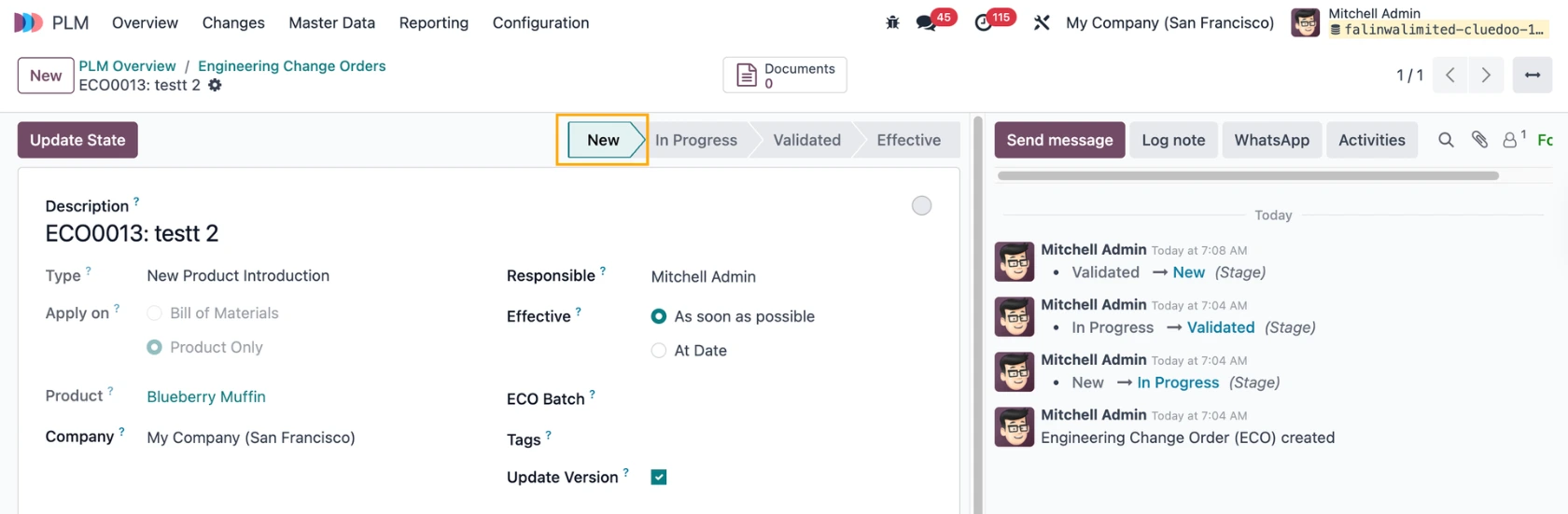
When an ECO reaches the Validated stage, an activity will be automatically created for the approver defined in the stage, and a Reset State button appears. |
|
If you click the Reset State button, the stage will move to New, and the activity will be deleted. If the ECO reaches the Validated stage again, the activity will be recreated. Note: the same behavior applies to ECO Batch. |
|
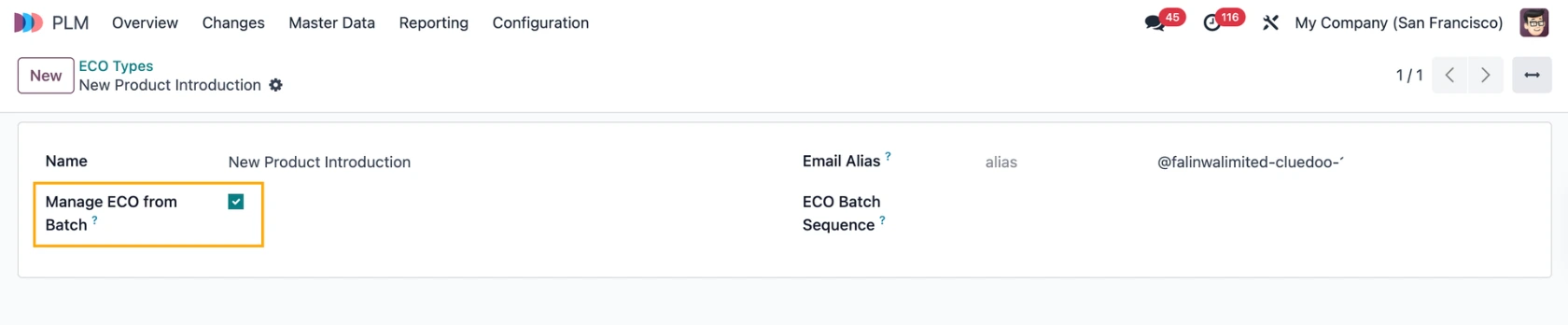
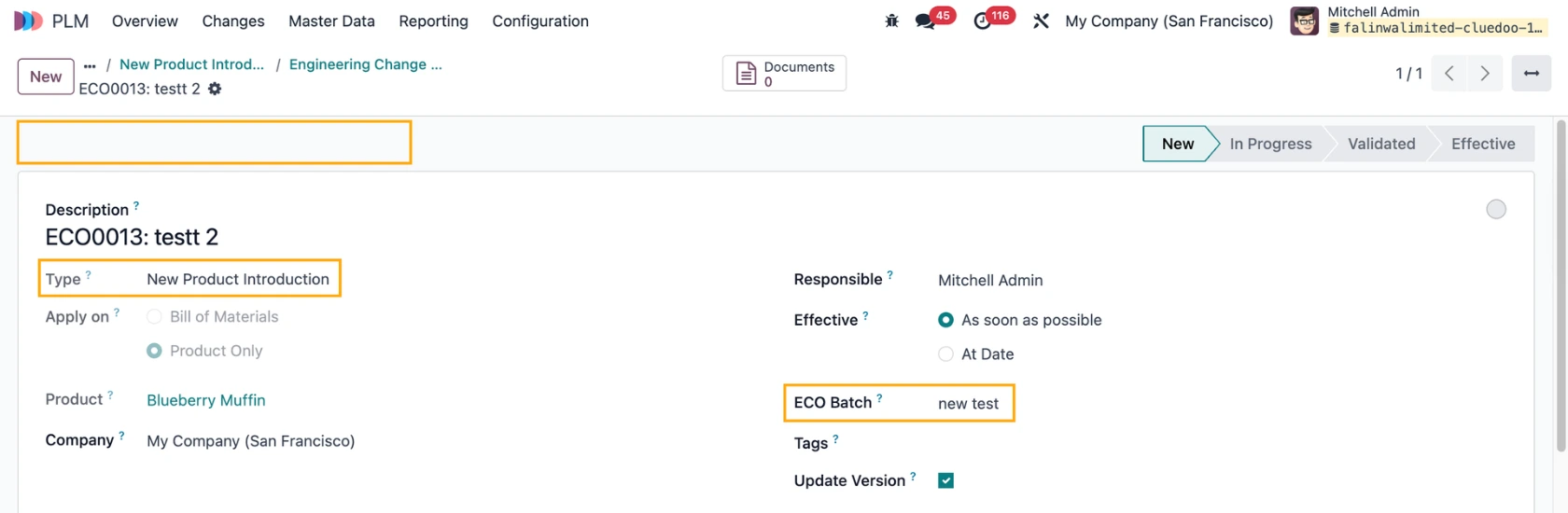
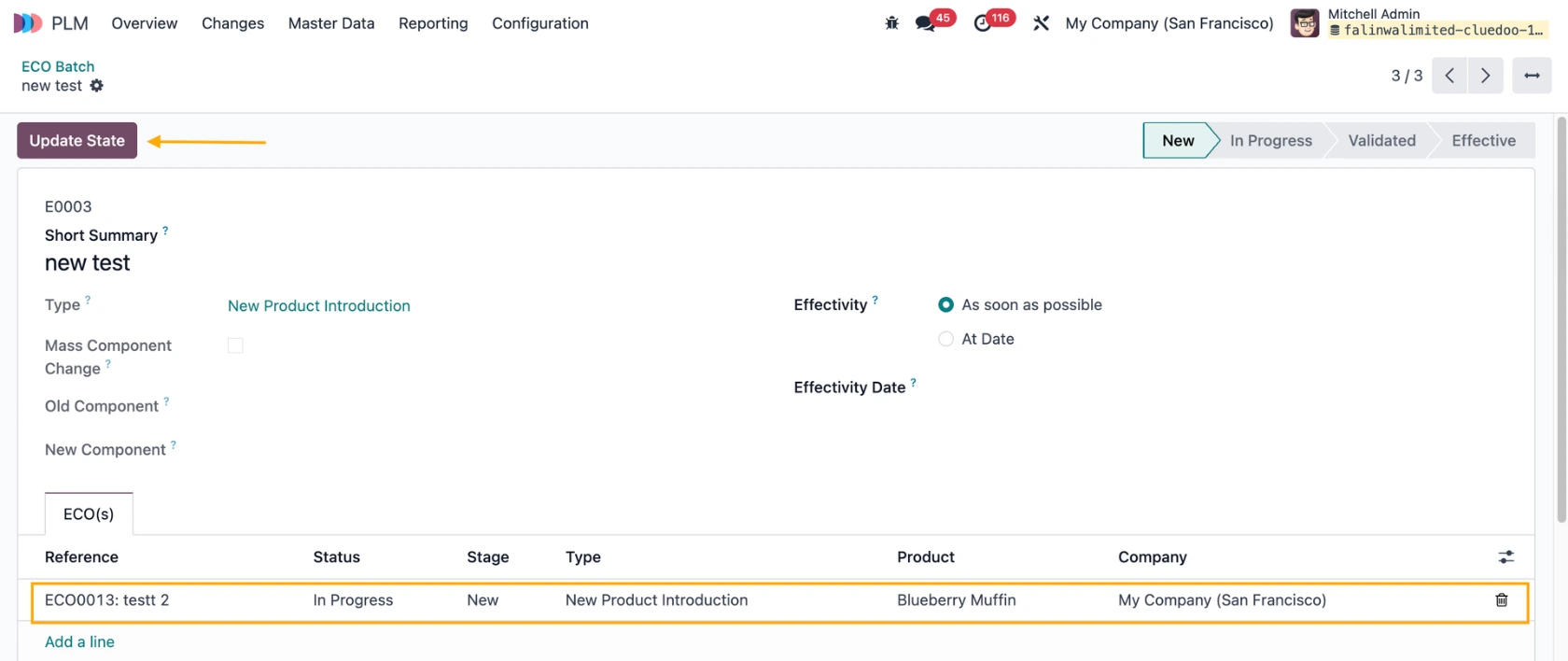
MANAGE ECO FROM BATCHGo to an ECO Type, if this option is enabled |
|
Then any ECO with this type will need to be managed on the batch level. |
|
Behavior when the option is not enabled. |
|