



STORY BEHIND THE FEATURES
ODOO BEHAVIOR
In Odoo, a validation error occurs when a product's stock level is negative, preventing users from finalizing the Purchase Order.
CLUEDOO BEHAVIOR
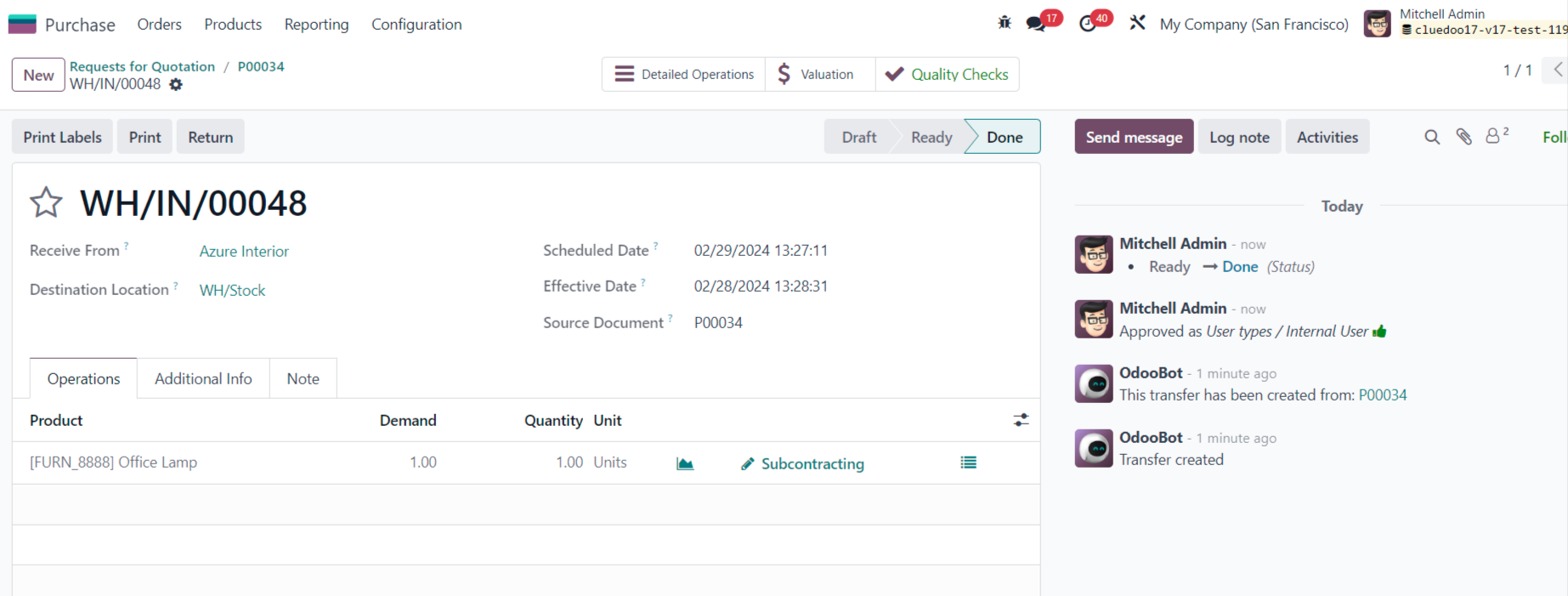
Cluedoo enables users to validate the Purchase Order even when the stock level of the product is recorded as negative.
CLUEDOO'S RECOMMENDATION
Install on 100% of your database.
OUR FEATURES AS SOLUTIONS
Bypass the validation error of negative stock
HOW TO USE THIS MODULE
1.Create Purchase Order with product to subcontract | 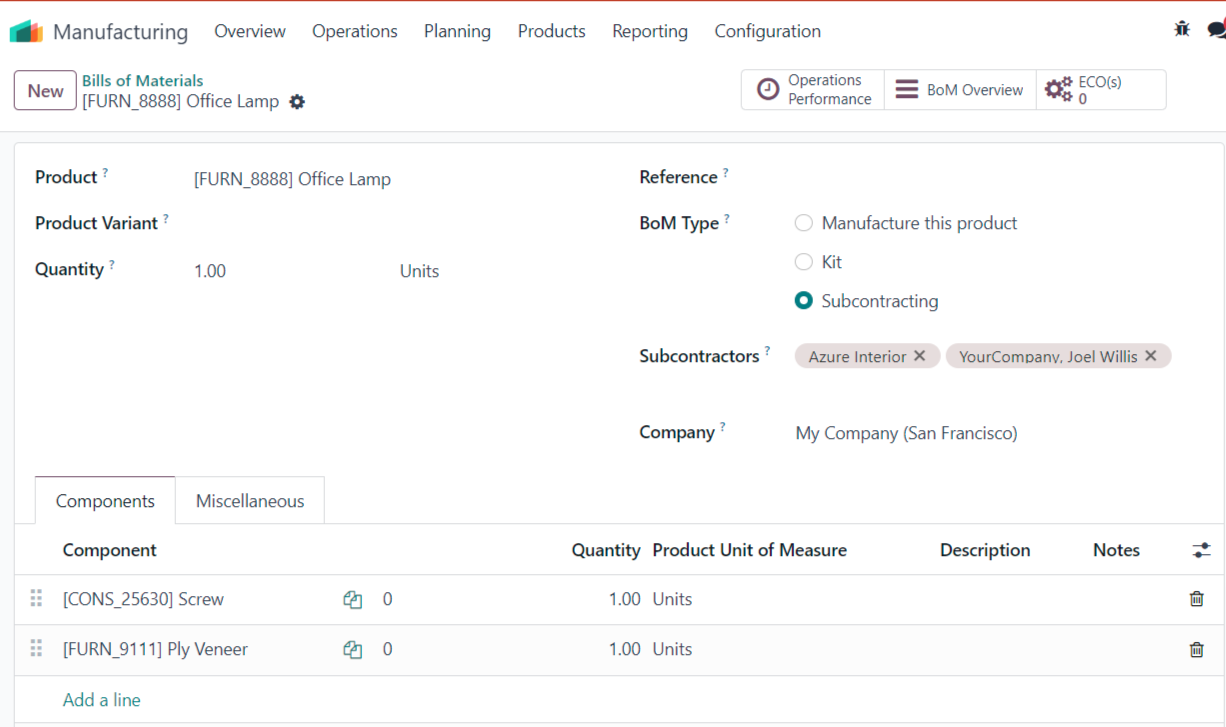 |
2.Validate the receipt before we mark as done the subcontract. If the module isn't installed, we would get a validation error. But if the module is installed, we can validate it. | 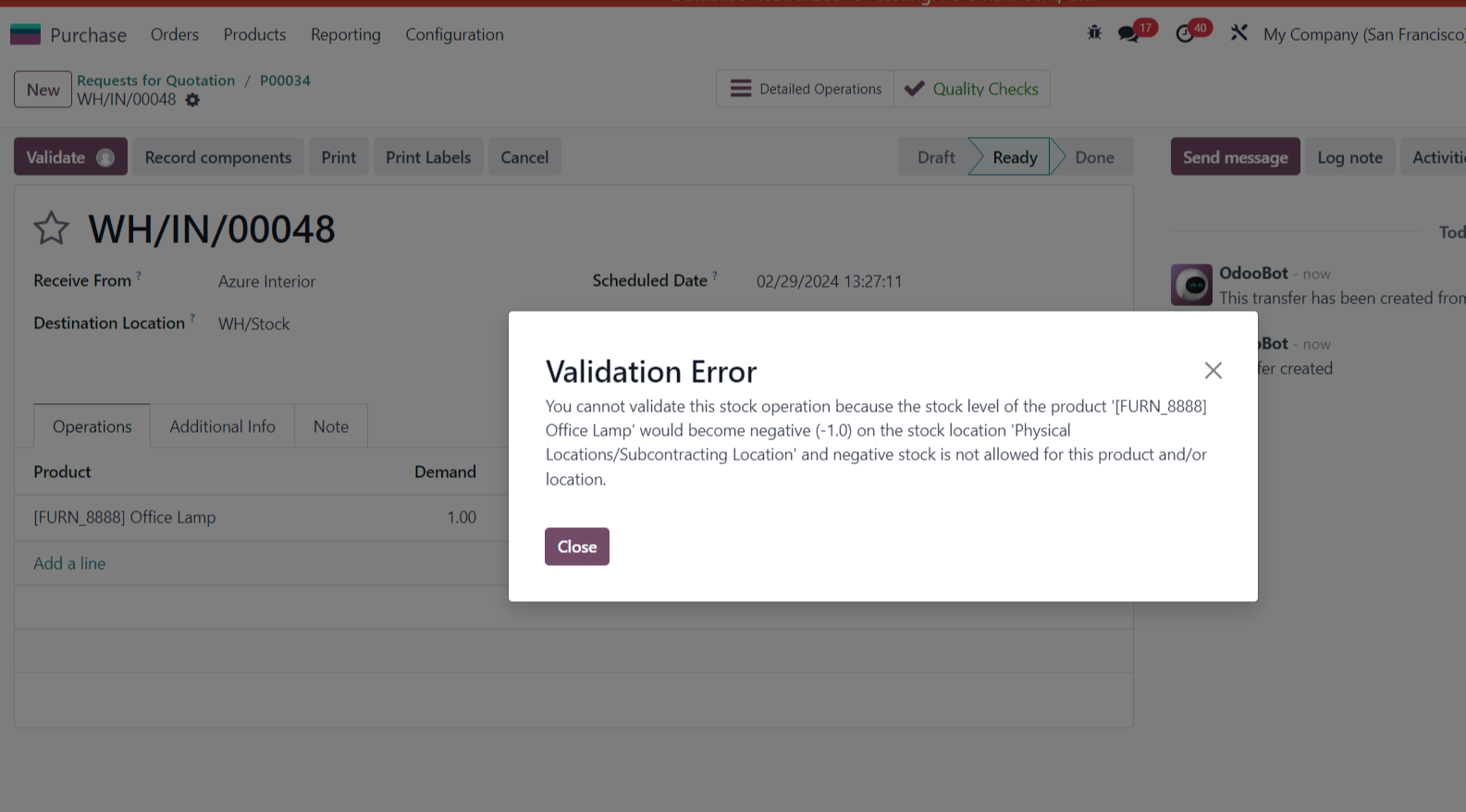 |
 | |
From v17 and v18 onwards, we can only bypass negative quantity for finished product, not components | |
1. Create a Purchase Order with the product to subcontract having a negative quantity component | 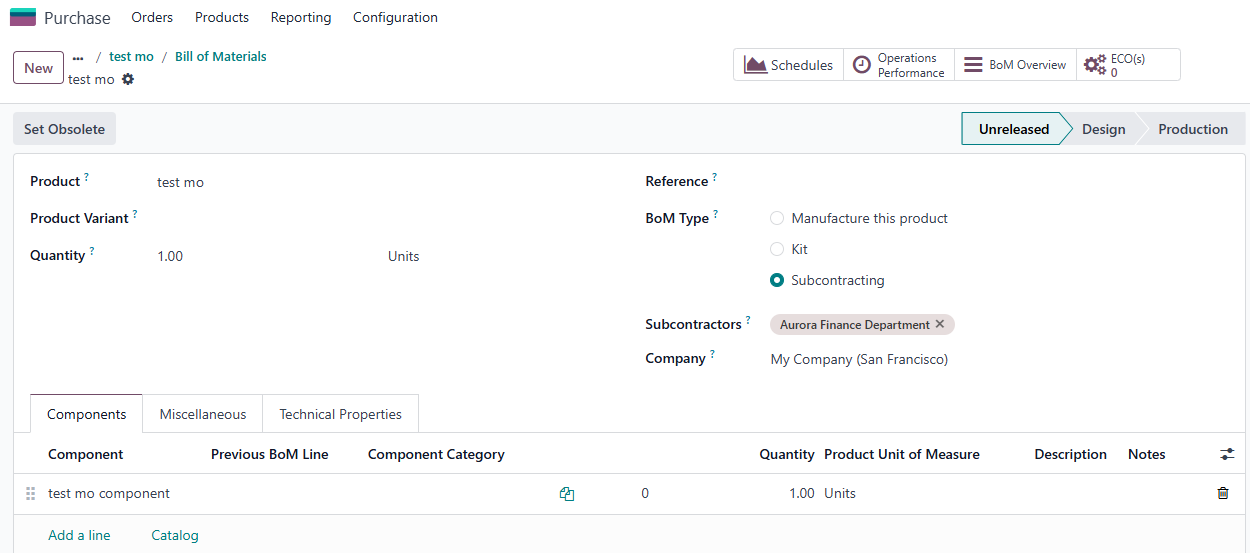  |
2. Choose "Record component" > Set the quantity and then "Record Production" | 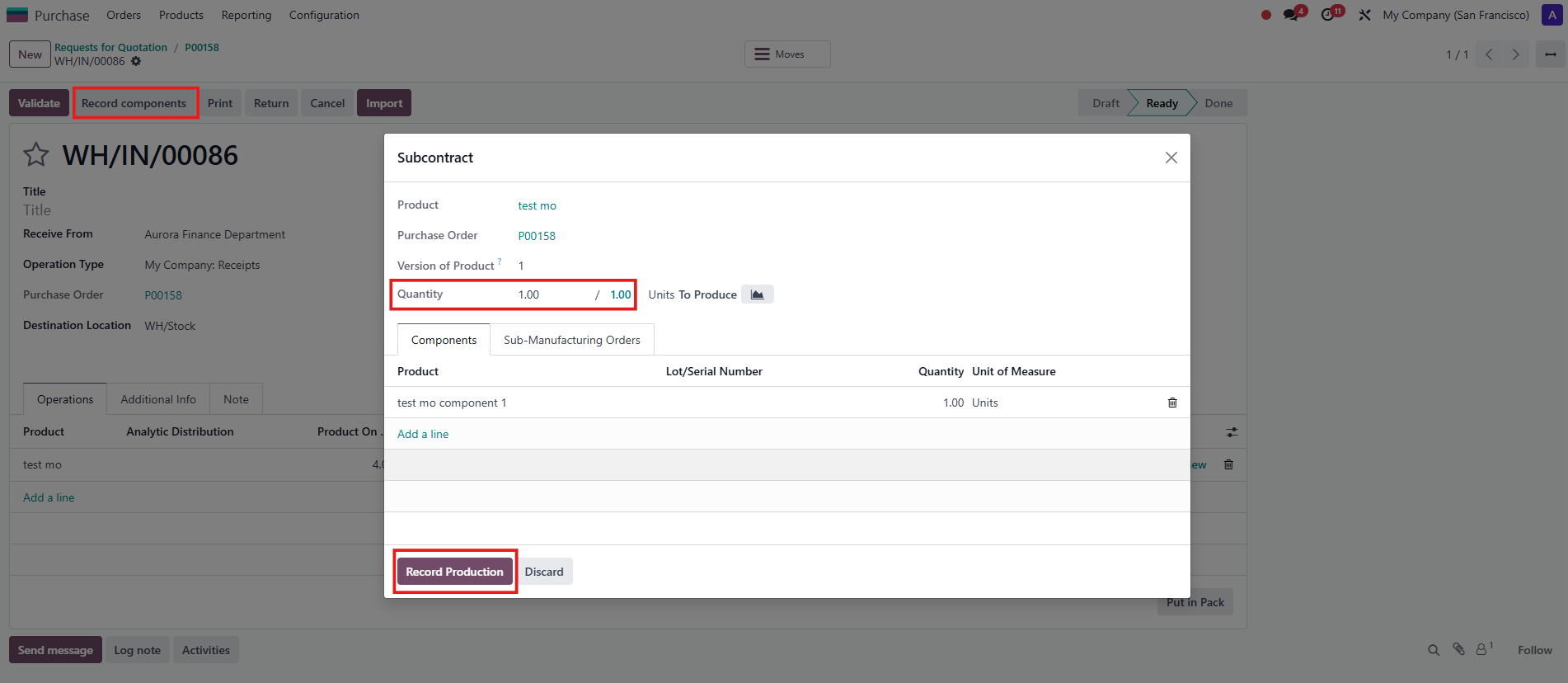 |
3. A validation error will display when validating the transfer | 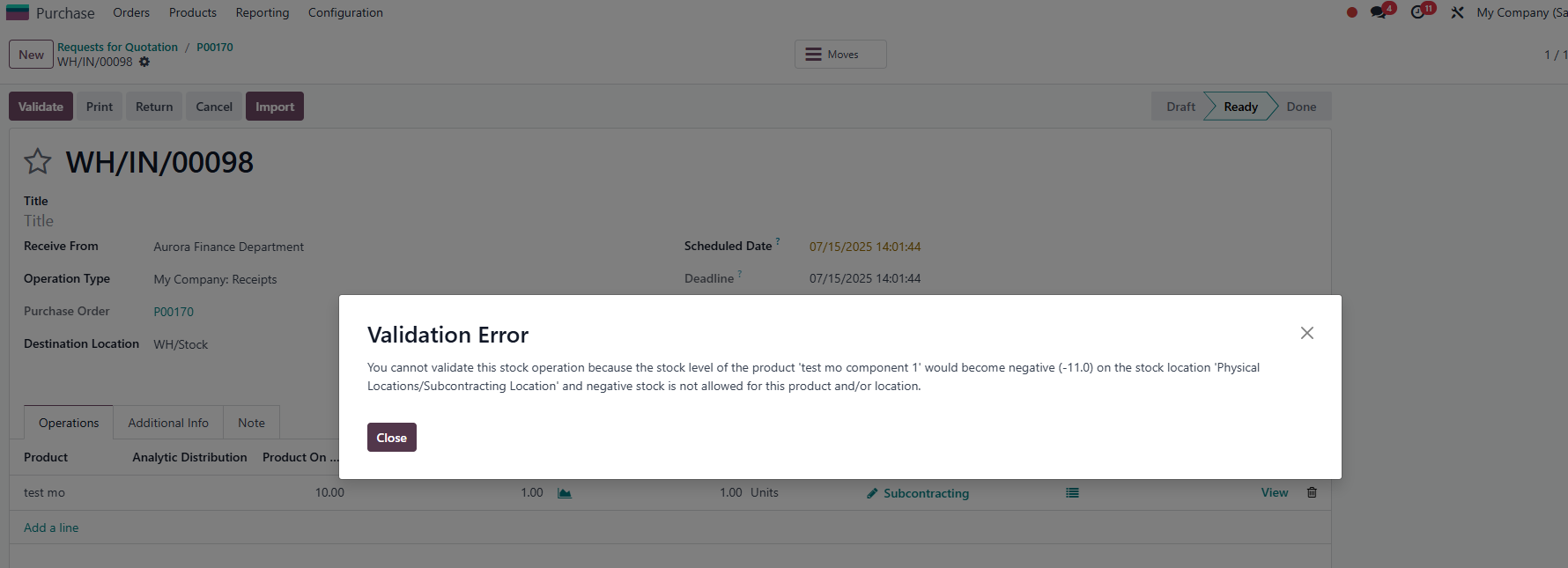 |
Remember to uncheck the "Allow Negative Stock" tickbox of the component | 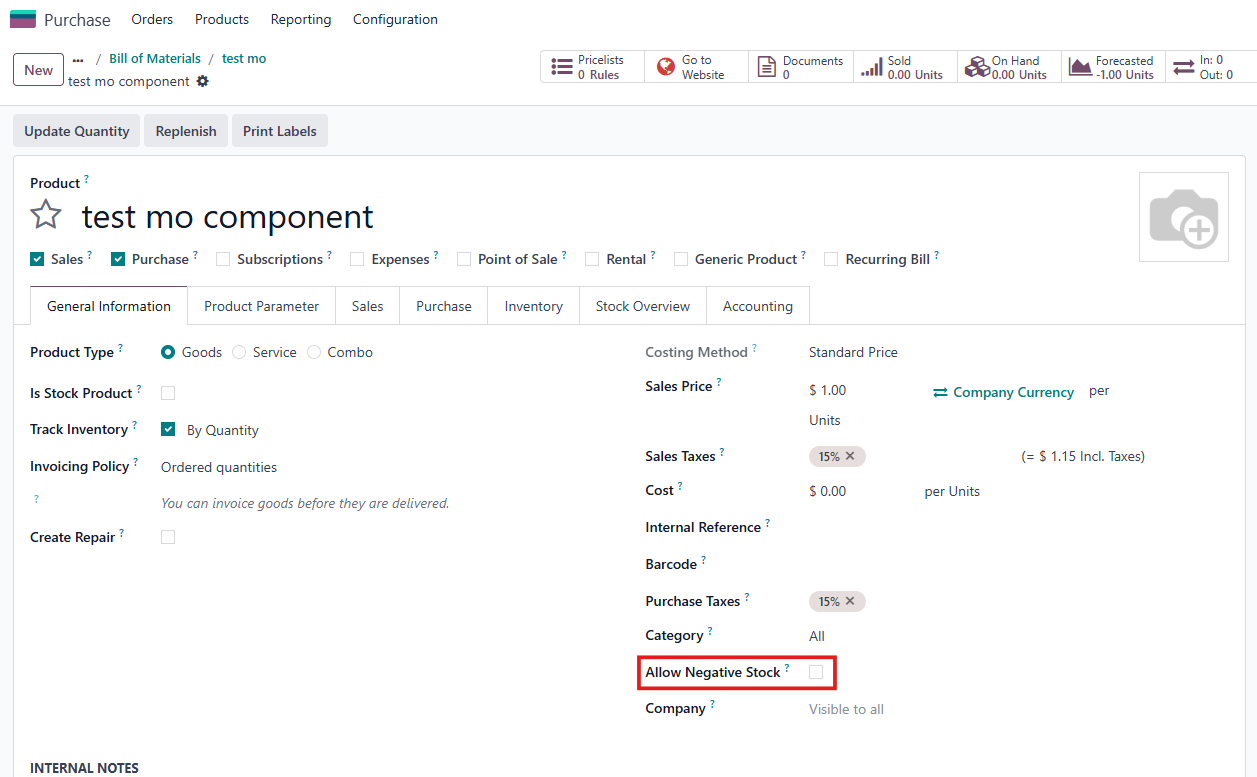 |