


ODOO'S FUNCTION
In Odoo, the Forecasted Report of a product includes all draft Sales Orders (SO), Purchase Orders (PO), and Manufacturing Orders (MO) by default. There is no option to include or exclude draft orders from the forecast selectively. This means that all pending quotations and draft documents are considered in the forecast, even if only some of them are relevant for planning.
CLUEDOO'S FUNCTION
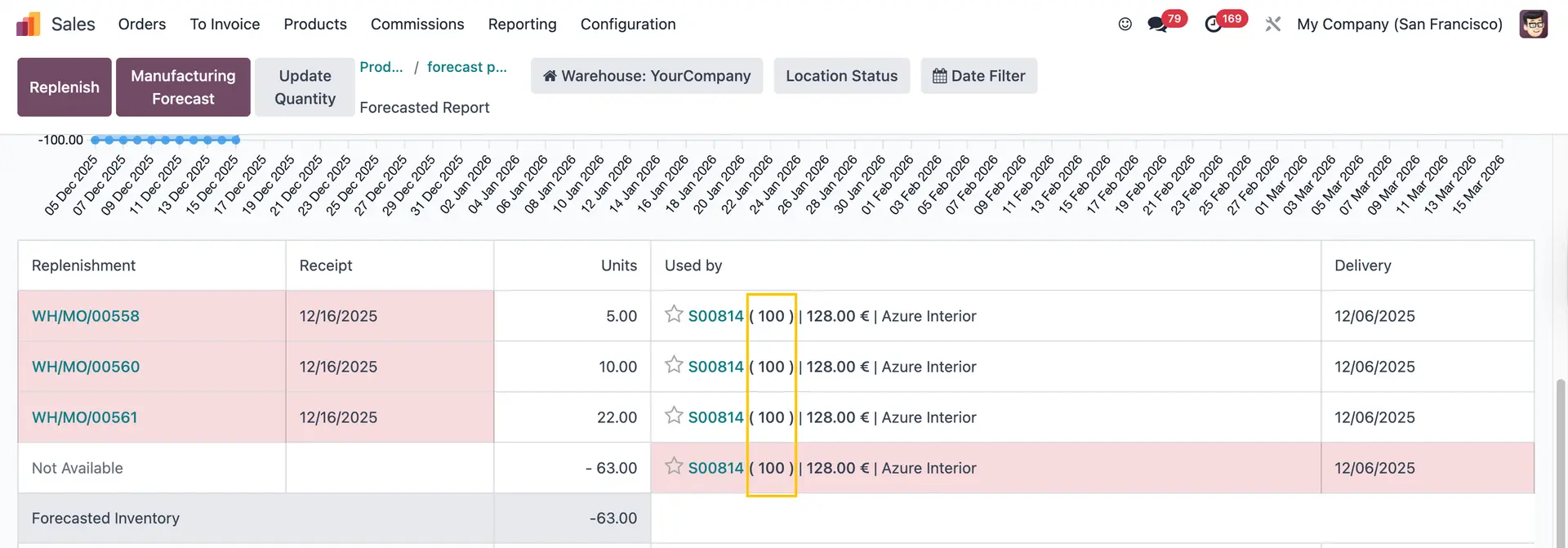
CLuedoo introduces a Forecast Included option on draft SOs, POs, and MOs. When this option is enabled, the corresponding order appears in the Forecasted Report of the product. This allows users to selectively include only relevant draft documents in the forecast. Additionally, the quantity from included draft orders is displayed in brackets next to the record name, making it easier to distinguish forecasted values.
1. Create a new product and make sure it is tracked by Quantity | 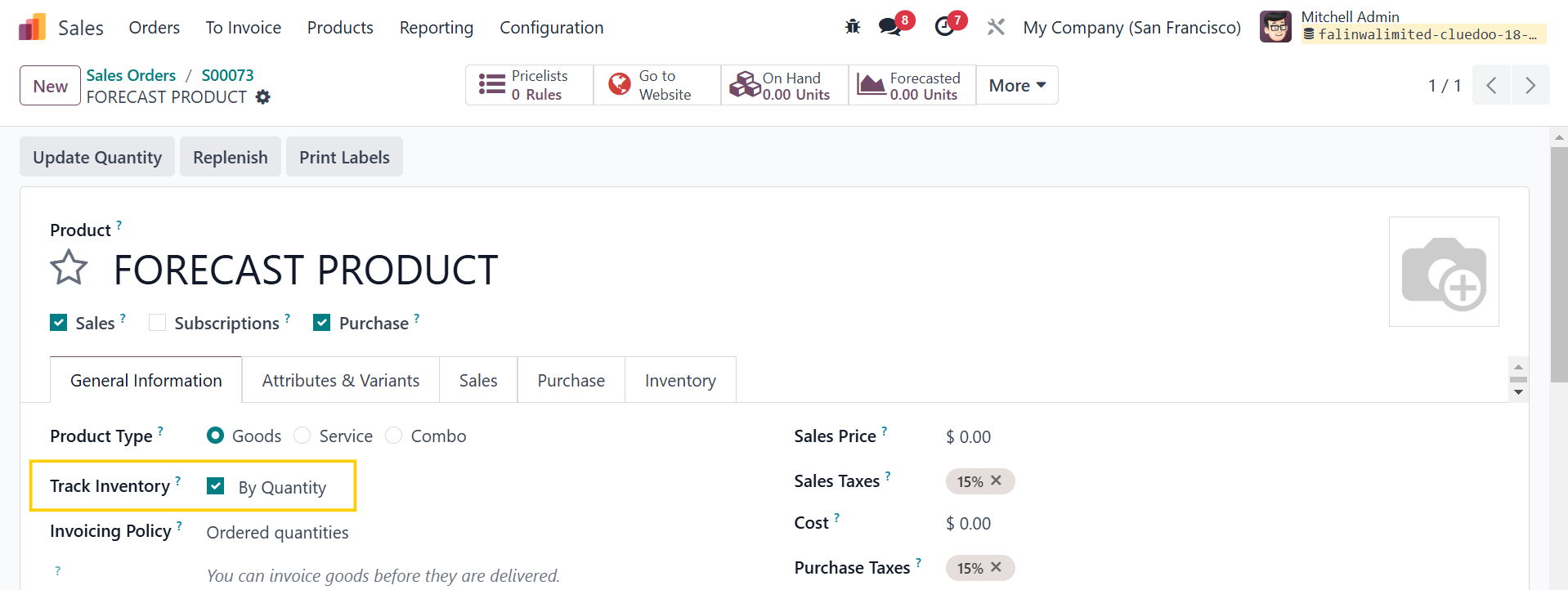 |
2. Create a Purchase Order > Fill in the quantity If Forecast Included is disabled > Nothing will show up in the Forecasted Report of the product | 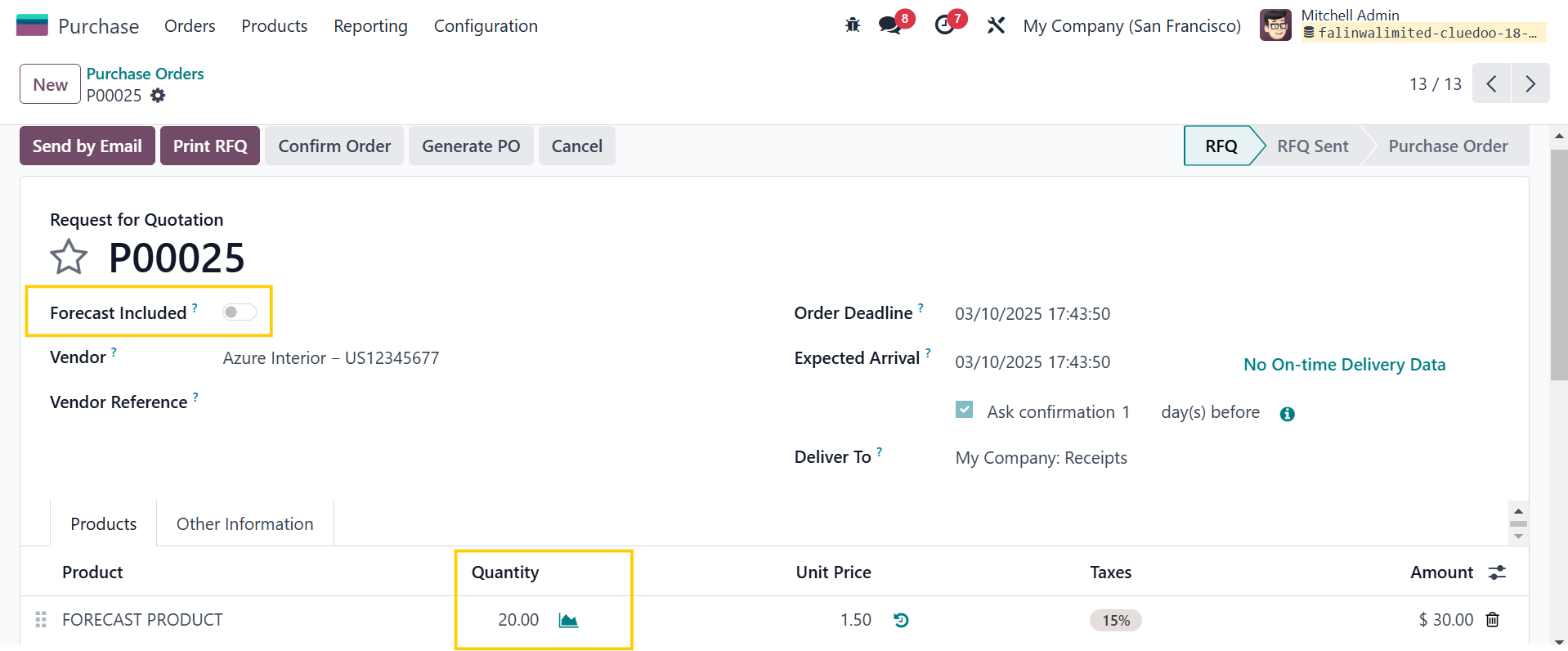 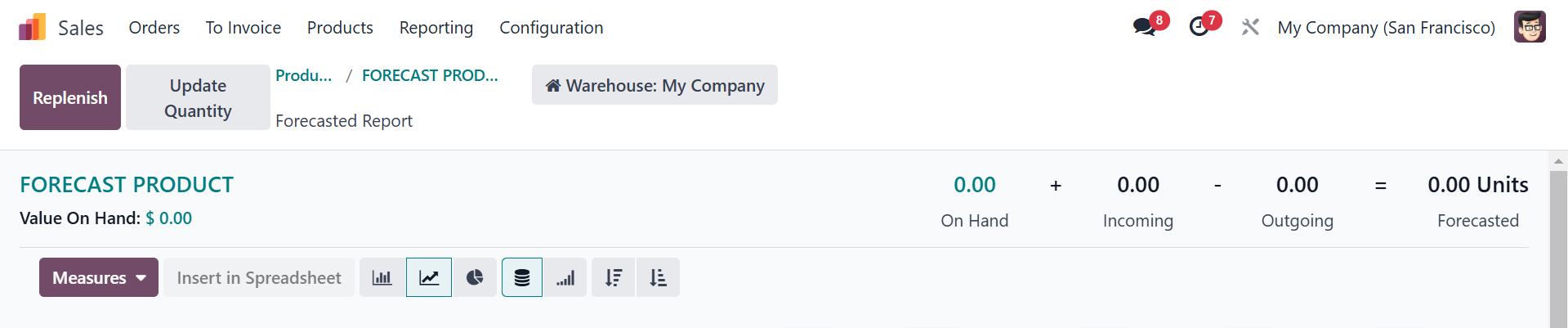 |
If Forecast Included is enabled > the information of the PO will show up in the Forecasted Report with the quantity in brackets next to the record name | 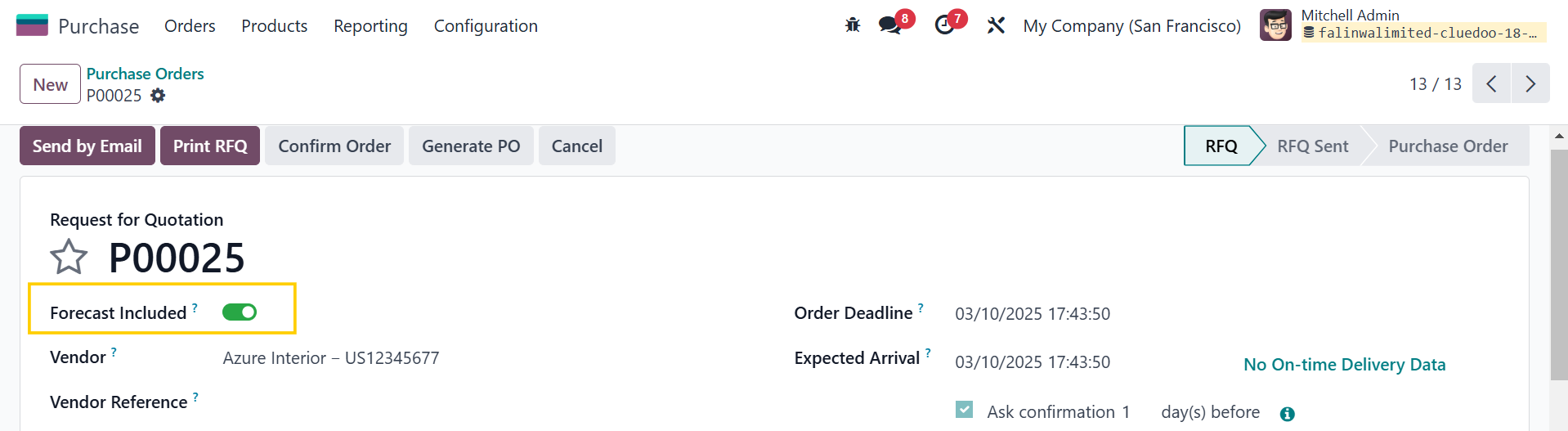  |
It works the same with draft Sales Orders | 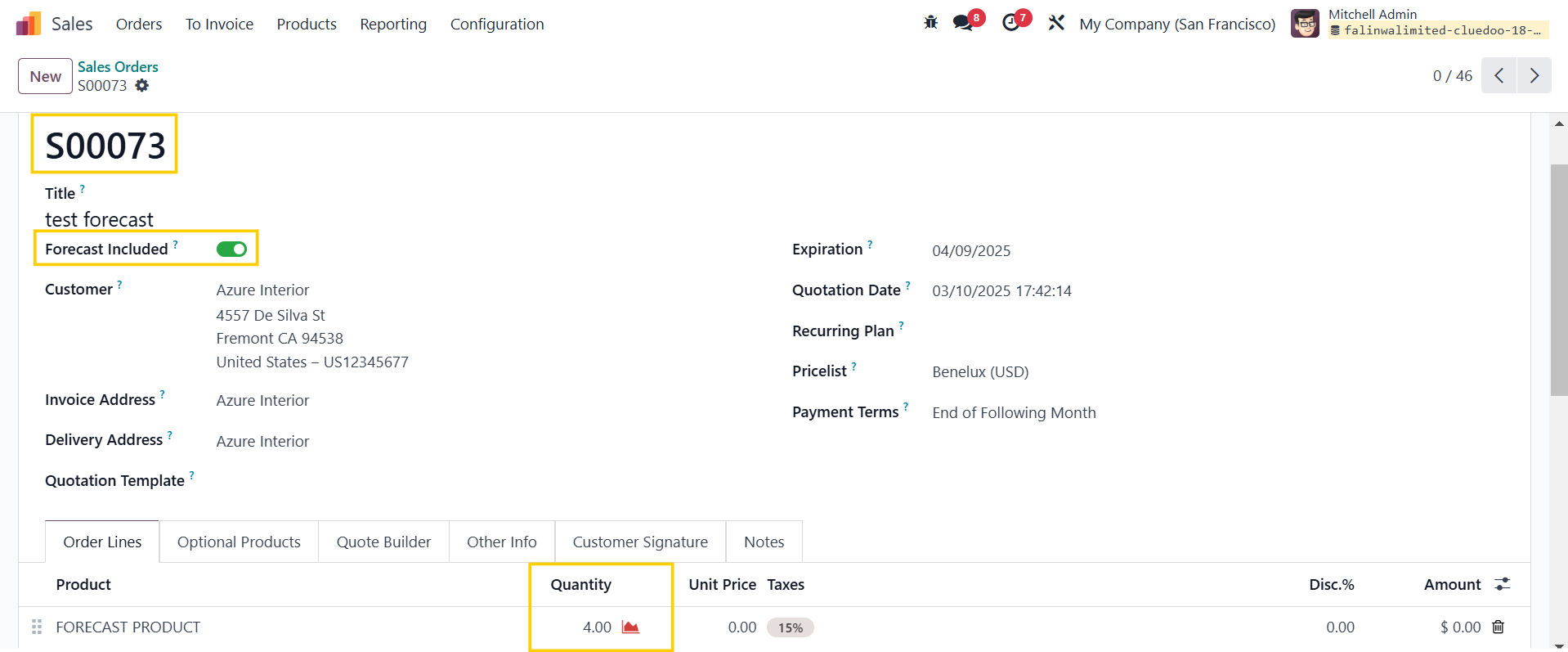 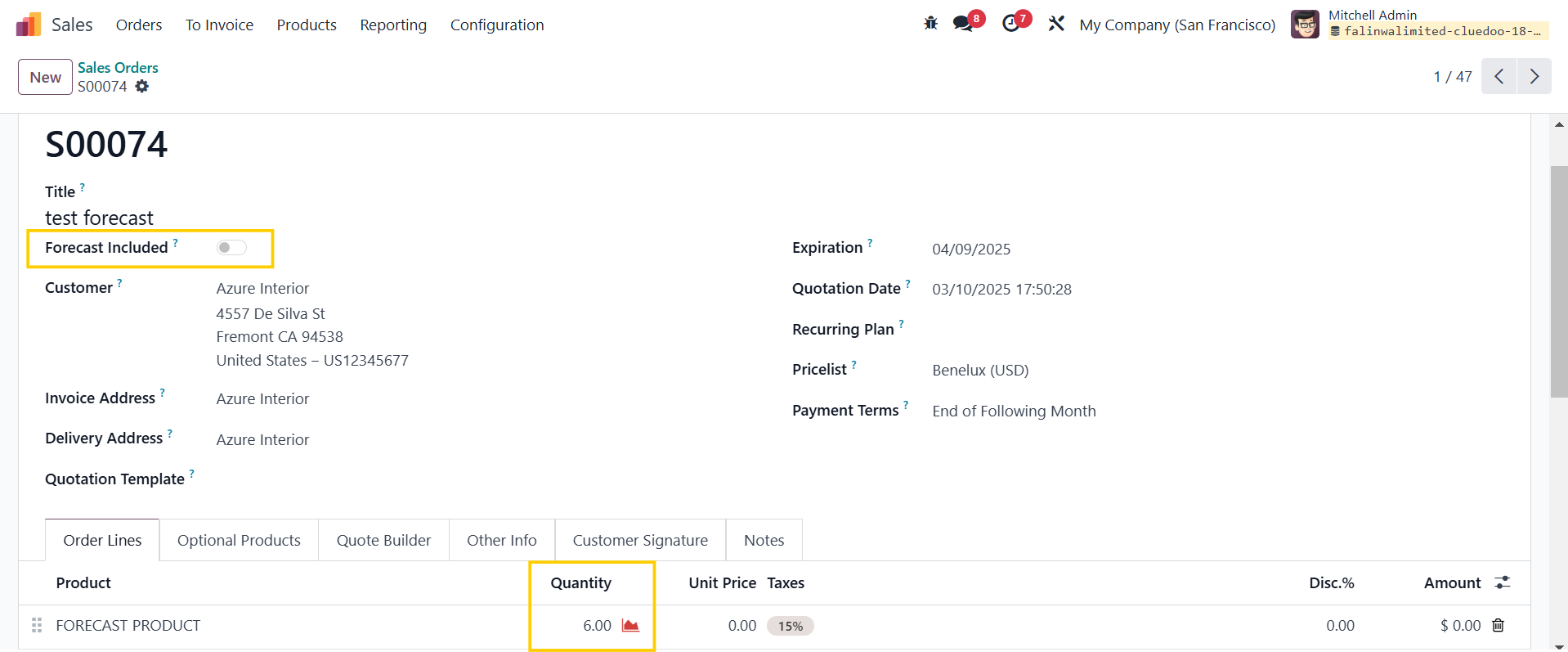 |
And draft Manufacturing Orders | 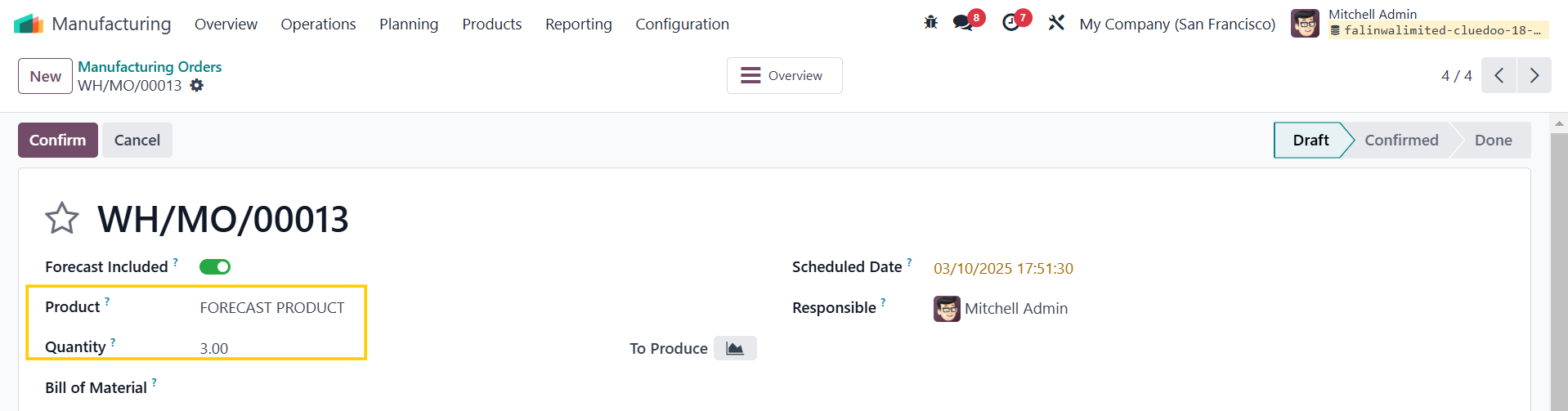 |
Only the ones with "Forecast Included" enabled will show up in the Forecasted Report | 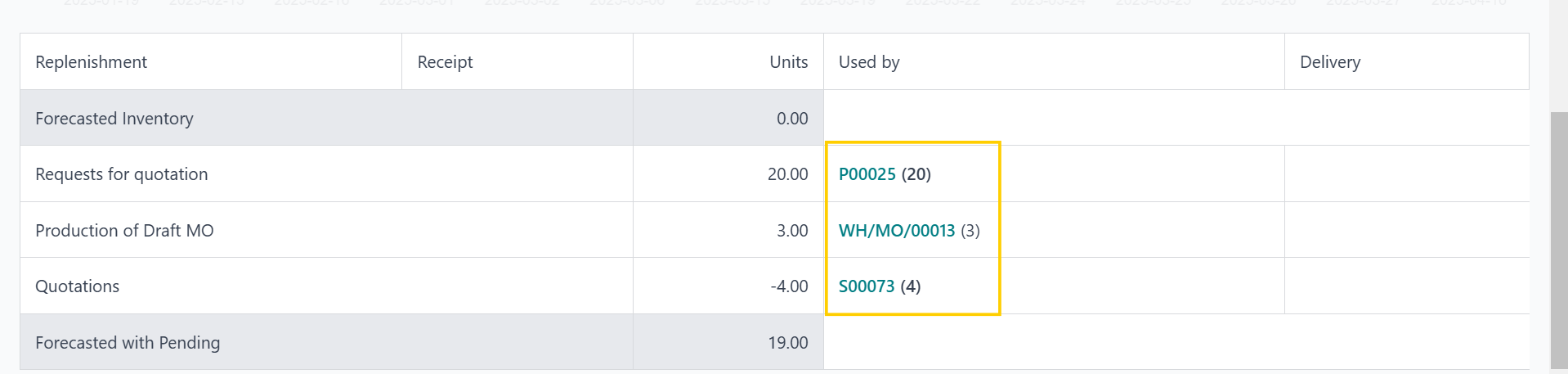 |
When one Sales Order is fulfilled by multiple sources, for example, the SO will show the demand quantity in brackets next to the record name |
|