ODOO'S FUNCTION
In Odoo, journal entries can be automatically created from several business documents such as Sales Orders, Purchase Orders, Expenses, Payroll, Assets (assets/loans/provisions), Deferred Revenues/Expenses, and Tax Reports. However, for other manual or accounting-specific journal entries, there is no standard mechanism to link them to a source document with an approval process before the entry is created.
CLUEDOO'S FUNCTION
CLuedoo introduces a new Approval Type: Create Journal Entry. This feature allows users to submit a request that goes through an approval workflow, and once approved, the system automatically creates the corresponding journal entry, providing a clear process from request → approval → journal entry creation.
1. Go to Approvals > Configuration > Approval Categories > We have a new type: Create Journal Entry | 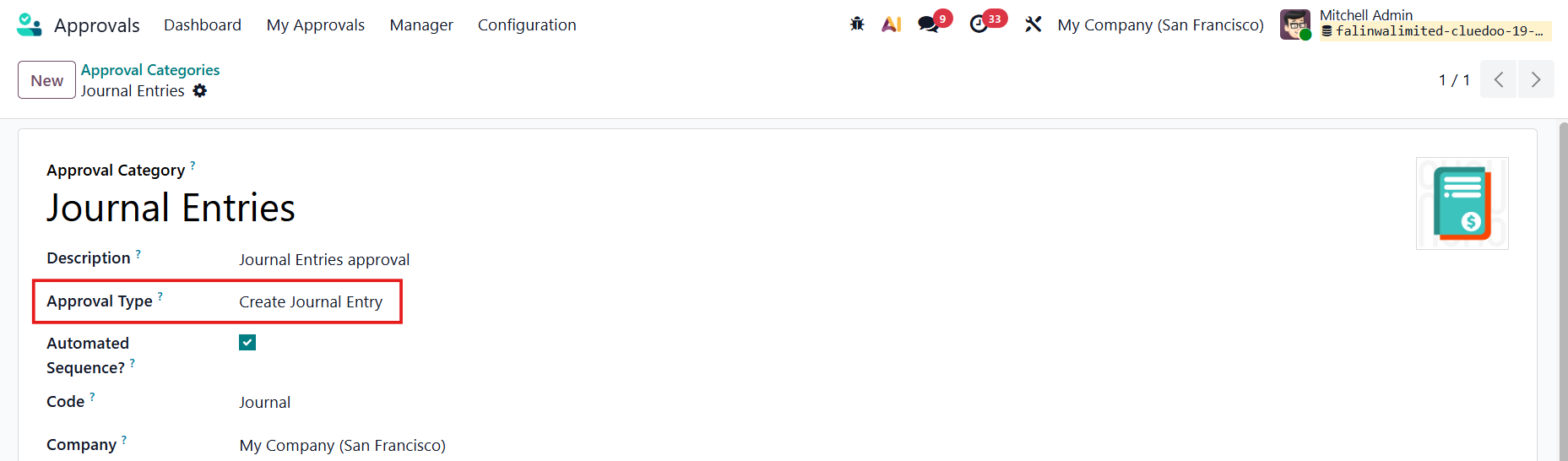 |
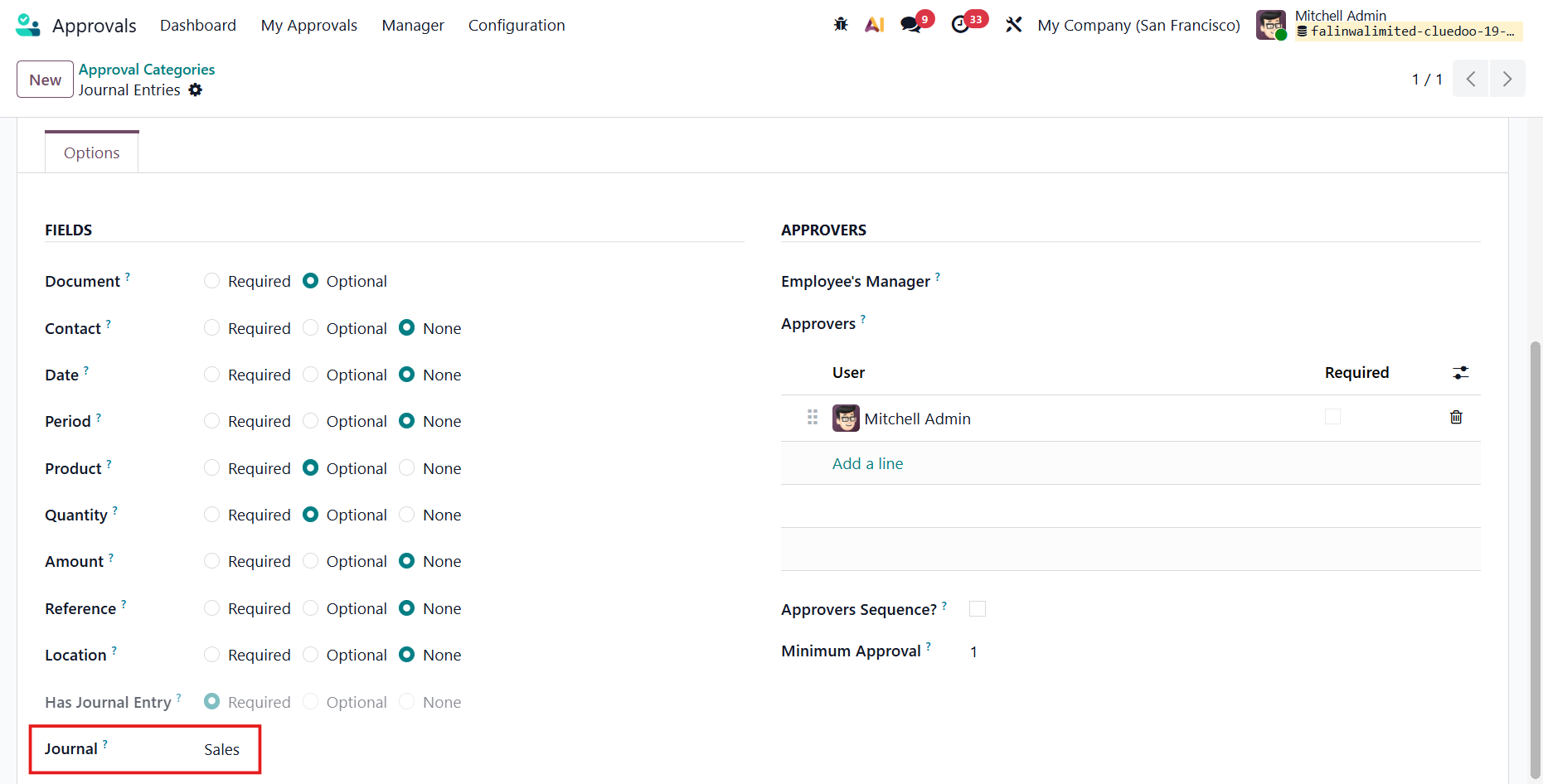
Under the Options tab, we can input the Journal and it will be propagated to the approval request, with possibility to change. |
|
2. Go to Approvals Dashboard and submit a New Request | 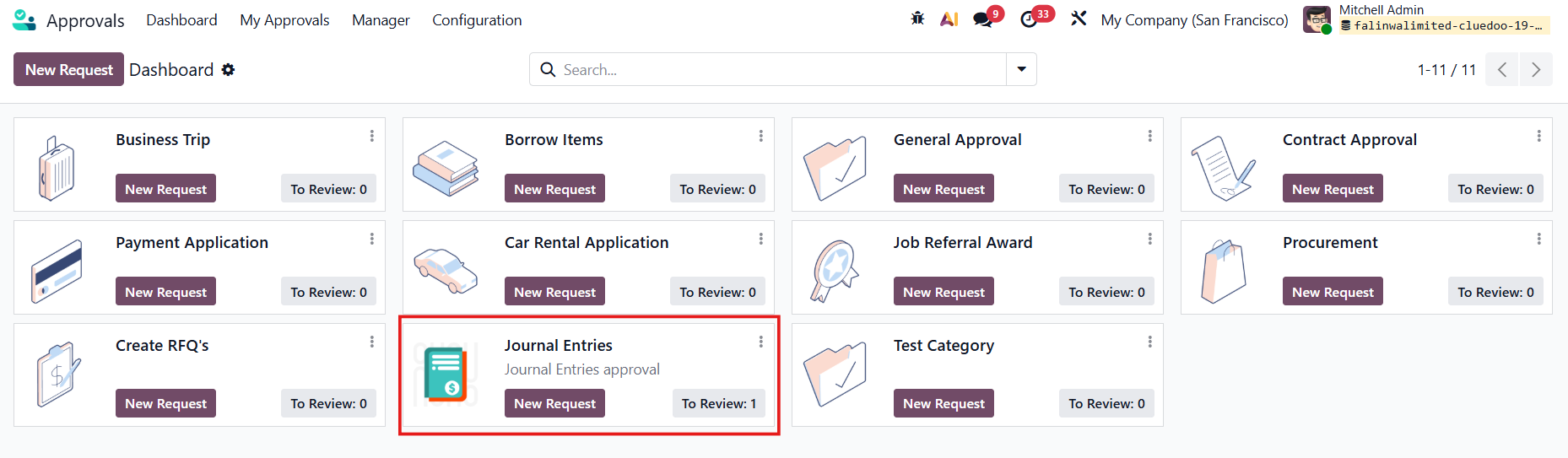 |
Fill in the necessary information like Description, Account, Amount (Positive = Debit, Negative = Credit), etc., and the Attachment(s) | 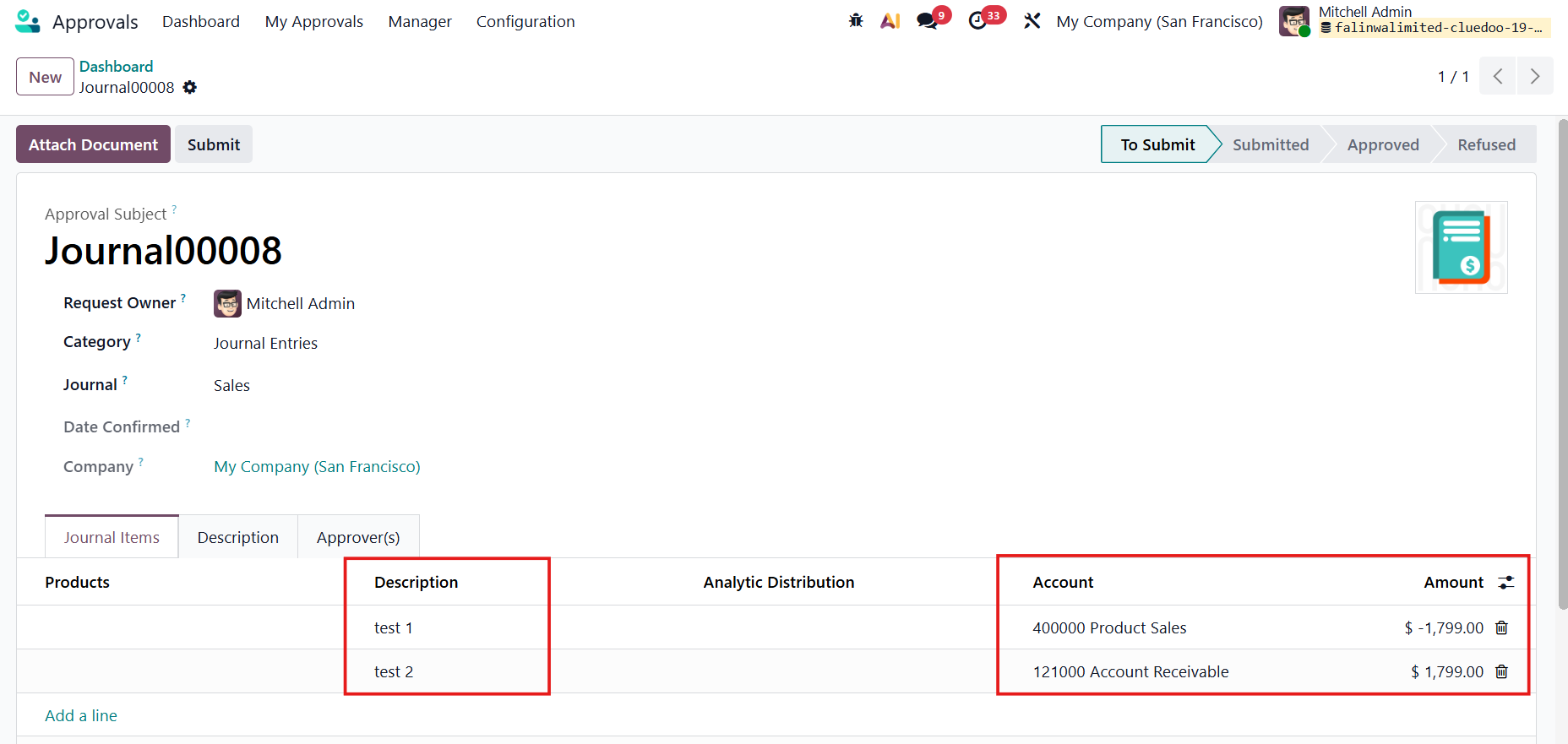 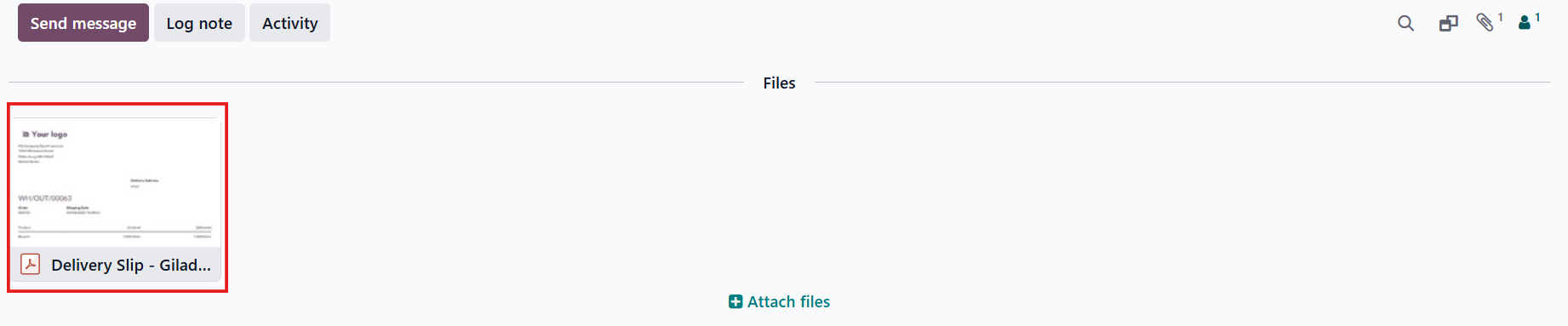 |
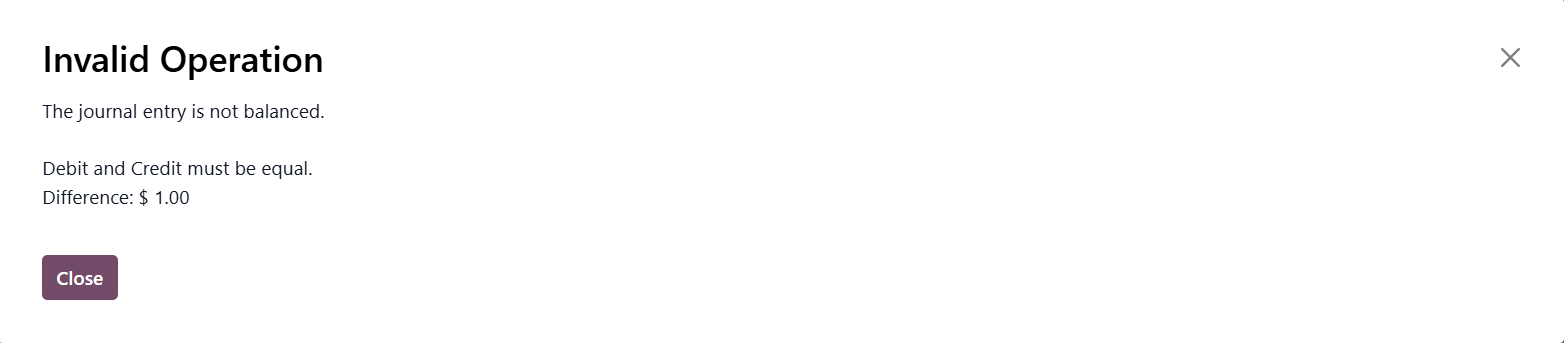
Note: If the positive and negative amount is unbalanced, there will be a warning. |
|
3. Submit the request > After the request is approved, a Journal Entry will be automatically created > Click on the smart button | 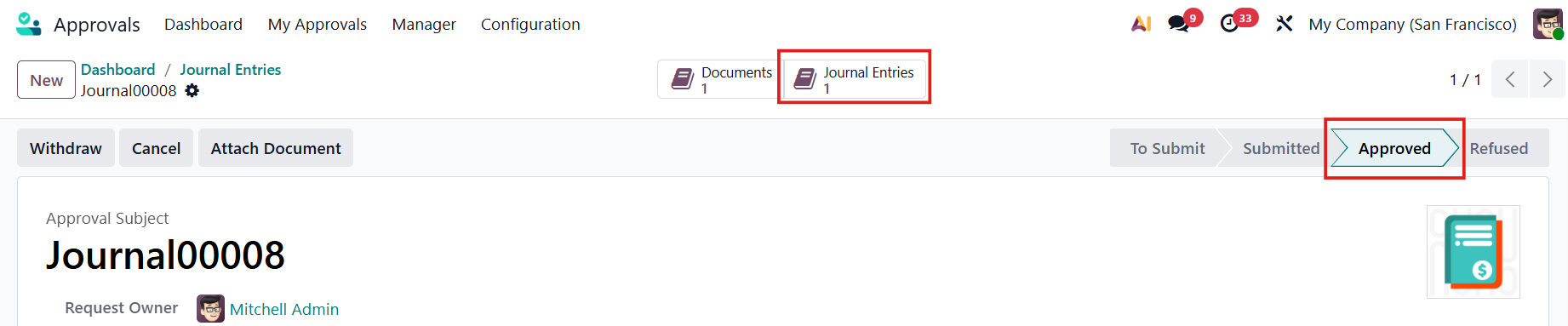 |
The JE will have the following information:
| 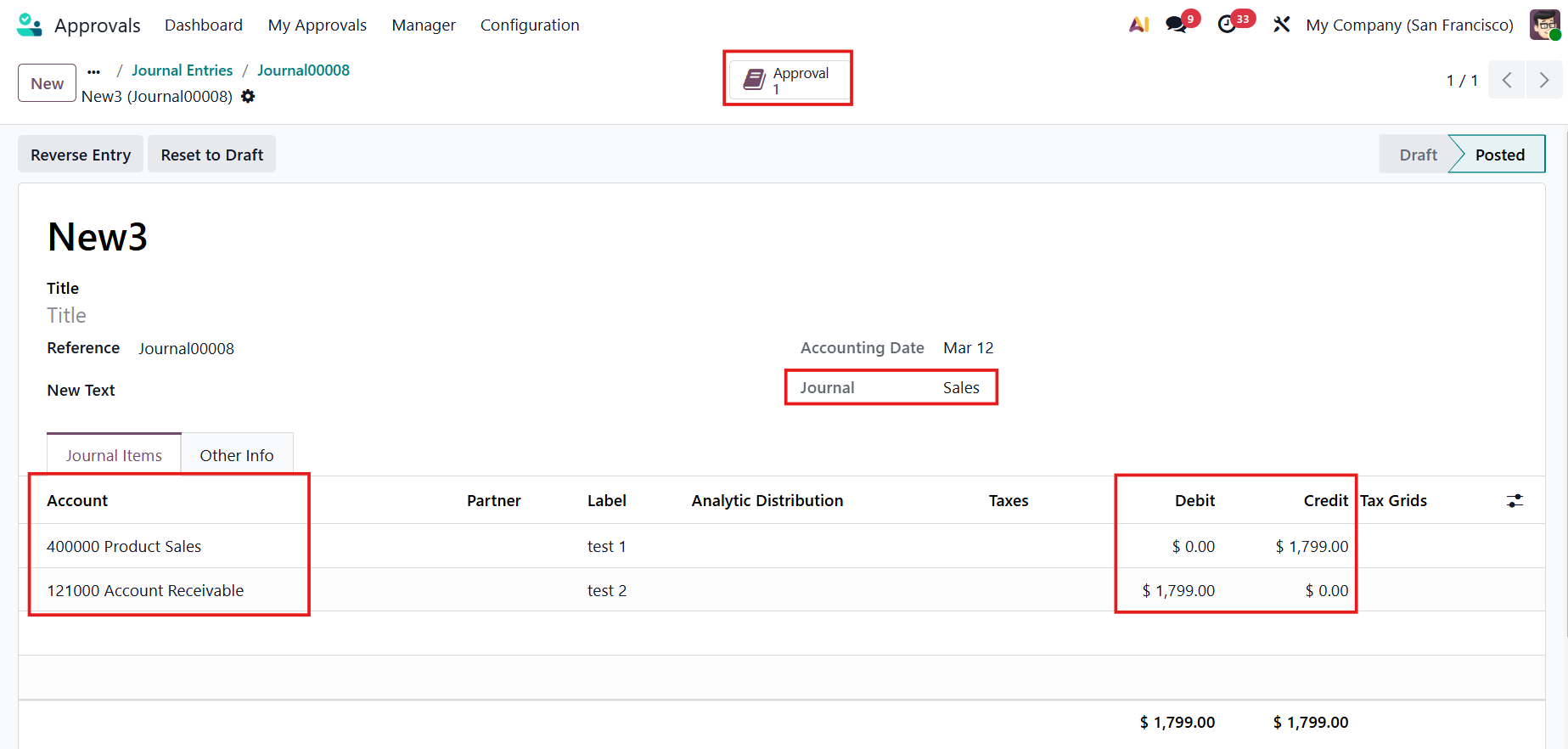 |
| 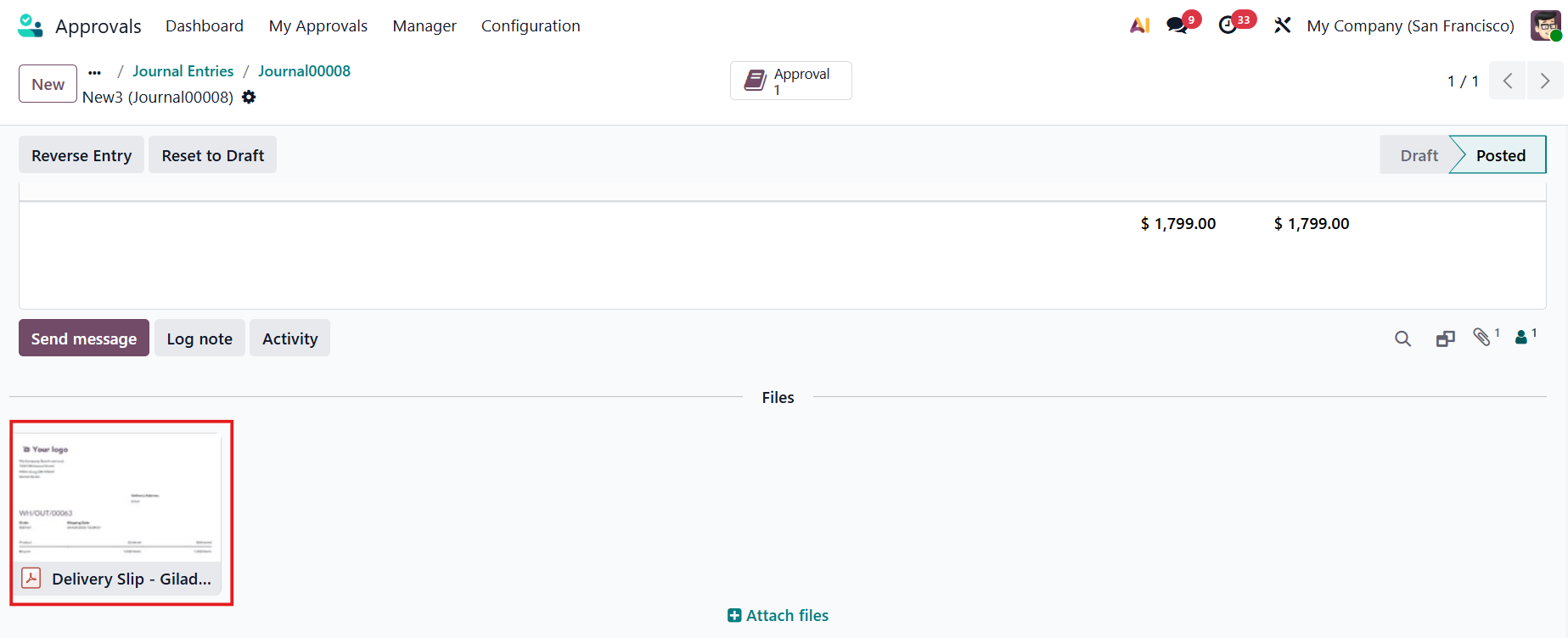 |
4. Return to the approval > A Journal Entries smart button has been added to link the approval request with all the journal entries. | 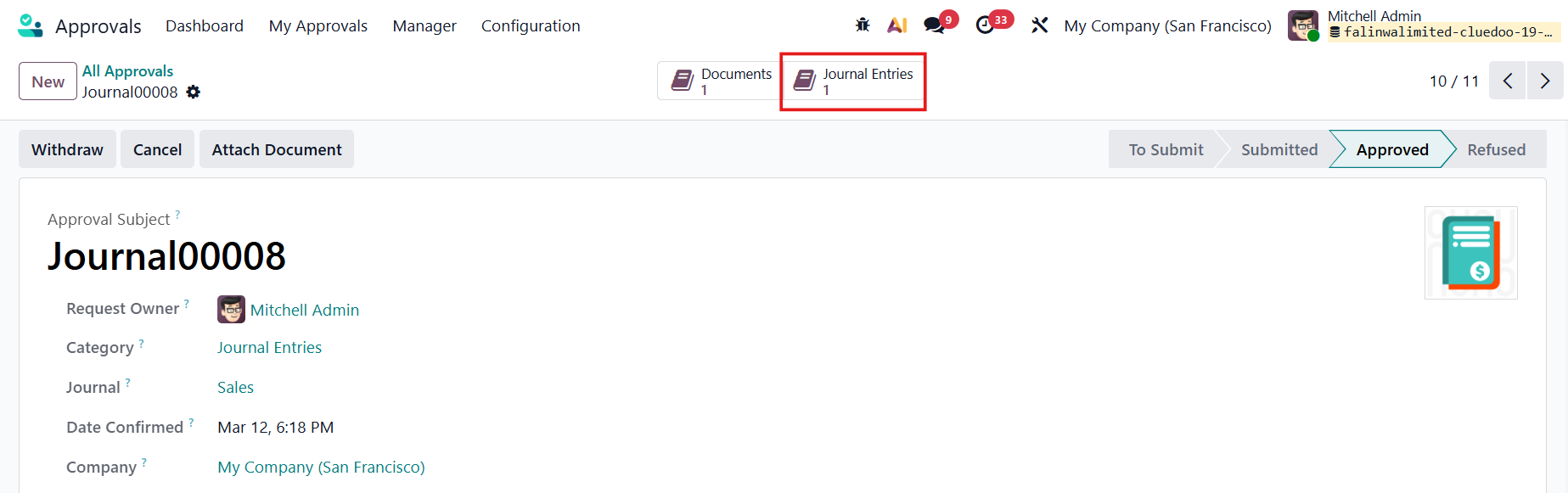 |