


ODOO'S FUNCTION
By default, in Odoo, users are unable to upload documents and dynamically apply predefined templates. Moreover, there is no upload option, as well as template selection, included in the Signature Request Activities.
CLUEDOO'S FUNCTION
CLuedoo extends Odoo’s capabilities by enabling users to:
1️⃣ Reuse field templates from existing PDFs and apply them seamlessly to newly uploaded documents.
2️⃣ Upload document and select the template in Signature Request Activities, eliminating pre-configuration steps and optimizing the signing process for efficiency.
CONFIGURATION | |
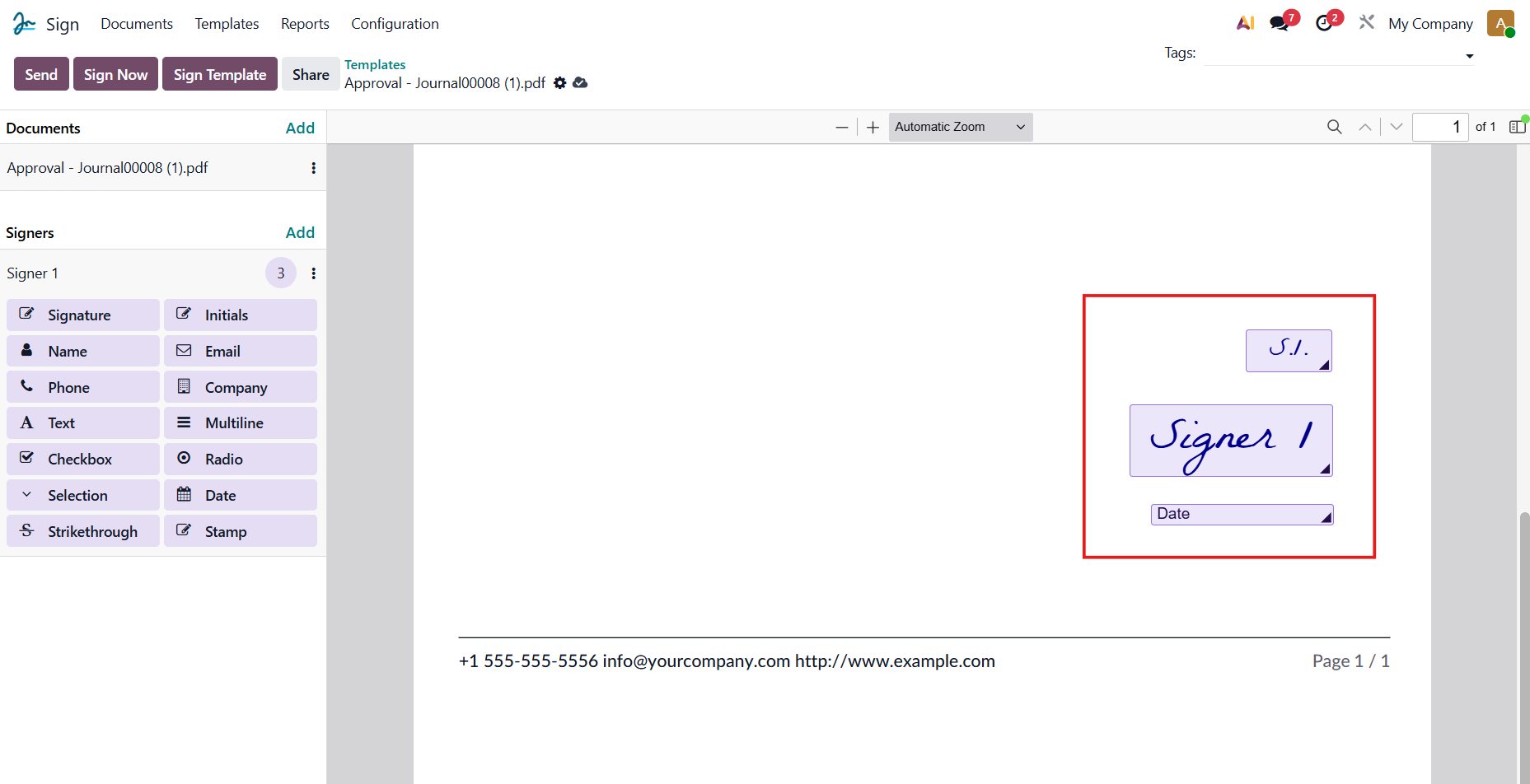
We can create/edit our template by navigating to the Sign application > Templates > selecting the option to upload a PDF template and customizing it as needed. |
|
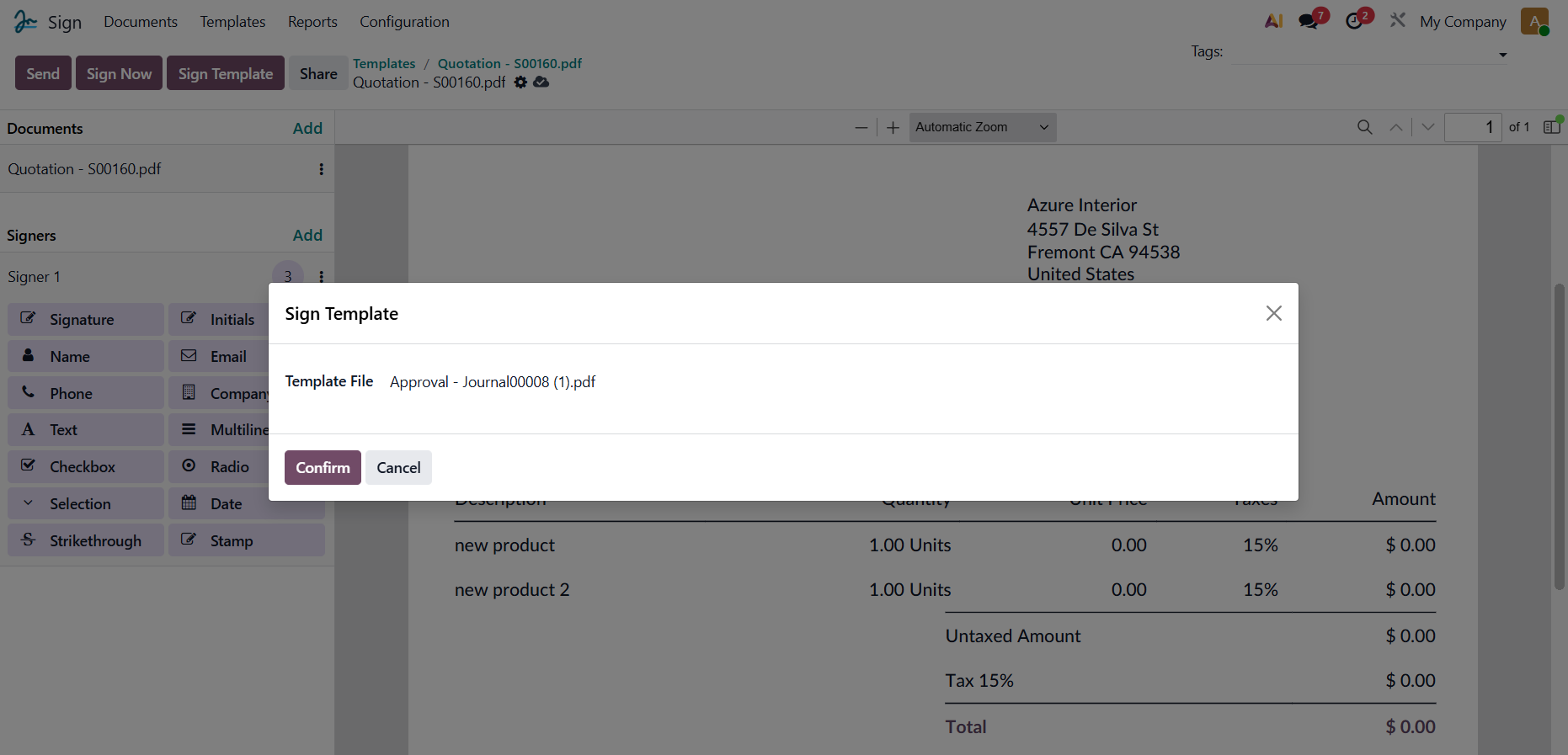
We can also upload a document first and subsequently apply the layout from a different template to our template by using the Sign Template button. |
|
USAGE | |
1. Go to Approvals or any module with scheduled activities of your choice > Create a new request or select an existing one > Click on Activity and a Schedule Activity window will appear > Set the Activity Type to Request Signature/Signature > Click Schedule/Save | 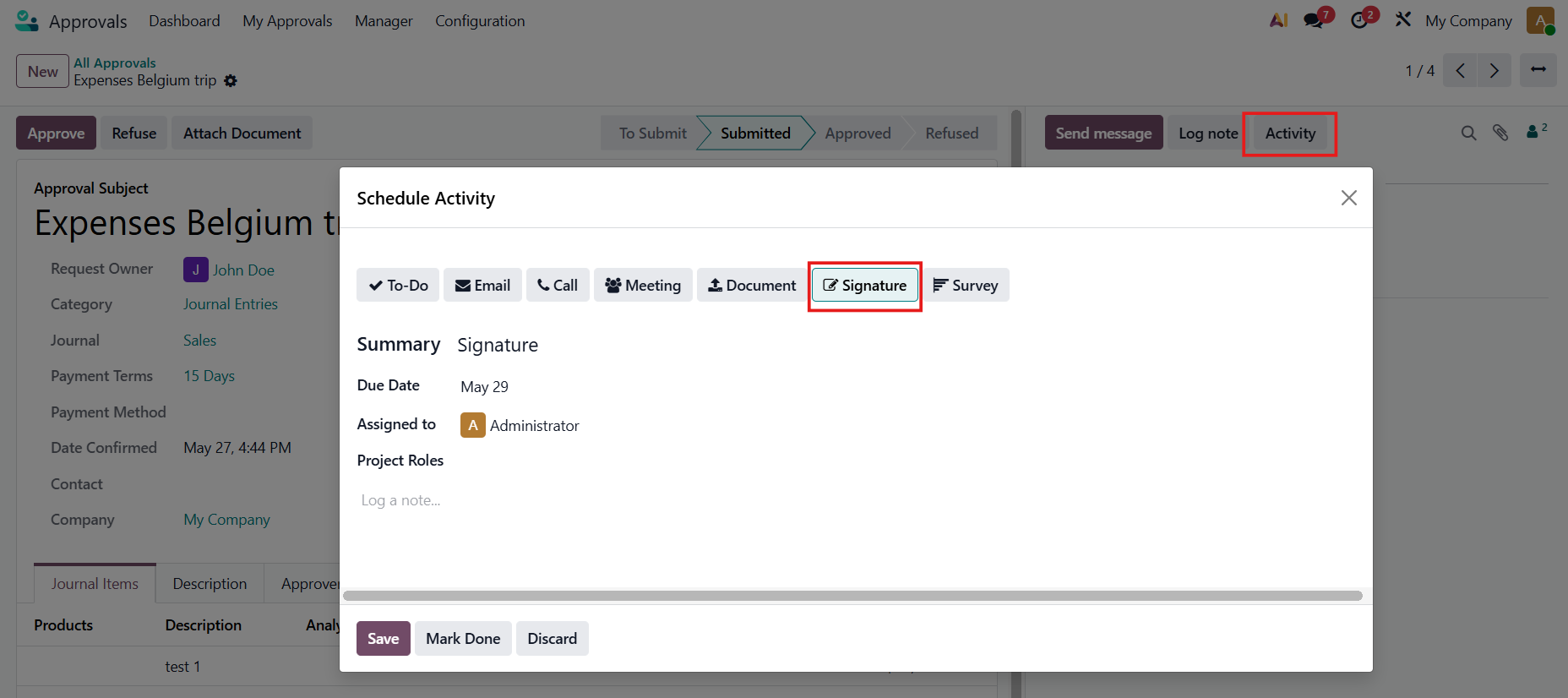 |
2. Click Request Signature and set the sign template > Upload the document you need signed > Sign Now/ Send If the Sign Now option is selected, proceed directly to step 4 to sign immediately | 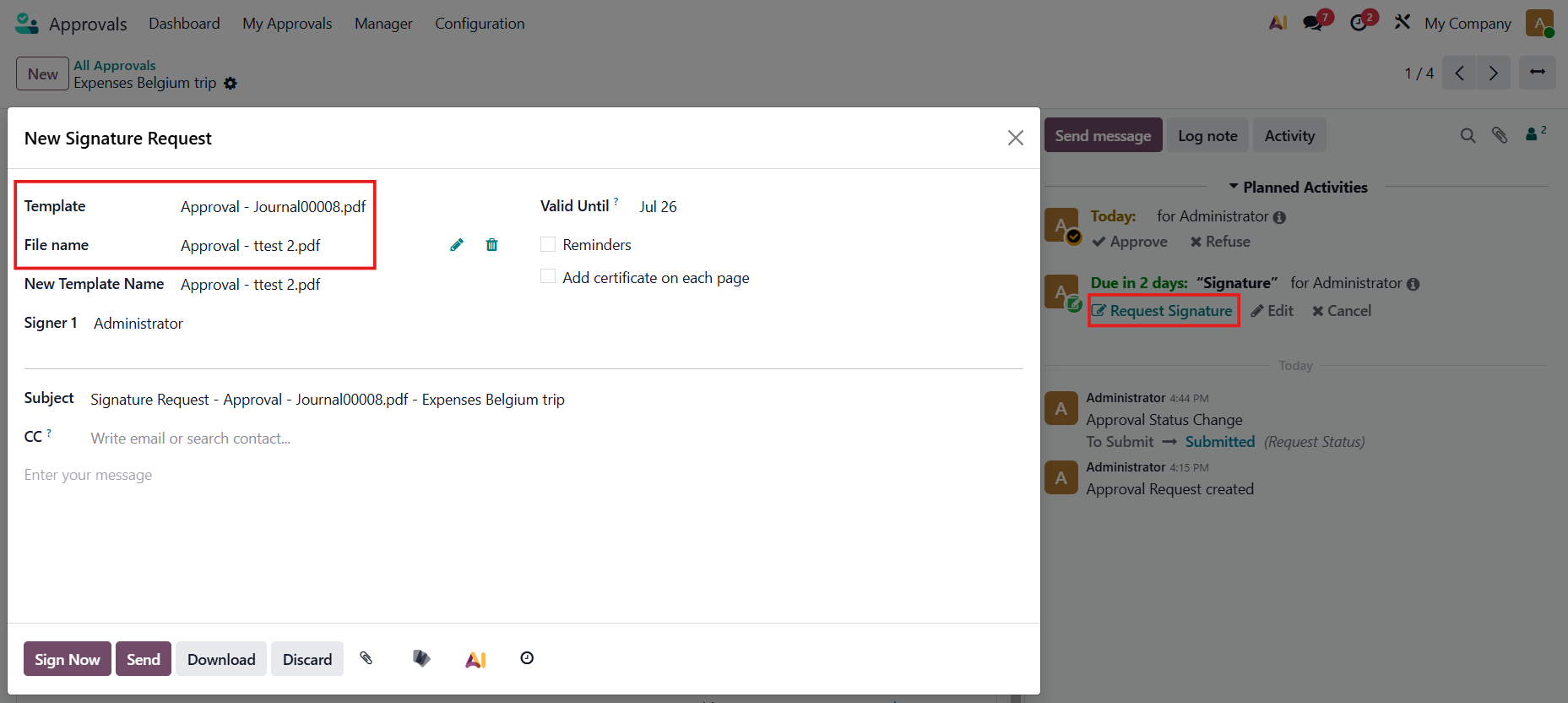 |
3. Go to Sign > All Documents. You can access the document(s) you have uploaded to facilitate the signature request. | 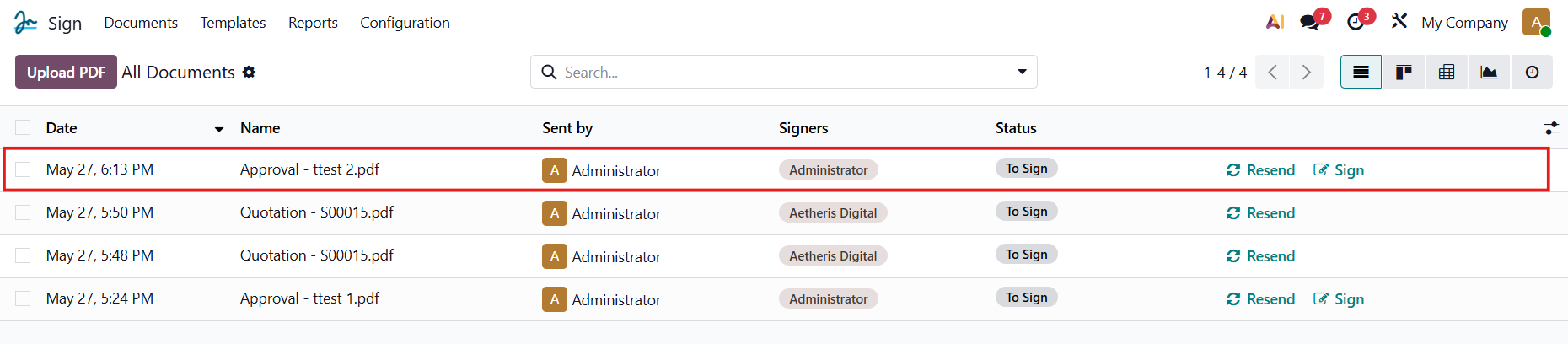 |
4. Open the document and select the "Sign Now" option to proceed with signing the file. The layout from the existing template is applied to your uploaded document. | 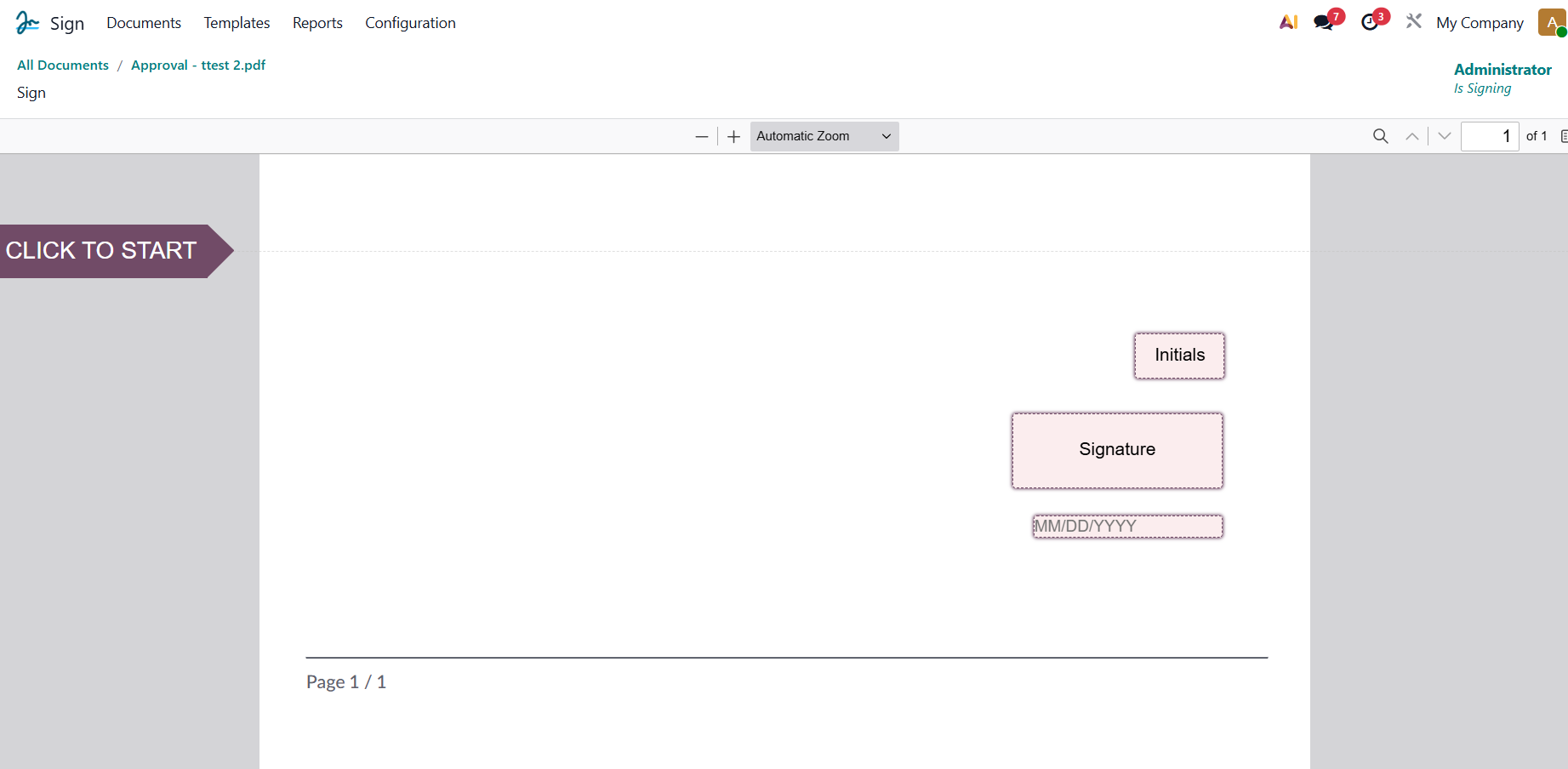 |
OR You can also go to Documents > Select "Upload a PDF & Sign" and then upload the document of your choice | 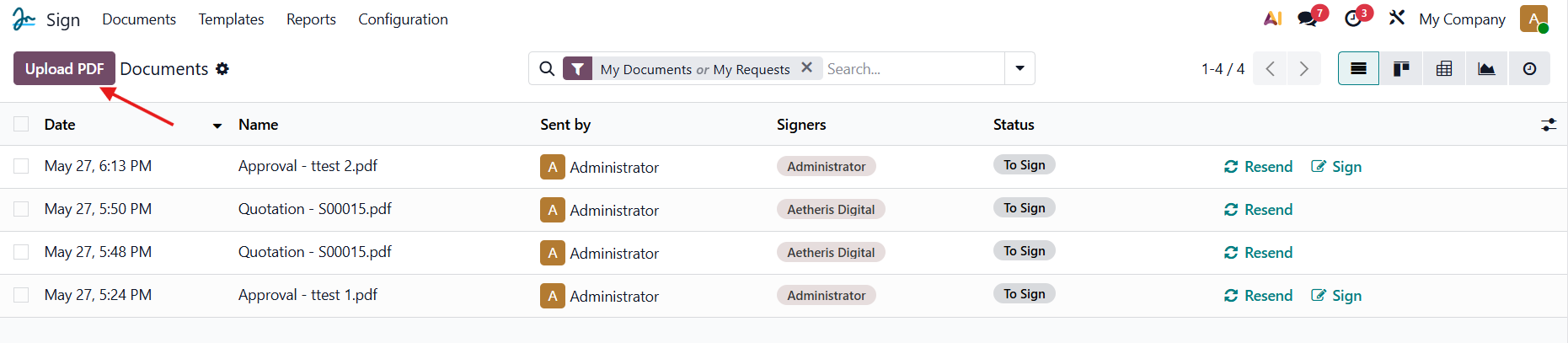 |
Choose "Sign Template" to choose the template you want to apply to your document, then click "Confirm". The layout from the existing template will be applied to your uploaded document. | 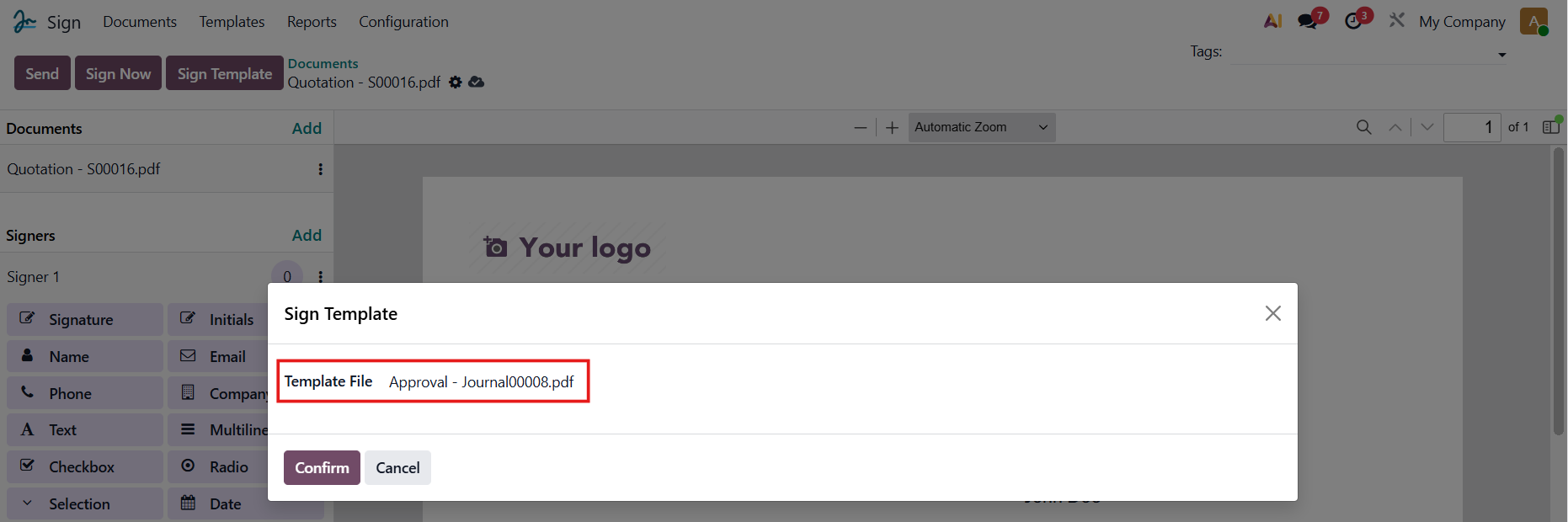 |
5. Review the document and confirm the signature. Once validated, the document is officially signed. | 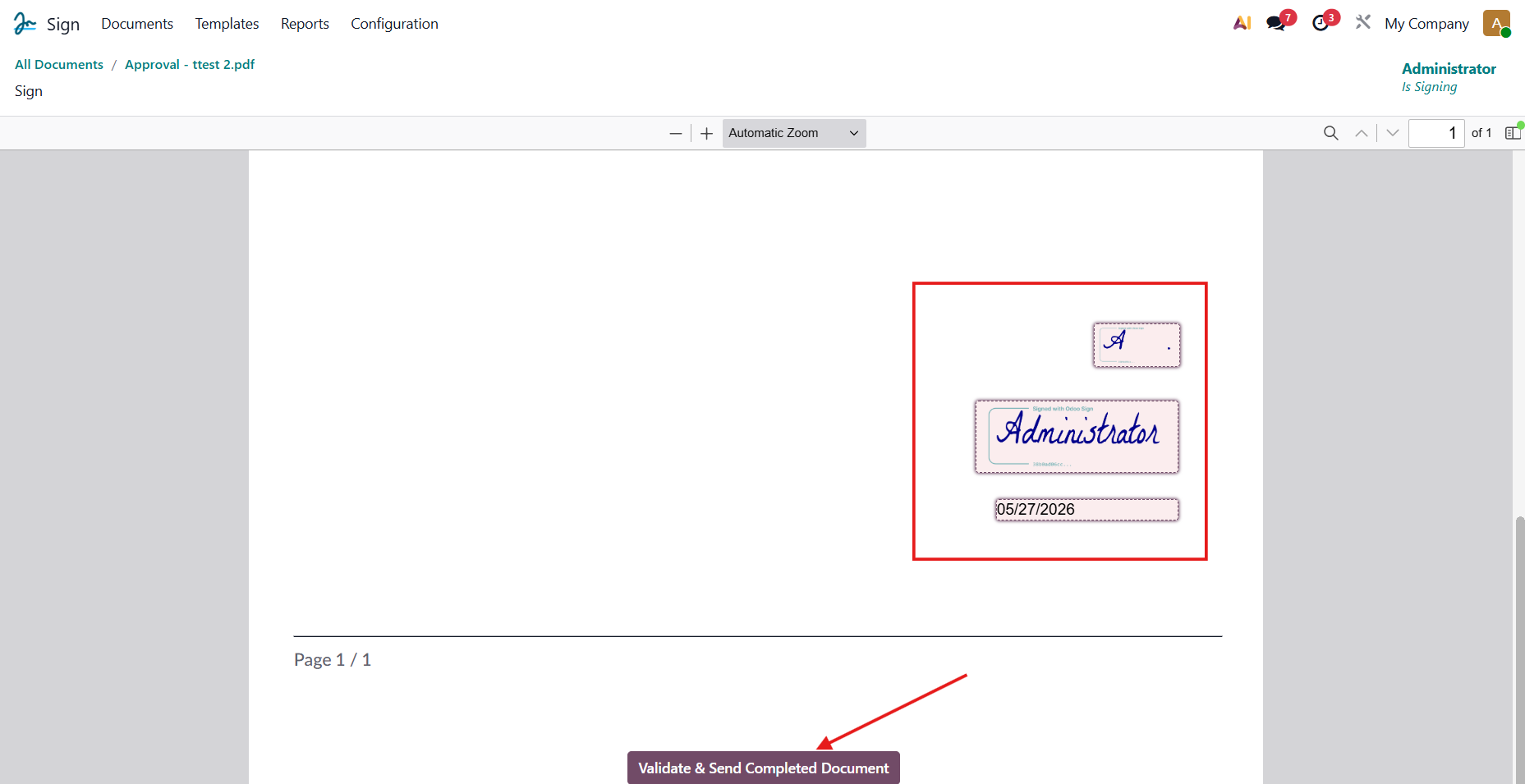 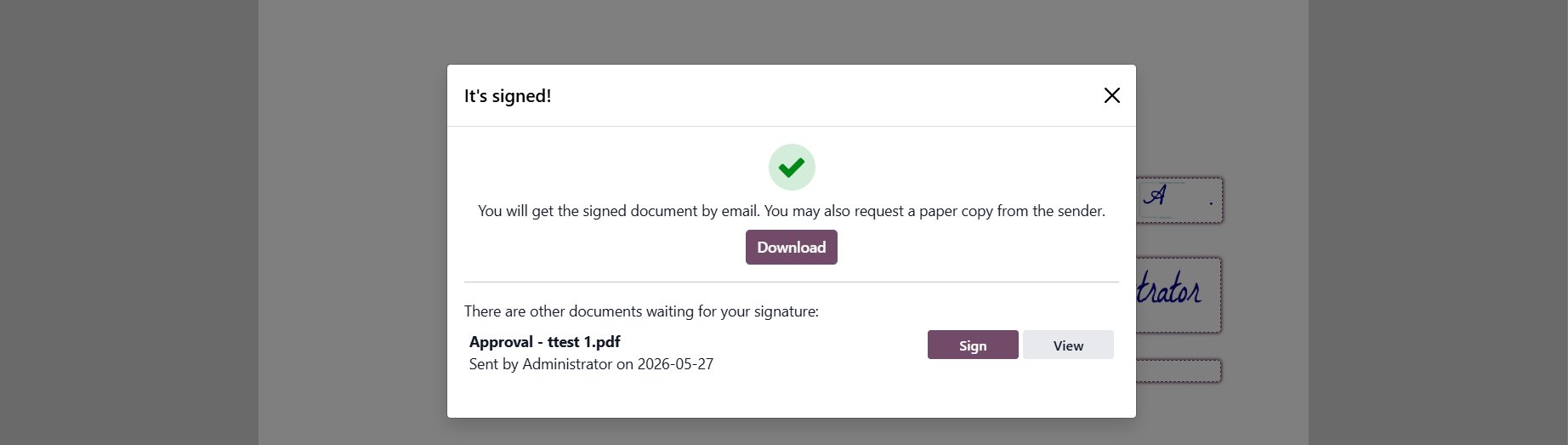 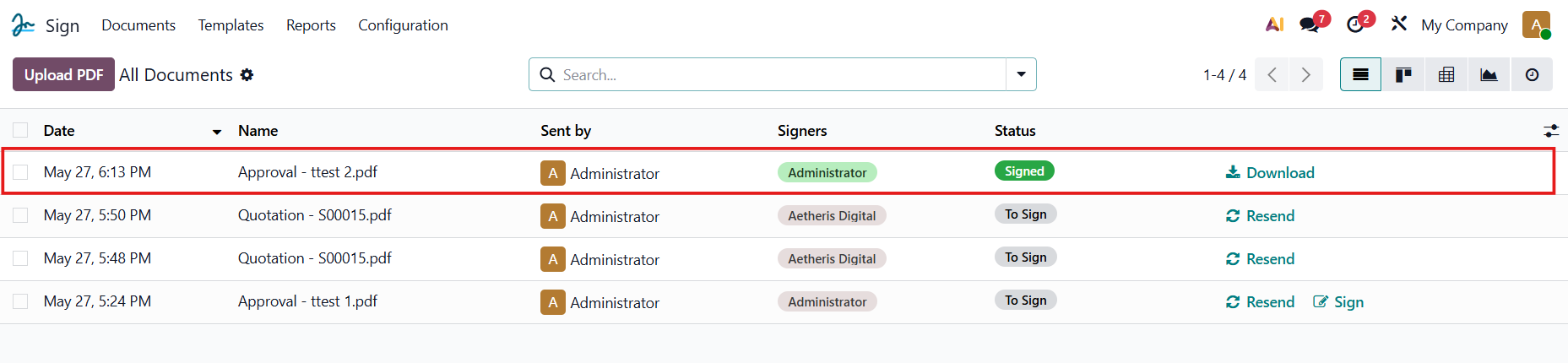 |