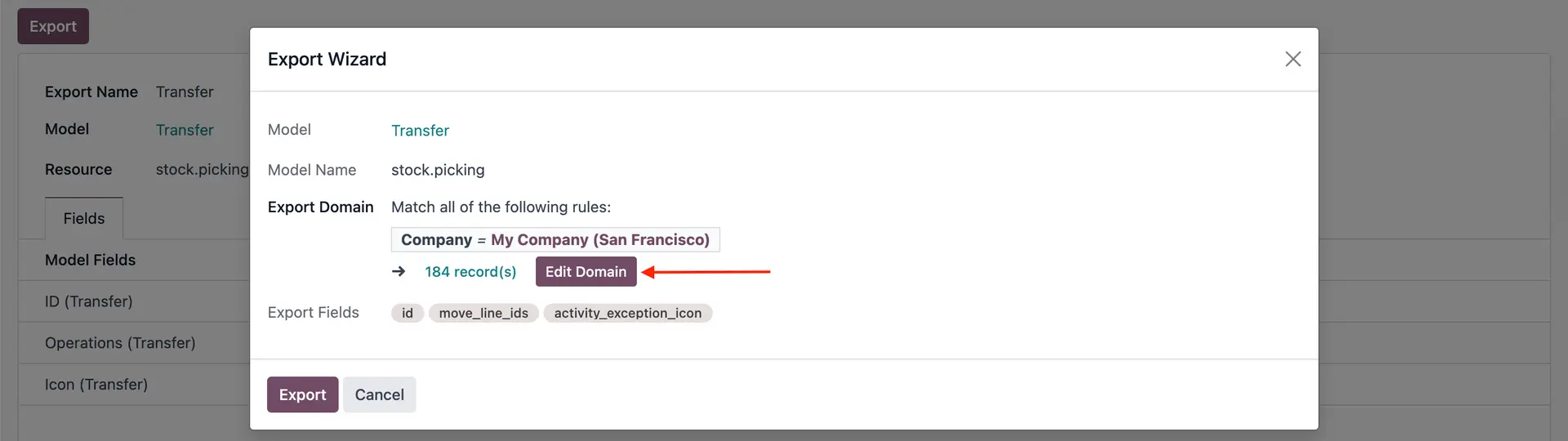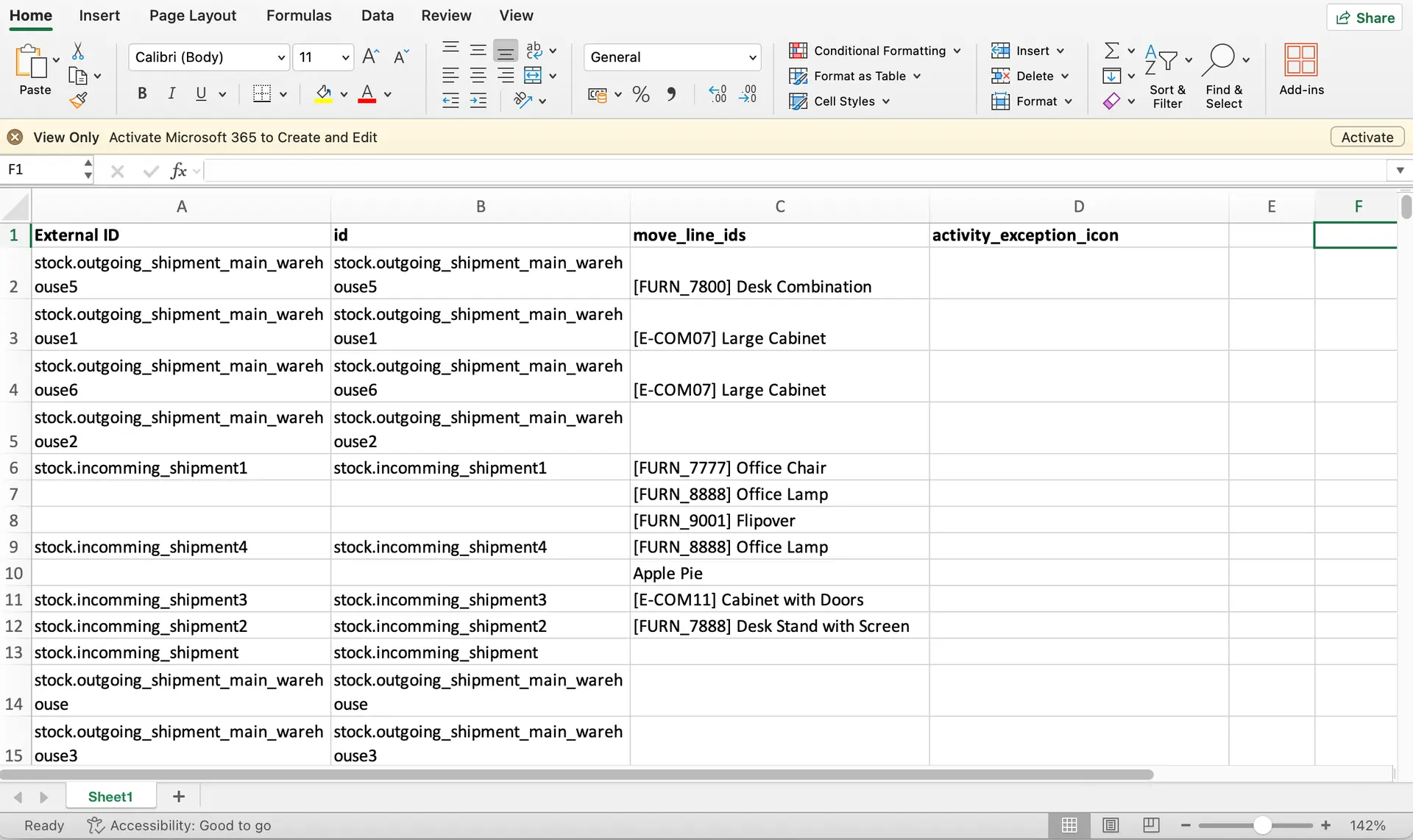


ODOO'S FUNCTION
With Odoo's export access right, the users can export templates.
CLUEDOO'S FUNCTION
CLuedoo extends this feature to allow users without export access to export using predefined templates.
1. Go to Settings > Users > Choose a user that is not an admin user > Check box Cluedoo: Allow easy report, and uncheck the box Access to export feature Notes:
| 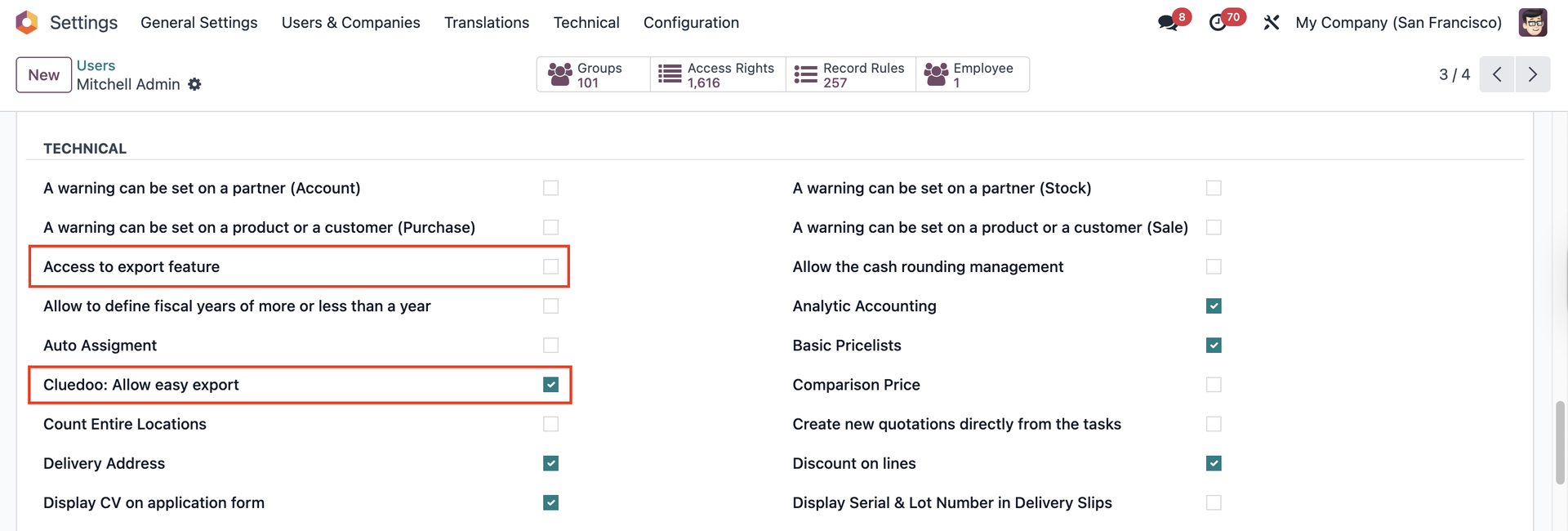 |
2. With the CLuedoo access, you can see a new menu created - Easy Export | 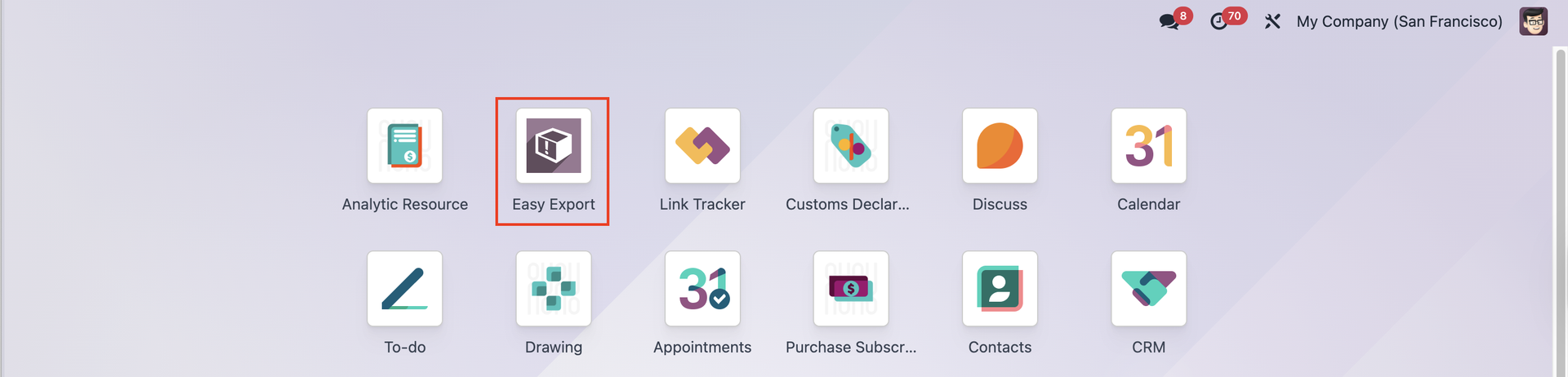 |
3. Choose one of the export lists and click the Export button | 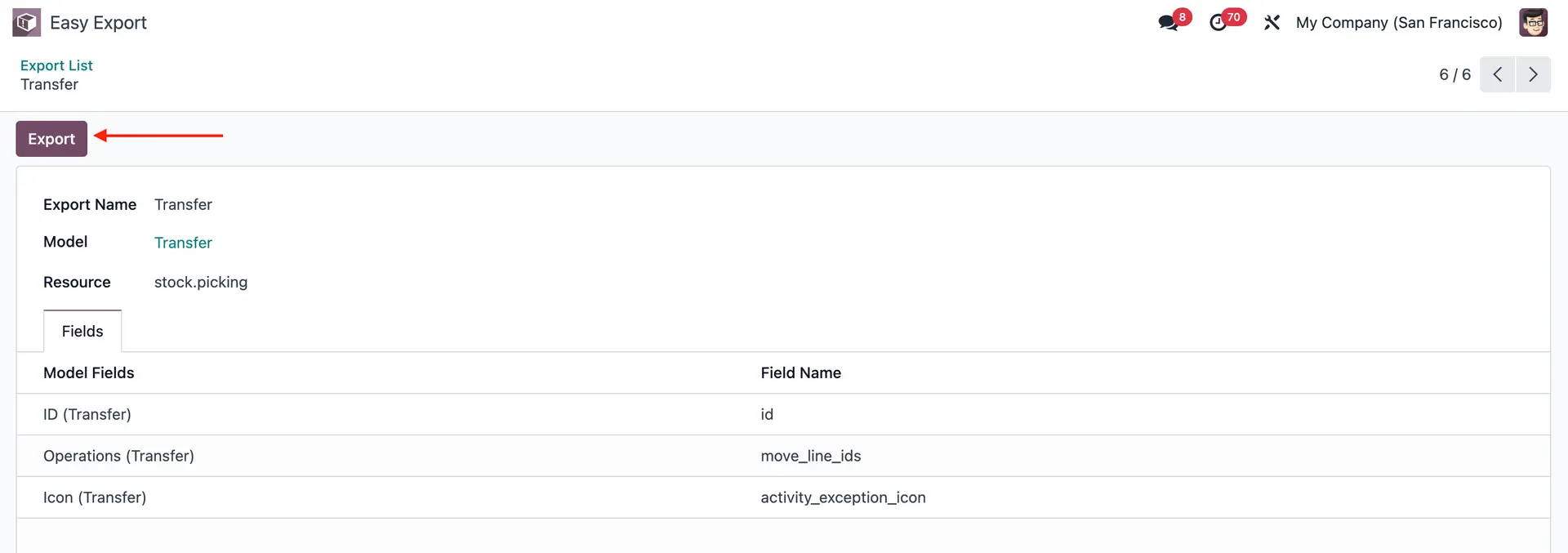 |
A pop-up screen appears > Edit Domain as you wish > Export Note: you can't modify/edit predefined templates; you can only use them to export. |
|
Result |
|