

ODOO'S FUNCTION
Odoo does not provide a built-in option to display a customizable banner on the app homepage. There is no feature to add a custom message or link from the backend settings.
CLUEDOO'S FUNCTION
Cluedoo adds a customizable announcement banner to the Odoo app interface by:
- Introducing a “Header Banner” section in settings where users can input a message.
- Allowing the message to include a clickable link to internal app elements or external link
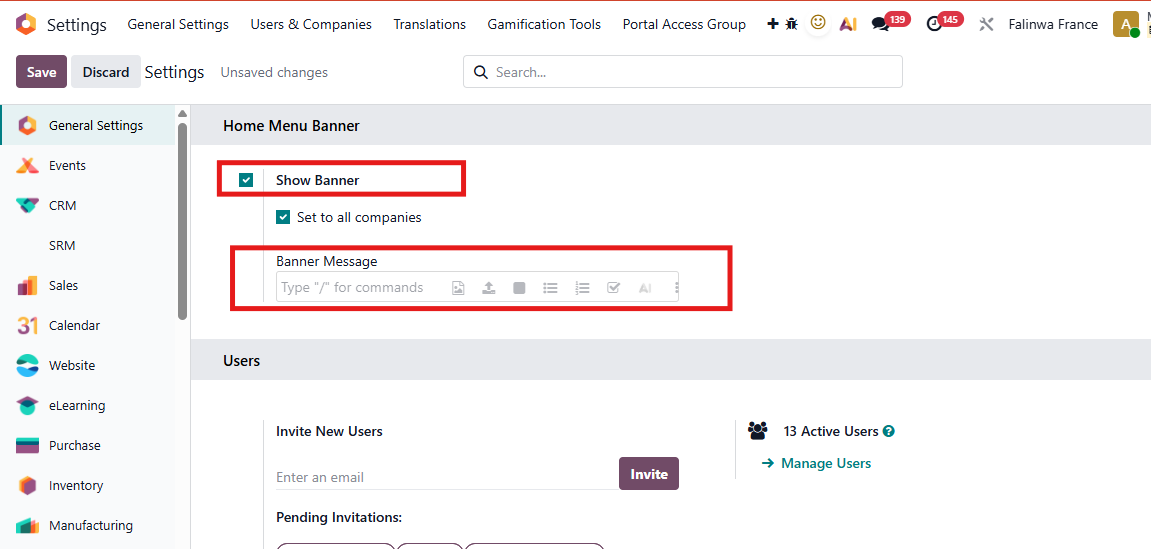
1. Go to Settings > Home Menu Banner Tick the "Show Banner" checkbox Then the Banner Message field appear > Enter the message you want to show Note:
|  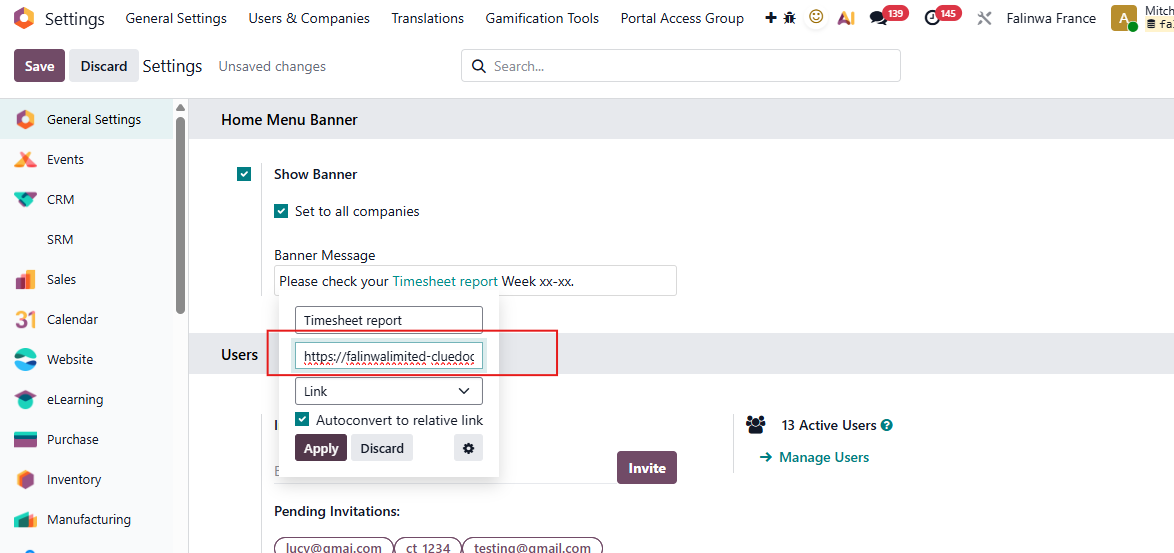 |
2. The banner will appear on the Odoo homepage and will be clickable, with both internal Odoo app links (e.g. an article in Knowledge app) and/or external url | 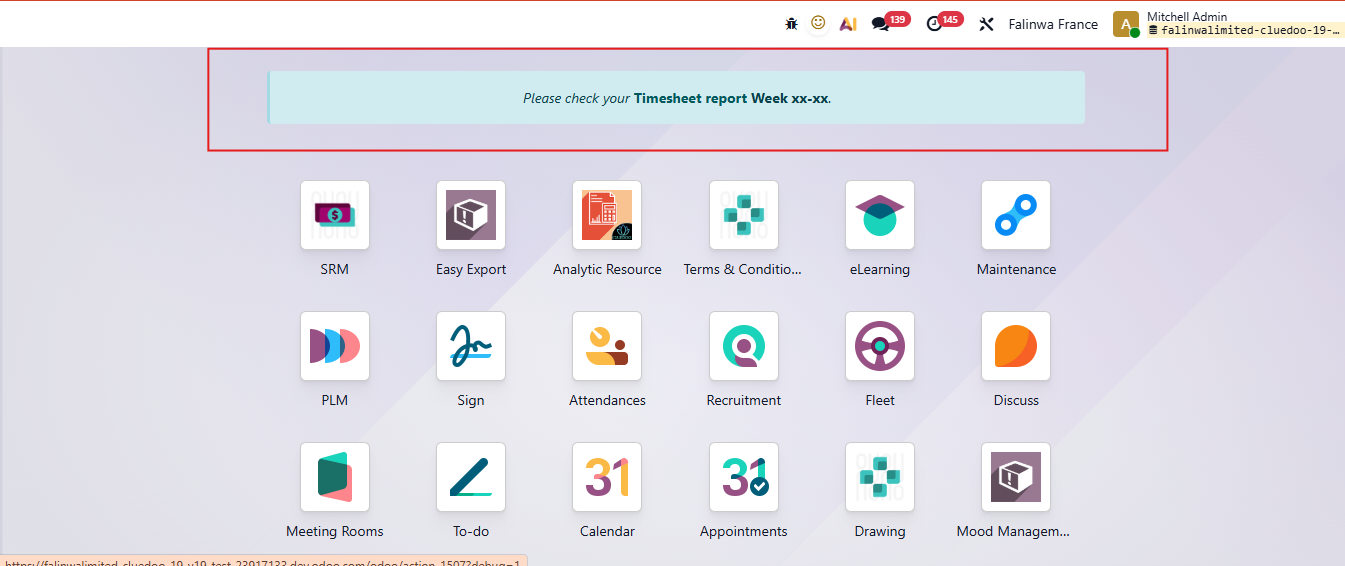 |
3. If you want to have the same announcement banner for all companies and branches, check the checkbox "Set to all companies" If you want this banner show in a company, just uncheck this checkbox. | 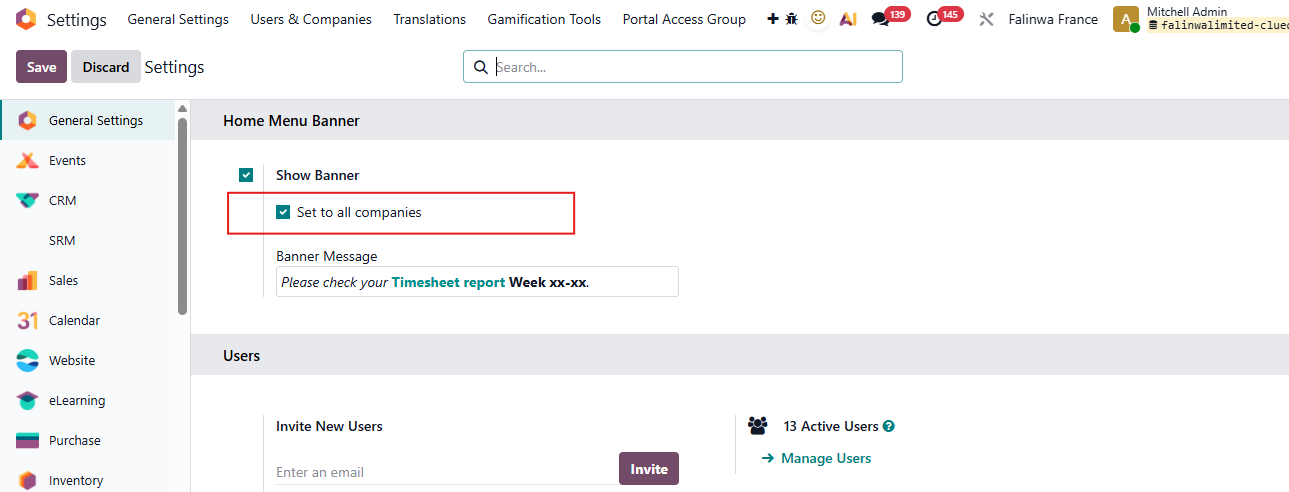 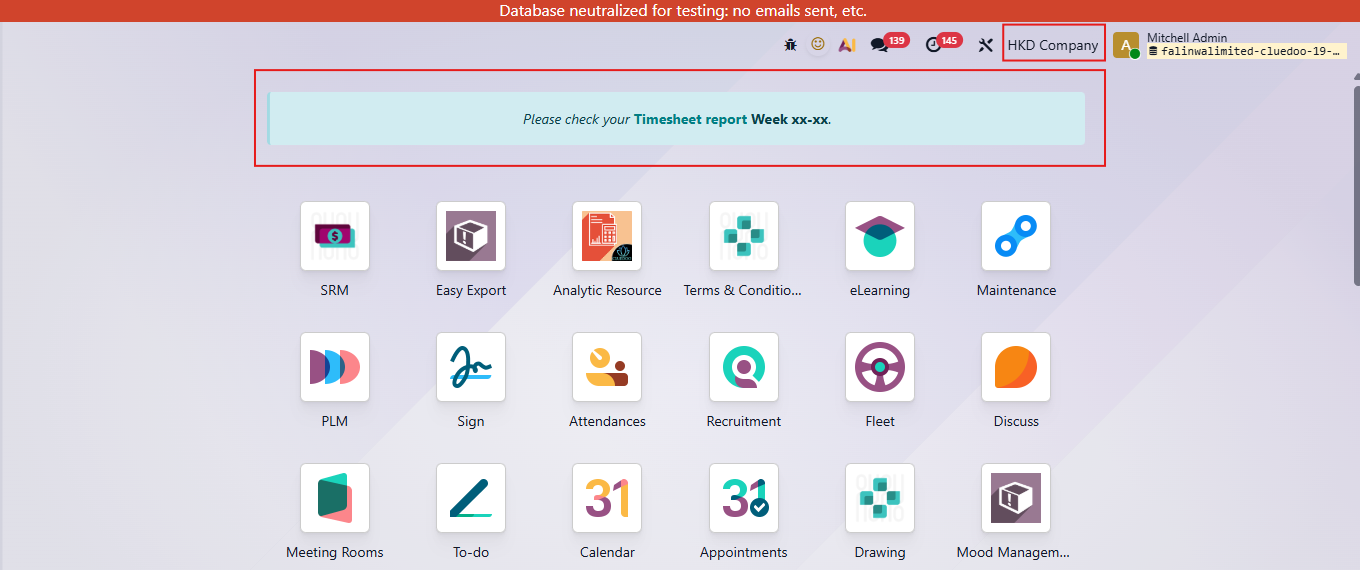 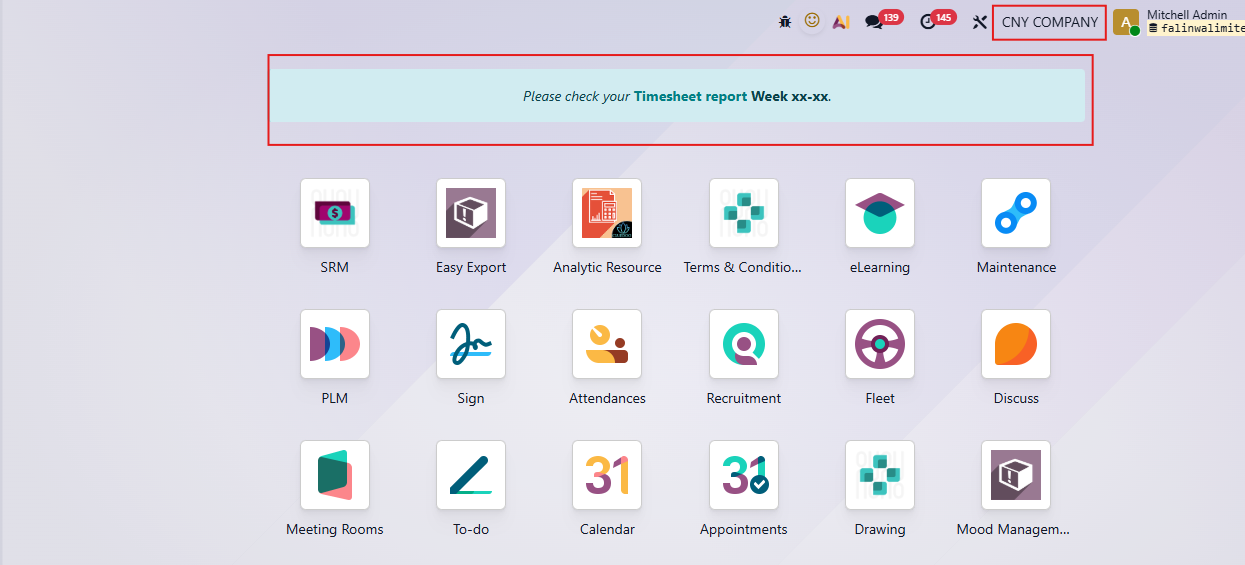 |
4. To remove the banner for all companies and branches, uncheck the "Show Banner" checkbox (without uncheck "Set to all companies") and save the changes. |  |
5. If the banner was previously shown for all companies and now it needs to be hidden only for "HKD Company",
Then,
The banner will remain visible for the other companies, except for "HKD Company". After this, it's possible to edit the banner individually for each remaining company. | 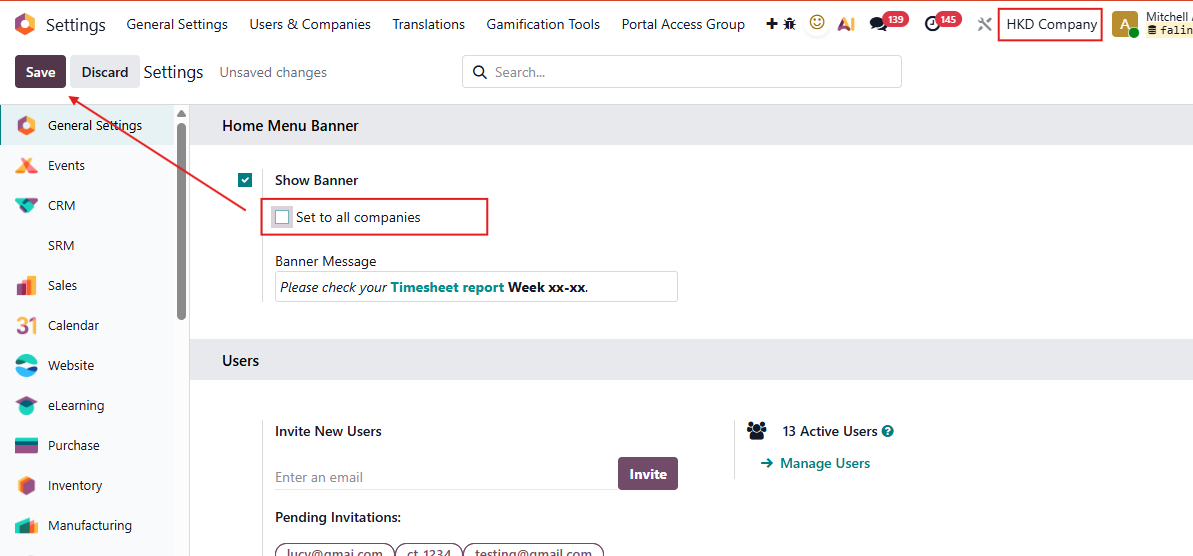 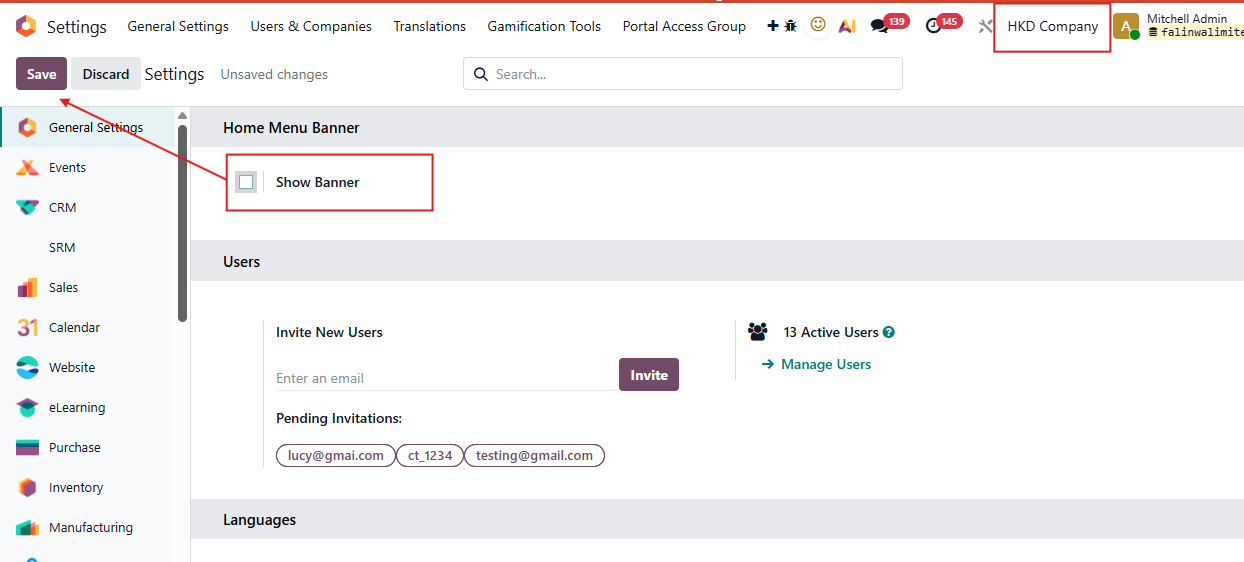 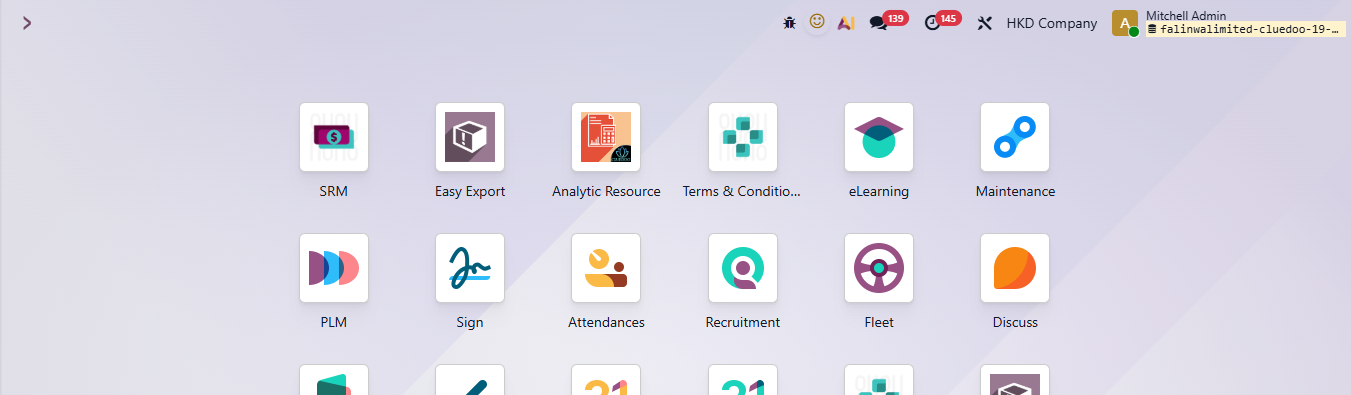 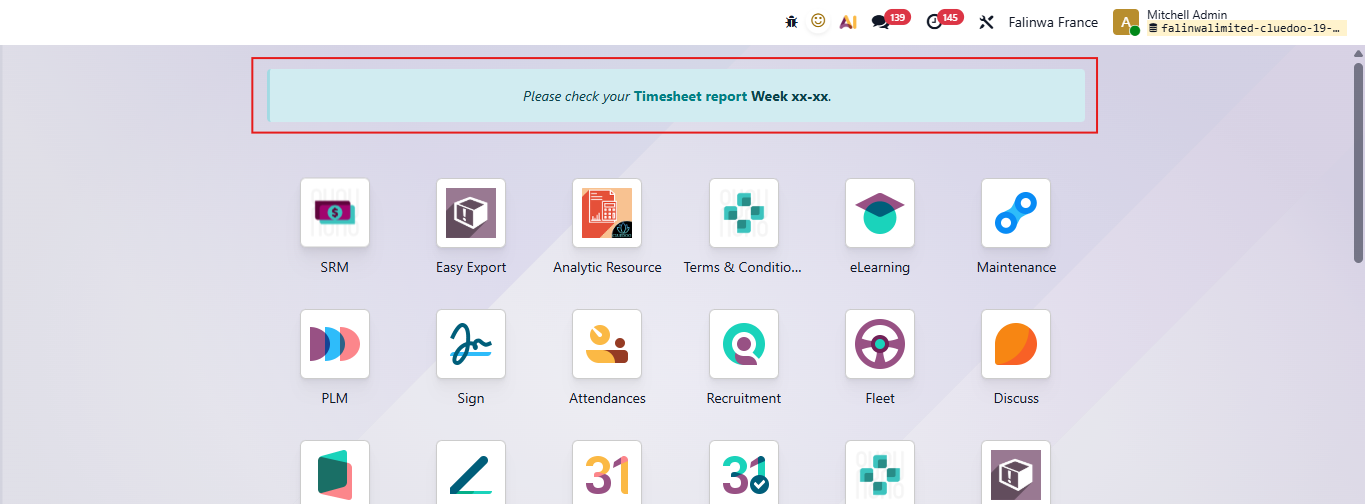 |