



ODOO'S FUNCTION
In Odoo, the Chatter/Messaging panel normally sits on the right side of the page. But if you zoom in, it automatically moves to the bottom. The downside is, you can’t adjust it yourself, it stays wherever Odoo puts it.
CLUEDOO'S FUNCTION
With this feature, you can choose where the Chatter goes, either on the right side or at the bottom, depending on what works best for you. Just use the toggle ↔ on the upper left, or change the setting from your profile. This feature is available on every page that has Chatter/Messaging.
Click on your profile picture on the top right side of the page, then click on 'My Preferences'. | 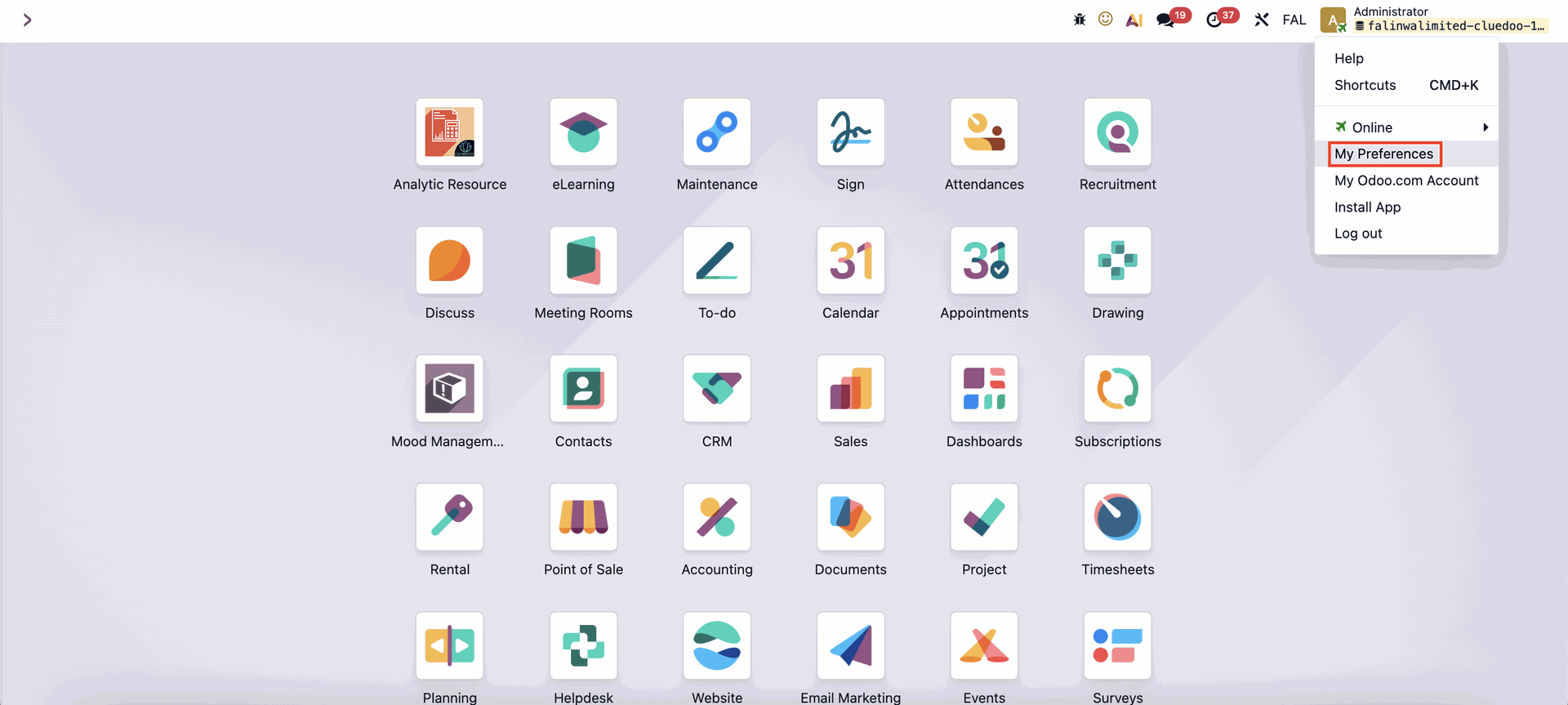 |
Scroll down until you find the ‘Chatter Position’ field. From there, you can choose whether to display the chatter at the ‘Bottom’ or on the ‘Right’ side of the page. | 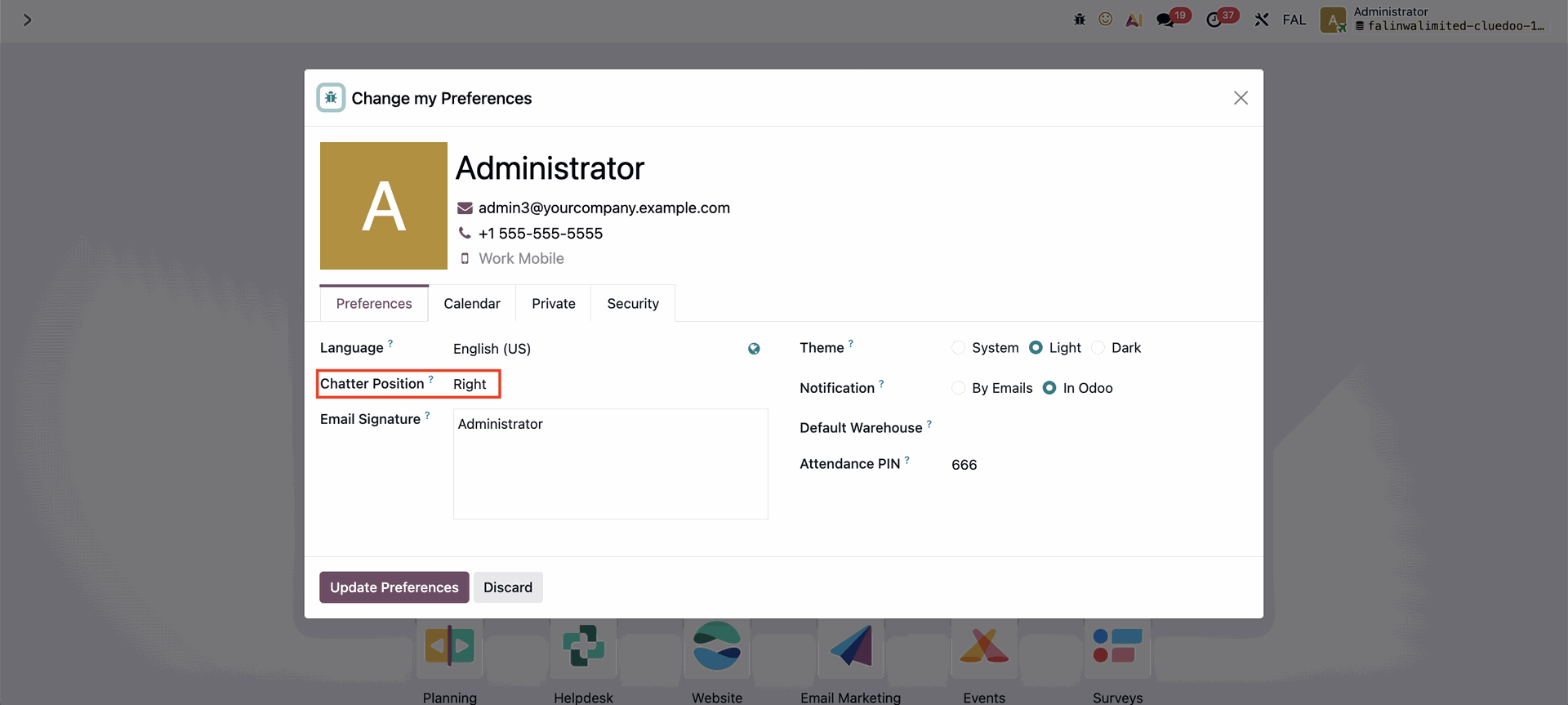 |
If you select the ‘Right’ display, the Chatter panel will by default always appear at the Right of the page. | 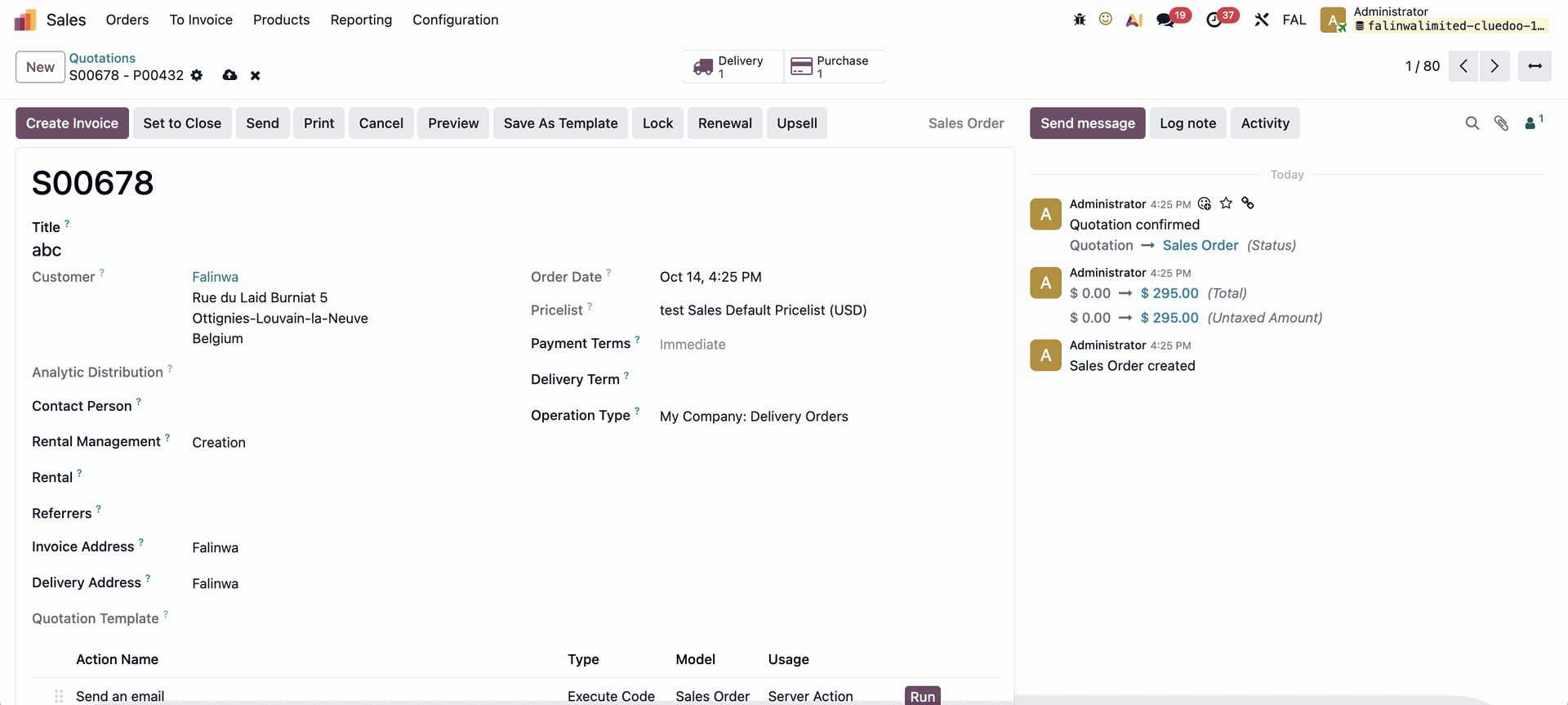 |
If you later decide that the side display works better, you can simply click the ‘↔’ icon at the top right of the page to switch. |  |
The Chatter panel will immediately switch to bottom display. Note: If you go to another app, the default Chatter position will be the one you chose from the user profile. If the Chatter profile is set to bottom, even though you moved the Chatter to the right on a page, the chatter will move back to bottom the next time you change apps. | 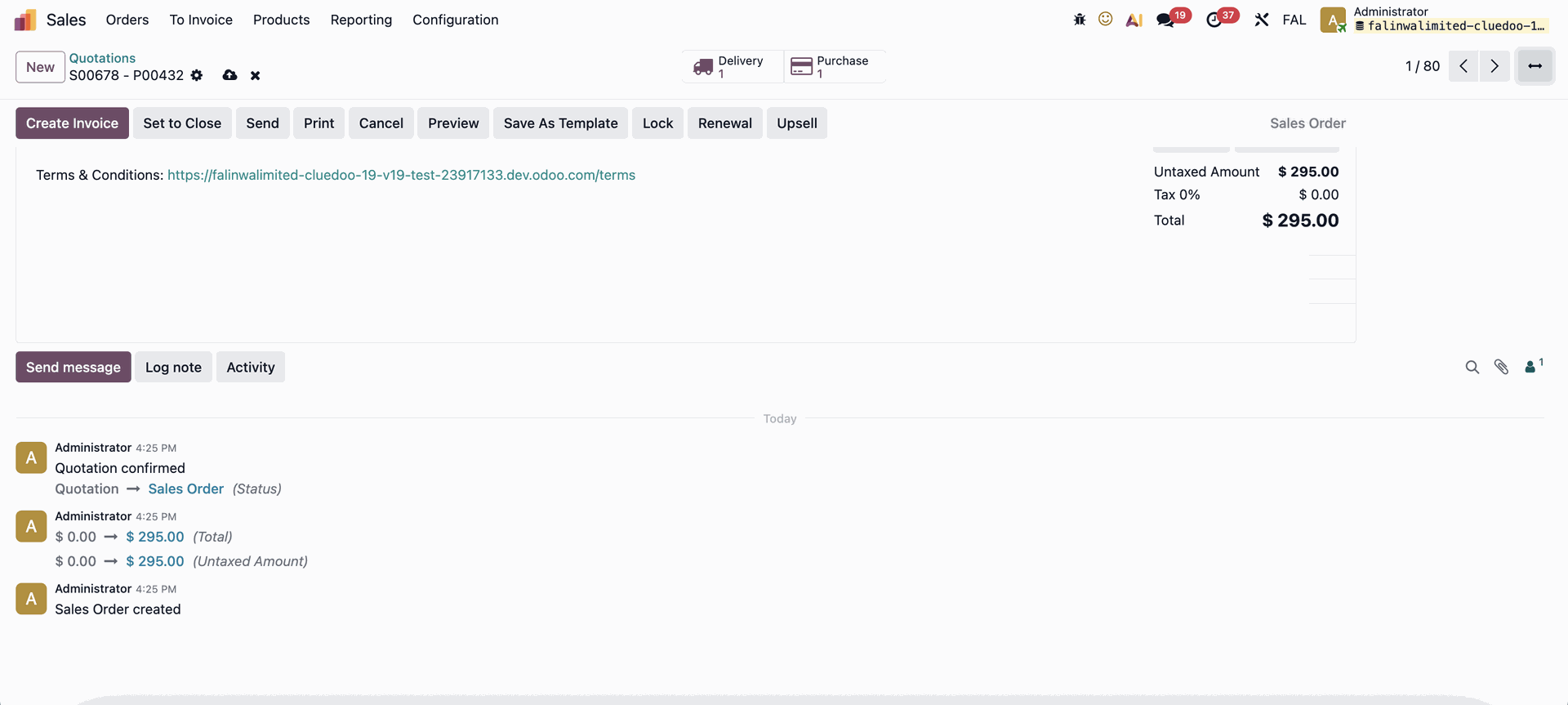 |