ODOO'S FUNCTION
In standard Odoo, if you modify the quantity of a purchase order line after it has been partially received, the system does not properly update the remaining transfers. As a result, the subsequent transfer (backorder) displays incorrect quantities, since Odoo does not recalculate them based on the quantity already received.
CLUEDOO'S FUNCTION
CLuedoo correctly updates the demand quantity of backorders when the quantity of a partially delivered purchase order line is modified. It simply takes the new total quantity and subtracts what has already been received, so the next transfer always shows the correct remaining quantity.
1. Create Purchase Order and fill in Quantity > Confirm Order For example, I fill 10 units in Quantity. | 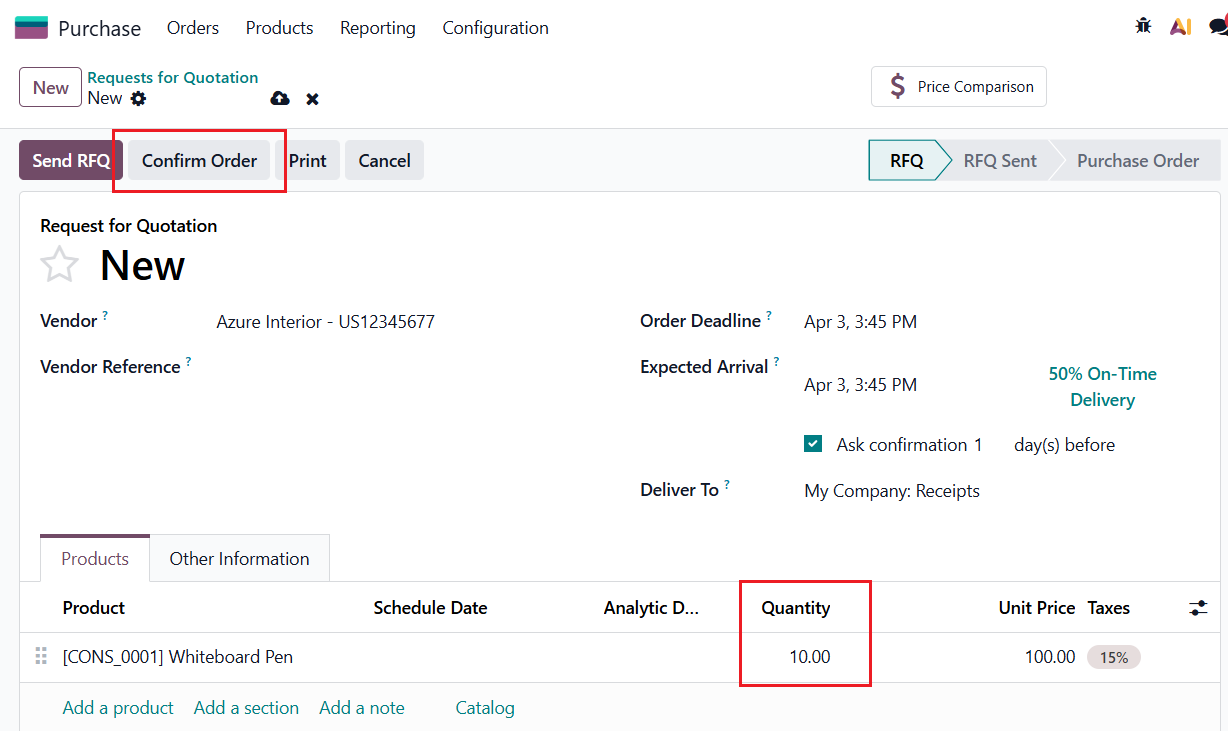 |
Click on Receipt button | 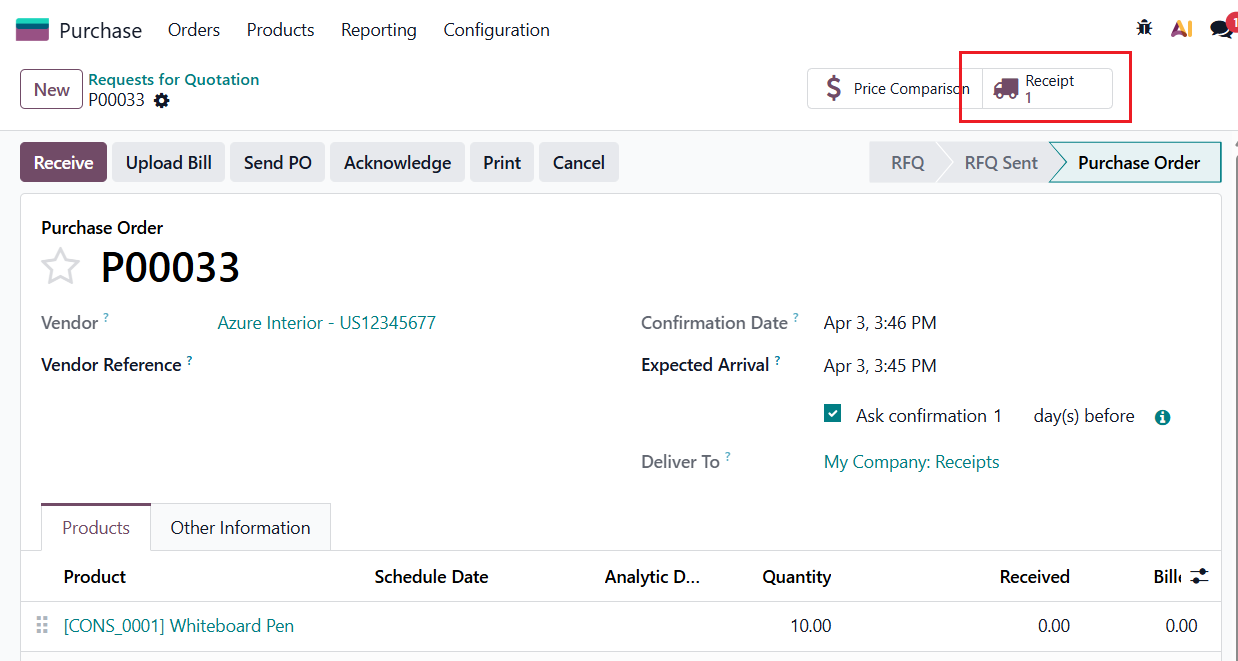 |
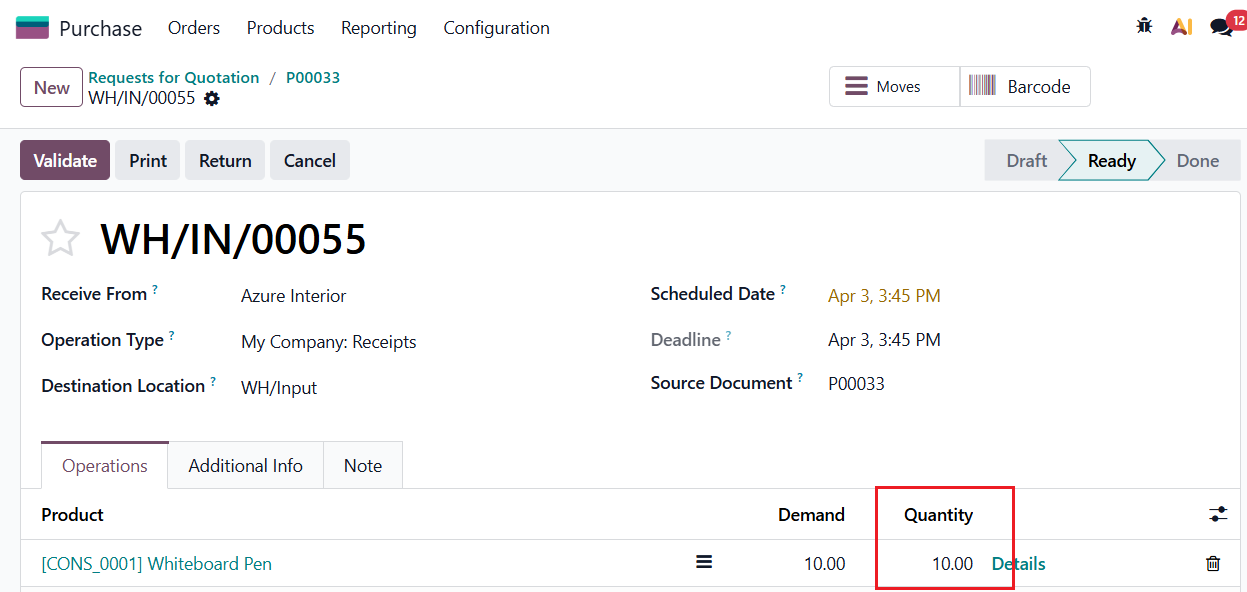
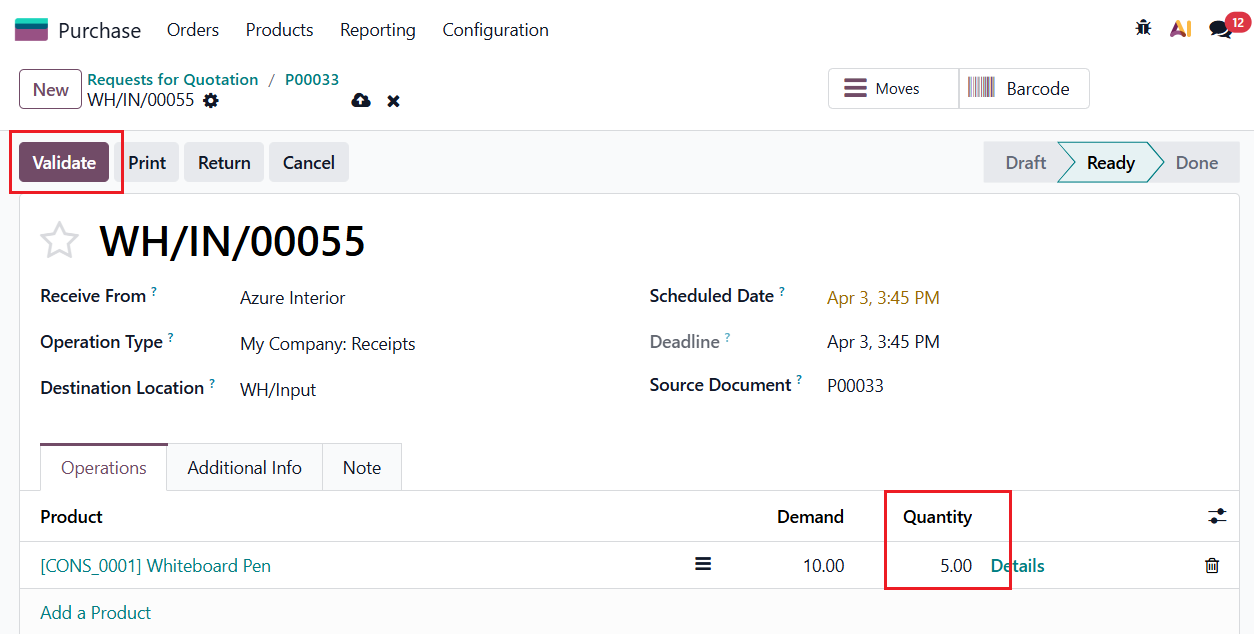
2. Normally, a full demand receipt will be created > Change the quantity to receive a part of the demand quantity > Validate For example, I change the quantity to 5 units.
|   |
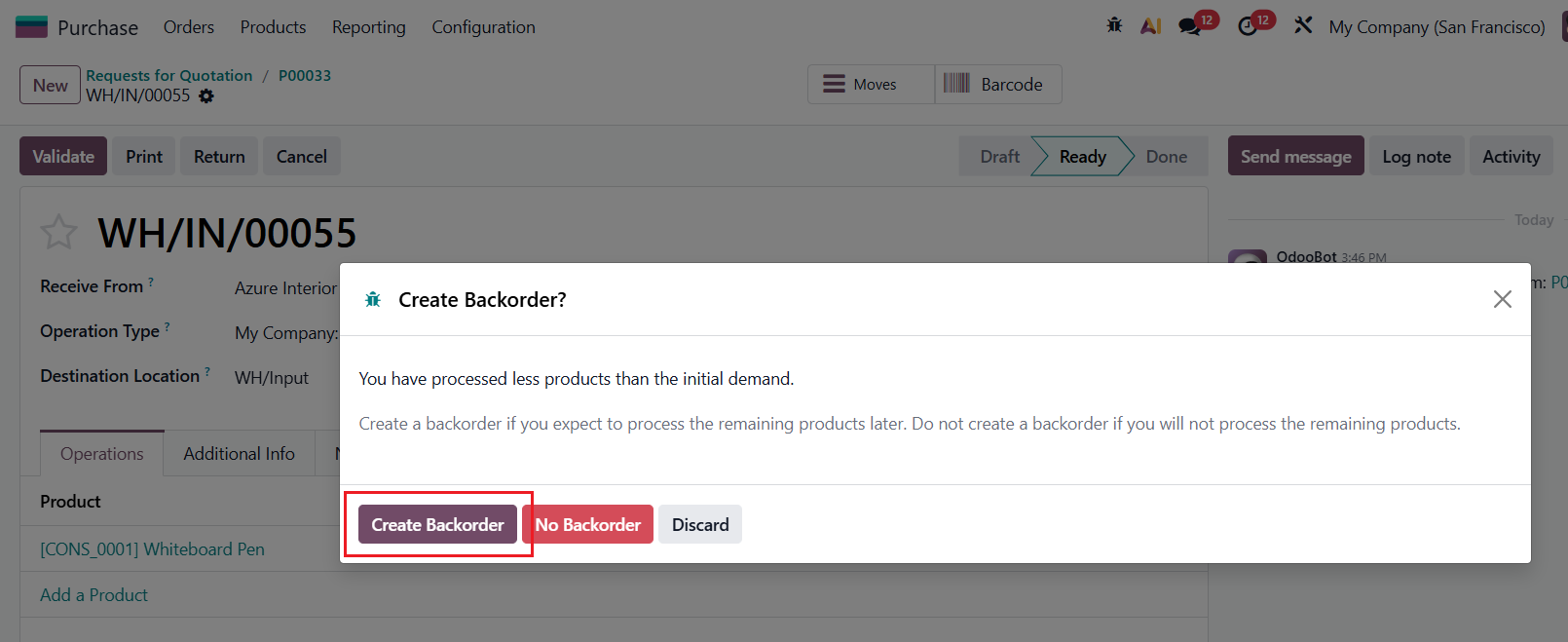
3. A pop-up window to create Backorder appears > Create Backorder button |
|
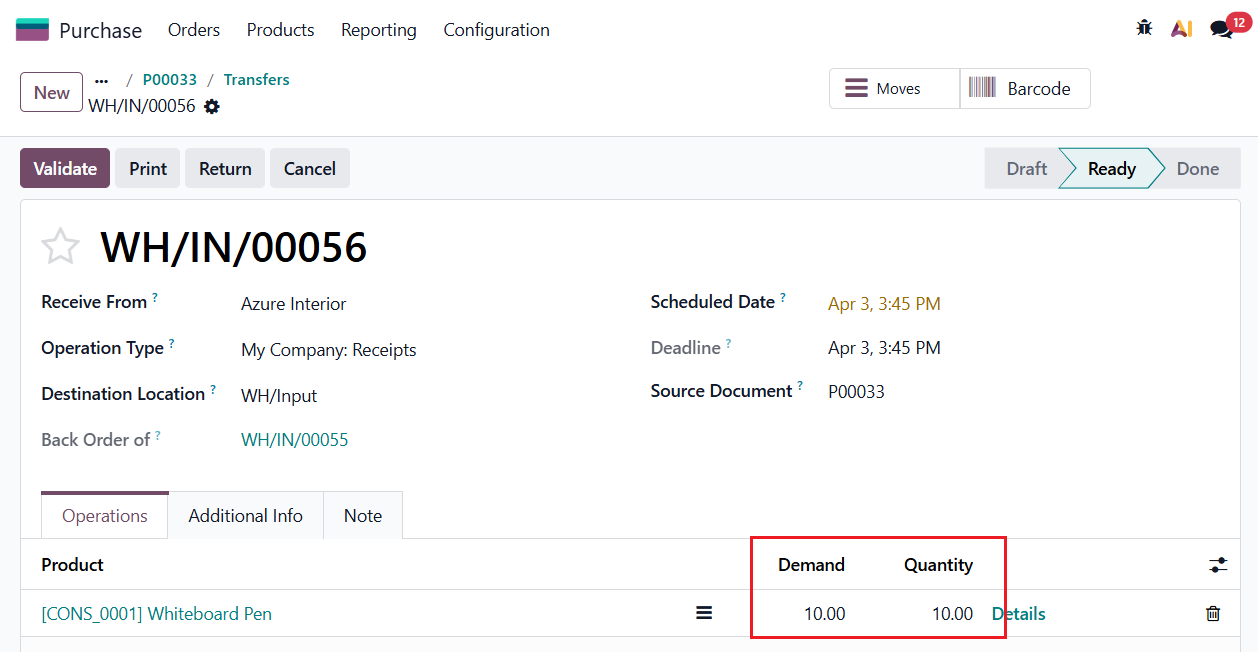
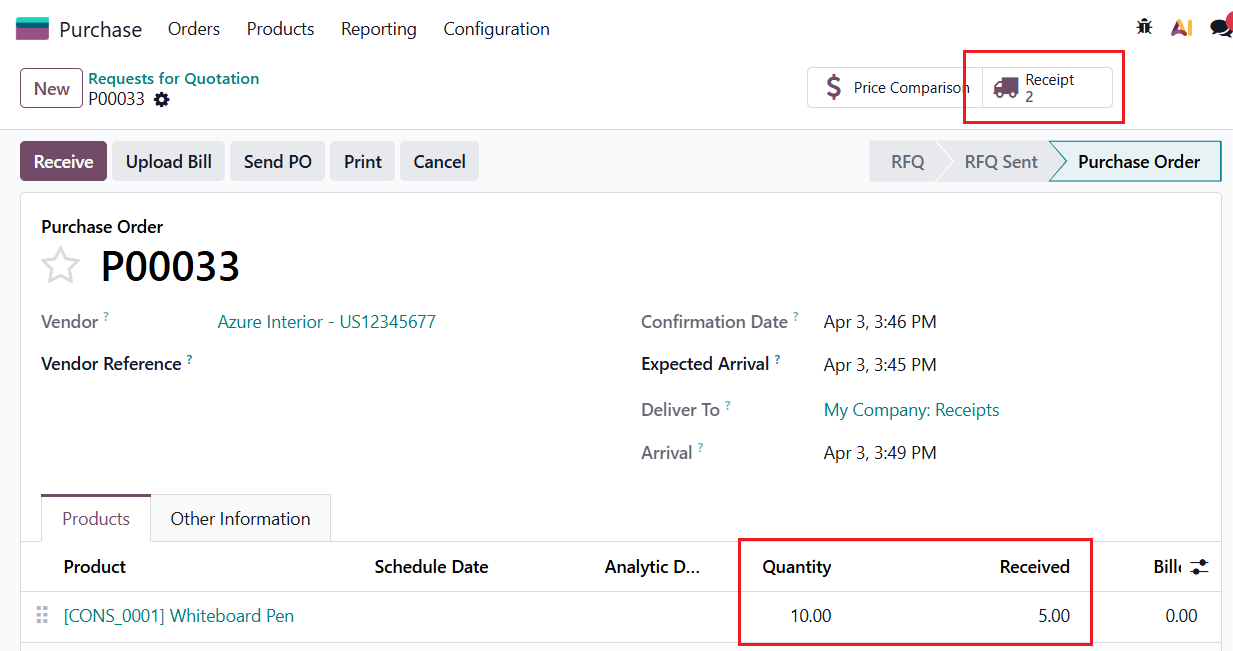
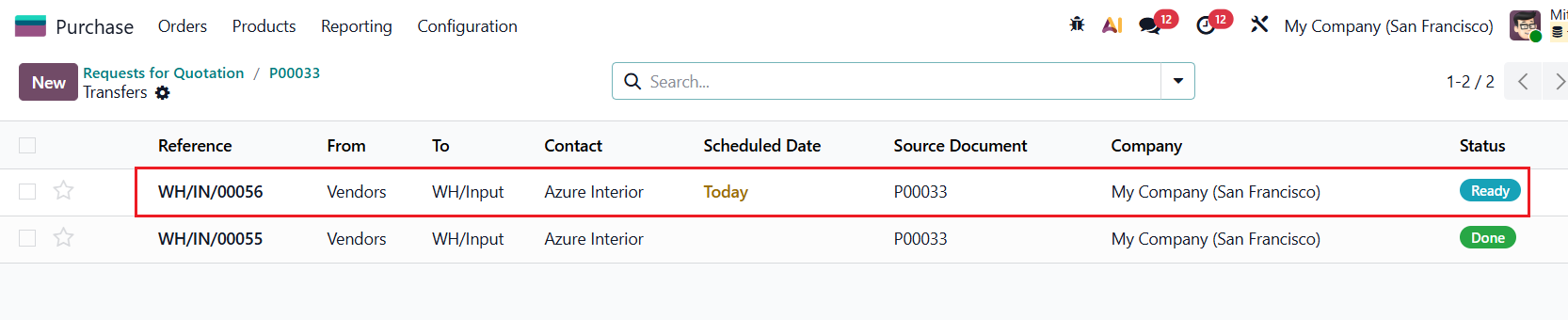
4. A Backorder will be created. Backorder quantity = Quantity on POL - Received Quantity on POL
|   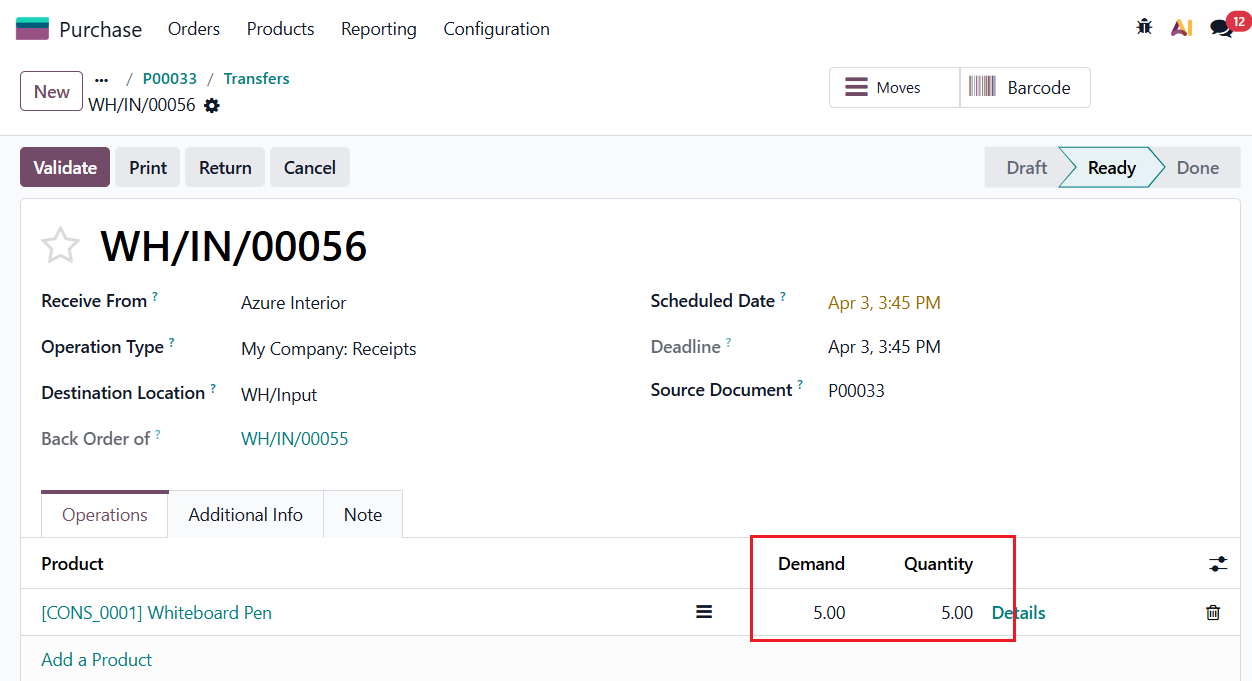 |
5. Go back to Purchase Order > Change the Quantity on POL For example, I change from 10 units to 15 units.
| 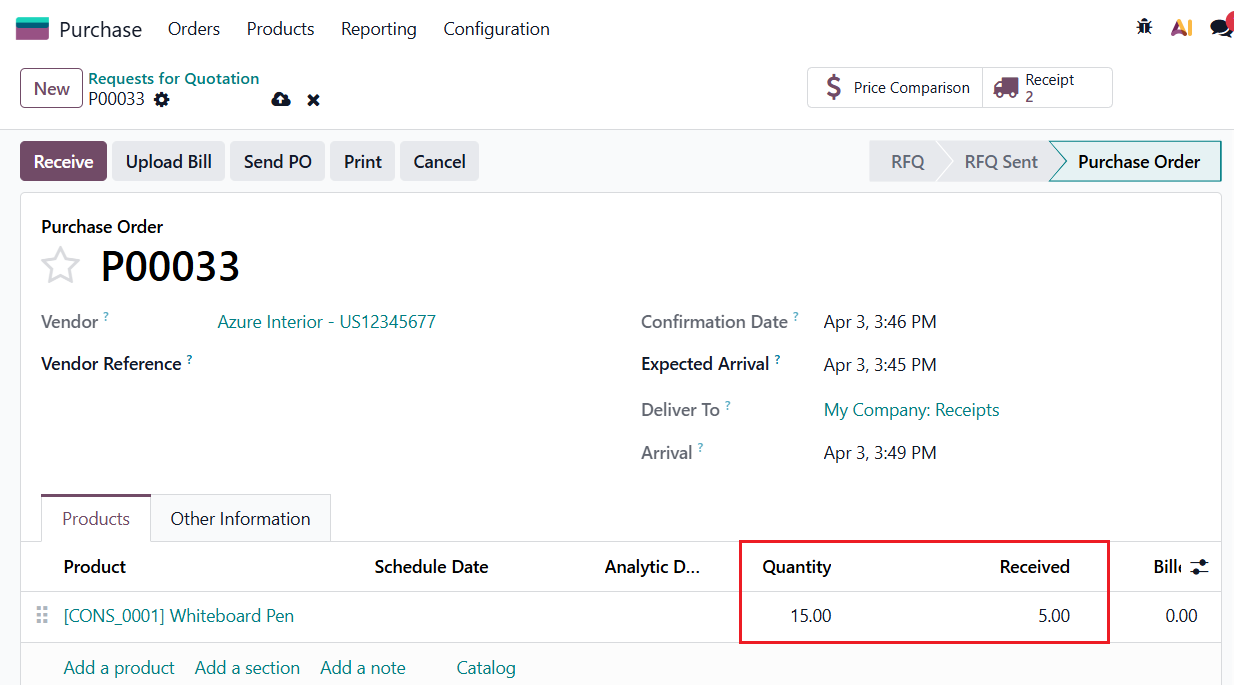 |
6. Demand Quantity of the Backorder will be updated correctly New Demand Quantity = New Quantity on POL - Received Quantity. In our example, when I change from 10 units to 15 units, the Backorder quantity changes from 5 units to 10 units. |
|