
ODOO'S FUNCTION
In standard Odoo, printing is typically performed directly and synchronously, meaning each report is generated immediately when triggered. While suitable for small volumes, this approach can lead to slower performance or system blocking when handling large numbers of documents.
CLUEDOO'S FUNCTION
CLuedoo enhances Odoo’s printing capabilities by introducing batch processing powered by queue jobs, allowing large volumes of documents to be handled seamlessly. It improves performance while delivering a smoother and more efficient printing experience.
The module depends on the OCA module queue_job_cron_jobrunner, which must be installed for proper job queue handling.
1. Navigate to any model that supports report printing > Select multiple records then click the Batch Print button | 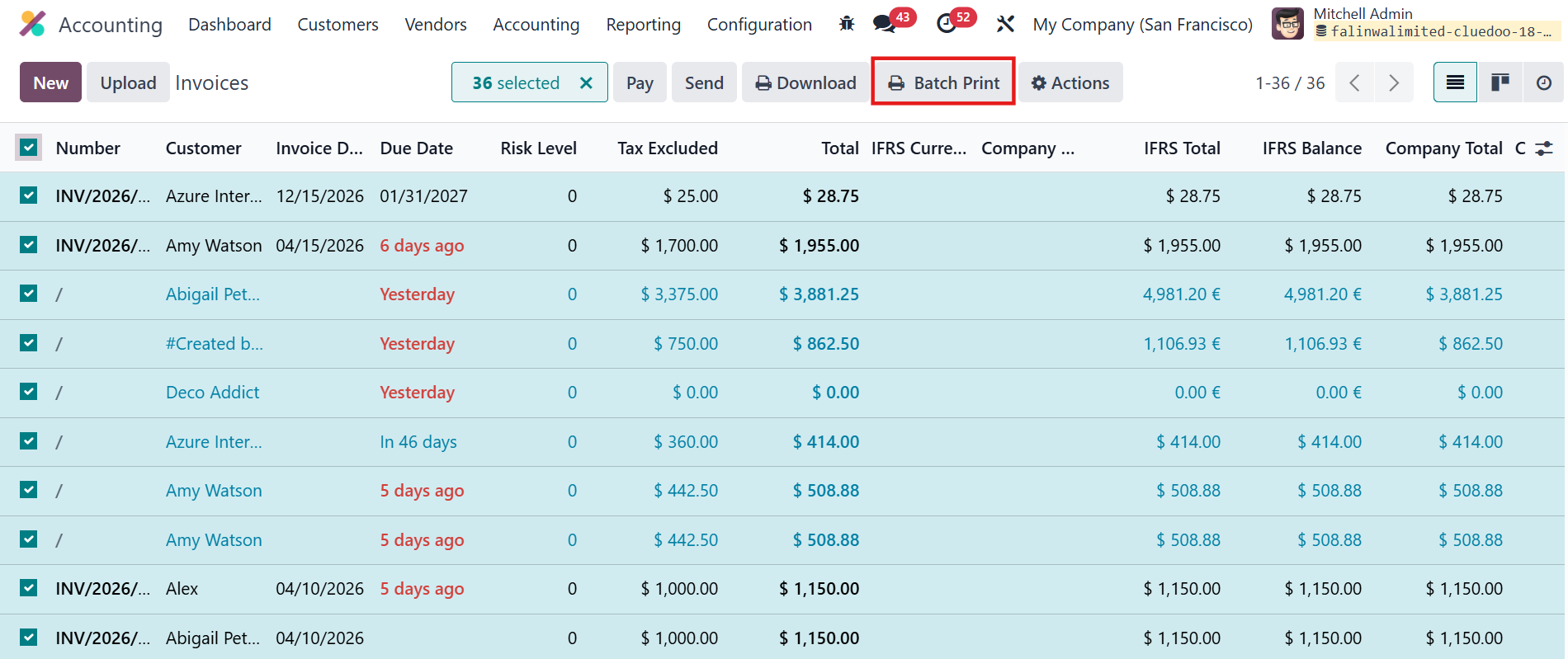 |
2. In the wizard, choose the desired report and define the number of batches > Confirm the action to create a batch print job | 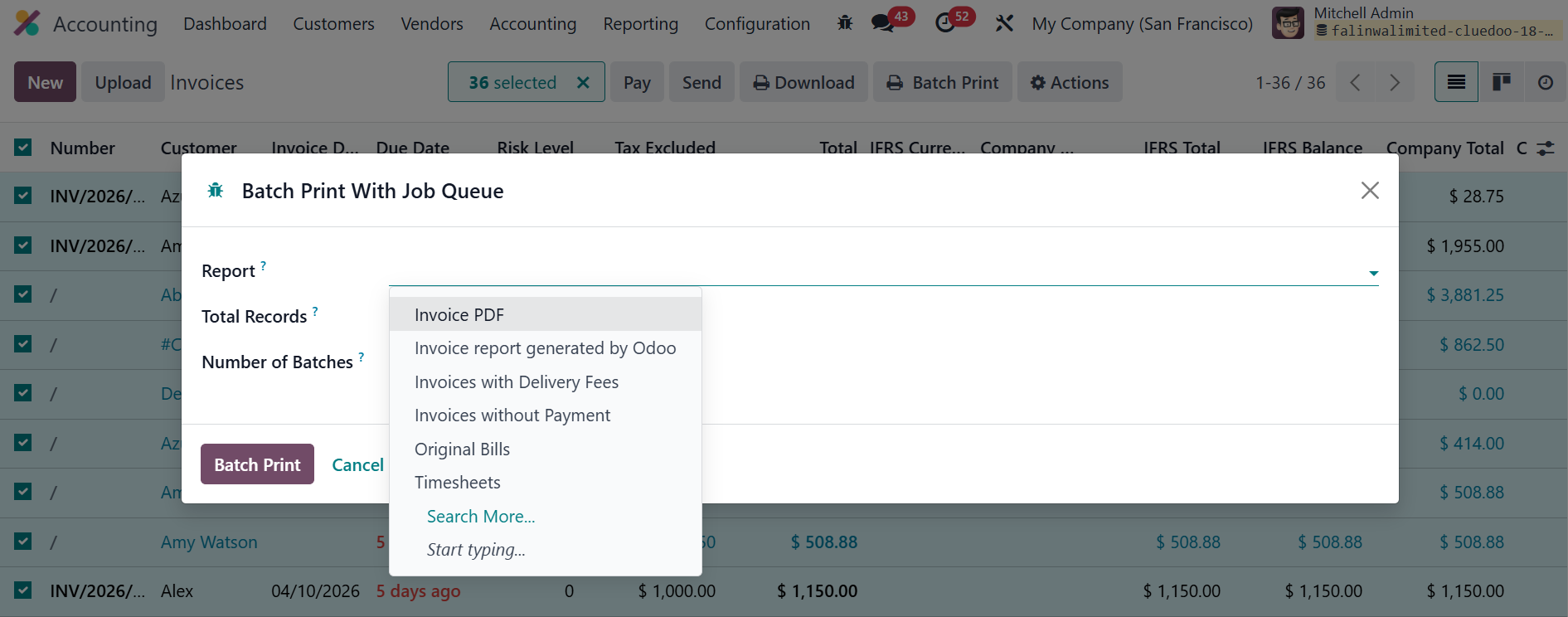  |
3. Go to Job Queue > Queue > Batch Print Jobs > The PDF file in batch can be downloaded once the job status is done | 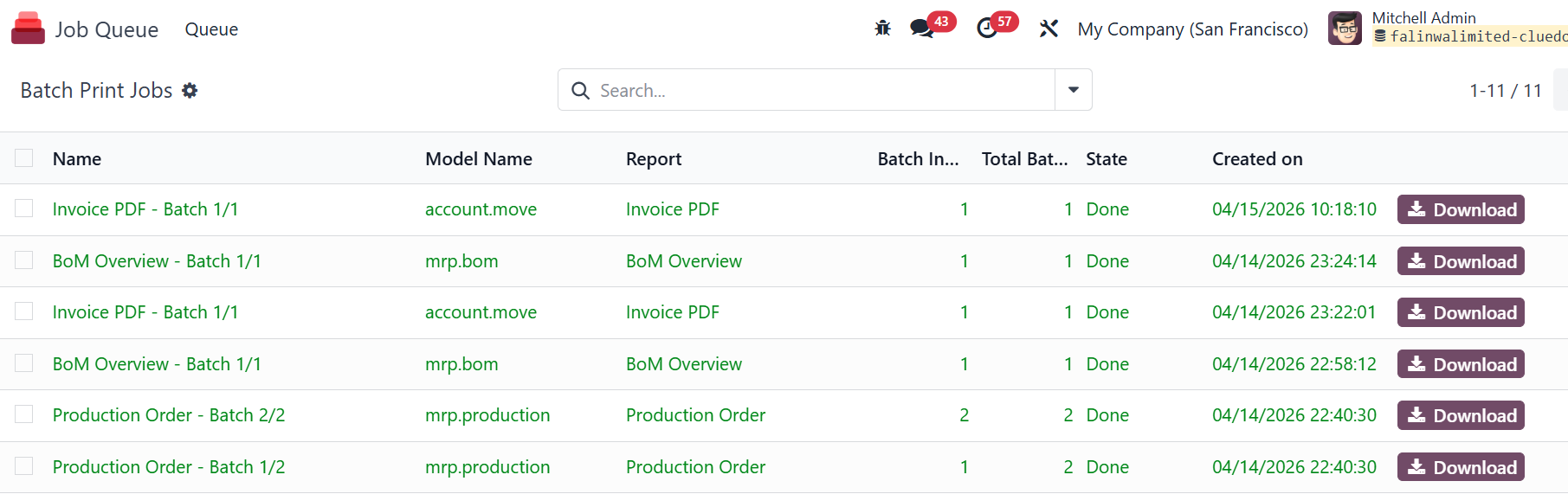 |