


ODOO'S FUNCTION
Odoo manages timesheets only, including the validation process handled by the N+1 manager and the HR officer, but it does not provide advanced reporting features.
CLUEDOO'S FUNCTION
CLuedoo, building on the OCA Timesheet Report module, offers a full set of enhancements to timesheet reporting, including an extended validation workflow involving both the N+1 manager and the HR officer.
It can also be combined with the Timesheet to Timesheet Journal module to generate journal entries directly from timesheets.
1. Go to Users > Choose a user > Set access for Timesheets to User: Own timesheets only |  |
2. This user can create a timesheet report > Submit > The status will change to Waiting Review | 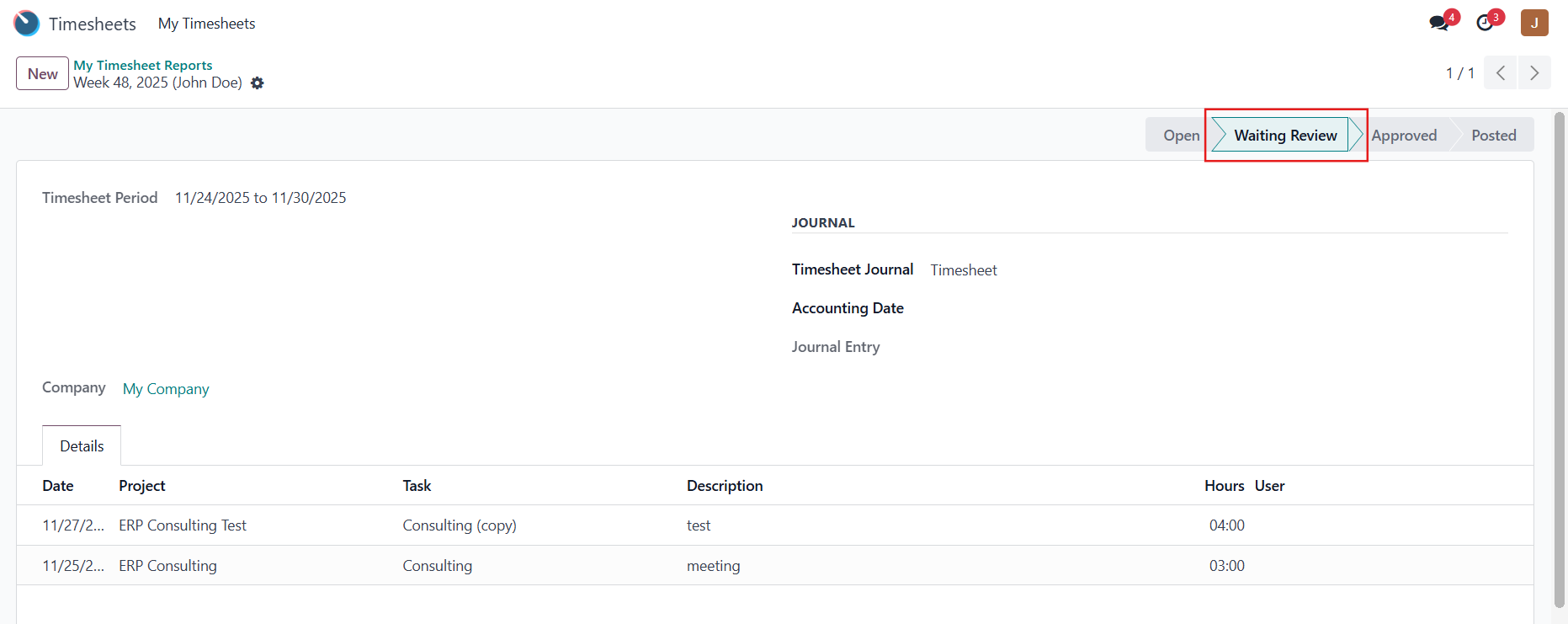 |
3. Go to Users > Choose a user > Set access for Timesheets to Administrator / User: all timesheets for the timesheet approver |  |
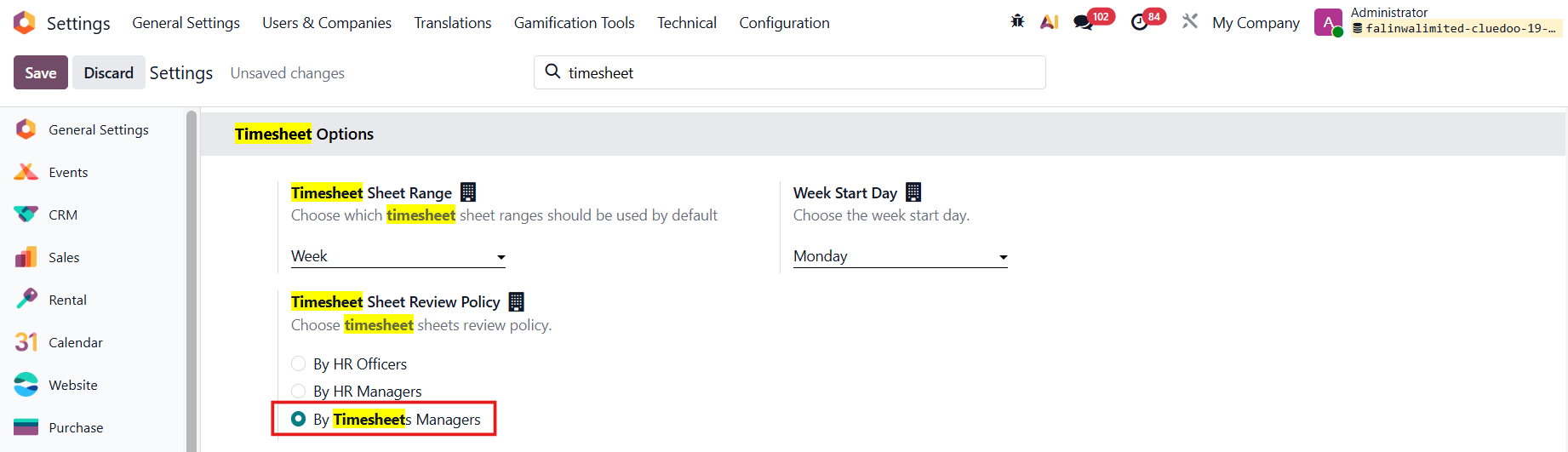
4. Go to Settings > Timesheet Sheet Review Policy and checkbox By Timesheet Managers |
|
5. Log in as the timesheet approver and the user can approve the timesheet report. | 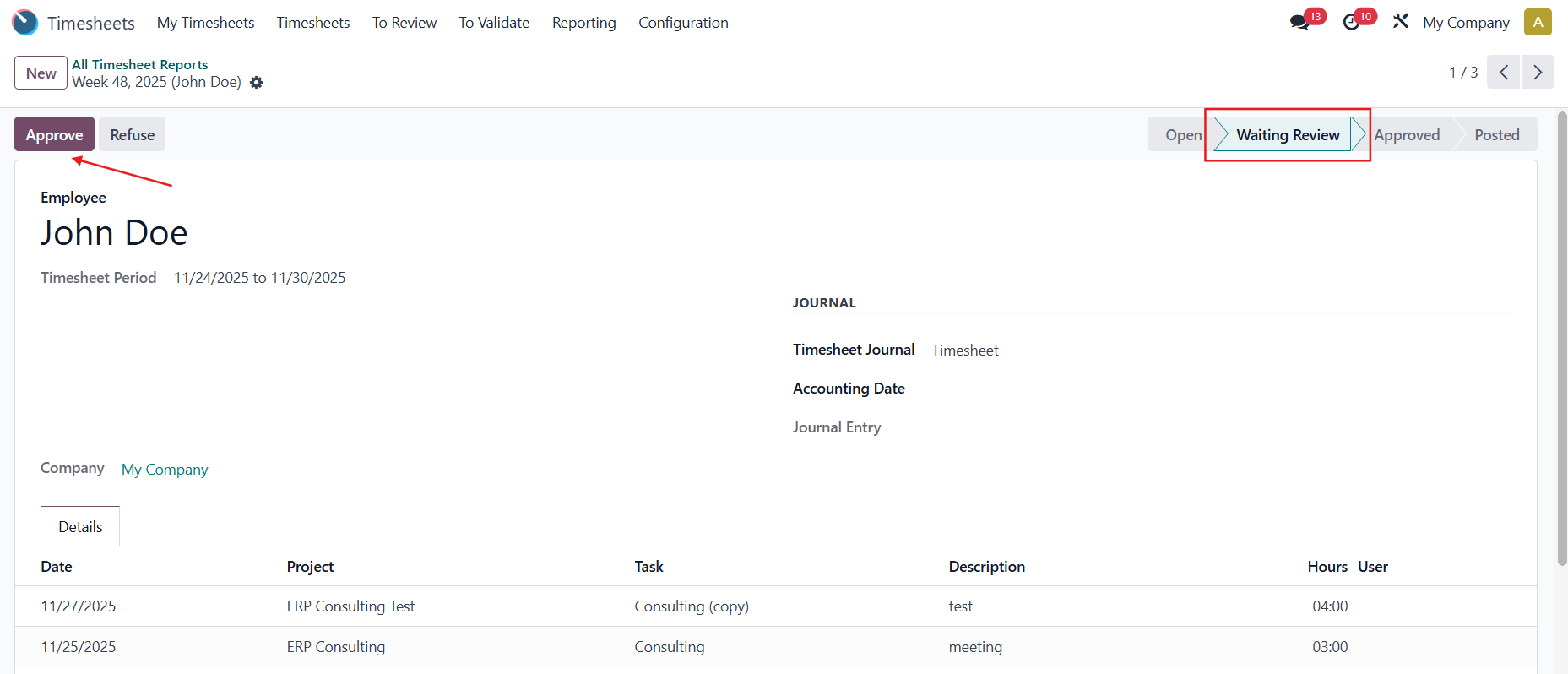 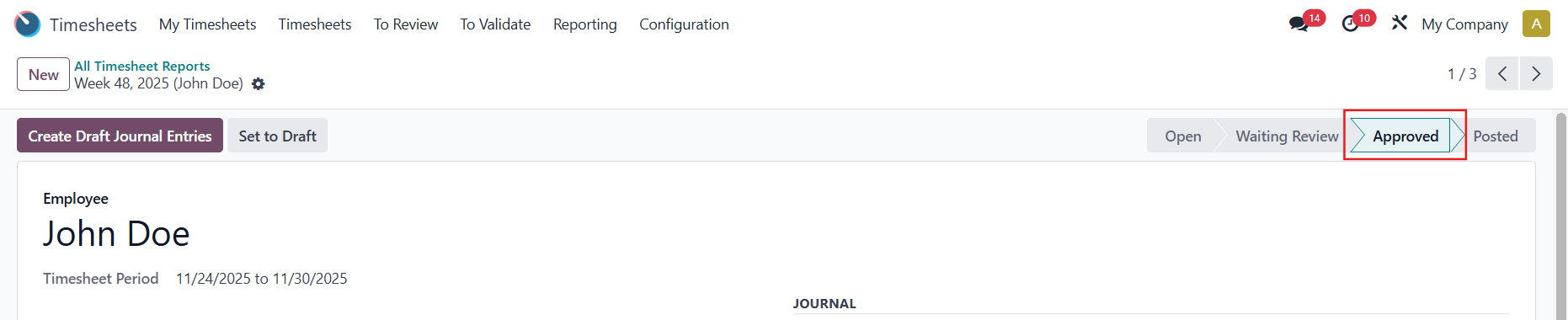 |