



ODOO'S FUNCTION
Odoo allows you to plan and schedule activities in advance. However, it does not offer a direct link between scheduled activities and timesheet entries.
CLUEDOO'S FUNCTION
CLuedoo enables you to create a timesheet entry directly from a scheduled activity. This feature simplifies the process and makes timesheet recording faster and more intuitive.
1. Go to any object with the Scheduled Activity option > Create an activity > Create Timesheet | 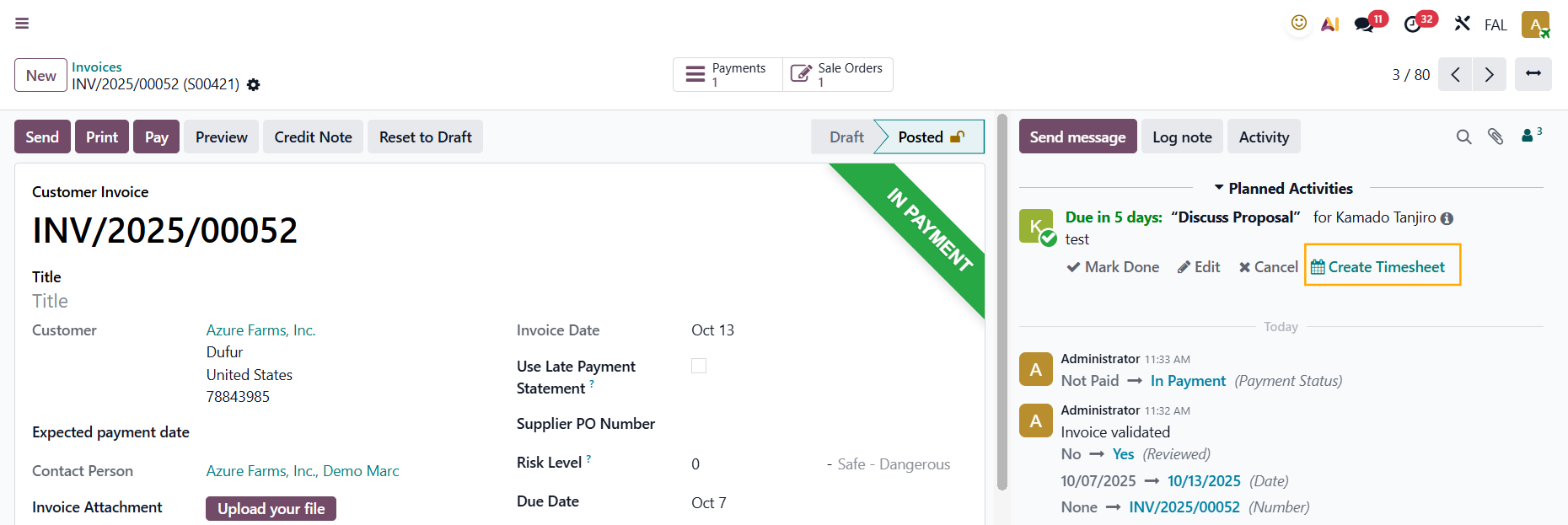 |
Fill in the neccessary information > Save Note: If you create timesheet from any object that has the project/task already defined > the Project and Task fields will be automatically filled in | 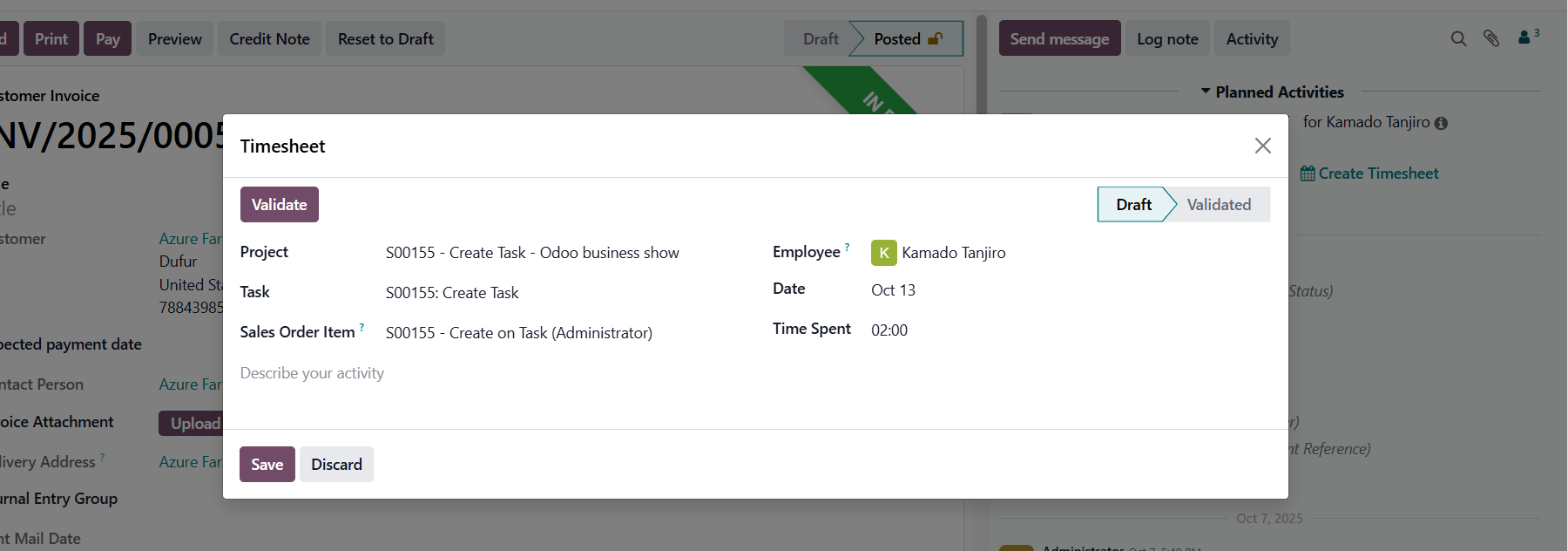 |
2. Go to My Timesheets/All Timesheets, you will see the timesheet has been automatically added |  |