



ODOO'S FUNCTION
In Odoo, sales orders with scheduled activities appear in the calendar view, but there is no option to multi-select sales orders to delete or create invoices for them, limiting batch processing capabilities.
CLUEDOO'S FUNCTION
Cluedoo enhances this by offering the option to multi-select sales orders in the calendar view, allowing users to delete multiple sales orders or create invoices in bulk, significantly improving efficiency in order management.
Like in List view, we are also able to multi select the record and have actions like Delete or Create Invoices on Calendar view. Note: Only records with scheduled activity can be seen in calendar | 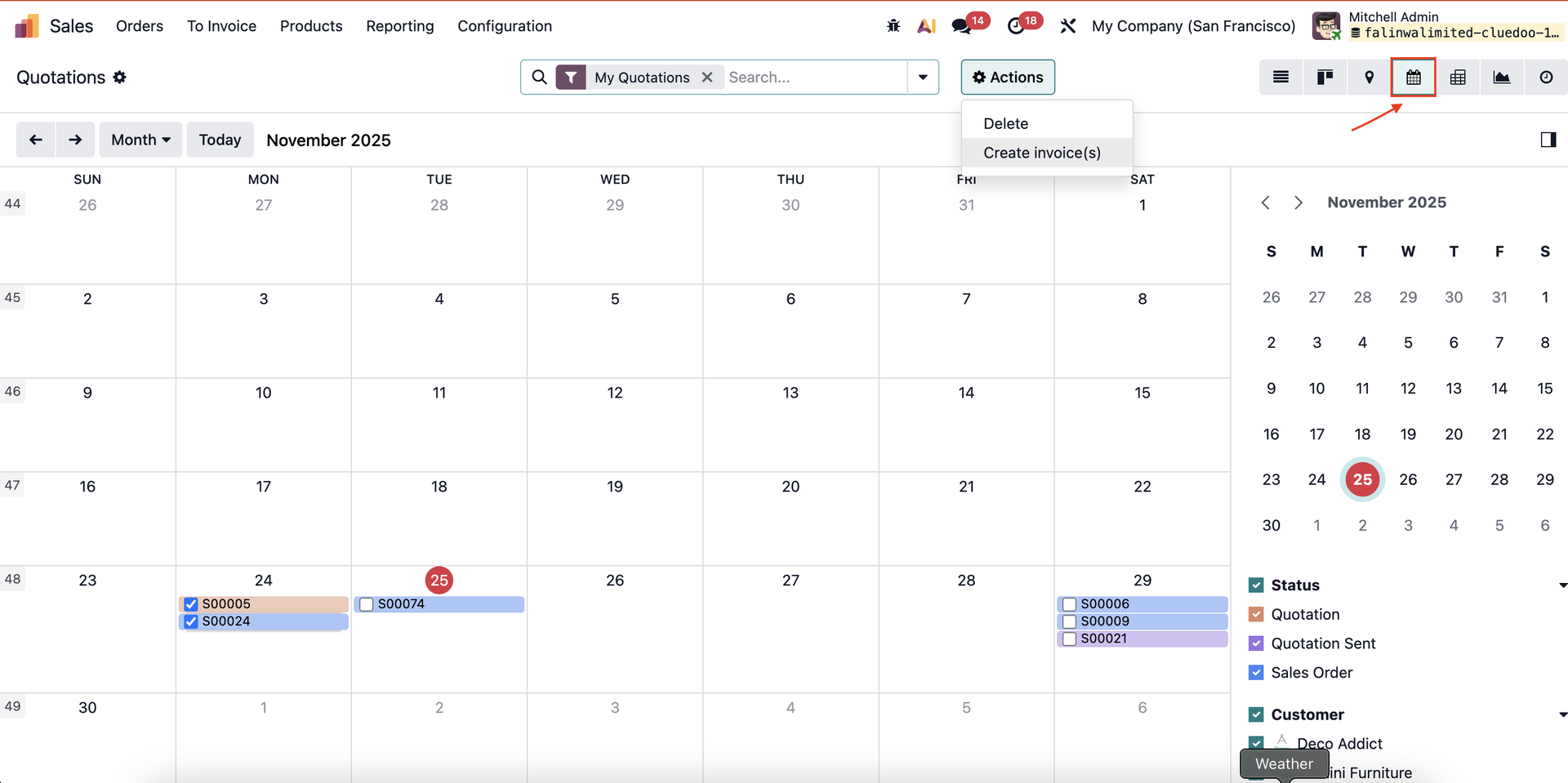 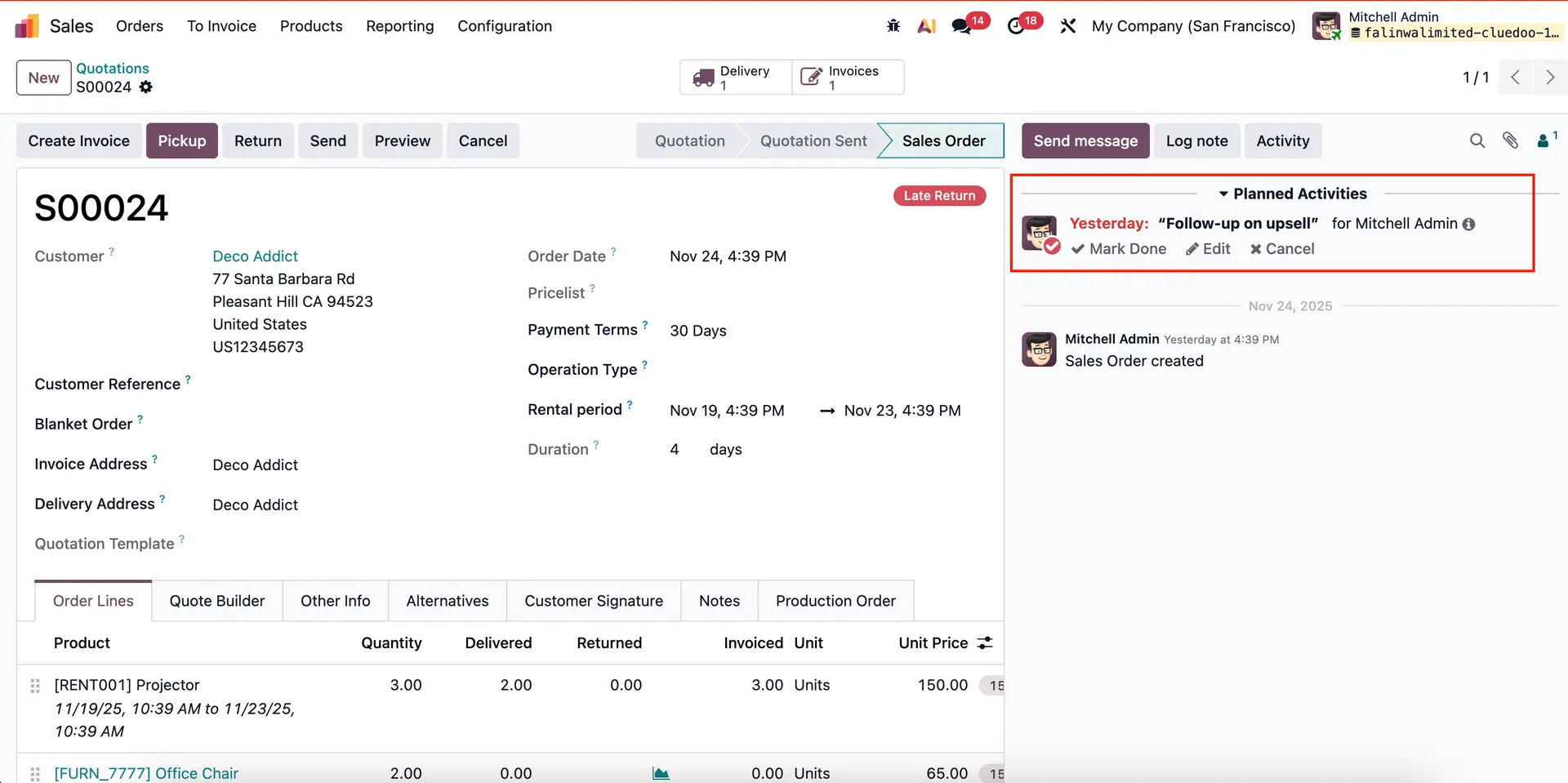 |
2. To add action, in developer mode, go to Settings → Technical → Actions, and select Action that you want to add and add Binding View Types : list,calendar (to enable action on list and calendar view) | 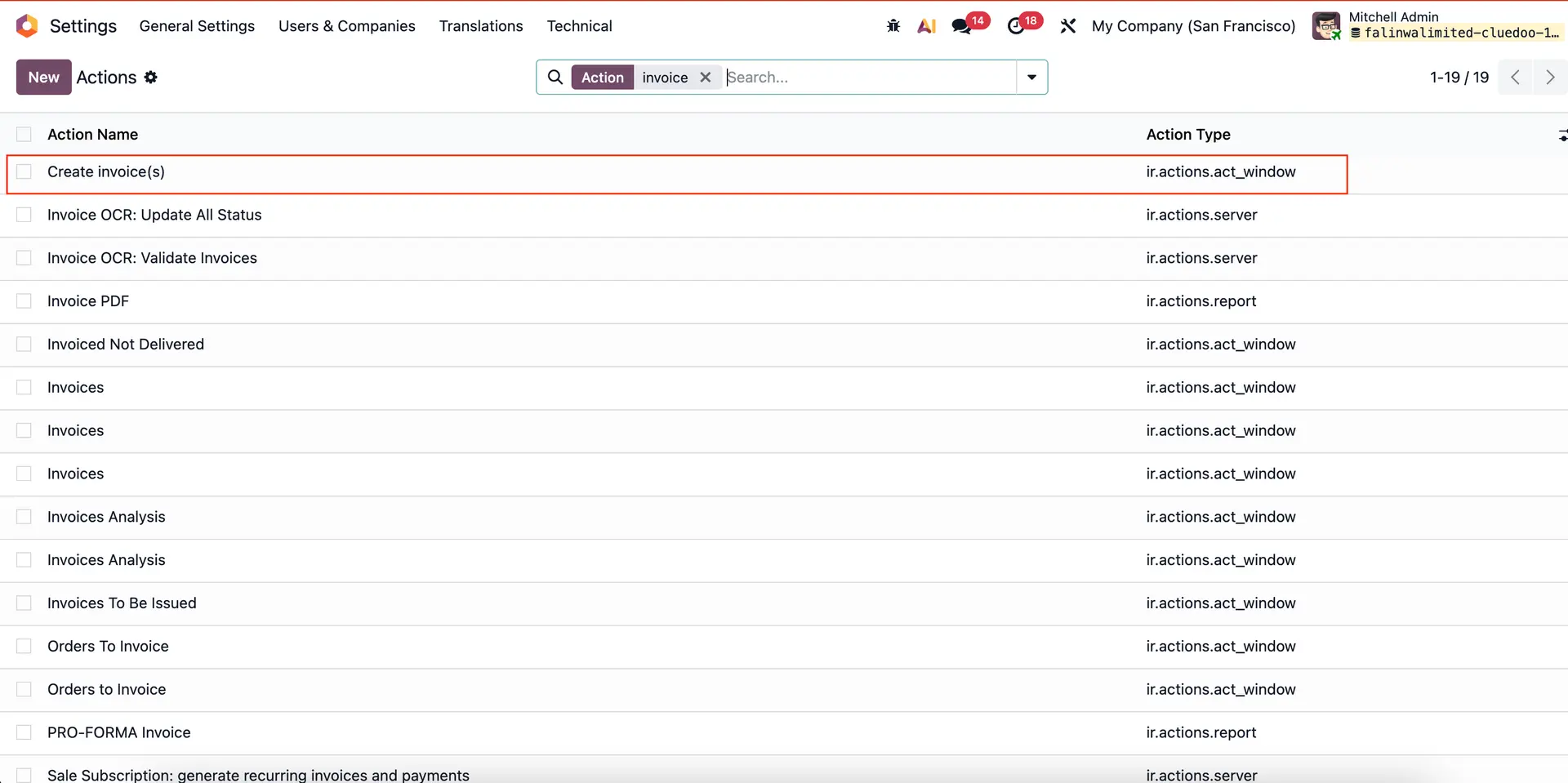 |
 |