


ODOO'S FUNCTION
When a product is tracked by Lot/Serial Number, tracking is enforced throughout its entire lifecycle and across all locations, without the option to start or stop tracking at specific points.
CLUEDOO'S FUNCTION
CLuedoo adds a No Tracking option on locations, allowing serial/lot tracking to be skipped in selected locations where it’s unnecessary, making the serial number optional instead of mandatory.
CONFIGURATION | |
1. Go to Inventory > Configuration > Location Management > Location Status > we have a new column No Tracking for the location statuses | 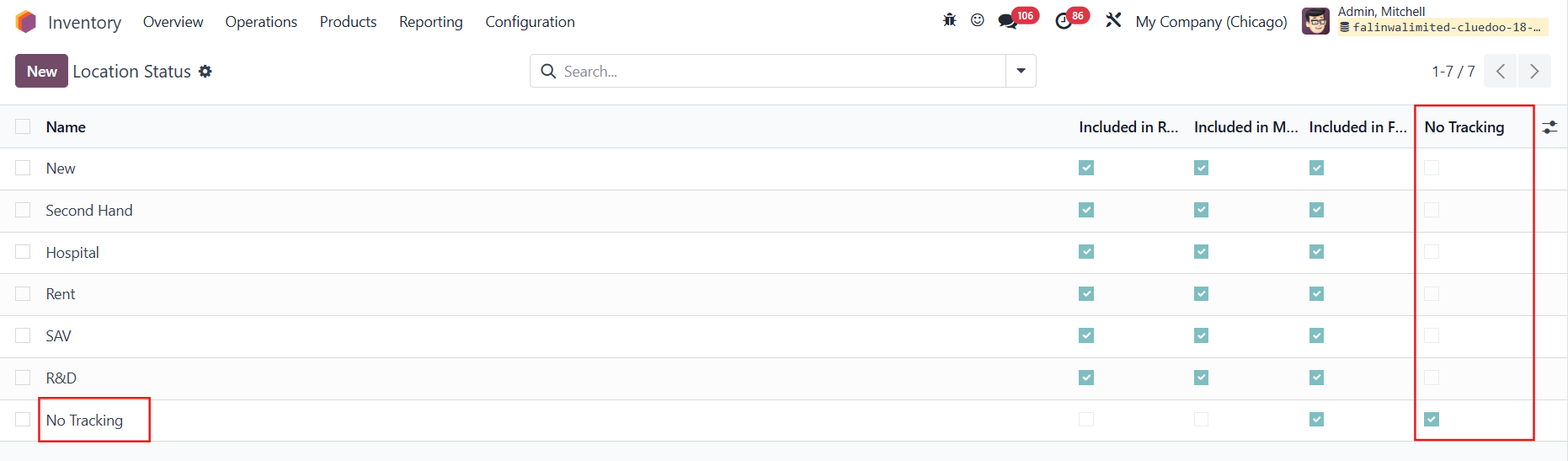 |
2. Go to Warehouse Management > Locations > we can choose the State/Status for the locations Note: The serial number is not mandatory only when the stock move occurs between two “No Tracking” locations. If the move is from “No Tracking” to “Tracking” or from “Tracking” to “No Tracking”, the serial number remains required. | Example flow when you only want to track internally  Location state for Customers/Vendors Location  Location state for internal locations 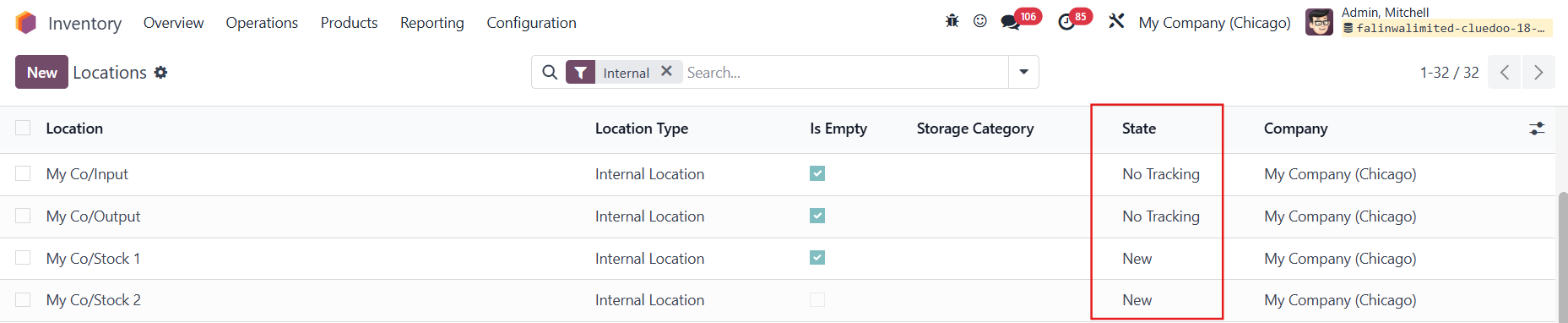 |
3. Create a product tracked by Lots/Unique Serial Number | 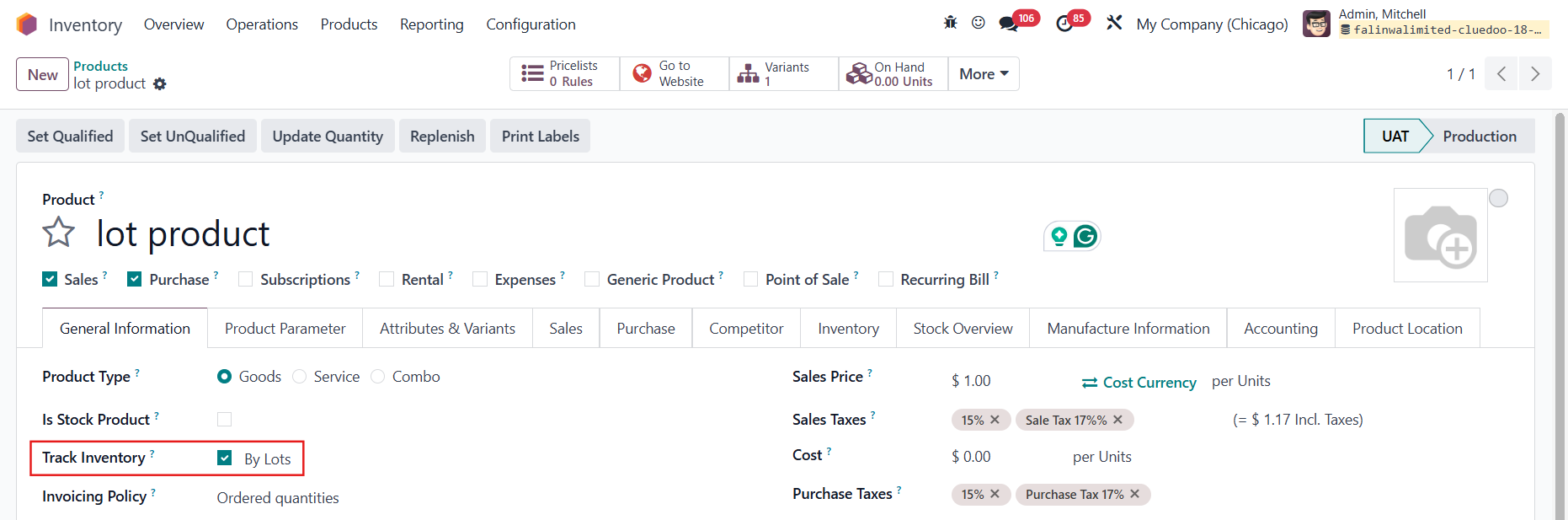 |
USAGE | |
1. Create a Purchase Order and choose a warehouse with 2-step incoming shipments > Add the product > Confirm > Go to the Receipt | 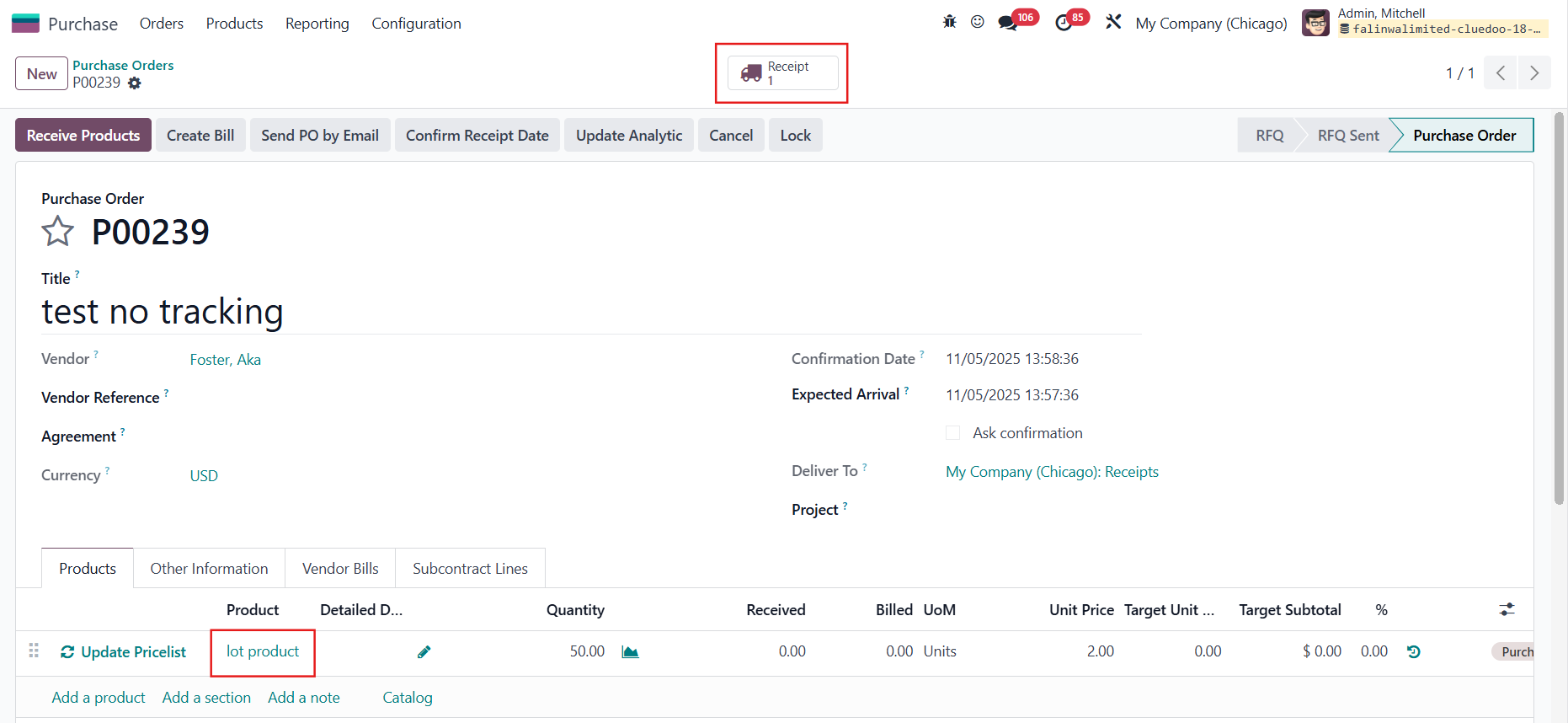 |
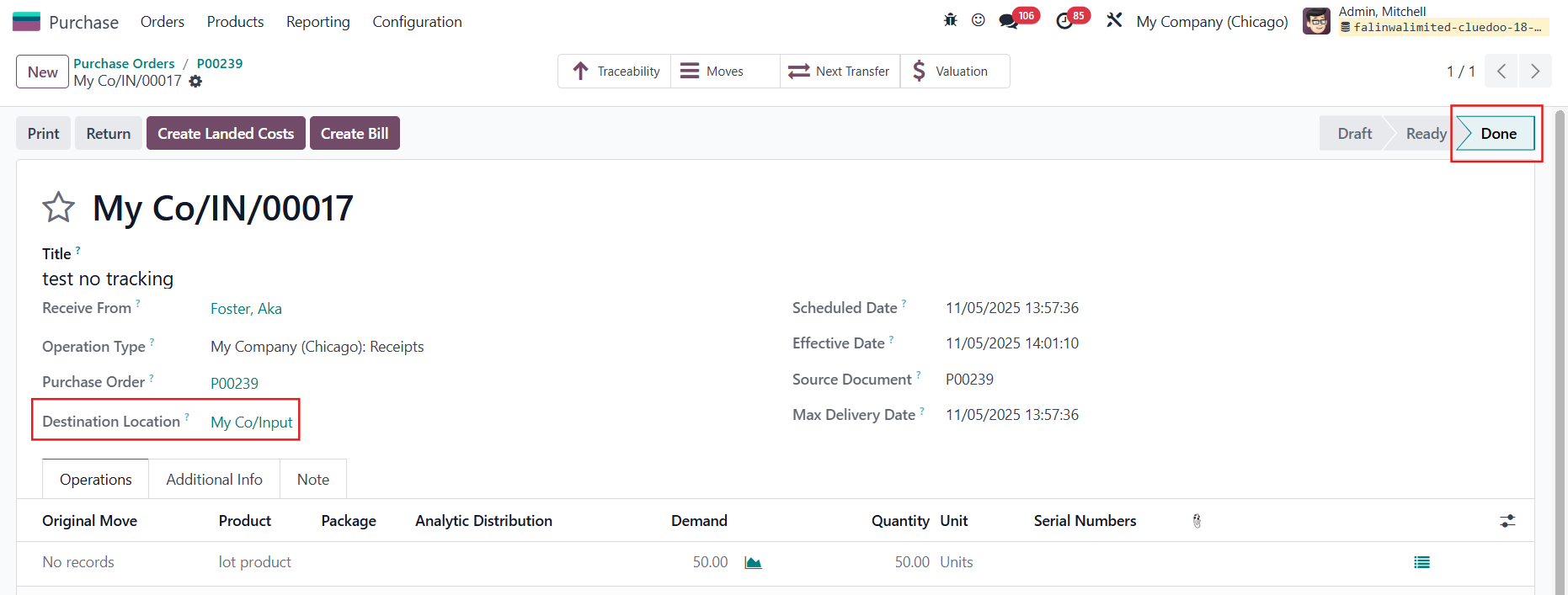
2. The first transfer is from Partners/Vendors to My Co/Input (betwwen 2 "No Tracking" locations) > We can validate it without assigning a lot |
|
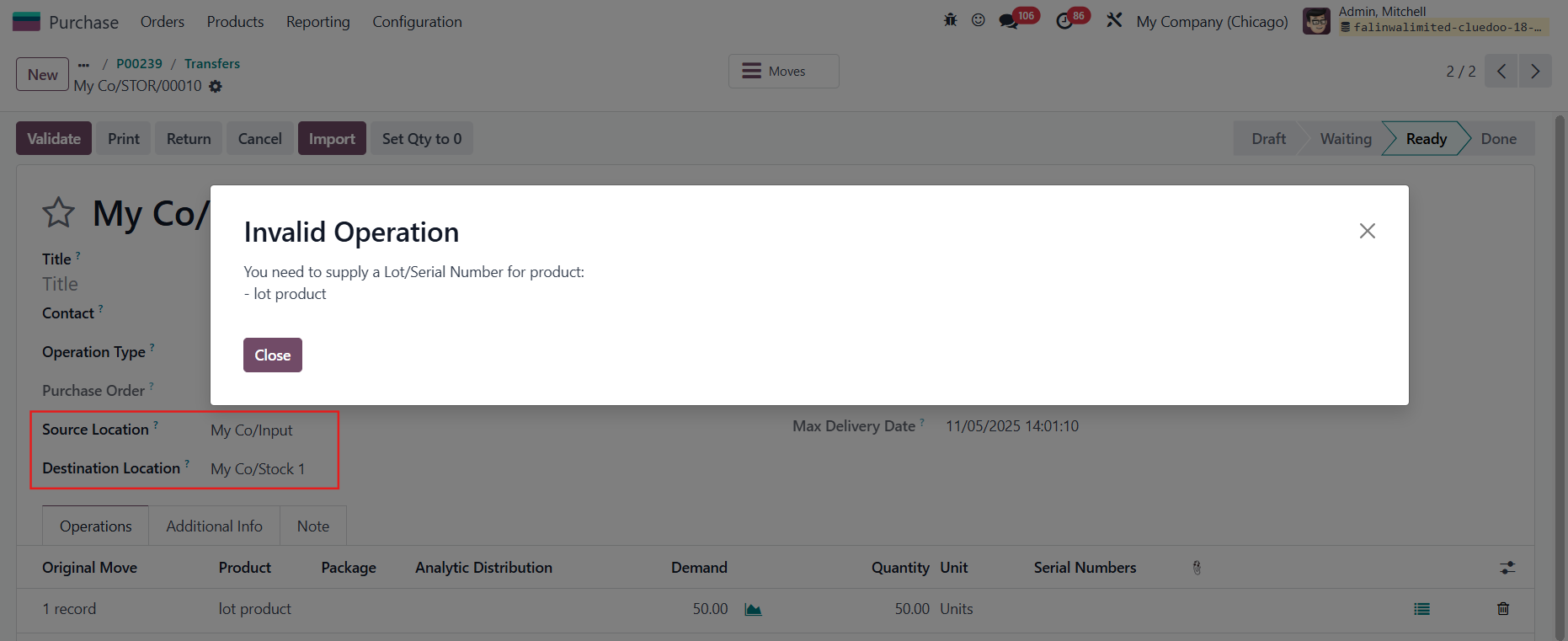
3. The second transfer is from My Co/Input to My Co/Stock 1 (from "No Tracking" location to "Tracking" location) > We cannot validate without assigning a lot |
|
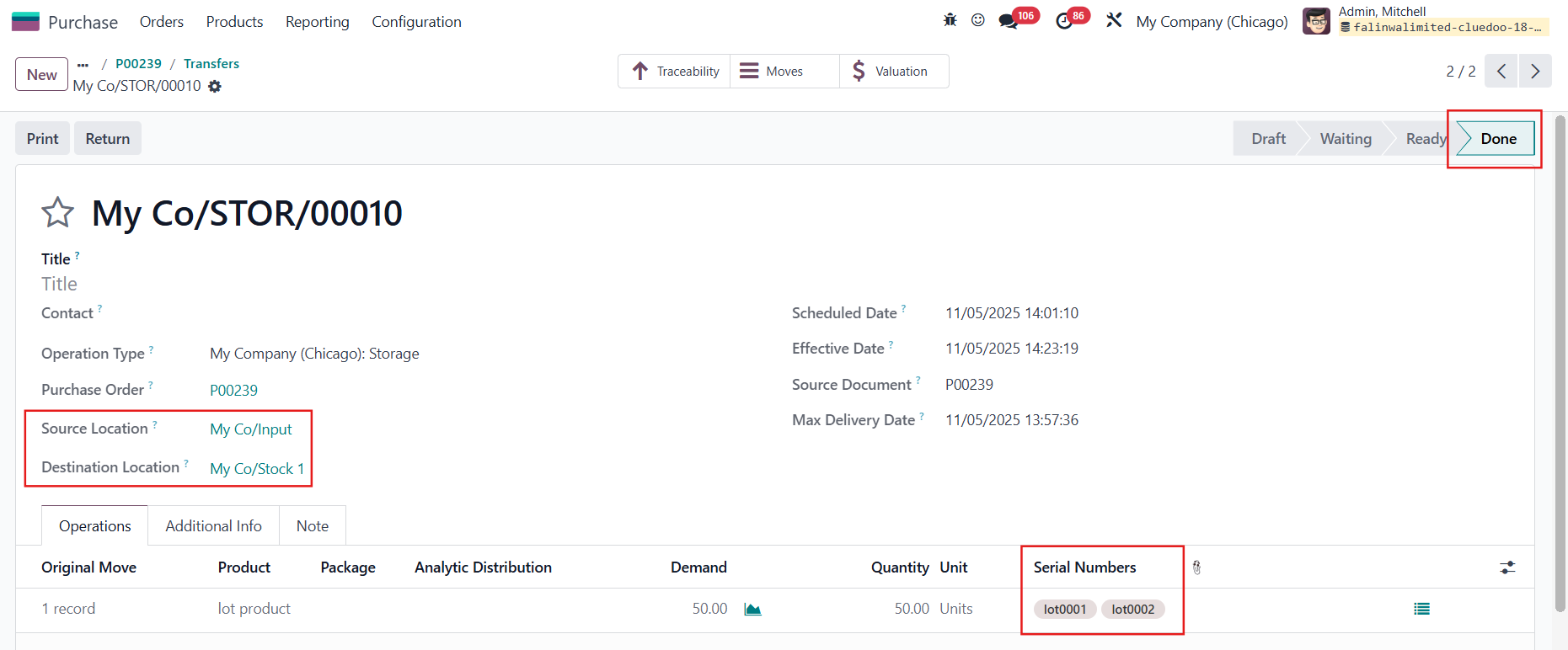
The transfer is validated after assigning the lot |
|