

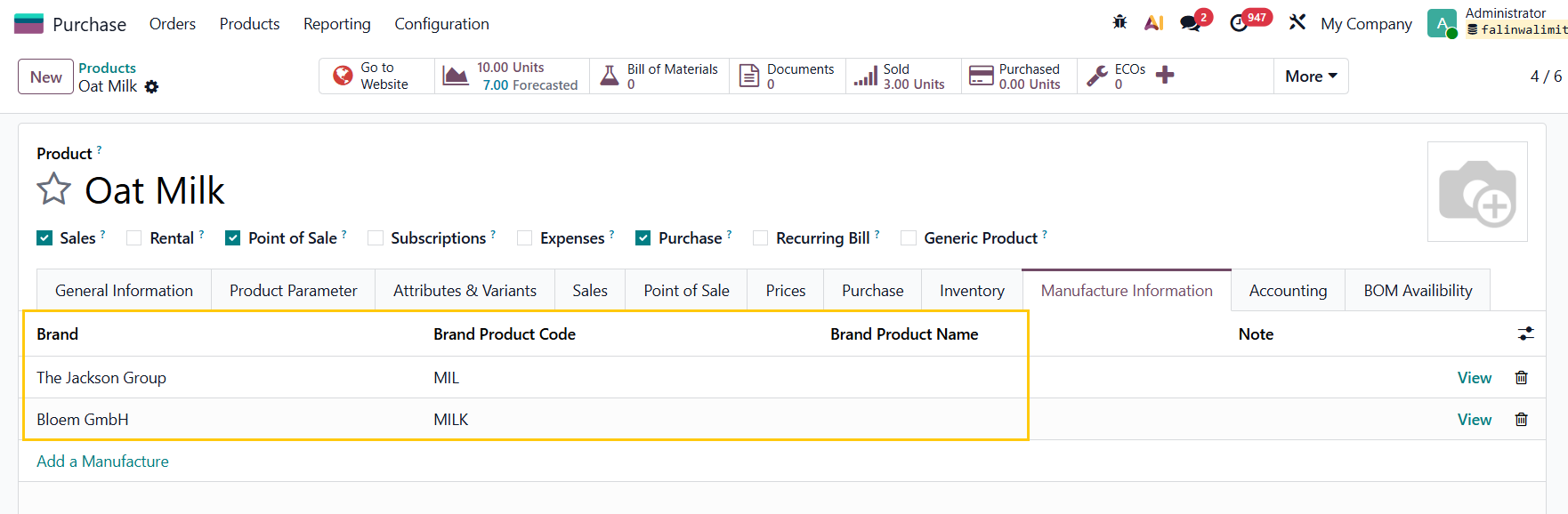
1. Go to Products > create a new product or choose an existing one > fill in the necessary information in the Manufacture Information tab | 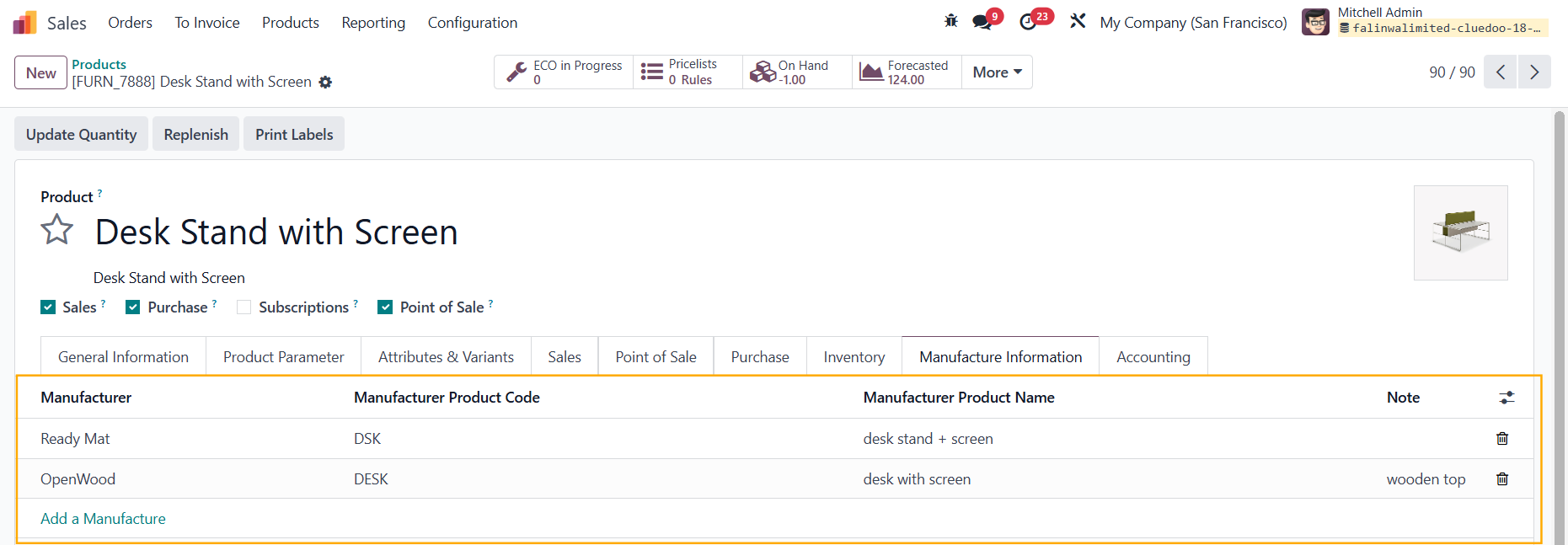 |
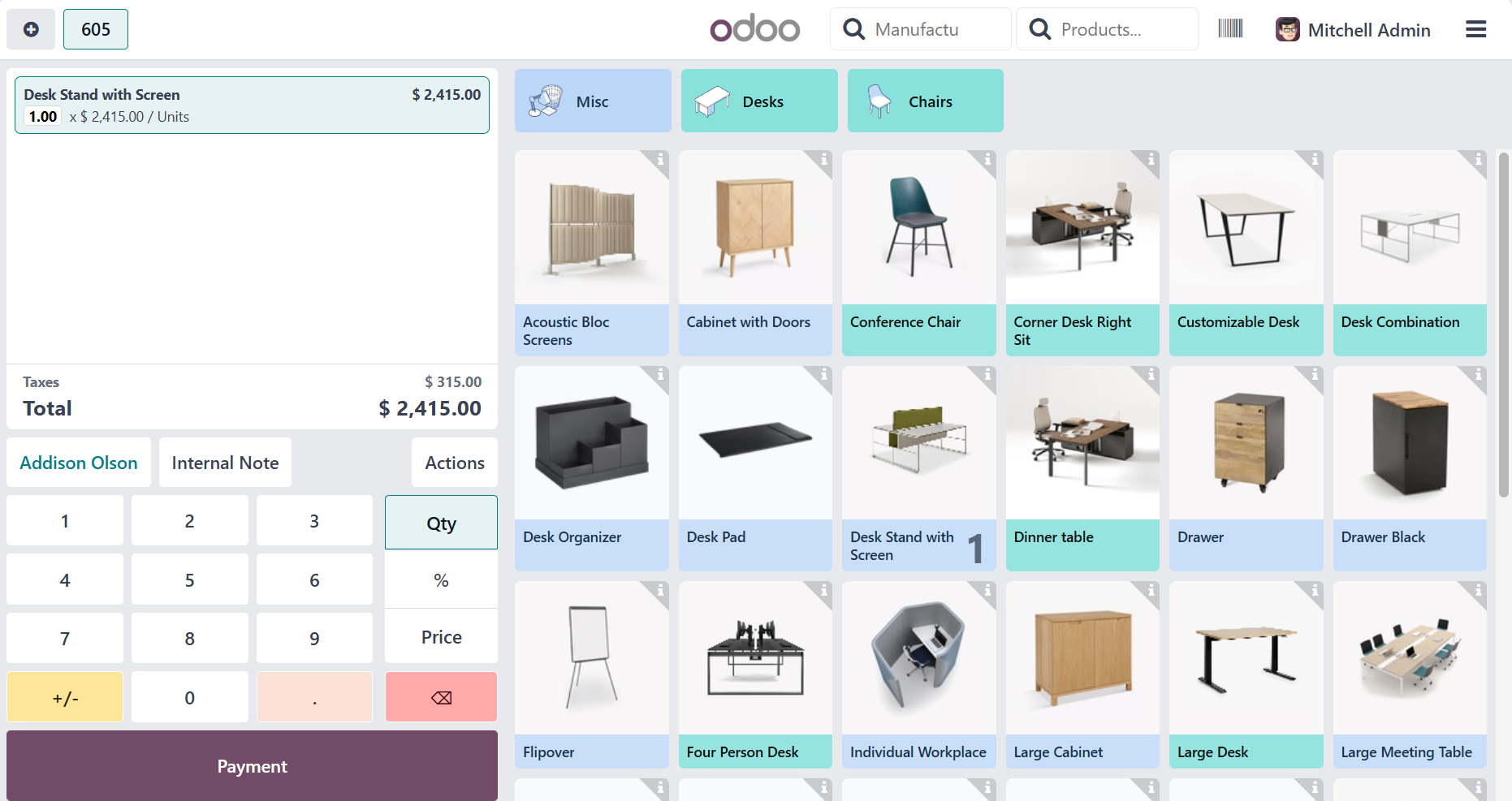
2. Go to Point of Sale > Dashboard > Go to one | 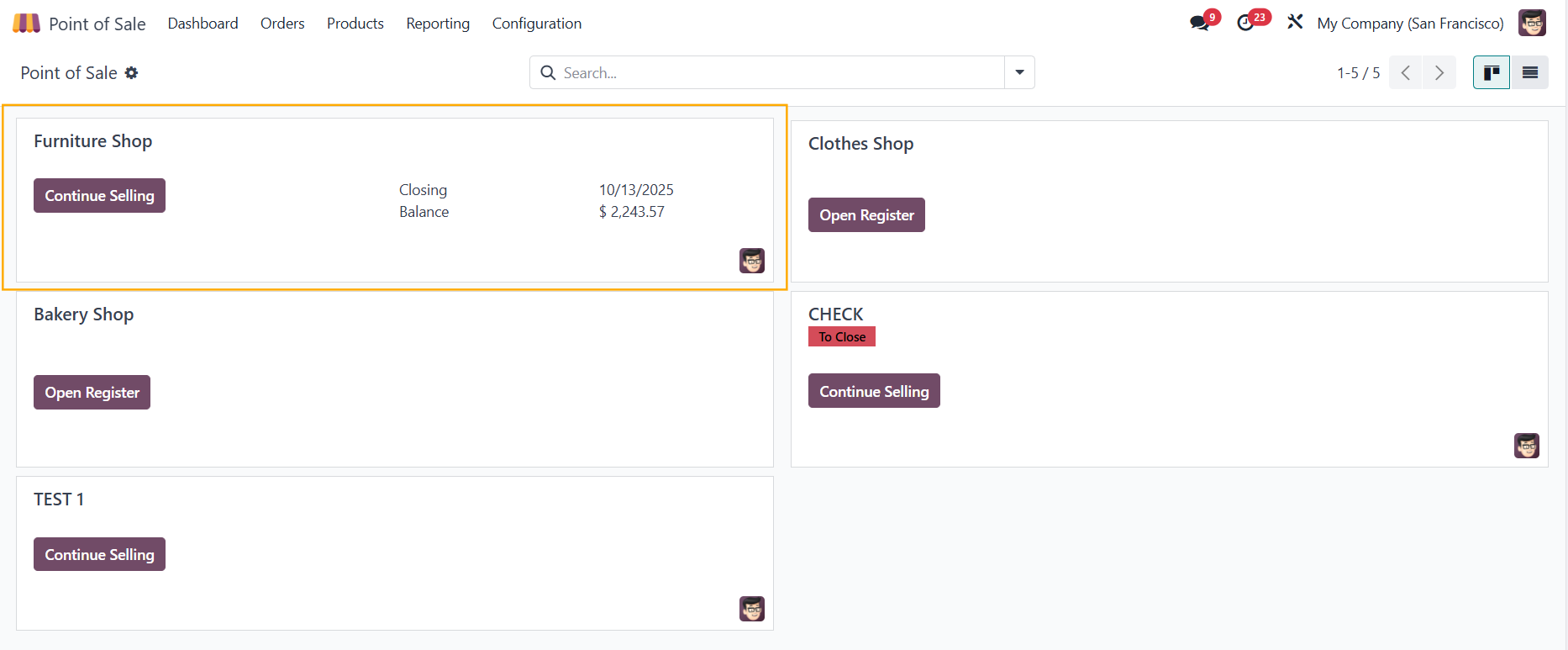 |
Choose the product(s) > Payment > Choose a payment method > Validate |
|
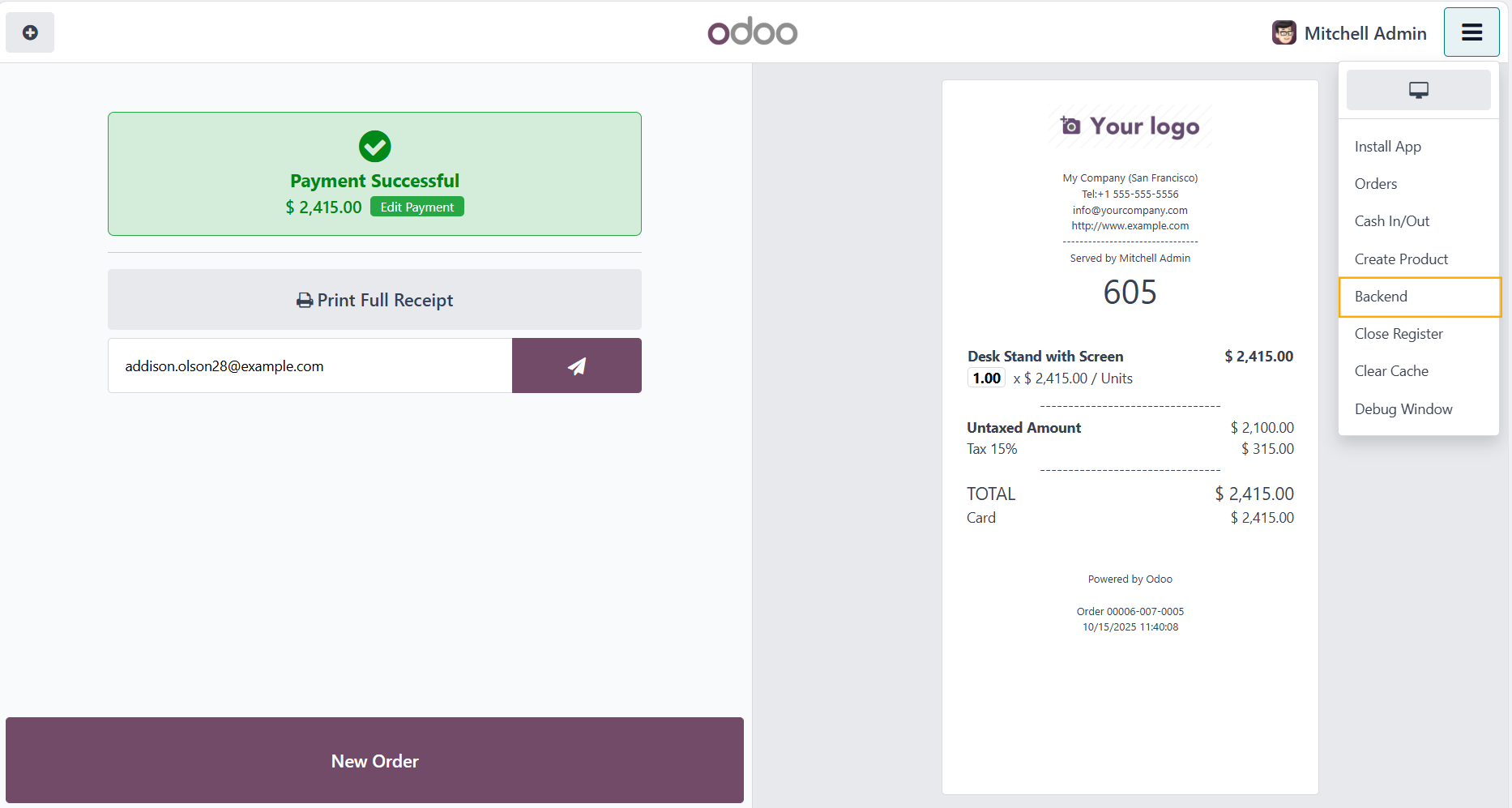
After the payment has been successful > Click Backend to go back to the Point of Sale app |
|
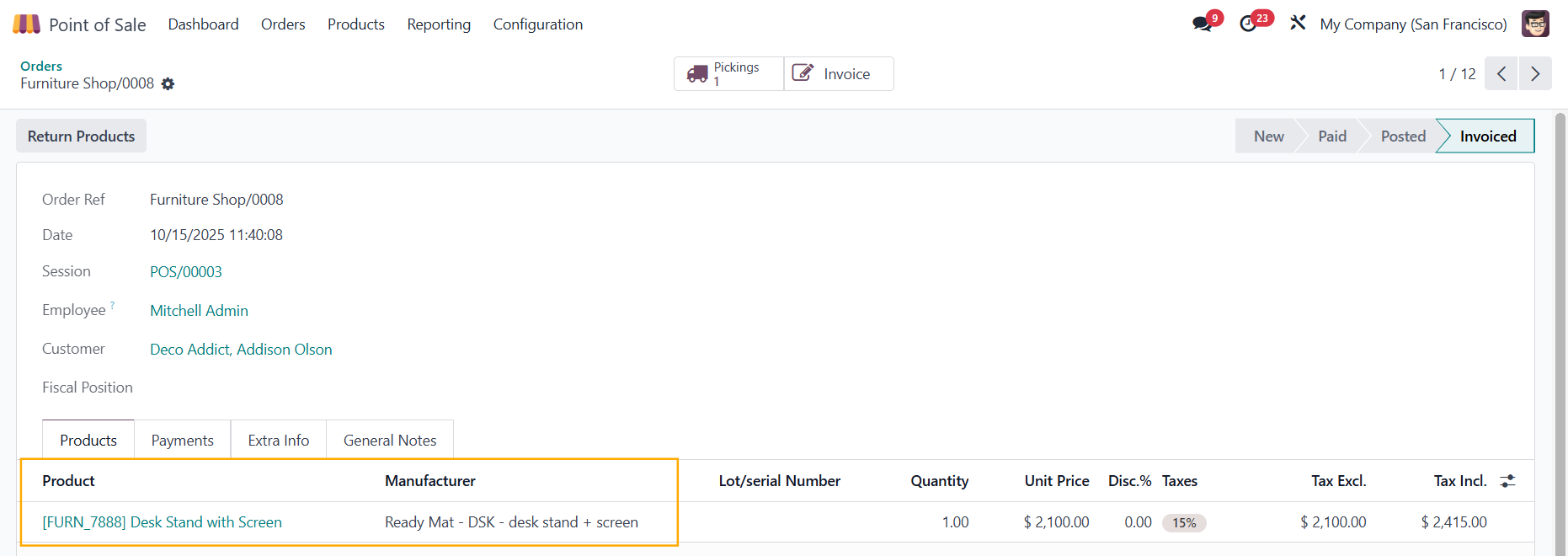
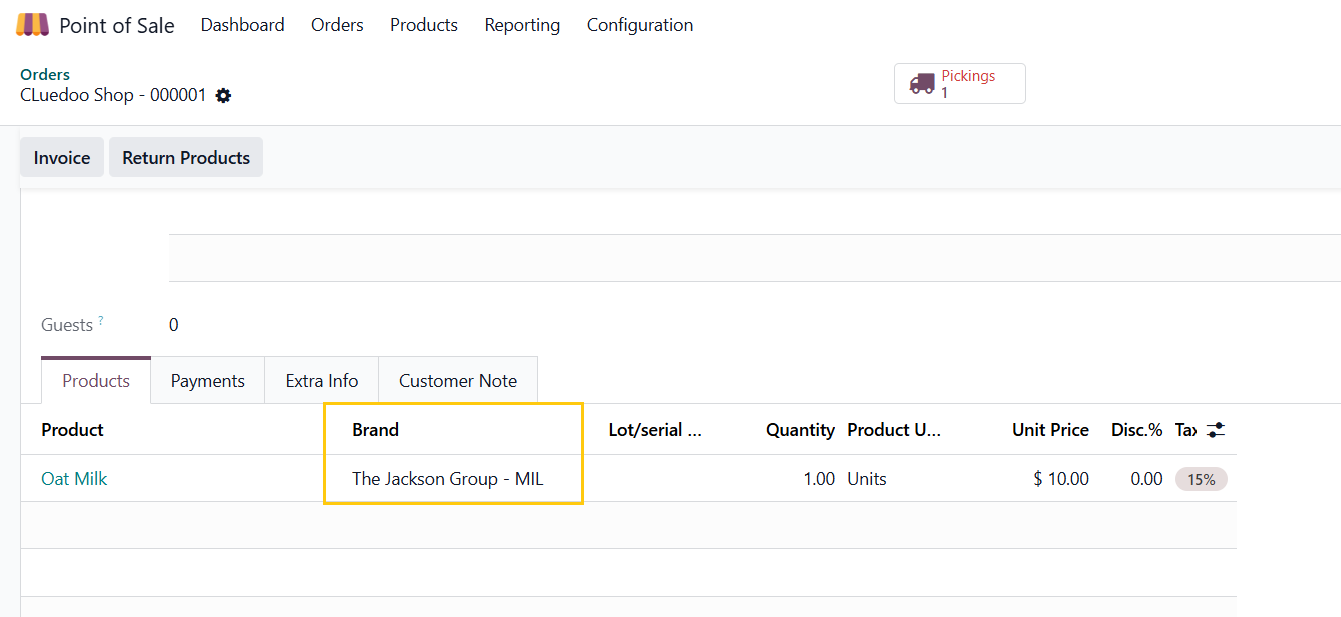
3. Head to Orders > Choose the order just now > the Manufacturer field will be automatically filled with the first manufacturer that you set in the product template |
|
Note: From V19, Manufacturer is changed to Brand to fit more industries |
|
ODOO'S FUNCTION
In Odoo, POS Order Lines do not display or store any information about the product’s Manufacturer (Brand). Users cannot directly see or select which manufacturer the product comes from in the order lines. This makes it difficult to manage or analyze orders by brand or manufacturer, especially when products have multiple possible manufacturers.
CLUEDOO'S FUNCTION
CLuedoo adds a Manufacturer (Brand) field to POS order lines: automatically set to the product’s first manufacturer defined on the product.