



ODOO'S FUNCTION
In Odoo, you can duplicate a product, but its Bill of Materials (BOM) is not duplicated along with it.
CLUEDOO'S FUNCTION
With CLuedoo, you can duplicate a product together with its associated Bill of Materials in one action.
1. Go to Sales / Inventory > Choose / Create a new product | 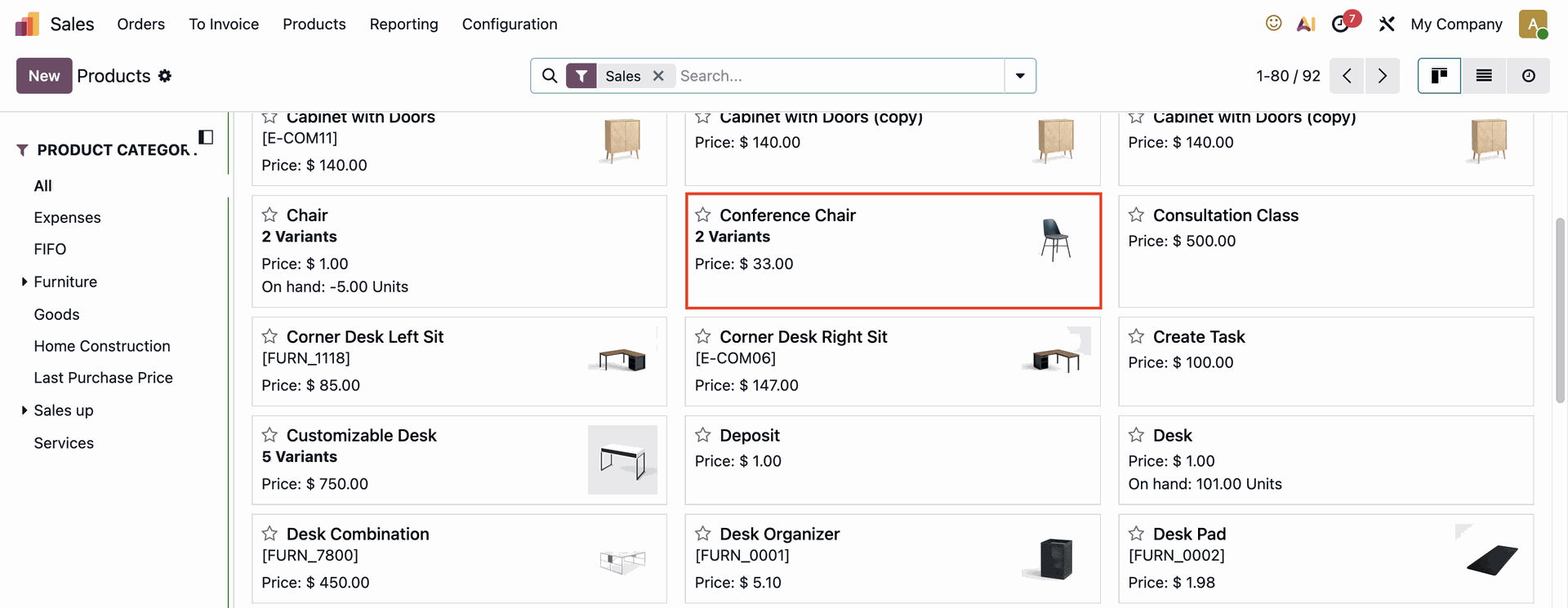 |
Make sure the product you choose have a BoM > Duplicate with BoM | 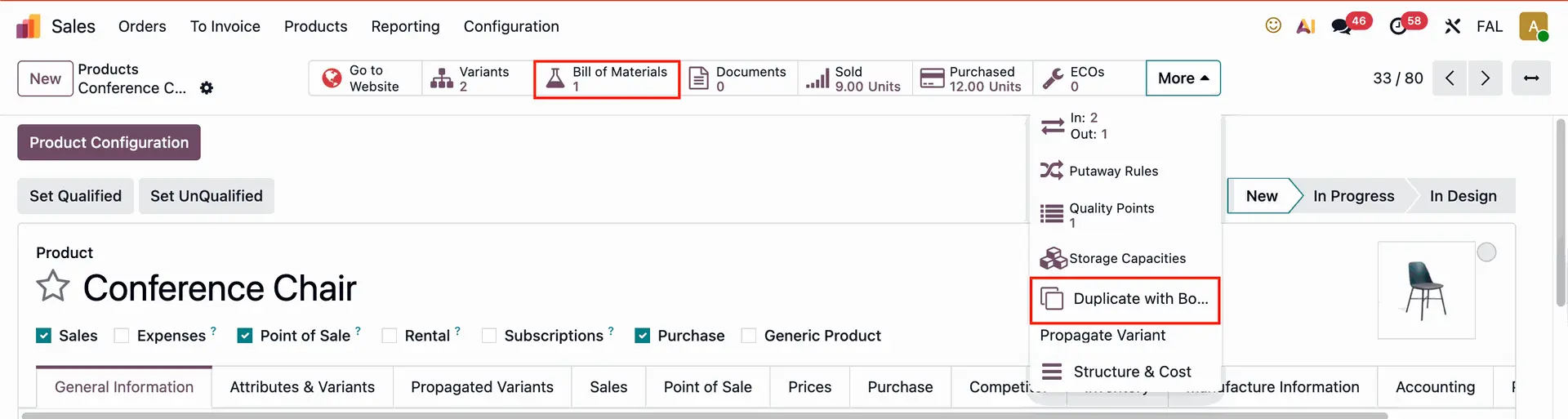 |
2. A pop-up for confirmation will appear | 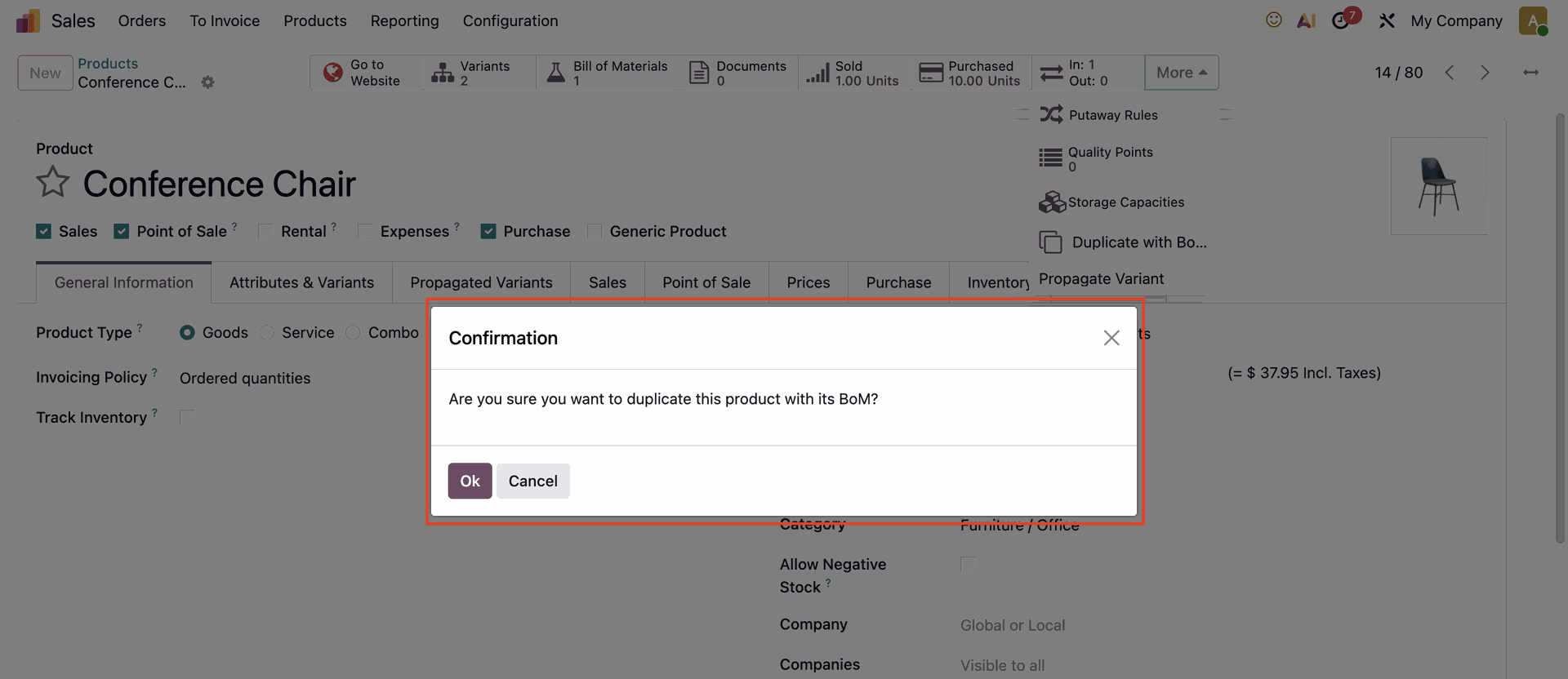 |
3. The product is duplicated with its BoM and variants (if any) The duplicated product will be displayed as Product name (copy). | 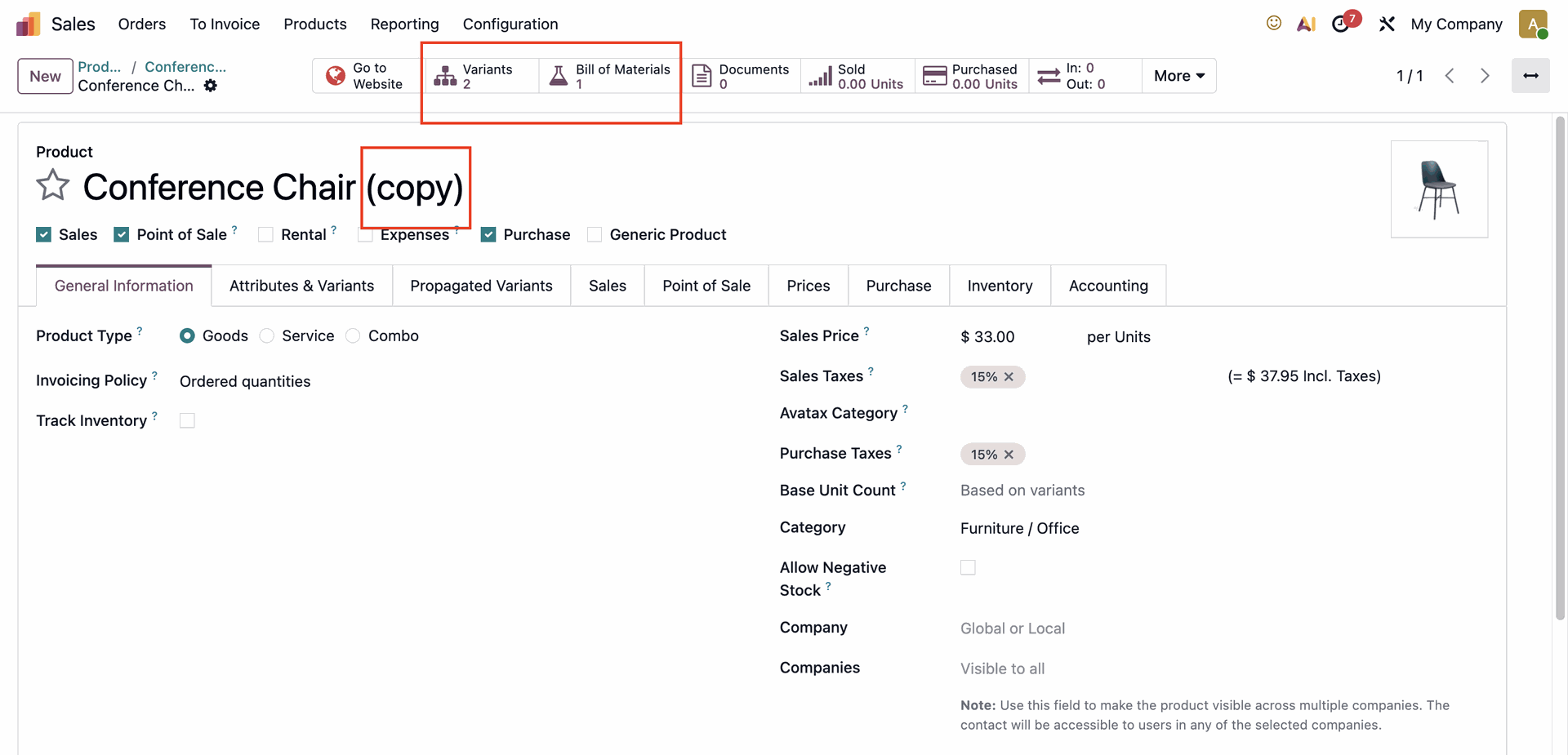 |
Note: In case you have a product variant in the BoM, then the copied BoM will have this product variant as well | 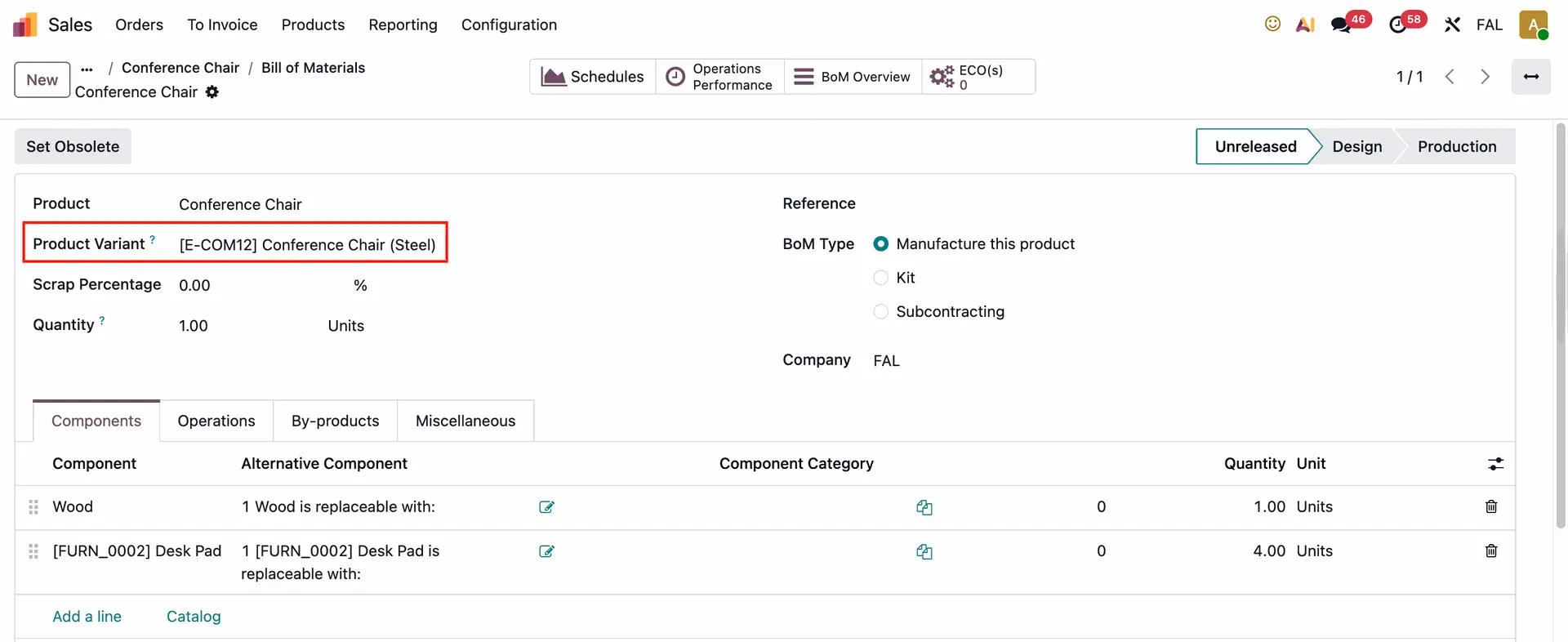 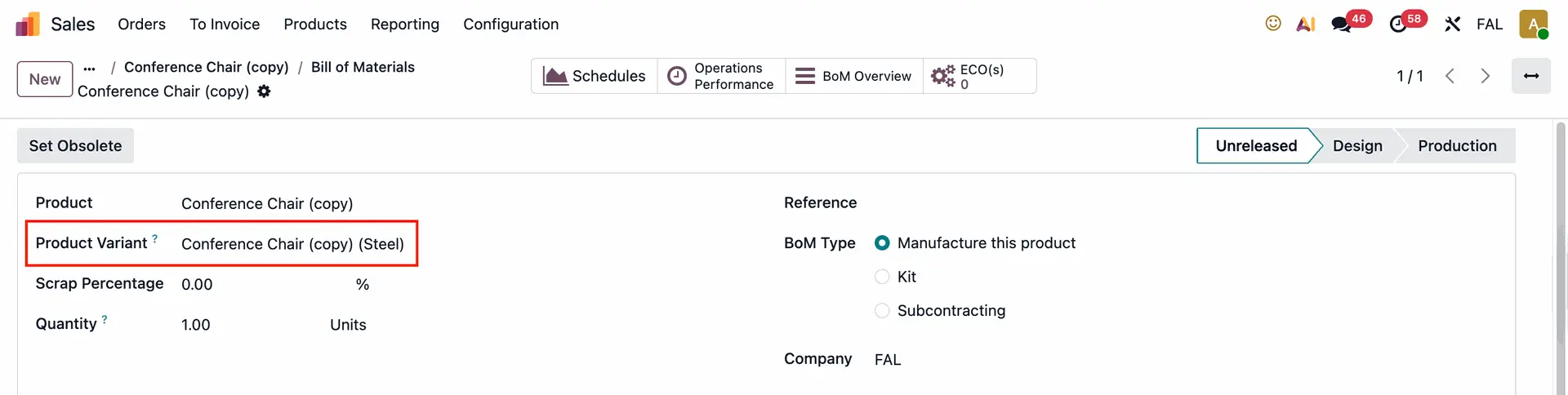 |