

ODOO'S FUNCTION
By default, Odoo supports the creation of Purchase Agreement in the Purchase module, allowing users to define products with invoicing policies such as Delivered Quantity or Ordered Quantity. However, when creating invoices from Purchase Agreement, Odoo does not provide a streamlined process to deduct downpayments with flexible options like Fixed Amount, Percentage of Order, Percentage of Invoice, or Balance.
CLUEDOO'S FUNCTION
Cluedoo extends this feature to let user create a credit note from the purchase agreement downpayment invoice and create invoice PO as normal.
1. Create a new Purchase Agreement with 2 types of Billing Policy (Received/Ordered quantity) > Confirm For example: I choose Corner Desk Right Sit with Billing Policy: Received quantity and Large Cabinet with Billing Policy: Ordered quantity | 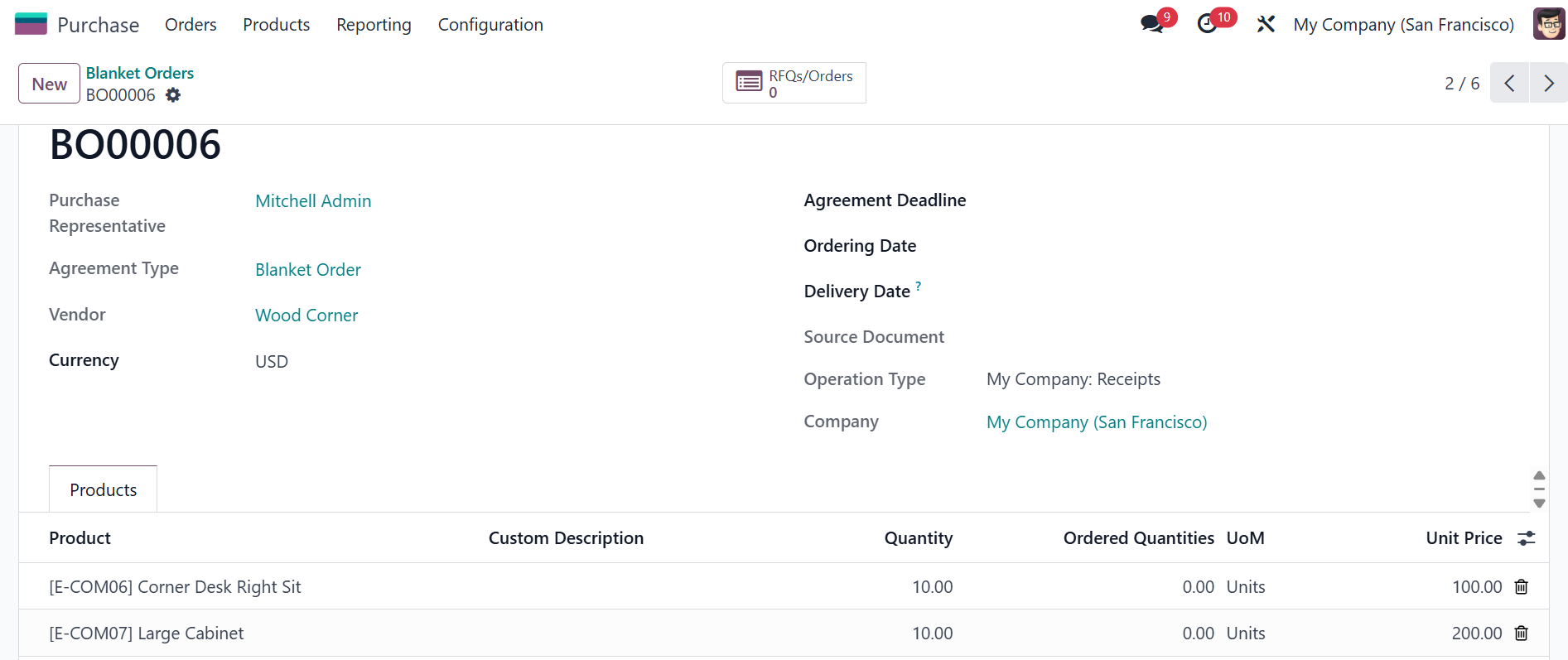 |
2. Create a new downpayment bill for Blanket Order > Confirm For ex, I choose 50% down payment | 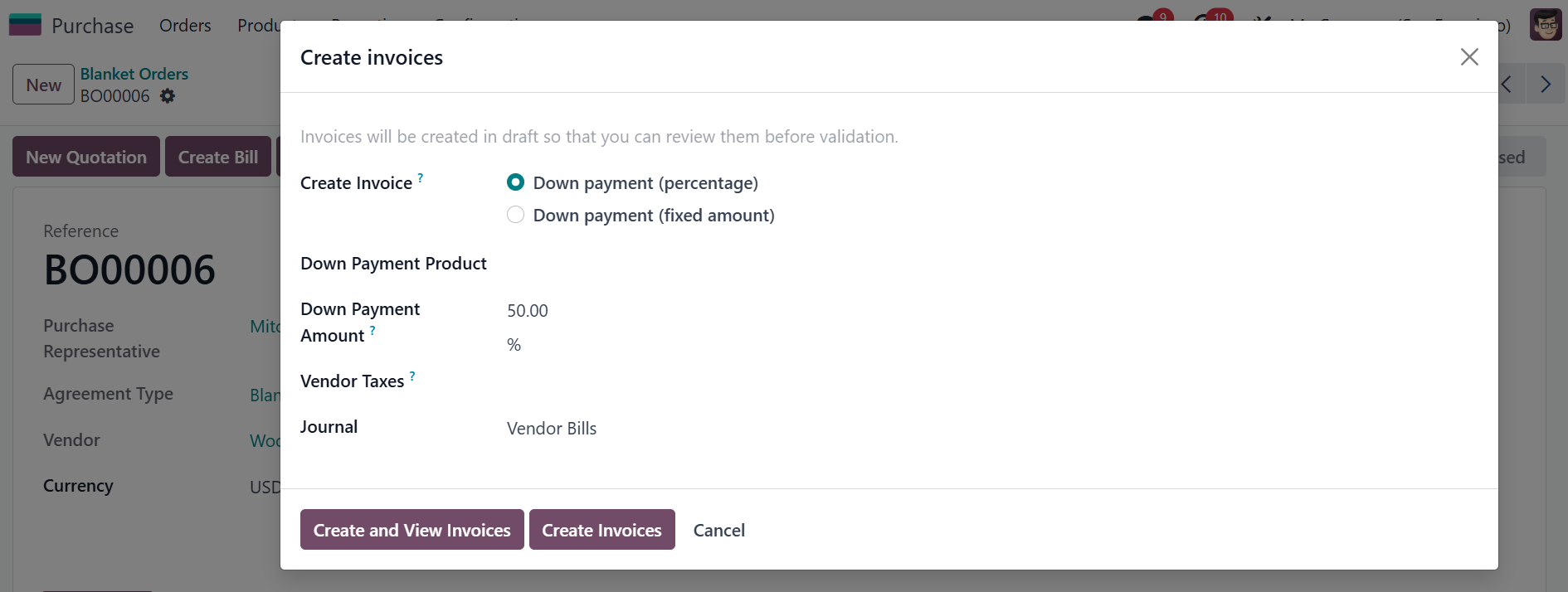 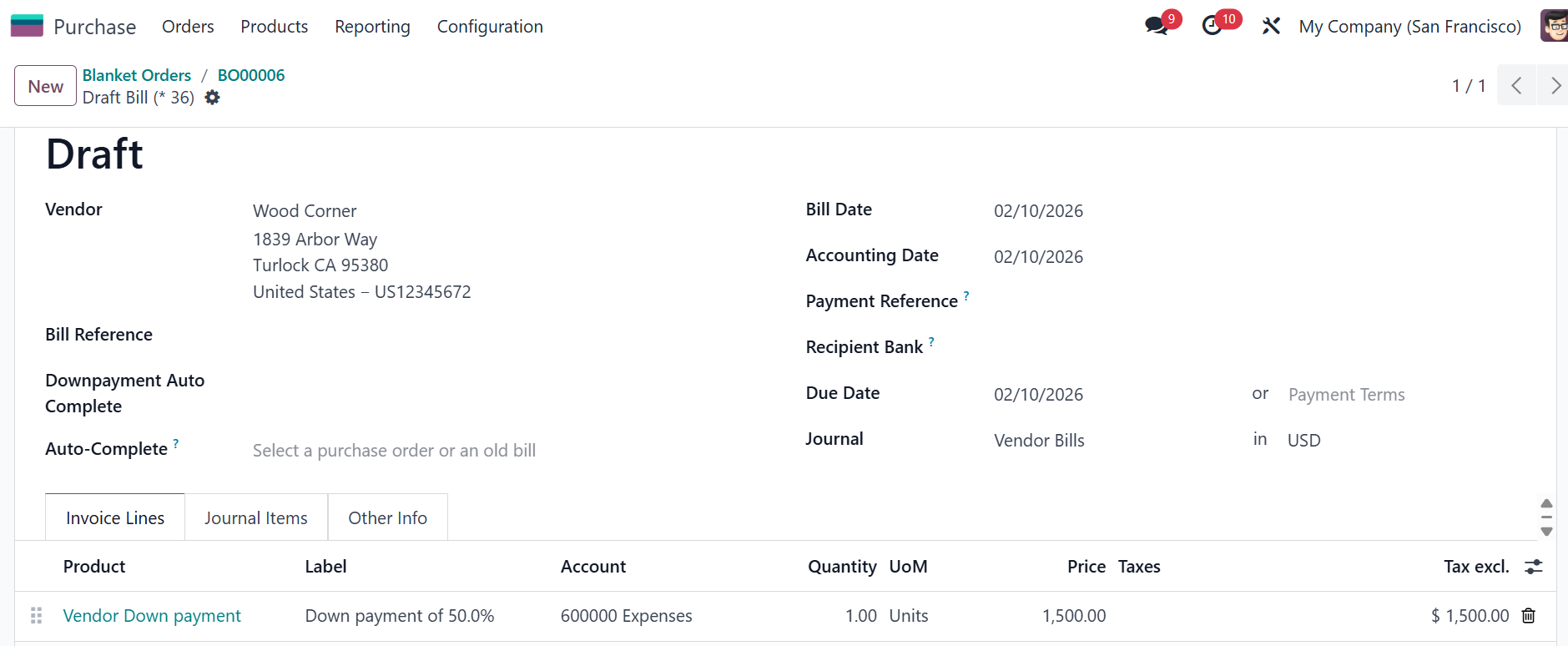 |
3. Create a New Quotation > Edit the quantity if needed > Confirm | 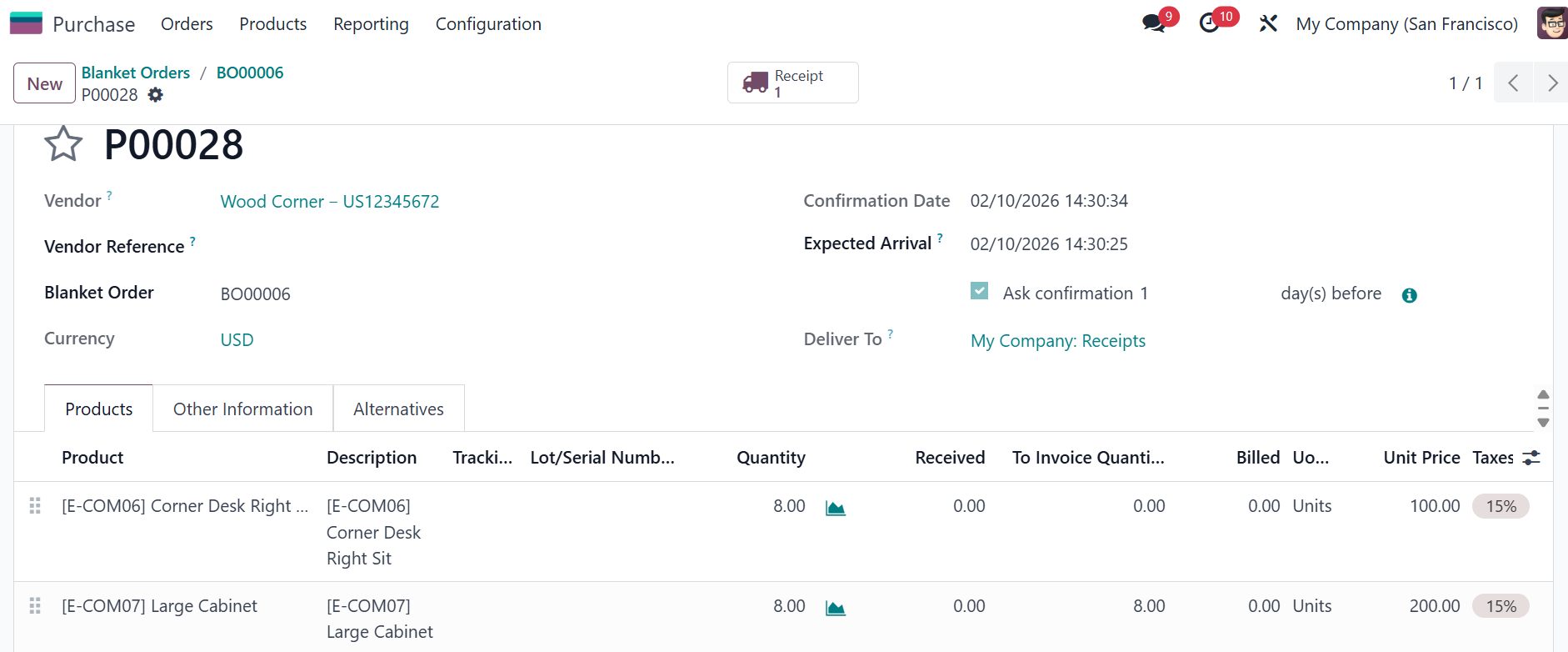 |
4. Go to the Receipt > Deduct the quantity > Validate > Create backorder Go back to the PO > Create Bill > Enable Deduct Downpayment Purchase Agreement checkbox and choose a Deduct Type There are 4 deduct types:
Fill in the Deduct Amount > Create Draft | 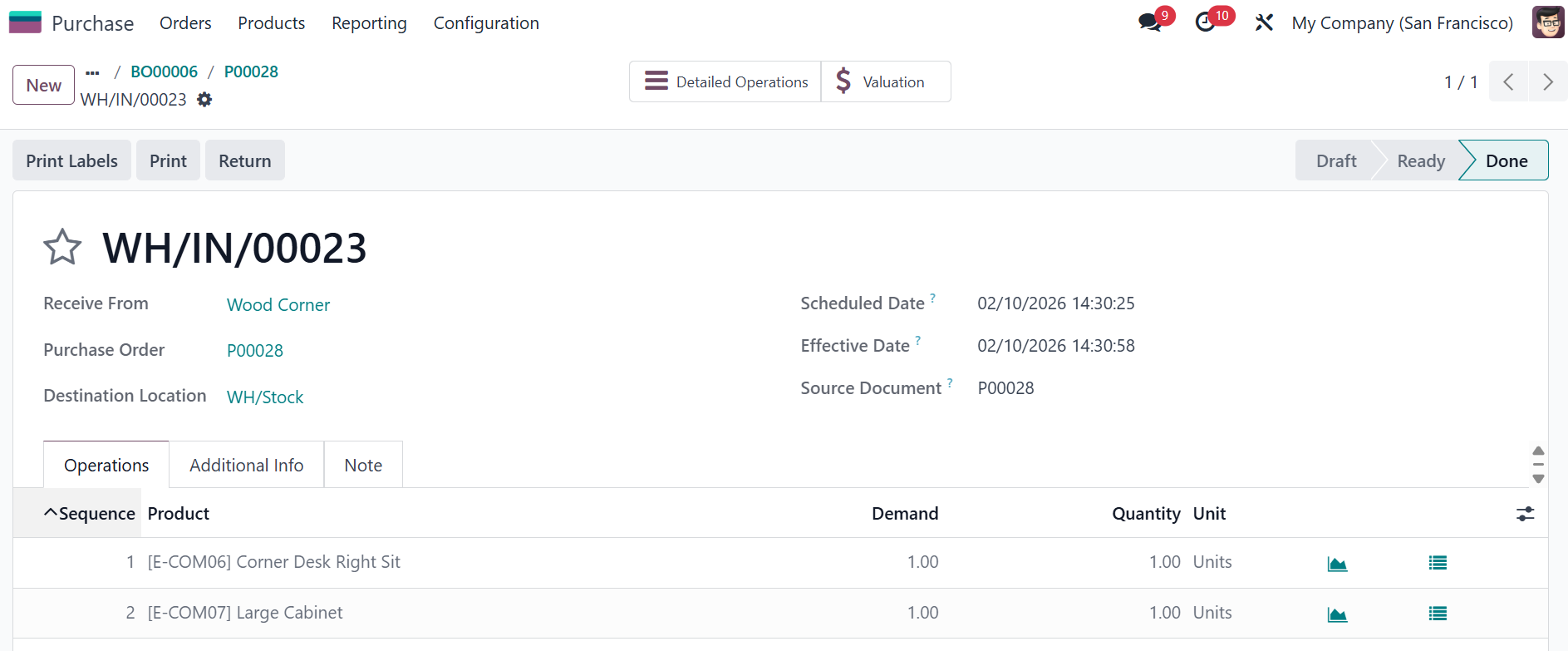 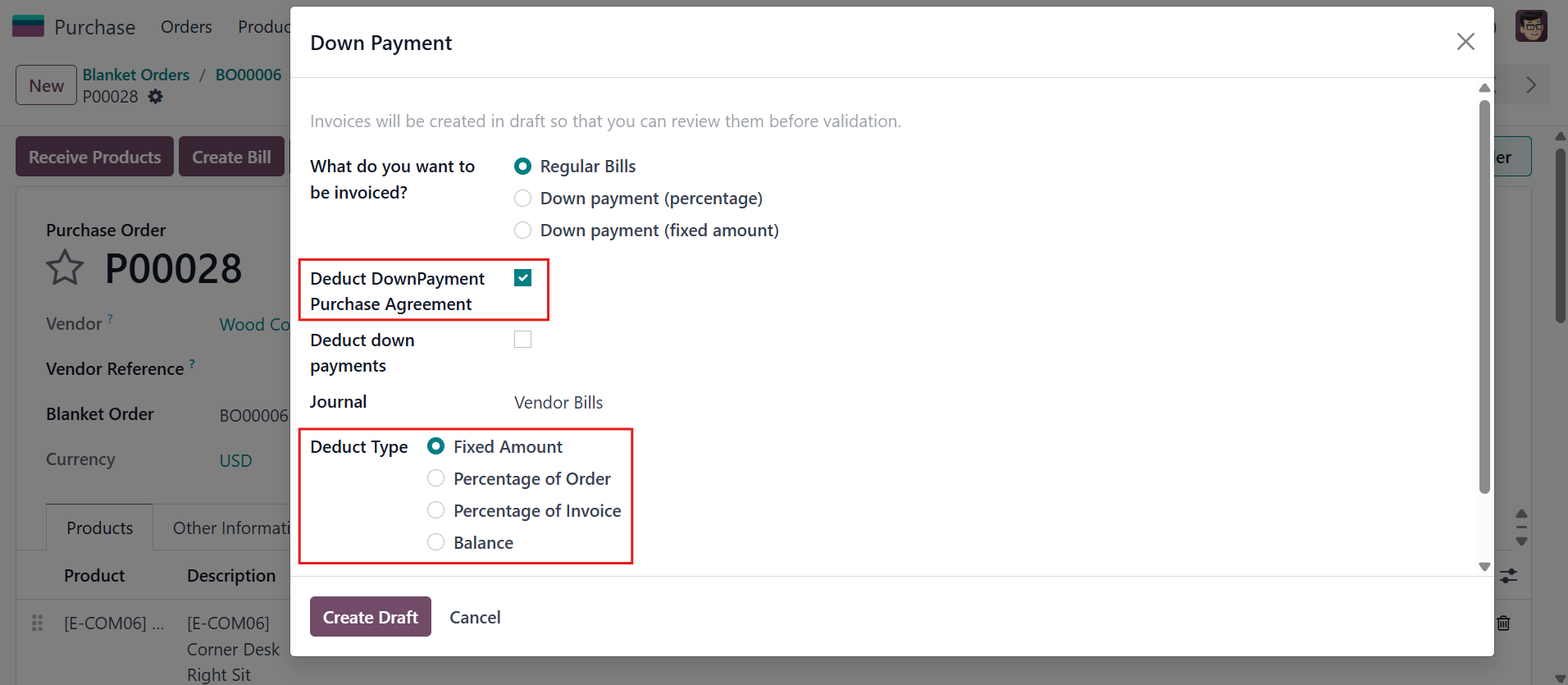 |
FIXED AMOUNTIt will create a new bill for Blanket Order with the amount equal to deduct amount and regular bill for PO (based on the billing policy) Noted: Product with Ordered quantity automatically invoiced full quantity | 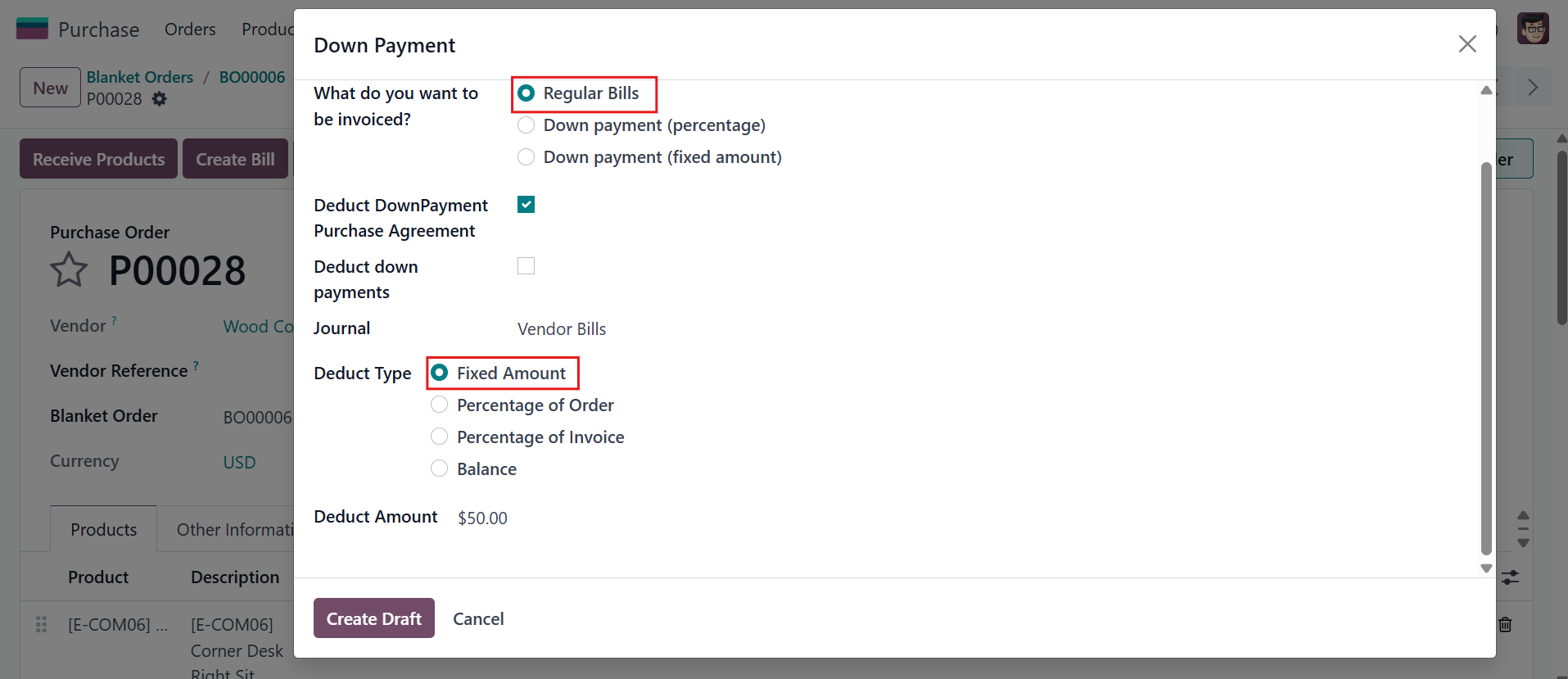 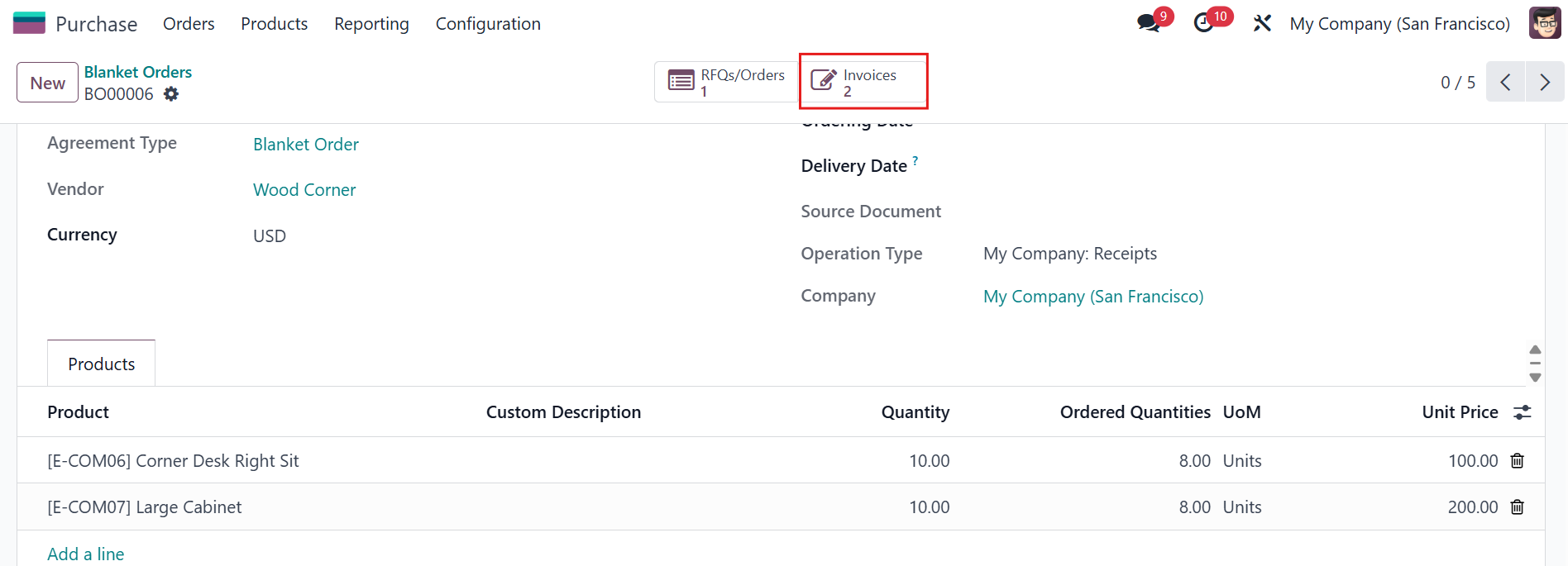 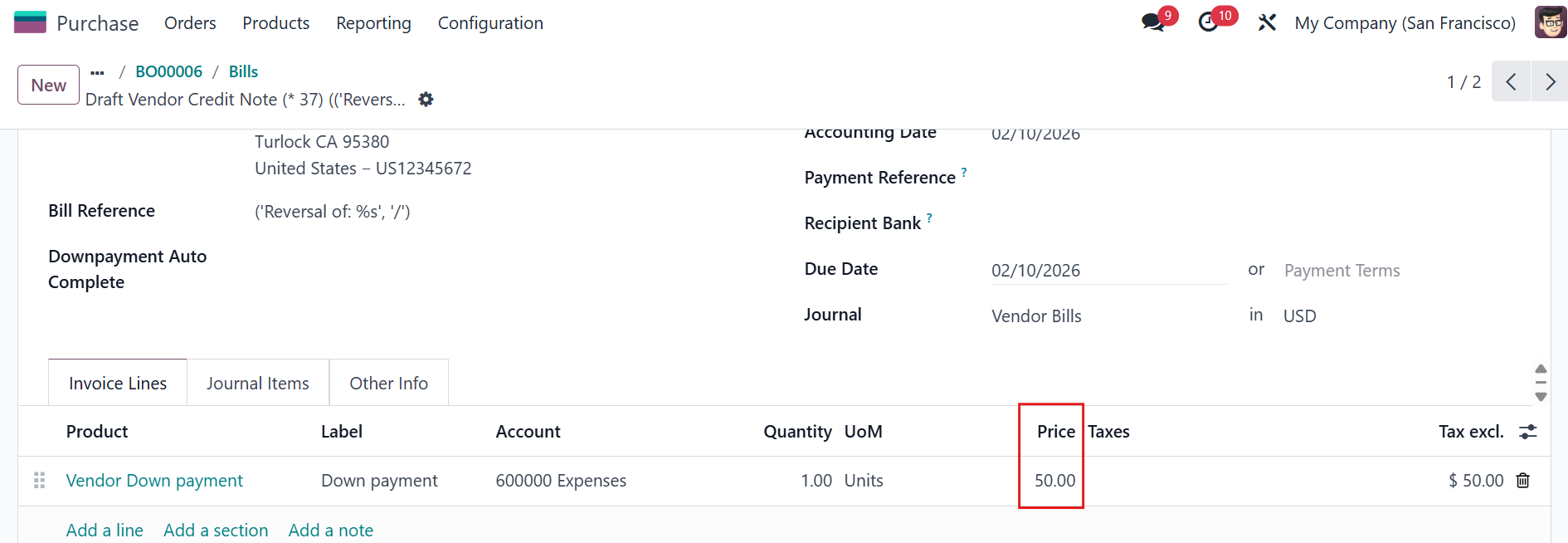 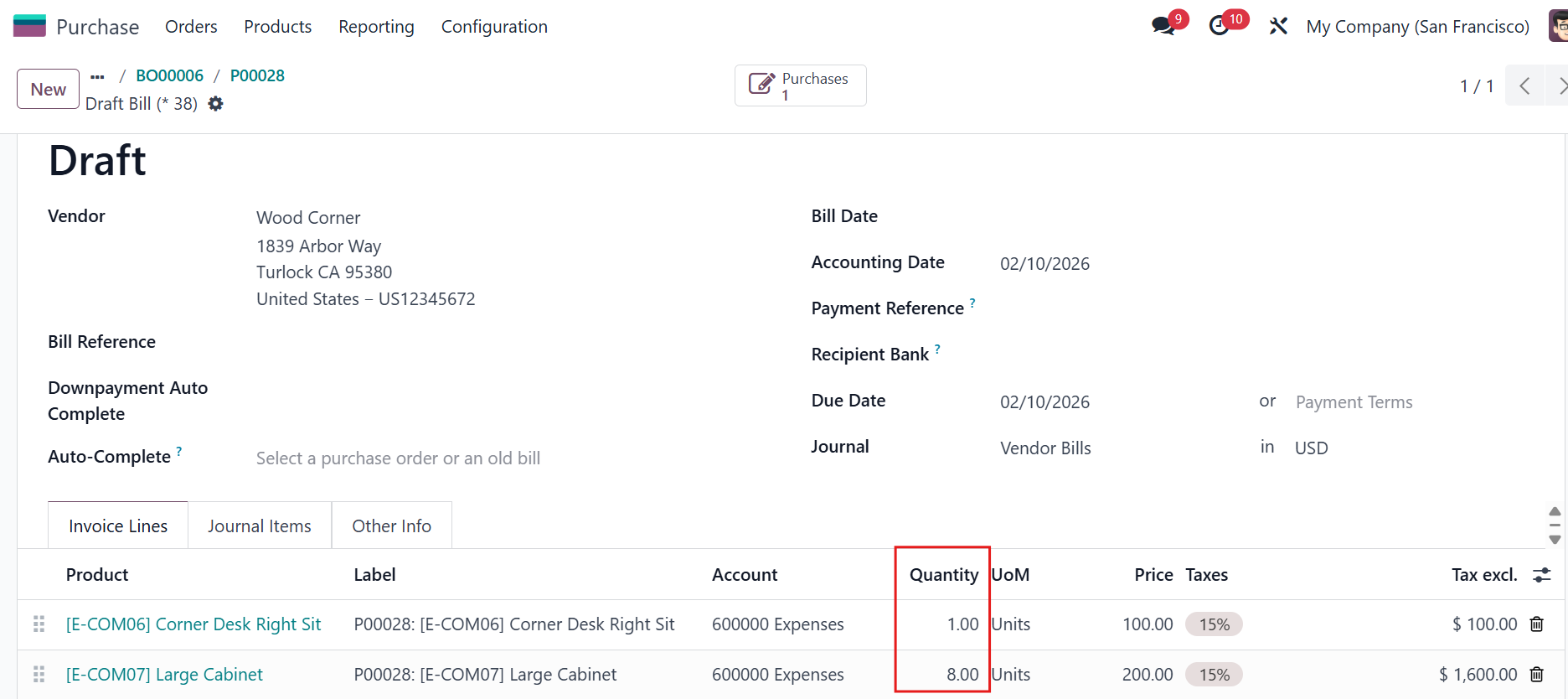 |
PERCENTAGE OF ORDERBack to the PO > Go to the Receipt > Edit the quantity > Create backorder > Validate Go back to PO > Create Bill It will create a new vendor bill for the PA and a regular bill for the Purchase Order. | 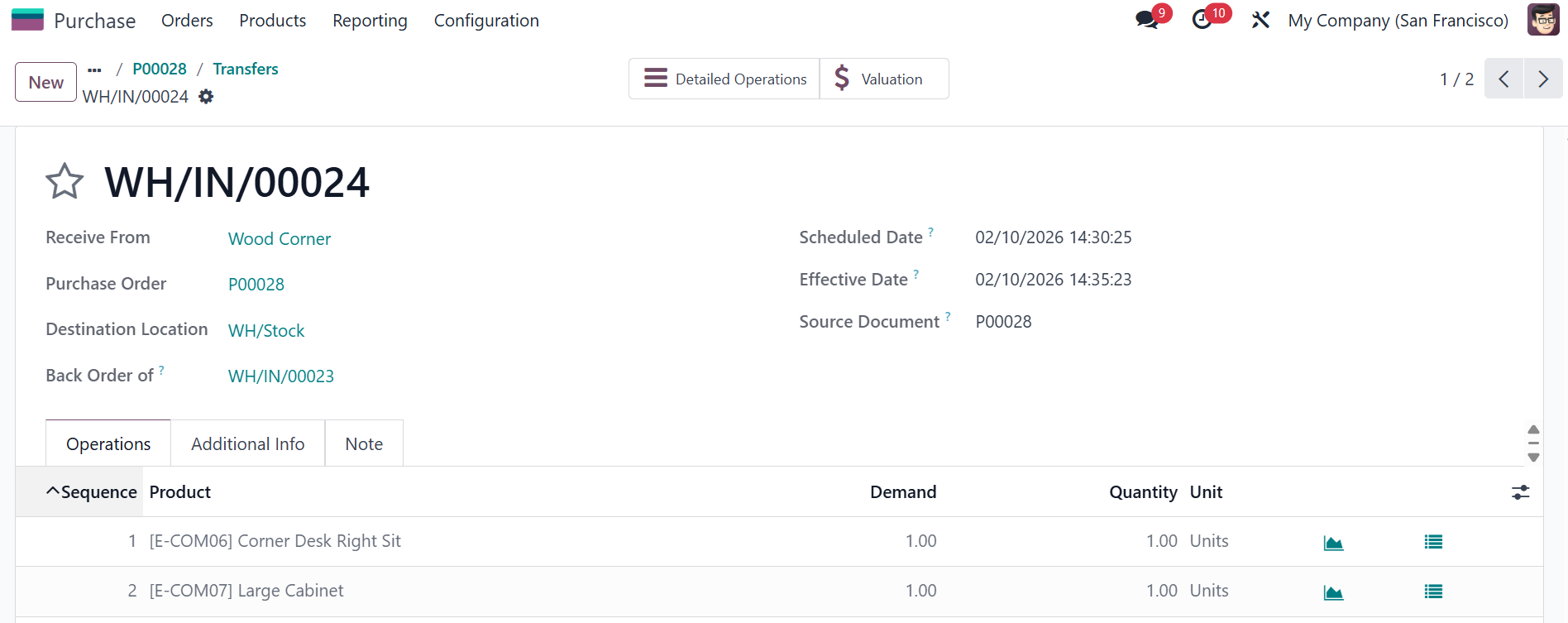 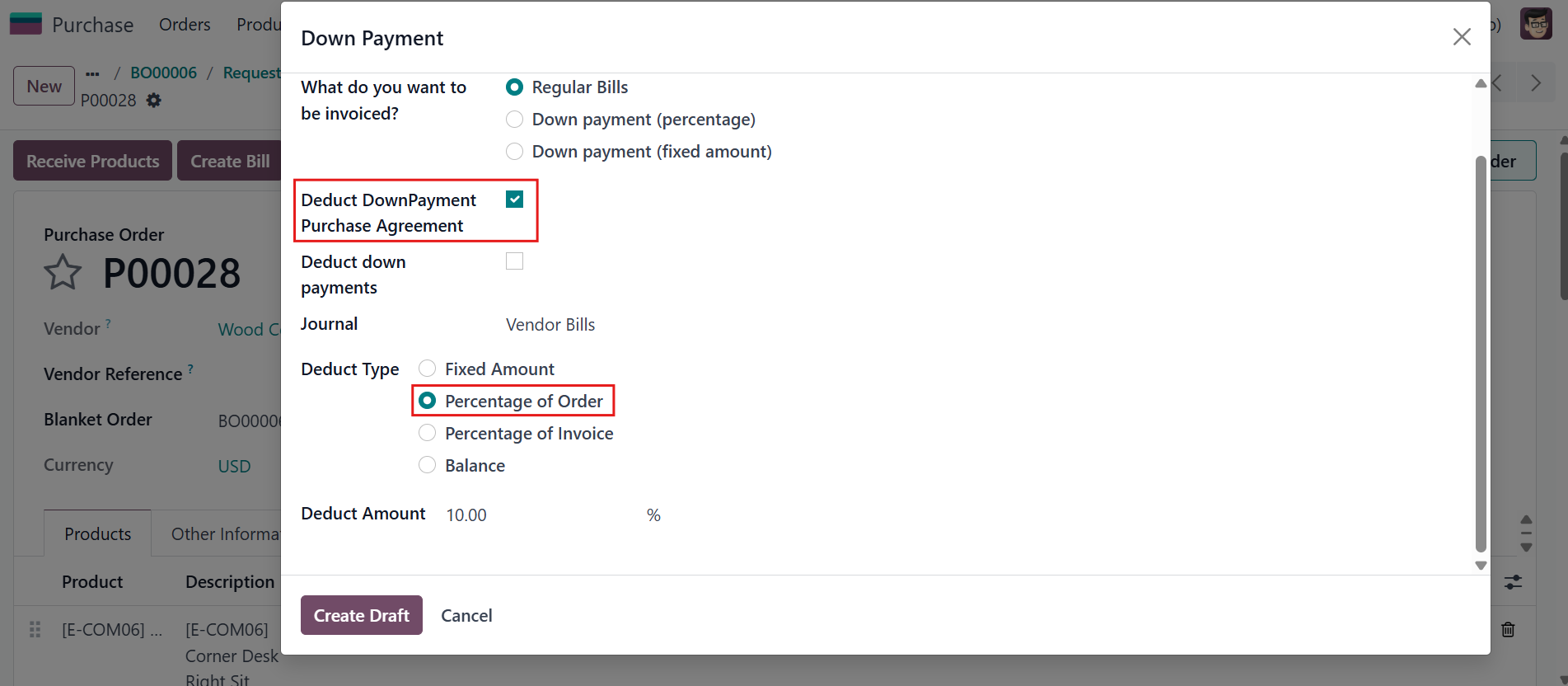 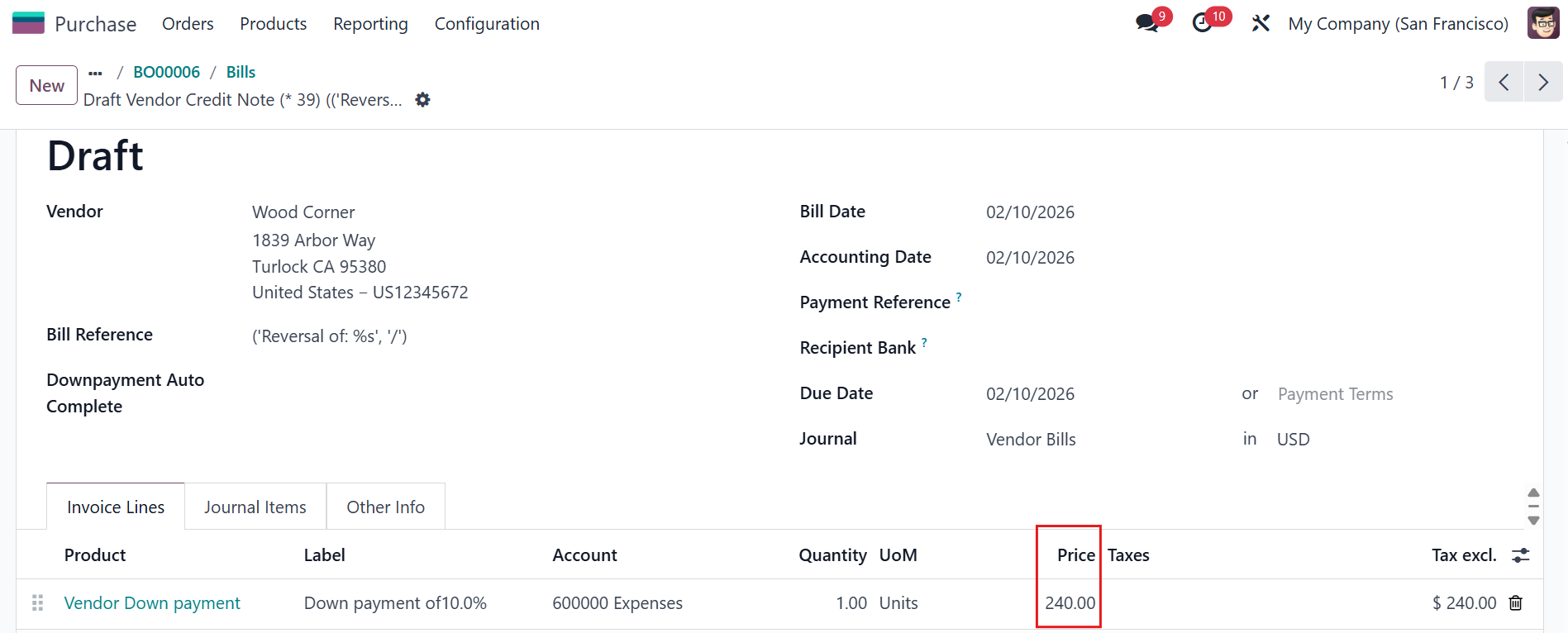 |
PERCENTAGE OF INVOICEBack to the PO > Go to the Receipt > Edit the quantity > Validate Back to the PO > Create Bill It will create a bill for the PA and a regular bill for PO. | 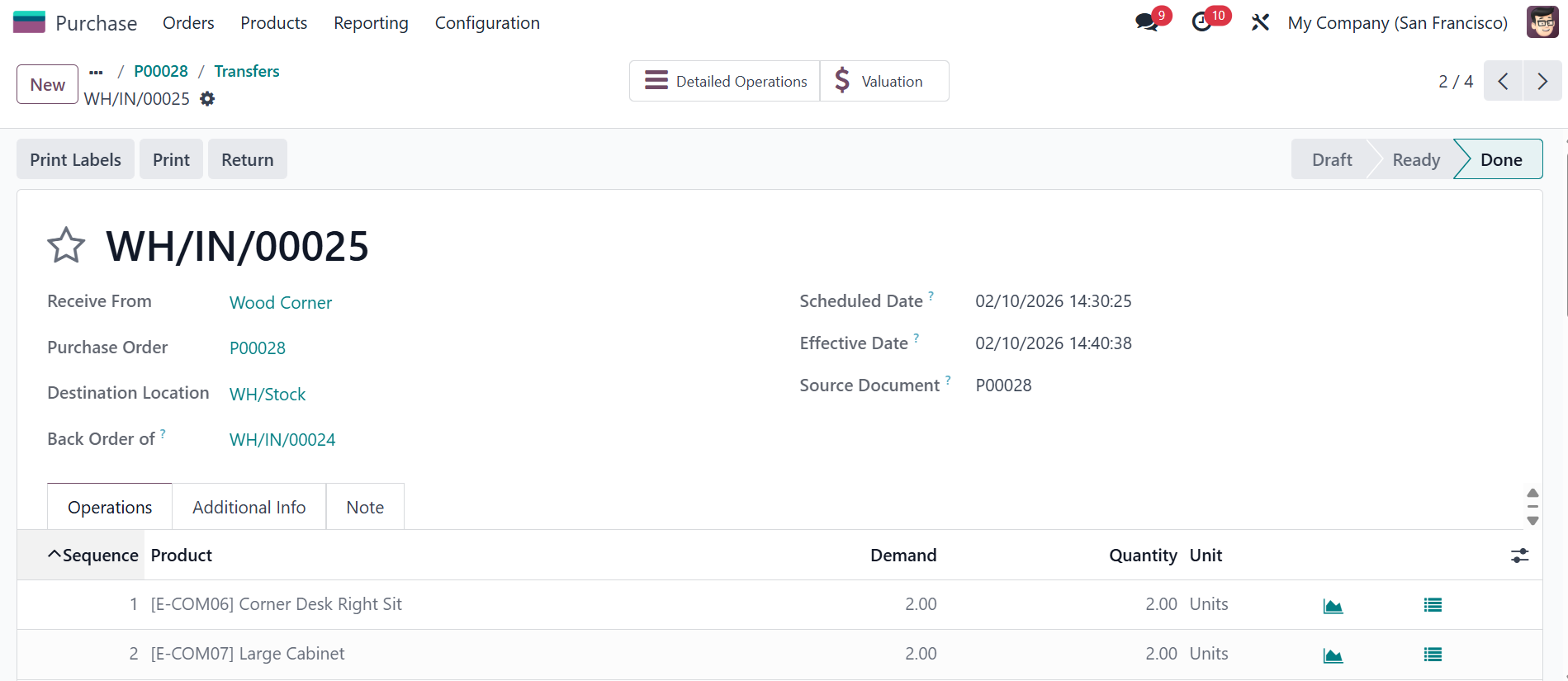 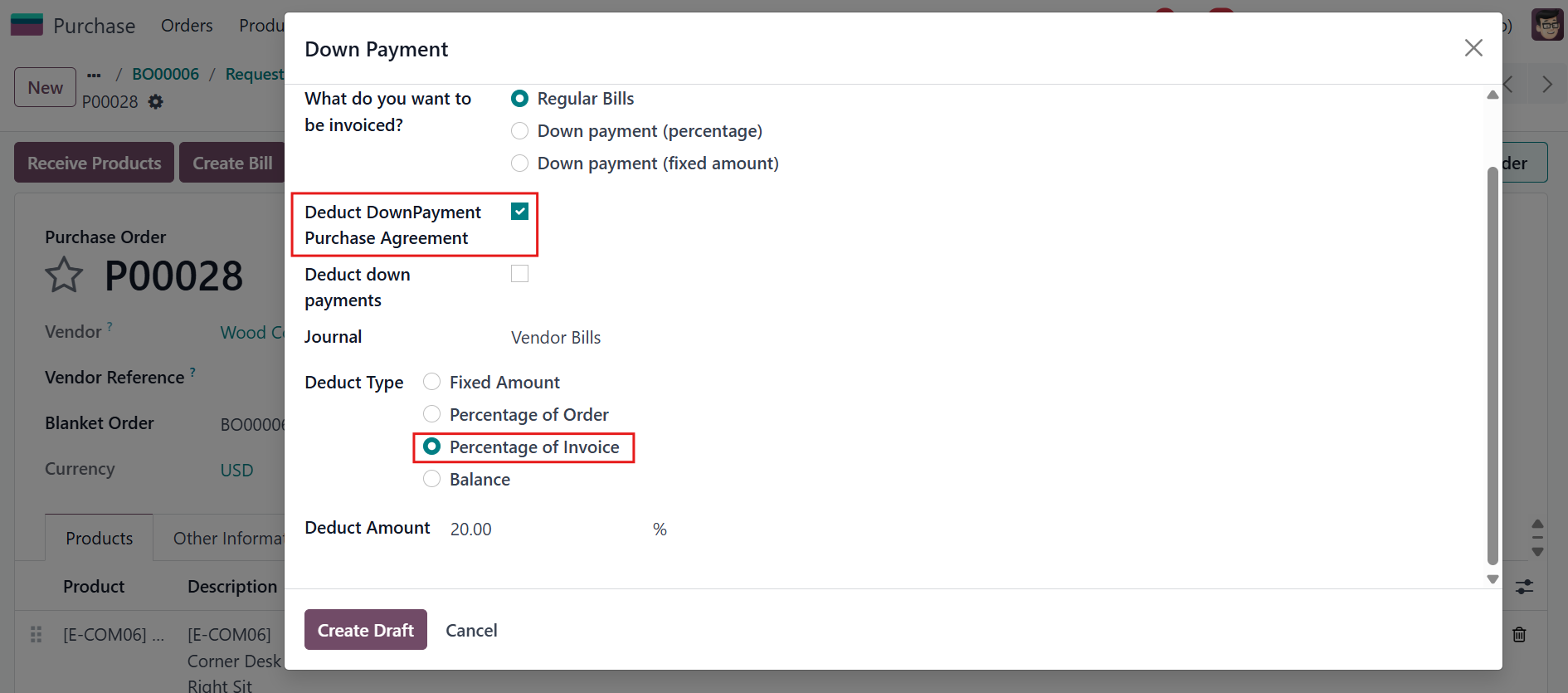 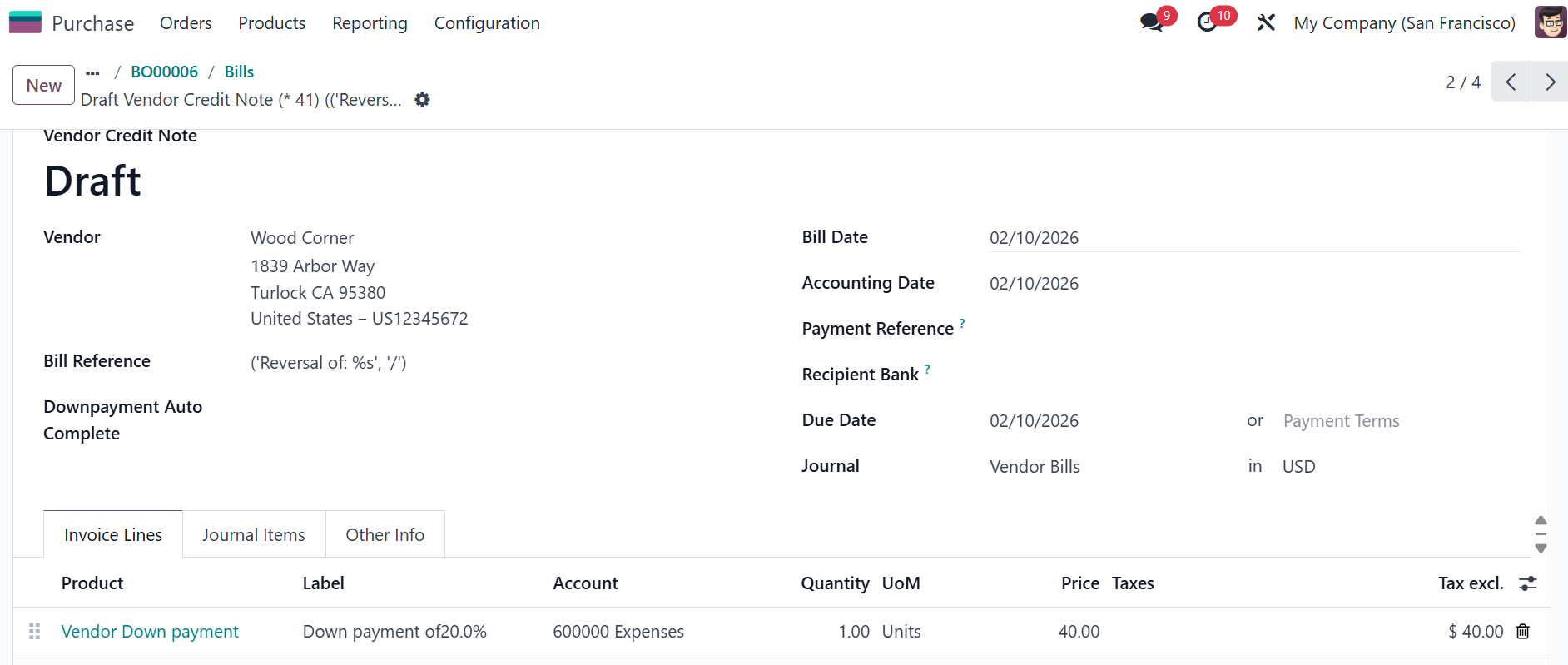 |
BALANCEBack to the PO > Go to the Receipt > Edit the quantity or you can validate all quantities Go back to the PO > Create Bill It will create a bill for the PA and a regular bill for PO. Go back to Purchase Agreement > New bill created based on remaining balance payable. | 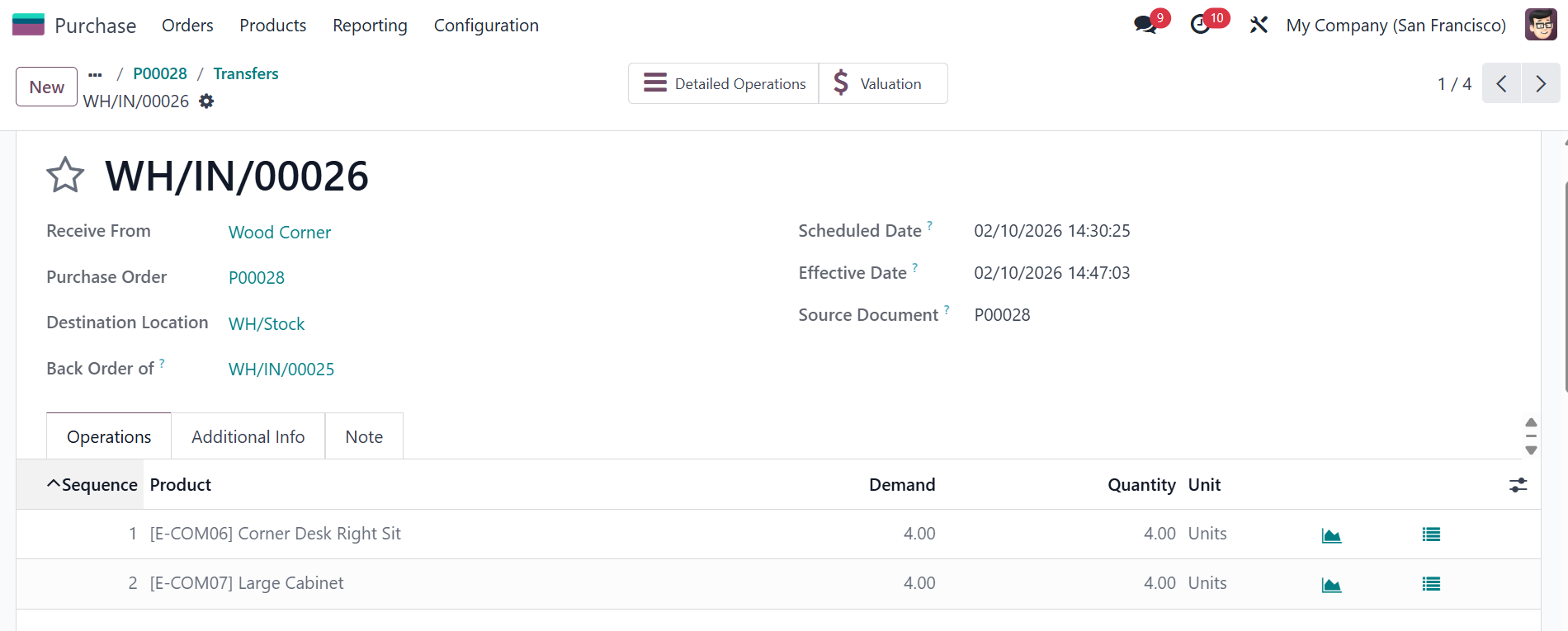 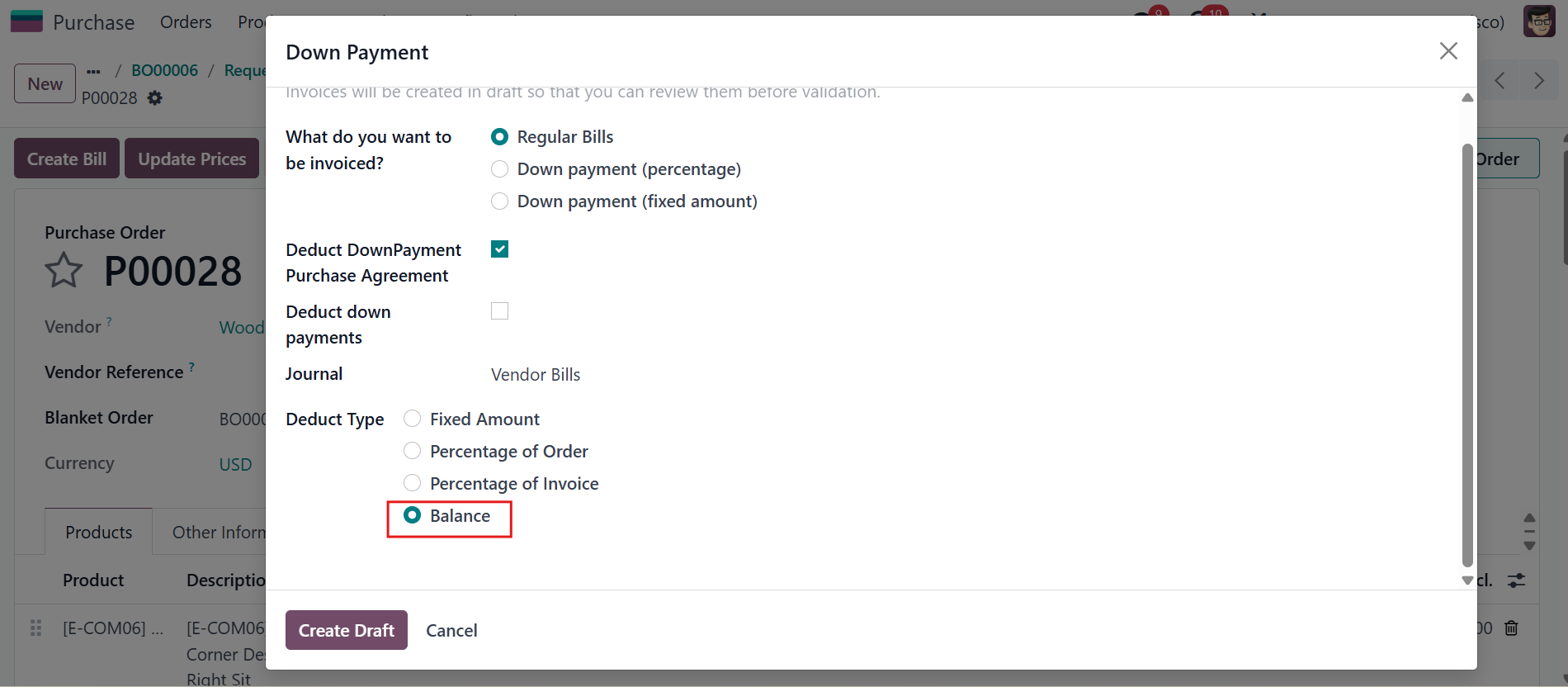 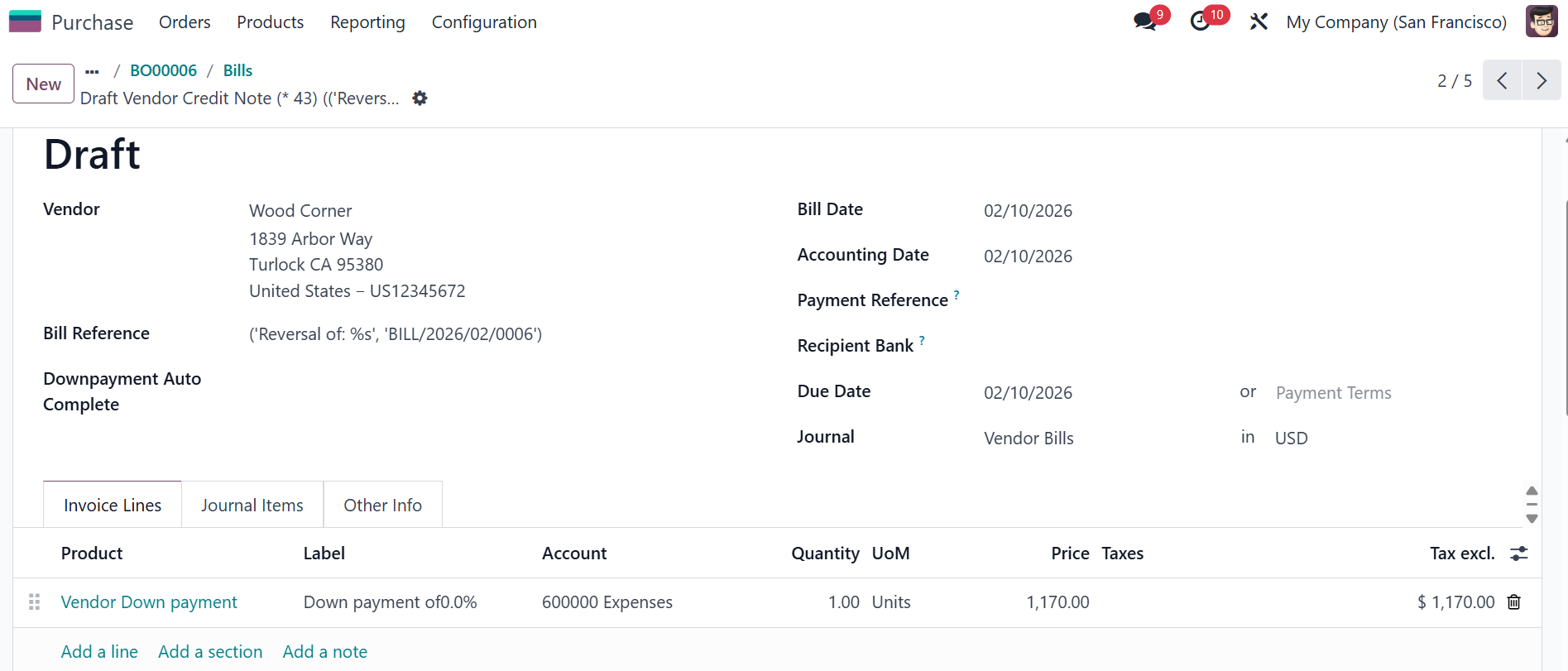 |