



ODOO'S FUNCTION
In Odoo, when creating a manufacturing order and a product fails quality control during production, the system still directs it to the original destination location in the transfer, ignoring the Failure Locations field in Quality Control. Users must manually adjust the destination location for failed items, which is time-consuming and error-prone.
CLUEDOO'S FUNCTION
CLuedoo enhances the manufacturing quality control process by introducing a Fail Location setting in Quality Control Points. When a manufacturing order transfer is validated and a product fails quality check, it is automatically moved to the predefined Fail Location, streamlining the handling of defective production output.
GENERAL SETUP Go to Quality > Control Points > Create separate Quality Control Points for finished product and its component(s) > Choose Operations: Manufacturing and set the Fail Location. | 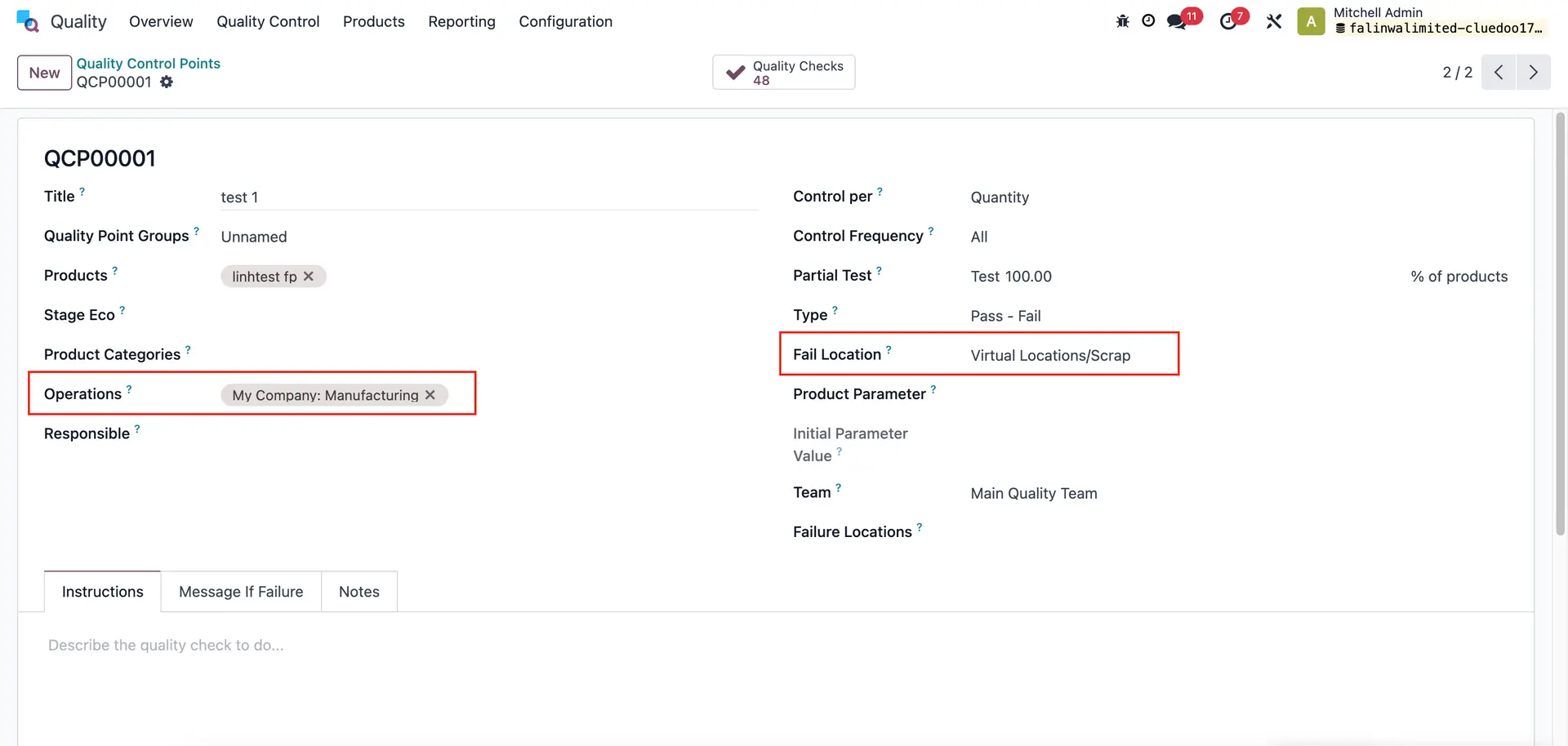 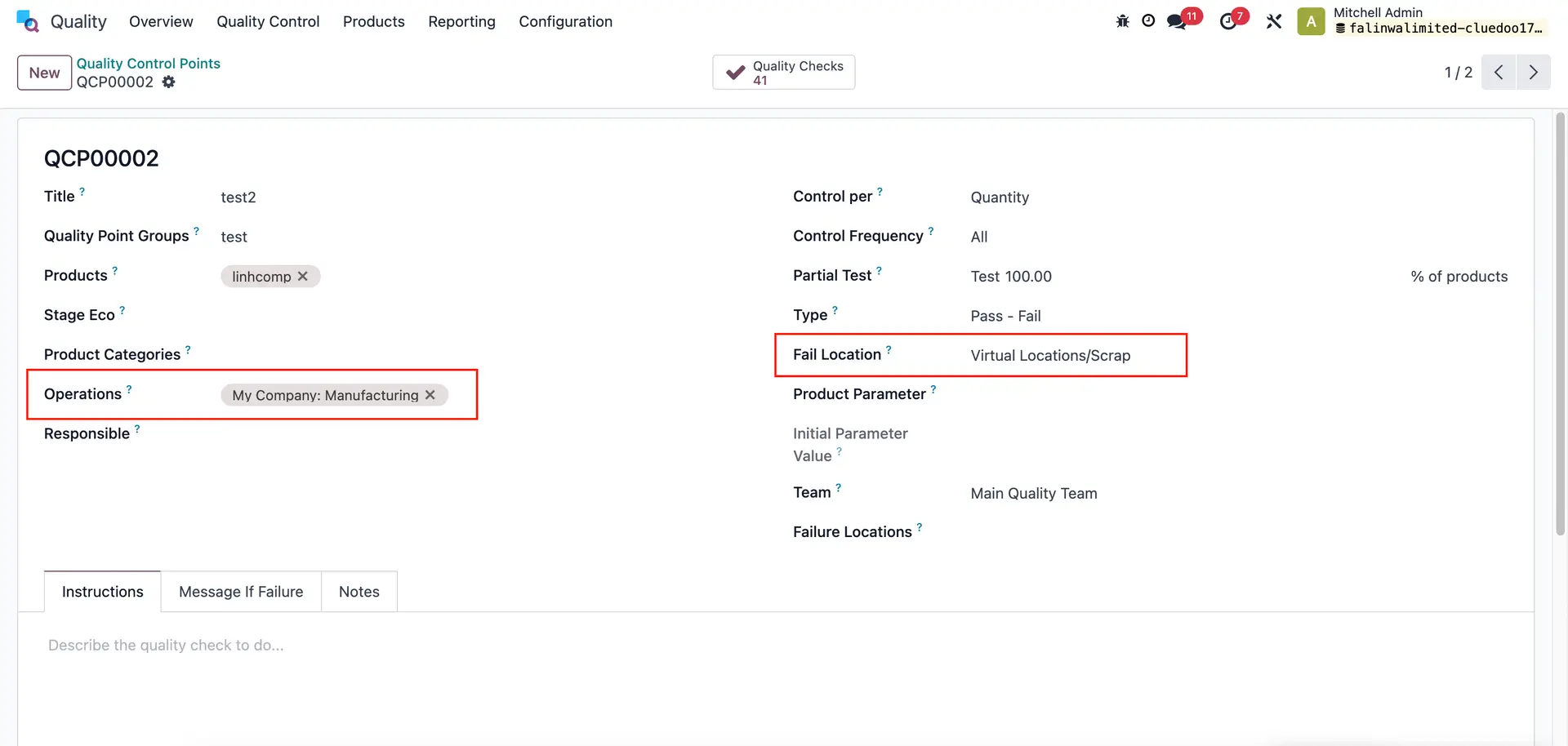 |
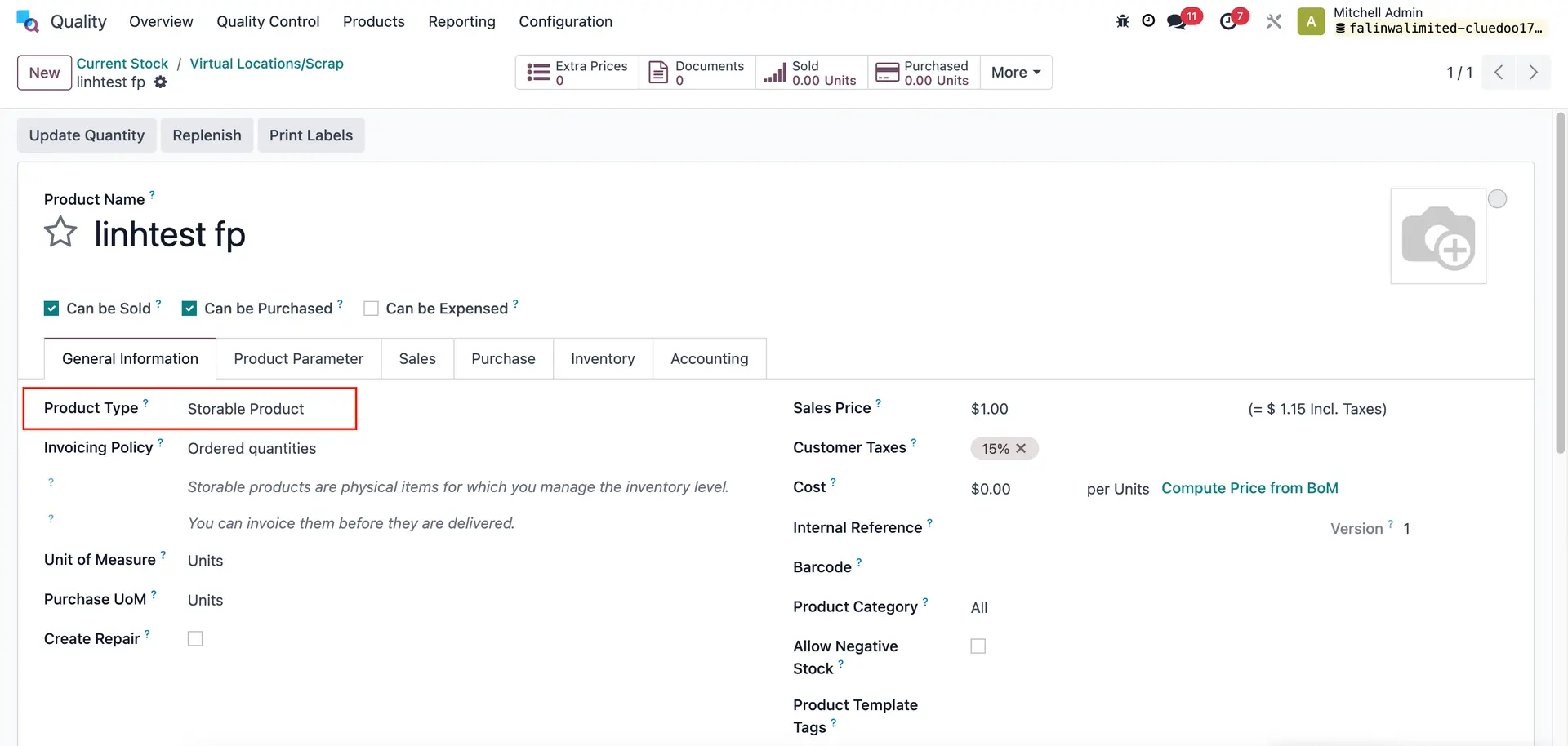
Note: Make sure both the component(s) and product are Storable product type | 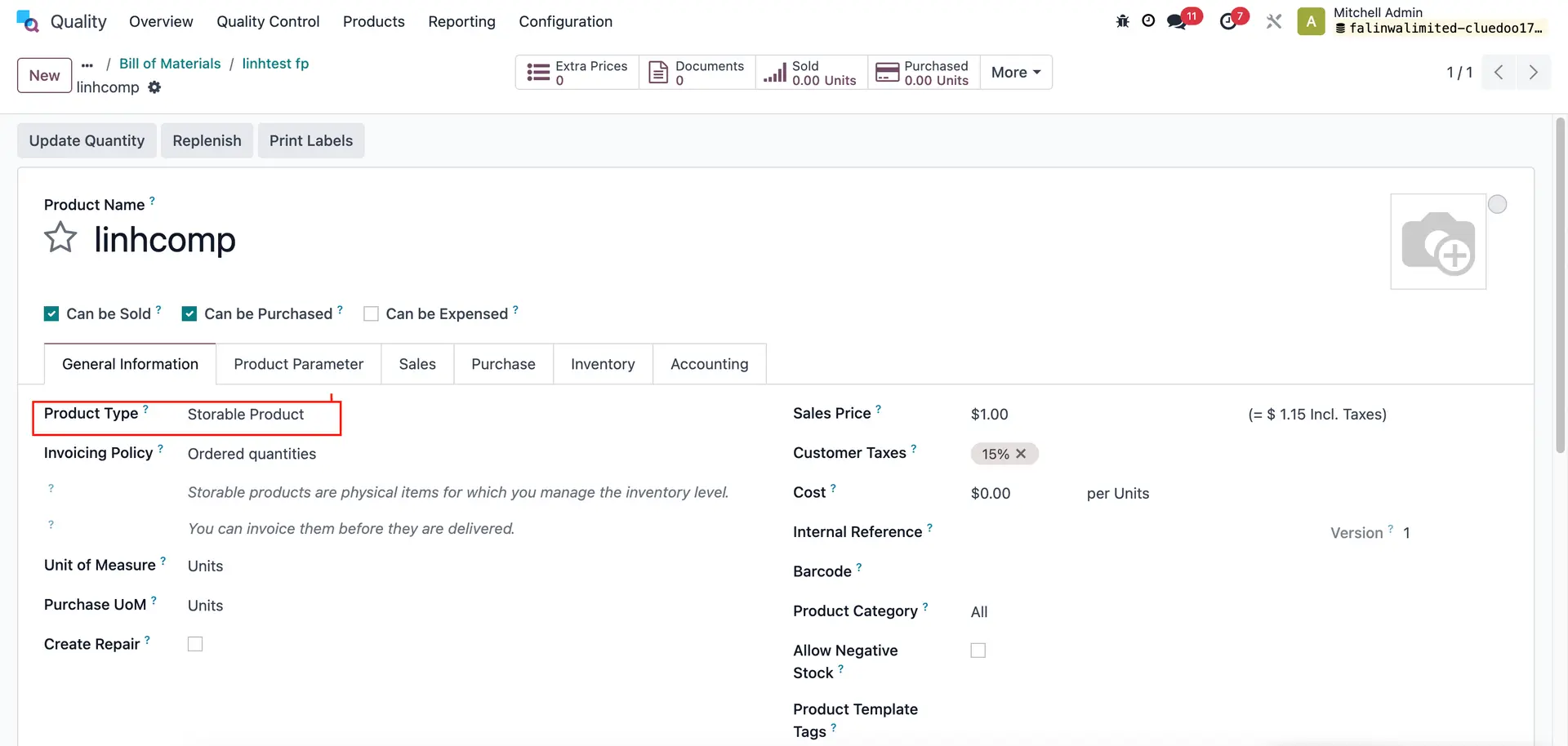 |
|  |
FAIL COMPONENT ONLY 1. Go to Manufacturing > Create an MO > Add product and fill quantity. | 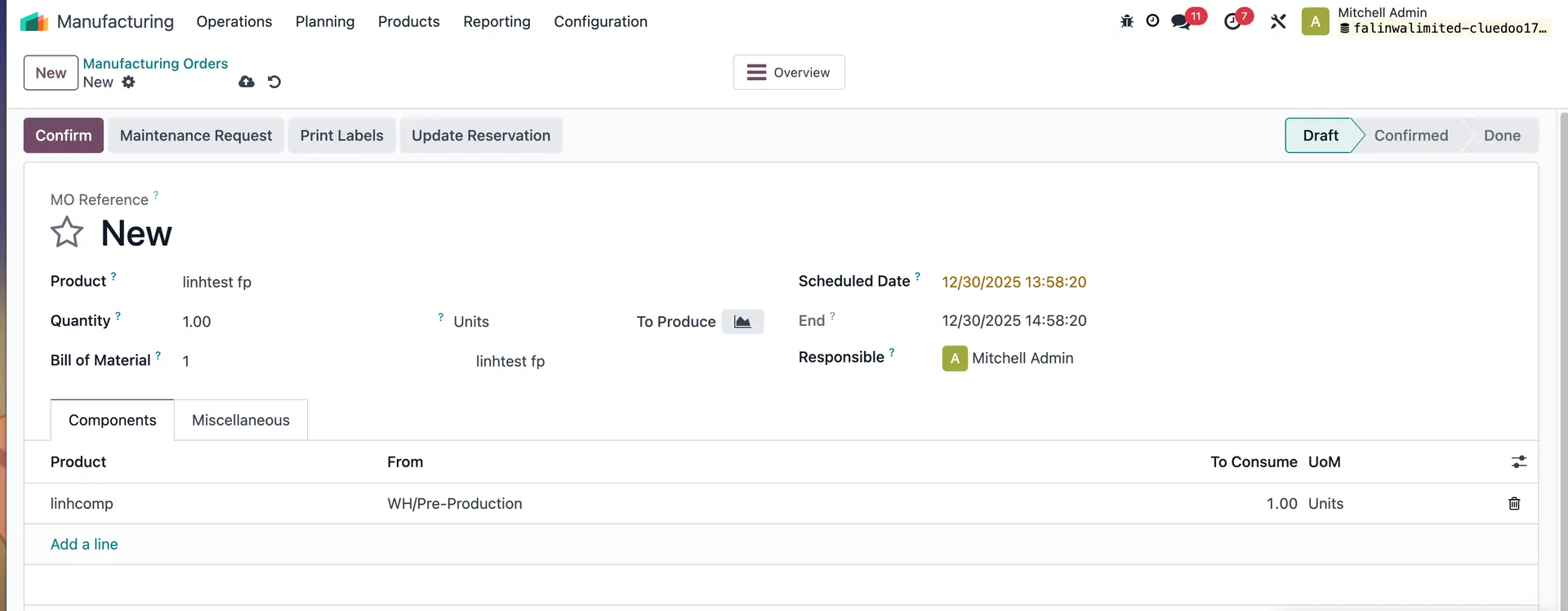 |
2. Confirm MO > Quality Checks will be created > Go to Transfers | 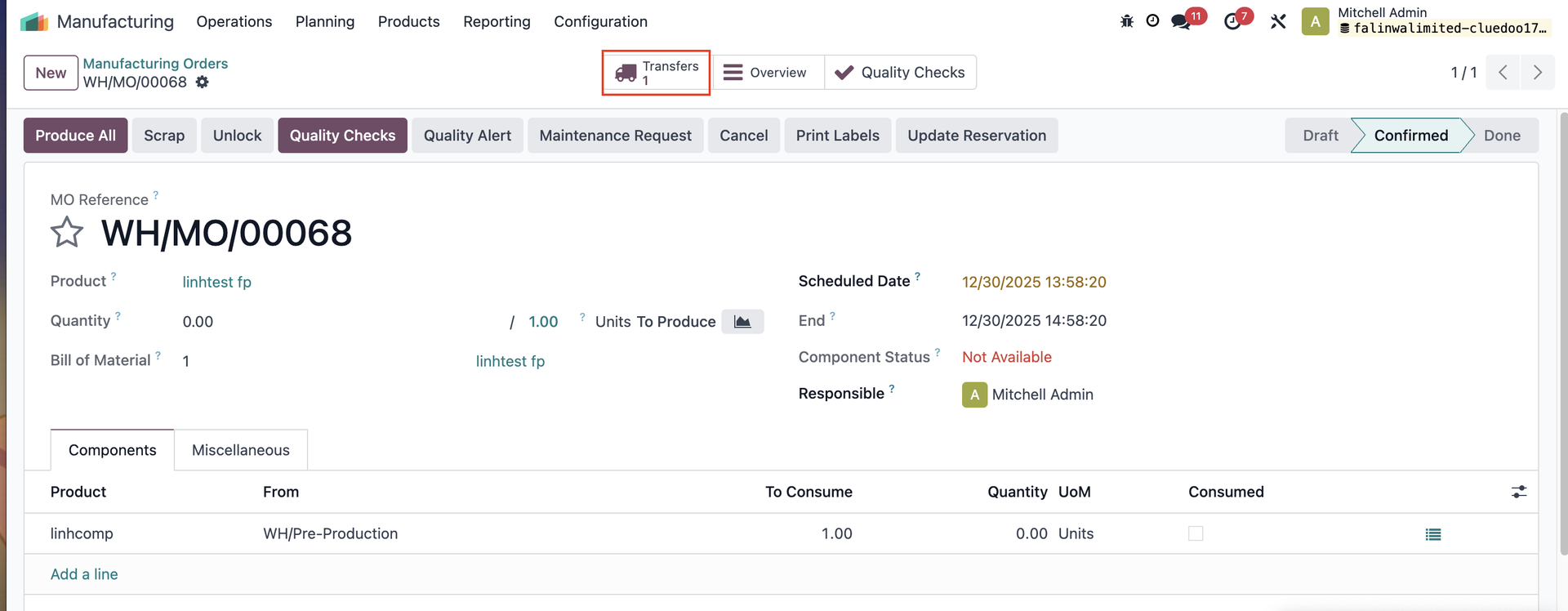 |
3. Validate the transfer. | 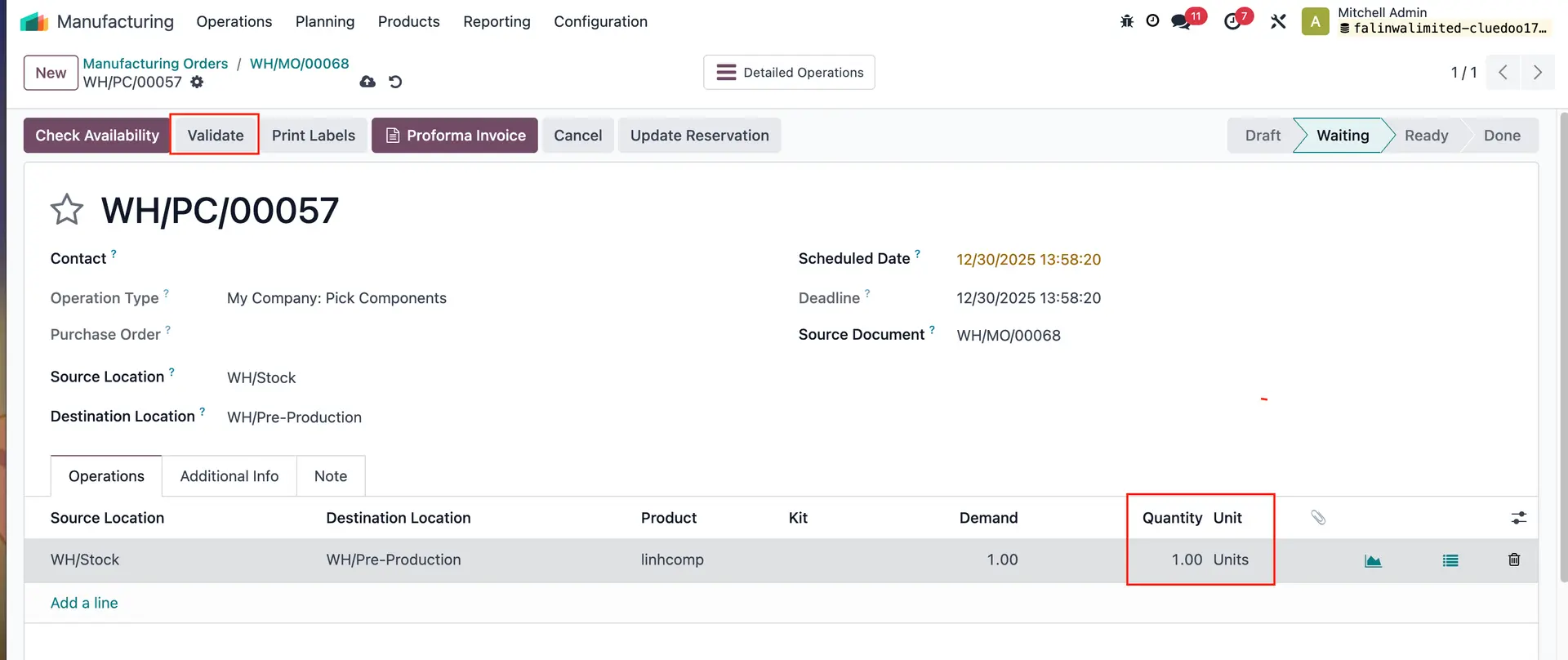 |
4. Go back to the MO > Access Quality Checks > Fail the component > MO will be cancelled, and the component will be moved to the predefined fail location. | 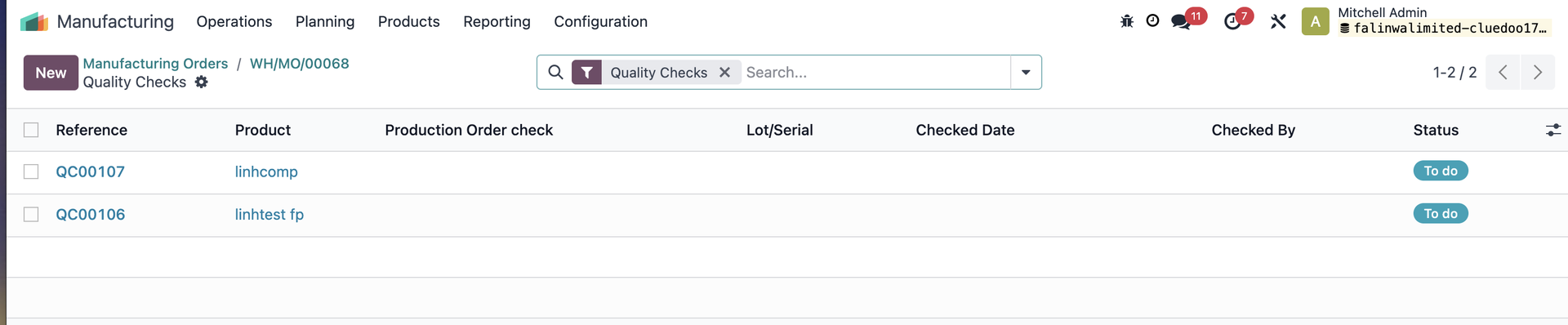 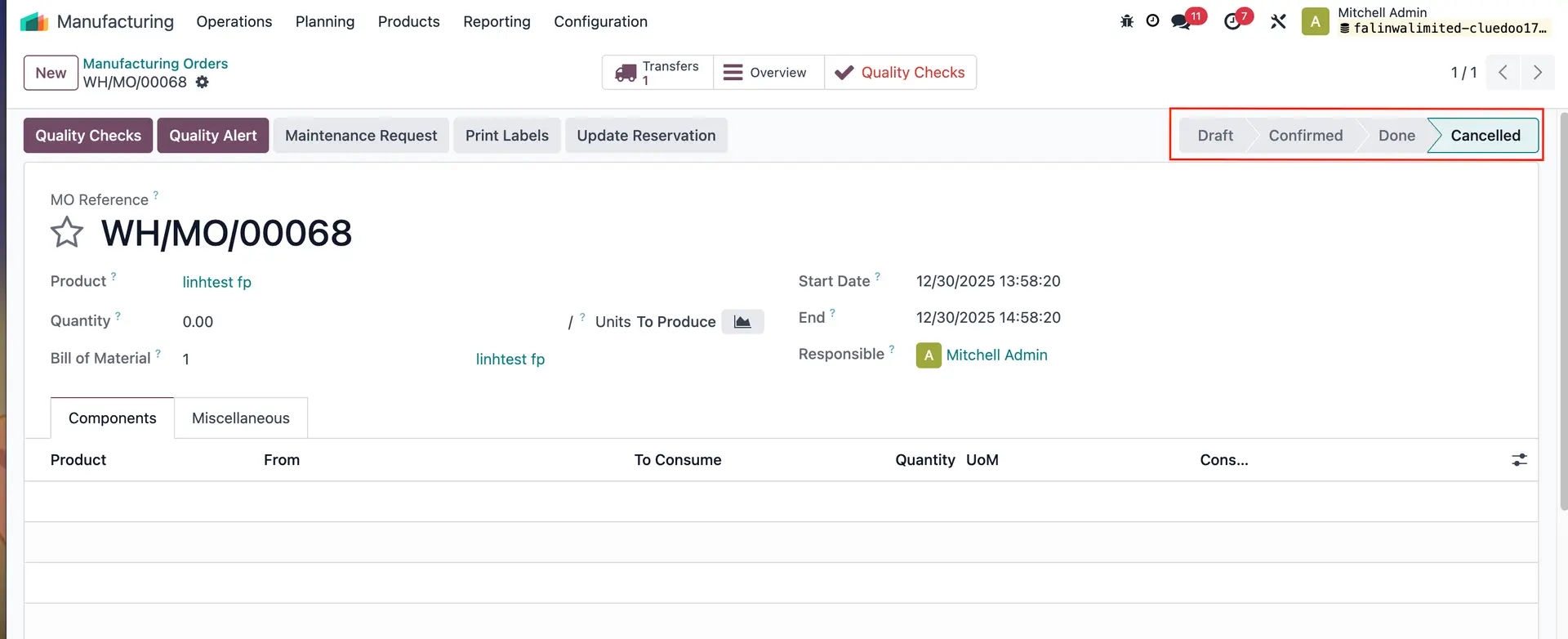 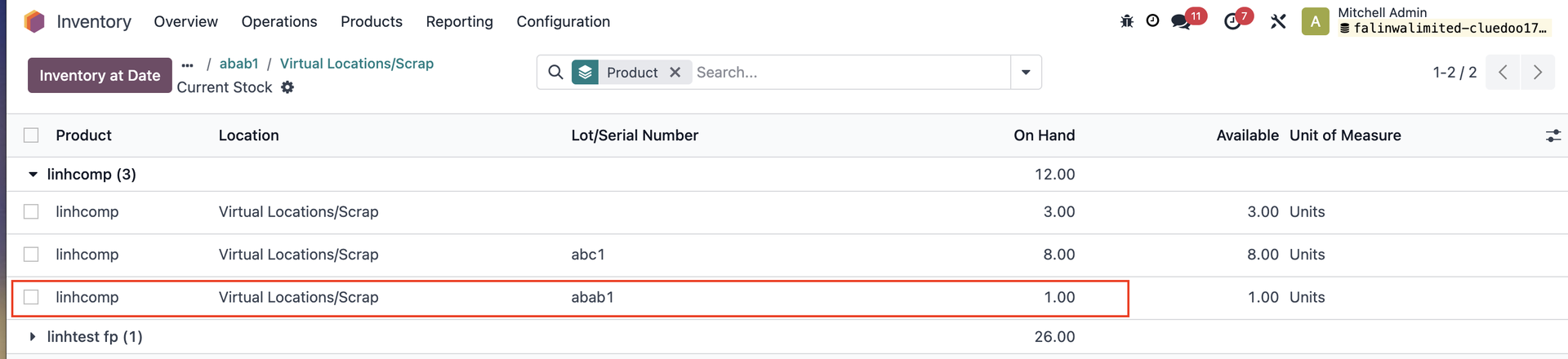 |
FAIL FINISHED PRODUCT ONLY 1. Create an MO > add product > set quantity to produce (e.g., 3) > Confirm | 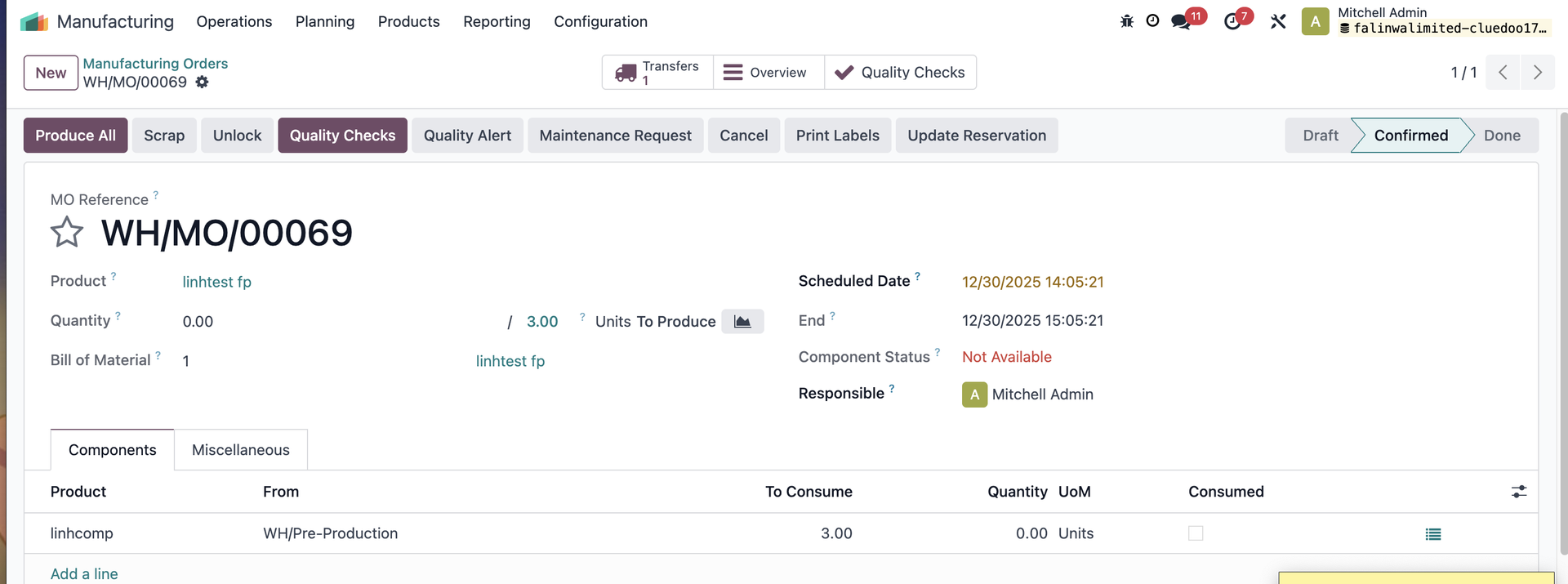 |
2. Fill in the quantity > Fail the QC for the finished product | 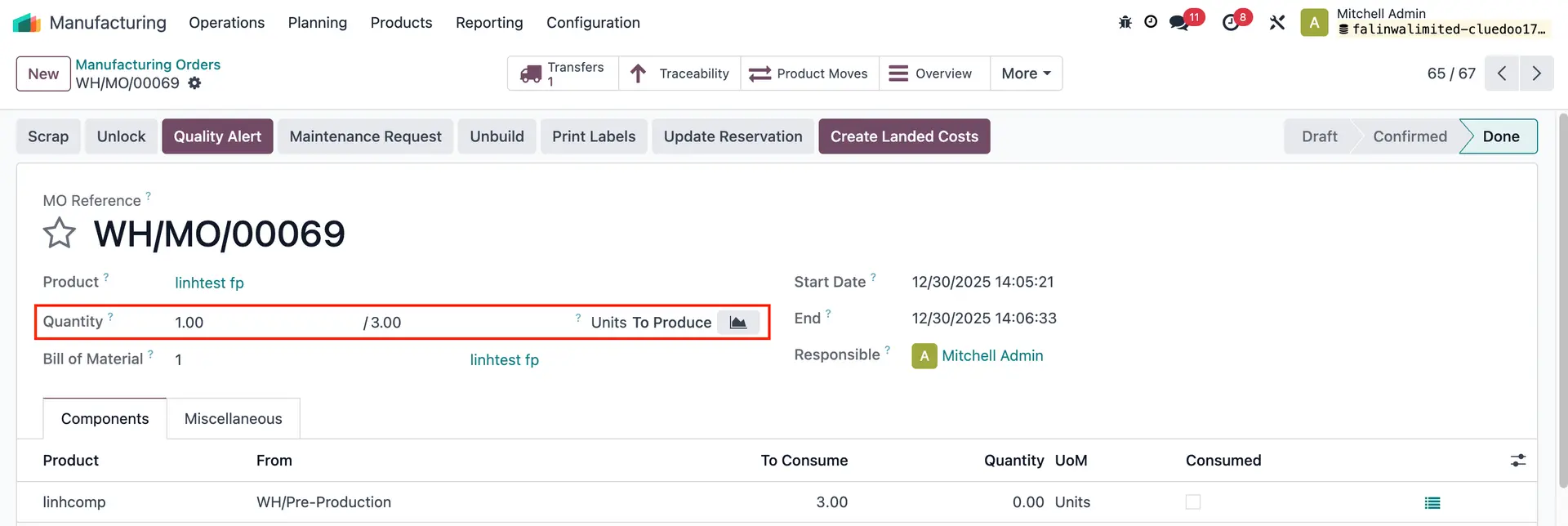 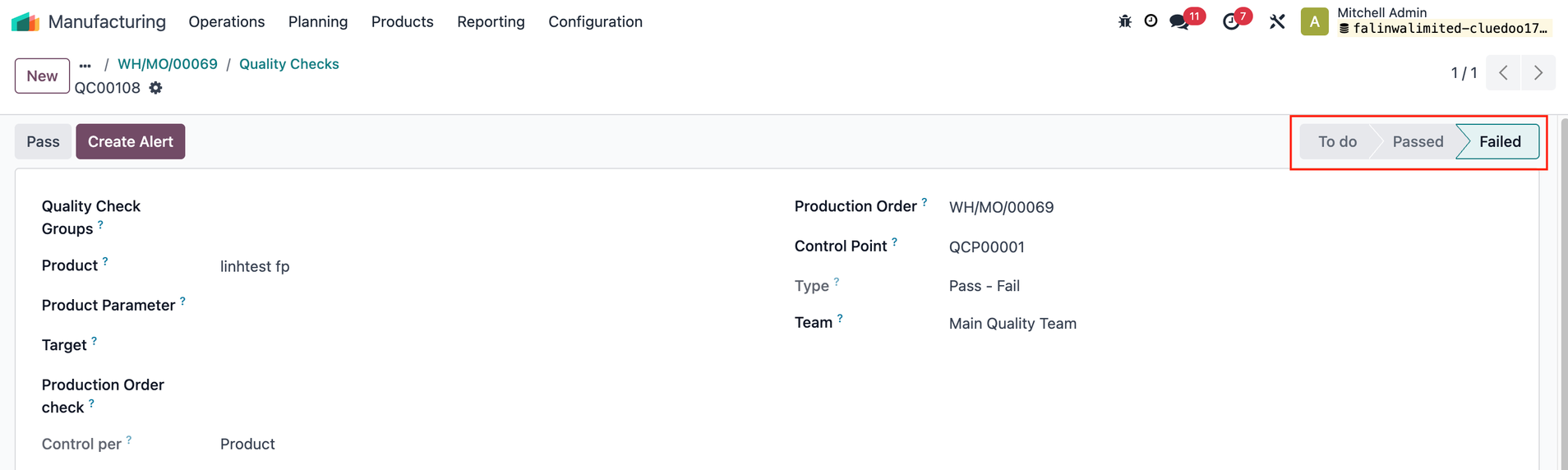 |
3. Go back to the MO > Click on Produce All > MO will be done and the finished product will be moved to the predefined fail location. | 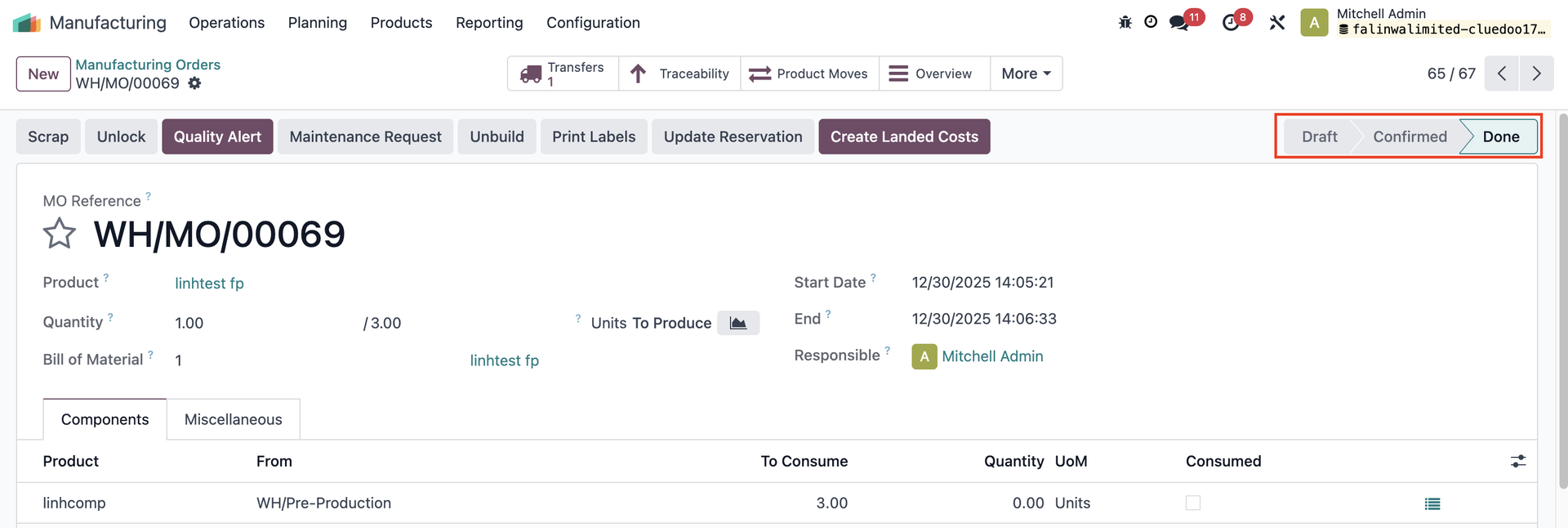  |
PASS COMPONENT FIRST THEN FAIL FINISHED PRODUCT 1. Create an MO > Add product and set quantity > Confirm MO > Validate transfer Go back to the MO > fill in the quantity (units to produce) | 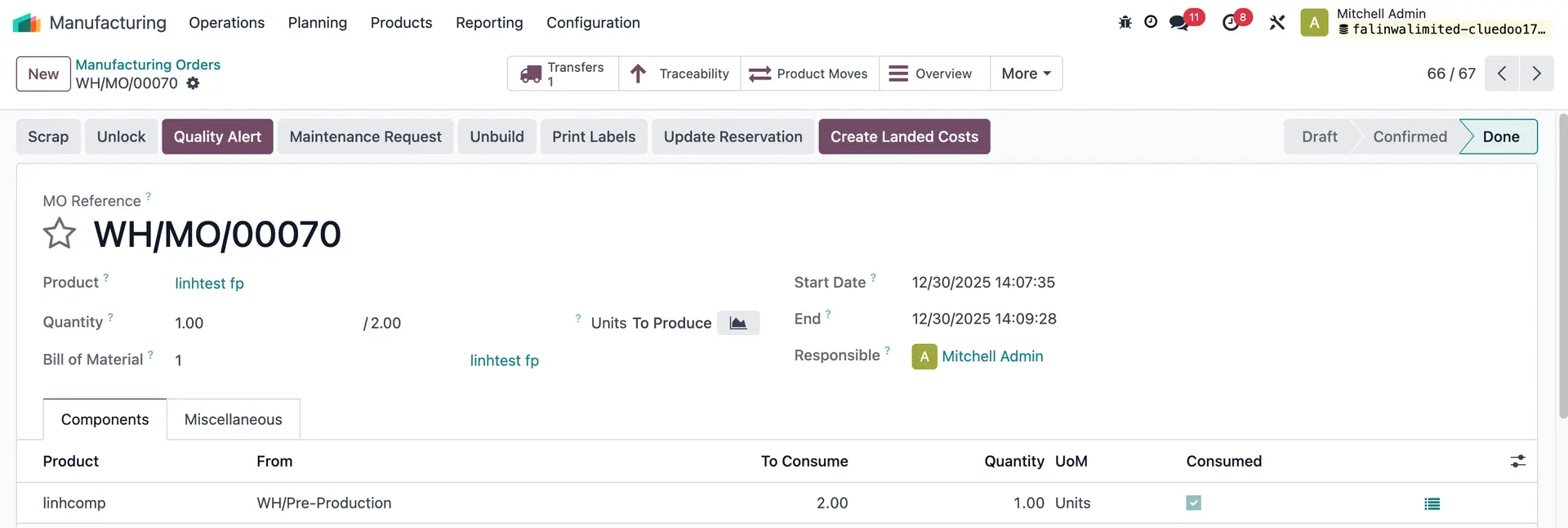 |
2. Access Quality Checks > Pass the component and Fail the finished product > Go back to the MO form and click on Produce All > MO will be done and the finished product will be moved to the predefined fail location. |   |
FAIL COMPONENT AND FINISHED PRODUCT Create an MO > Confirm > Validate transfer Go to Quality Checks > Fail the QCs for both the finished product and the component Go back to MO and click on Produce All > MO will be cancelled > the component will be moved to the predefined fail location. |  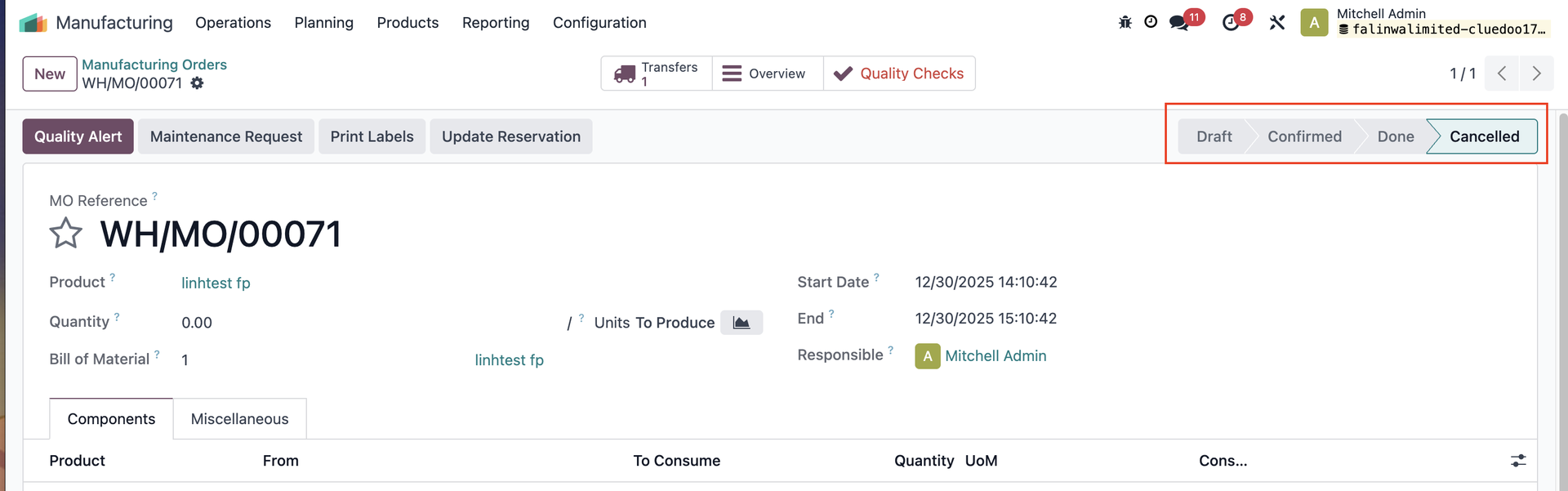  |