



ODOO'S FUNCTION
Odoo allows users to create room bookings but does not include a validation step or approval process for confirming them.
CLUEDOO'S FUNCTION
CLuedoo adds a Room Type field with configurable validation rules (set via Studio Approval). Each booking has a Draft or Confirmed status: if approval is required, it stays in Draft until validated; if not, it’s auto-confirmed.
1. Go to Meeting Rooms > Configuration > Room Type > set up the Room Type Validation |  |
2. Create a new room or choose an existing room | 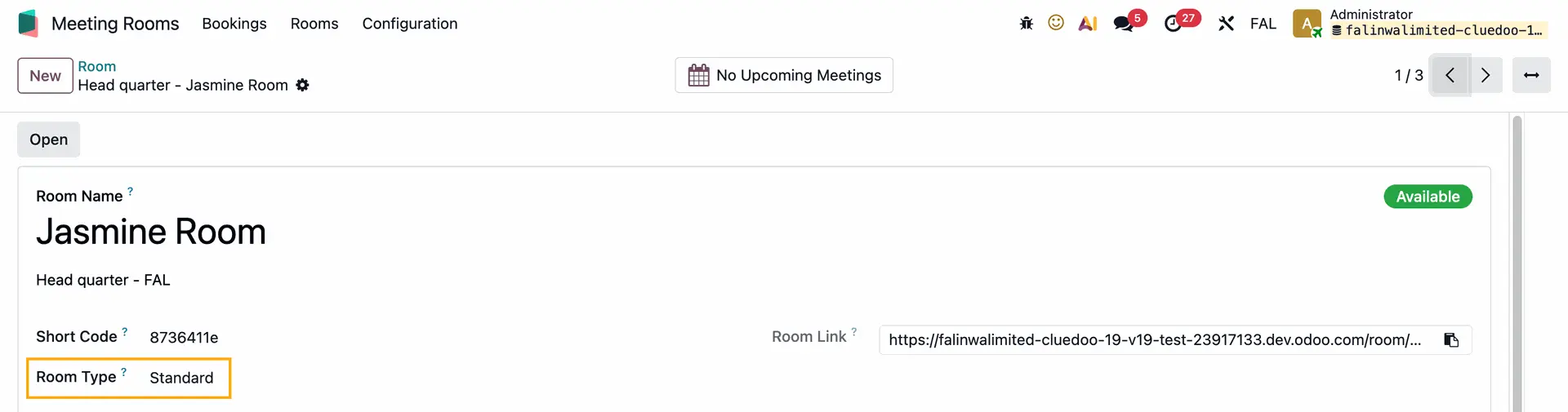 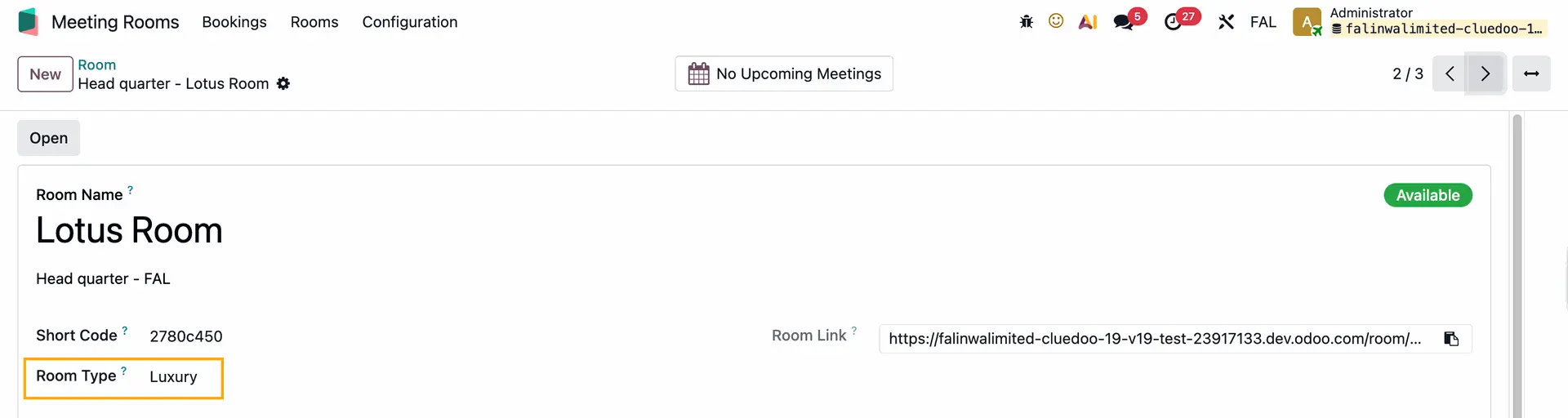 |
3. You can request a booking from the dashboard or from the Room Booking URL/Room Link If you choose a room that does not require approval > the booking status will automatically be set to Confirmed If you book a room that requires approval > the booking status will be set to Draft | From Room Link 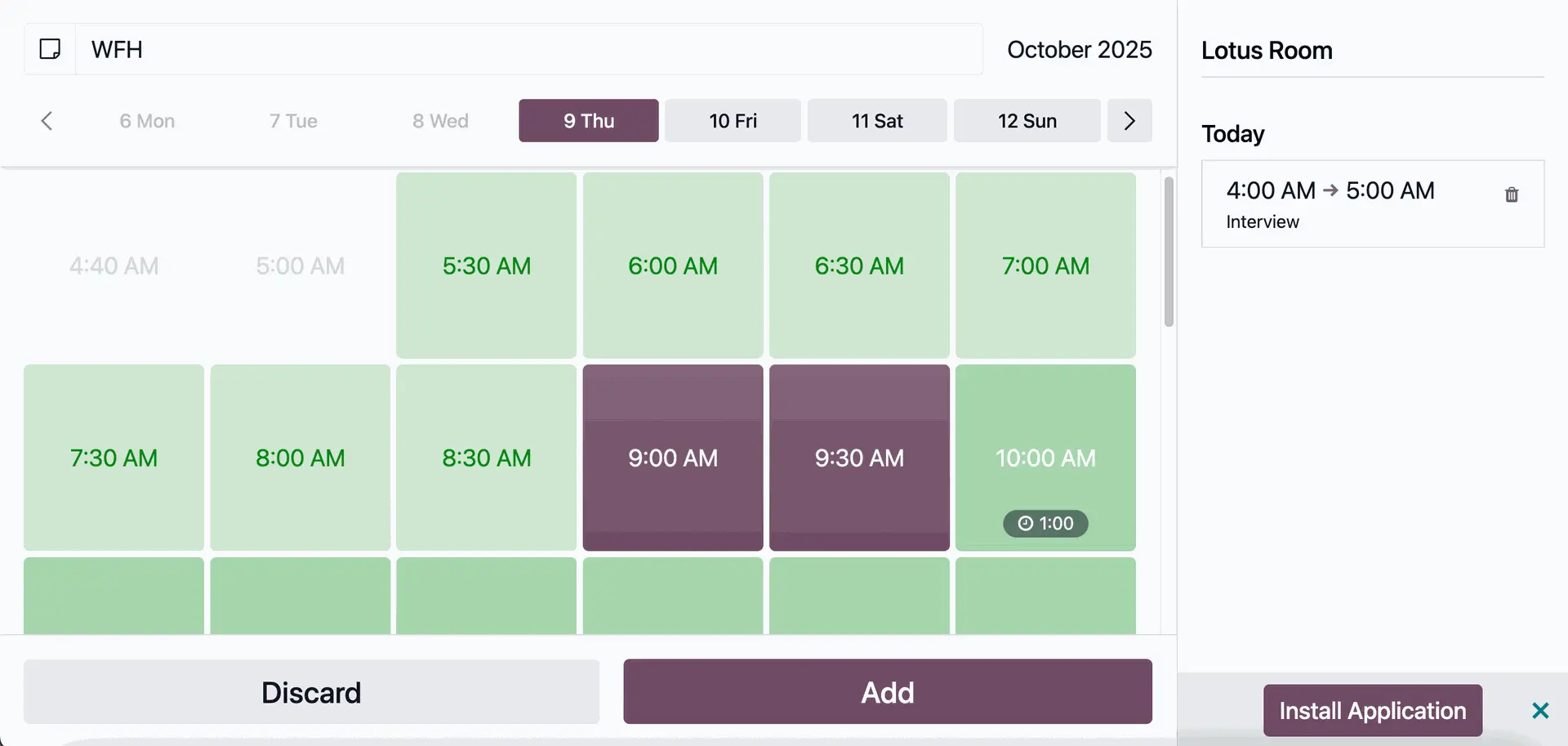 From dashboard 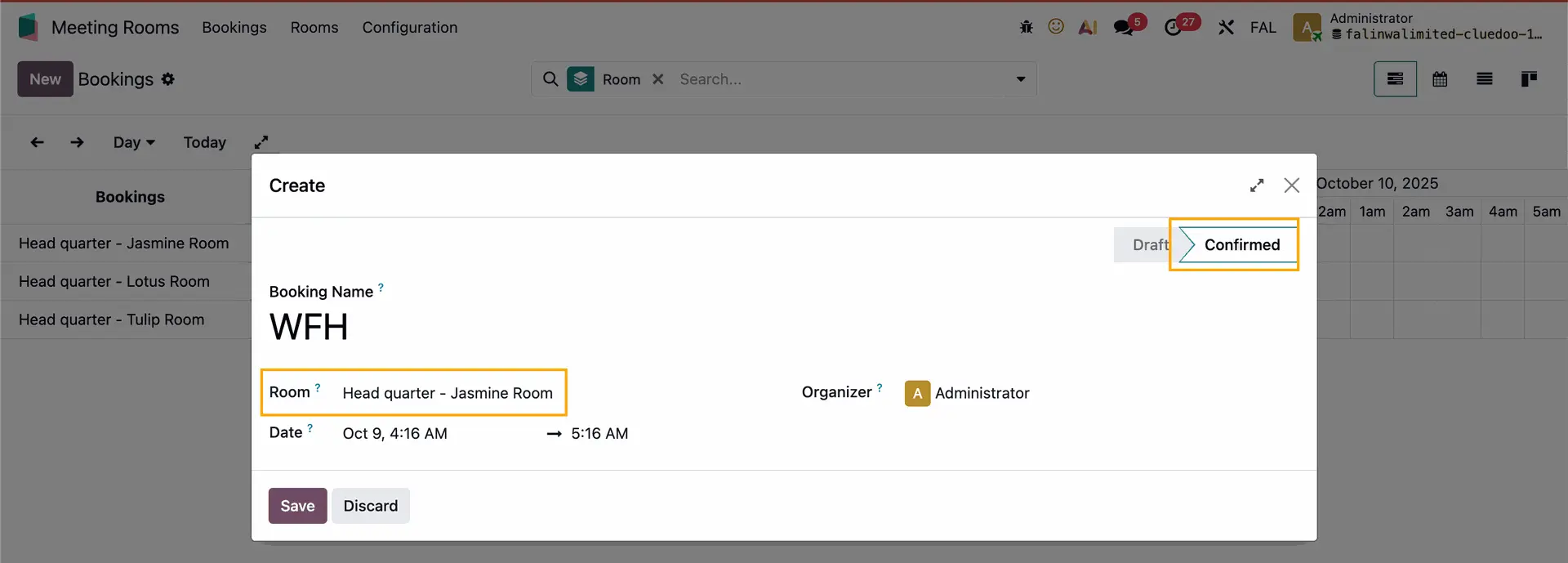 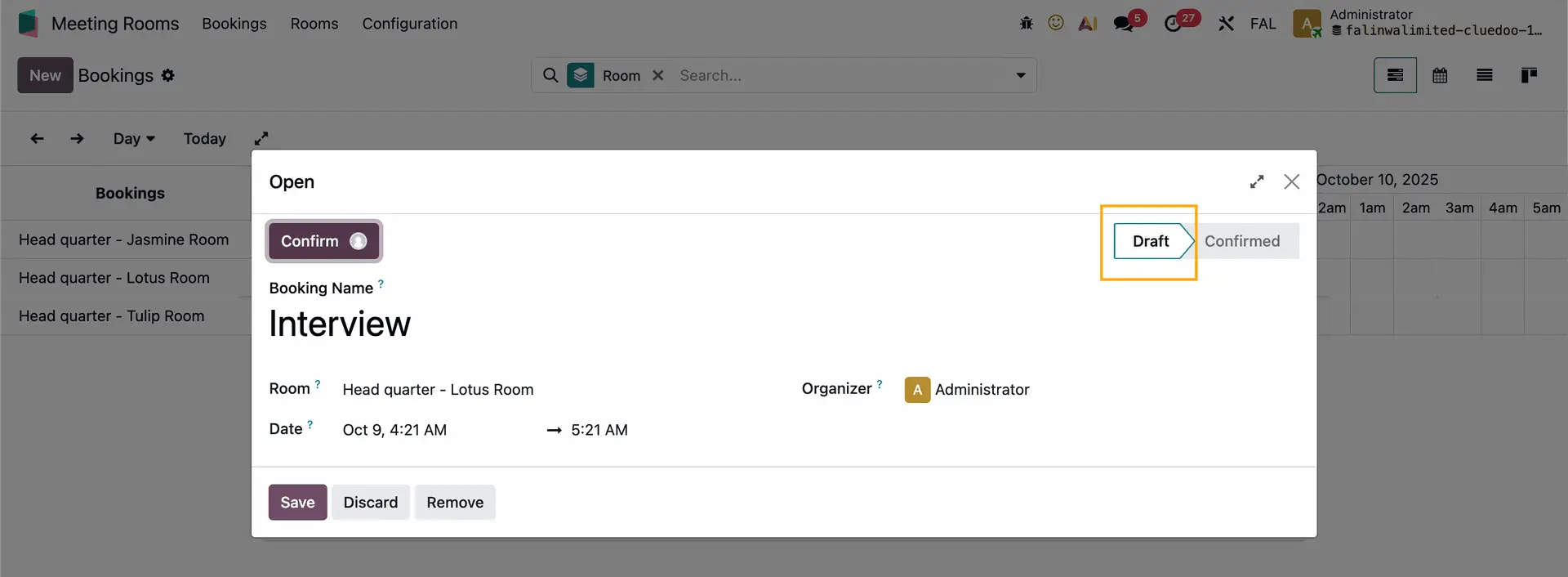 |
You can set the approval rule via Studio e.g., I set for those who are in the Room / Manage Rooms group can confirm the booking | 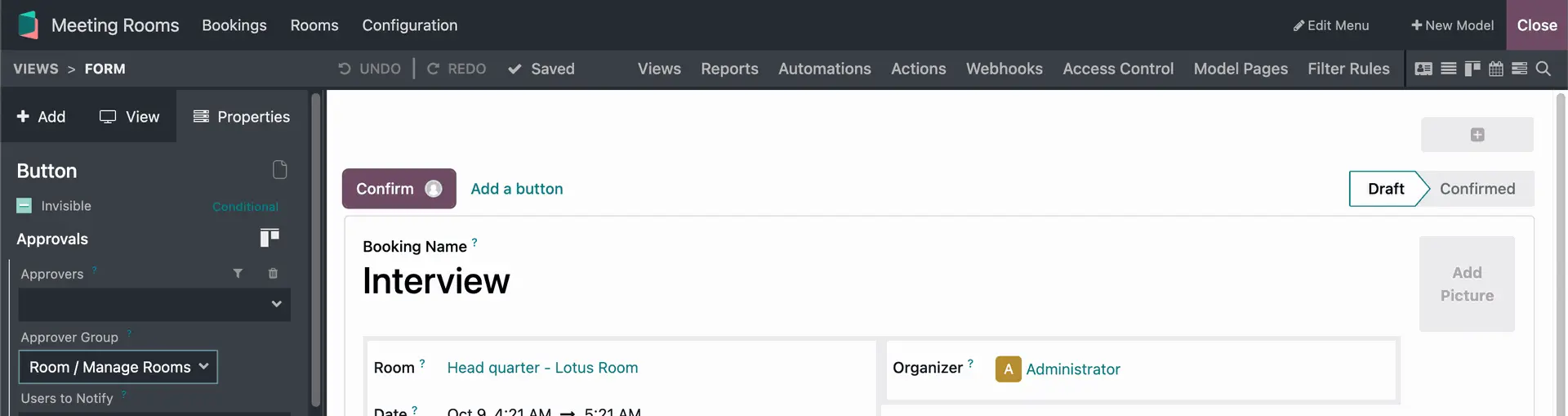 |
Once confirmed, the room’s status will show as Busy during the booked time | 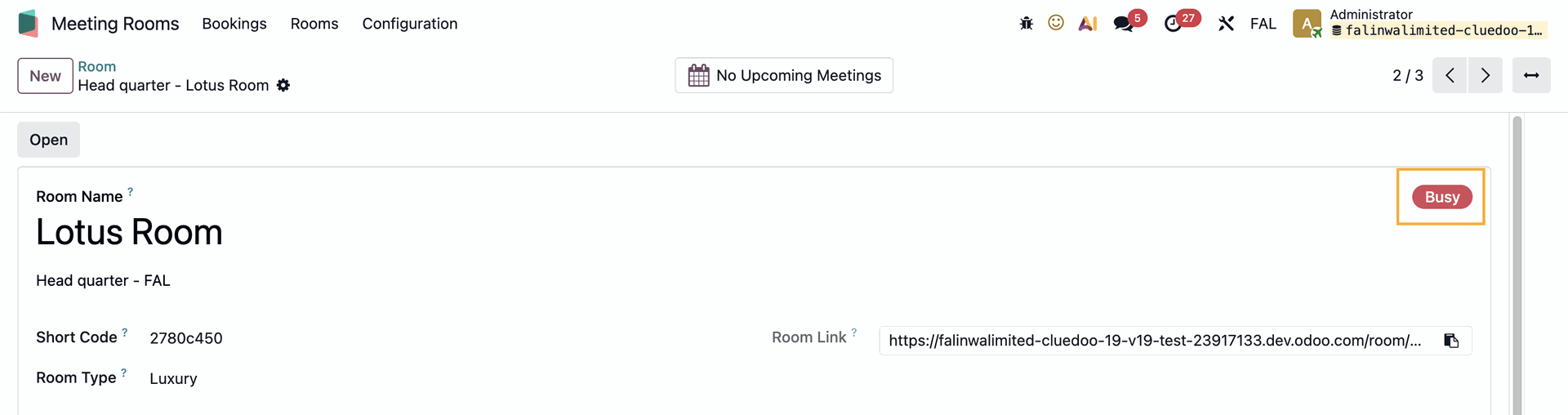 |