



ODOO'S FUNCTION
Odoo does not support analytic dimensions for stock management.
CLUEDOO'S FUNCTION
Cluedoo enhances Odoo by extending analytic account functionality to stock operations, enabling comprehensive analytic tracking across orders, invoices, and stock movements.
1. When creating a sales order, under the "Other Info" tab, define the analytic account. | 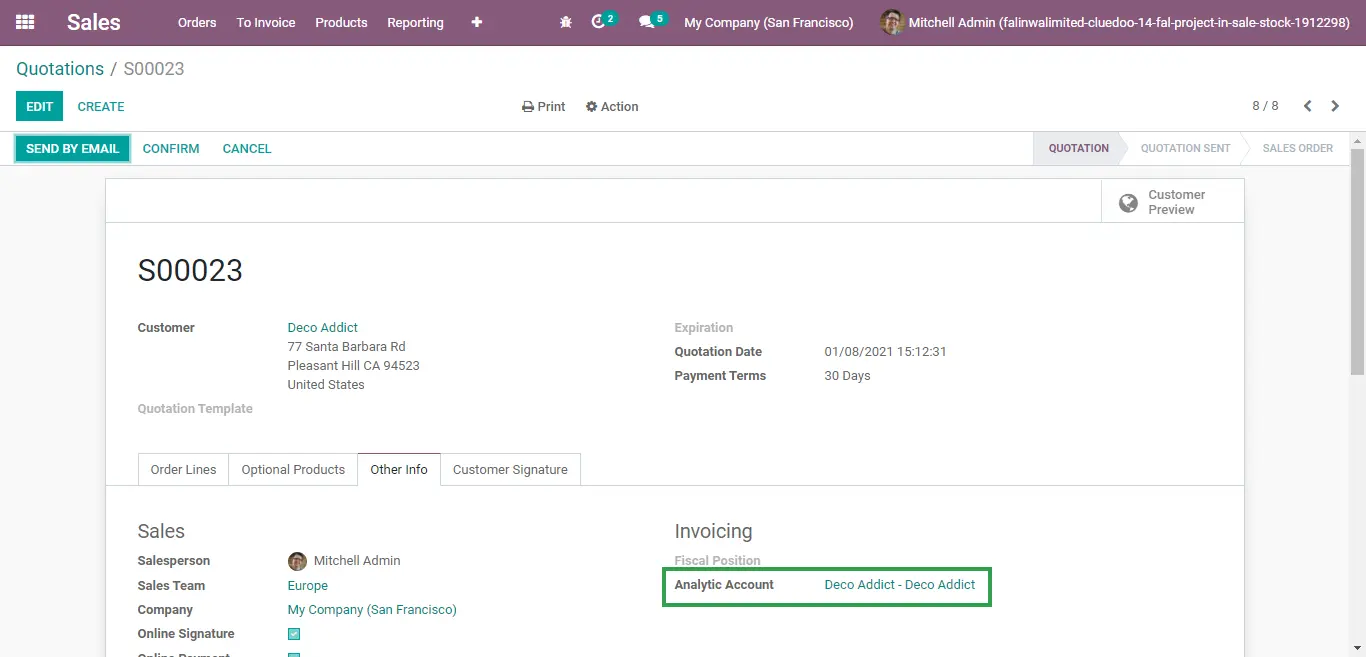 |
2. When the quotation is confirmed and the delivery order is created, the analytic account is automatically created on the delivery order. | 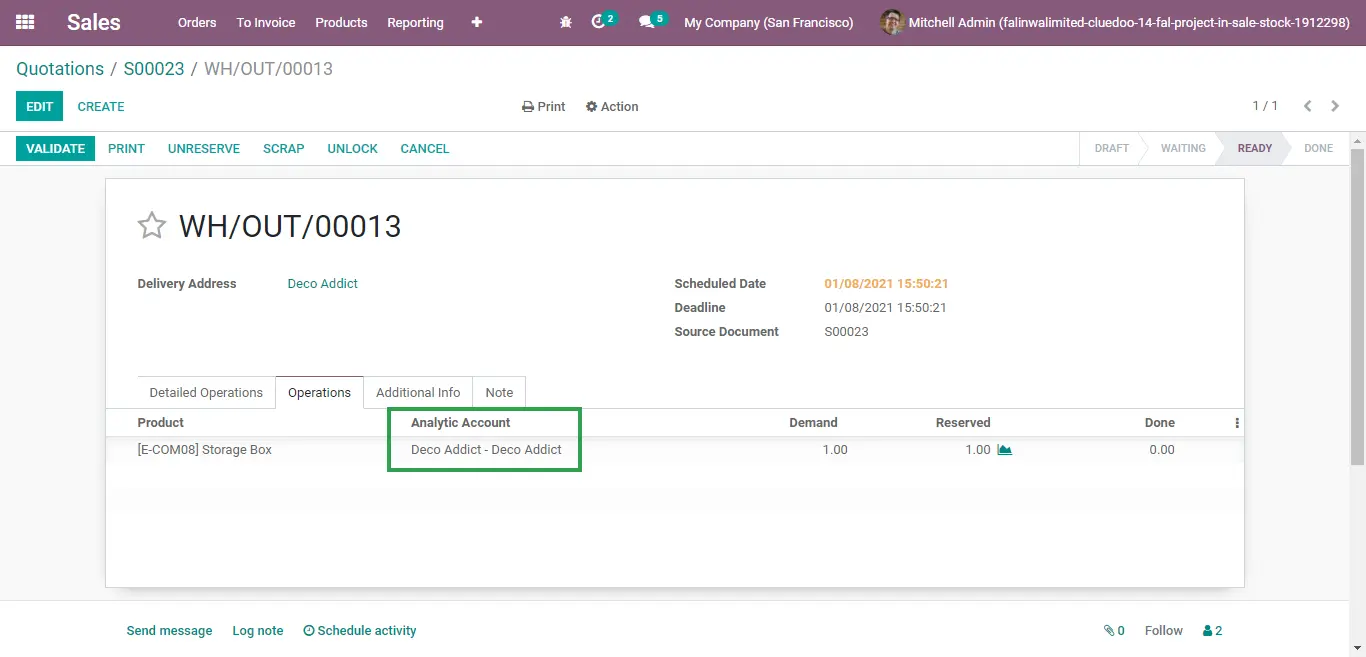 |
3. On the Transfers list view, project numbers are also automatically defined based on what we define in our sales order. | 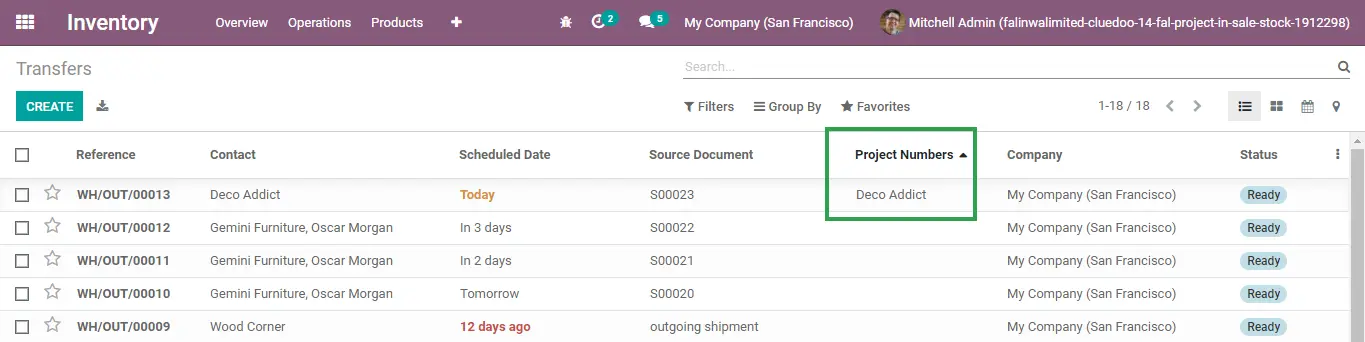 |
UPDATE FROM V18
| 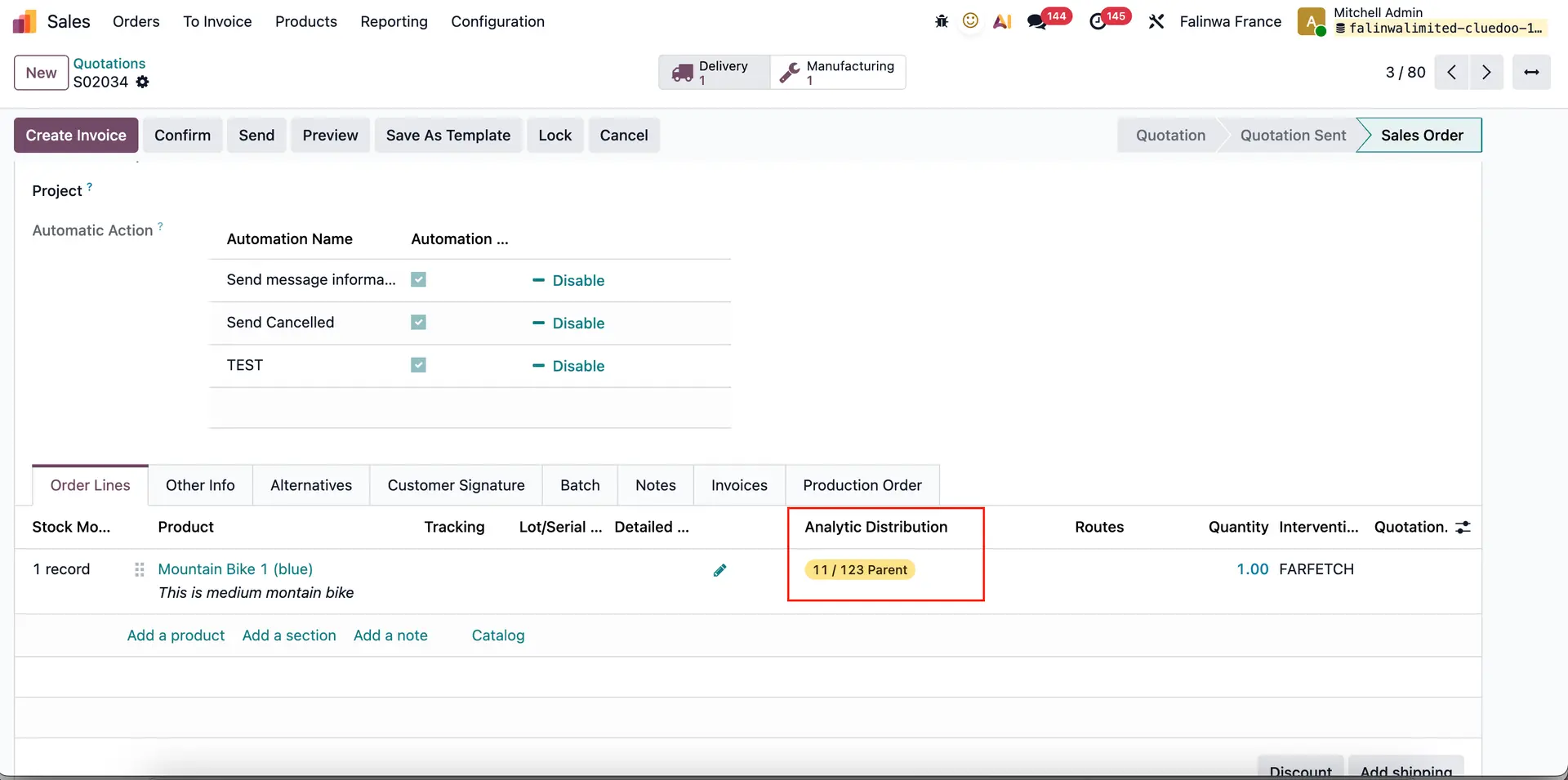 |
2. Delivery > The Analytic Account will appear in the Operations tab of the related Delivery Order | 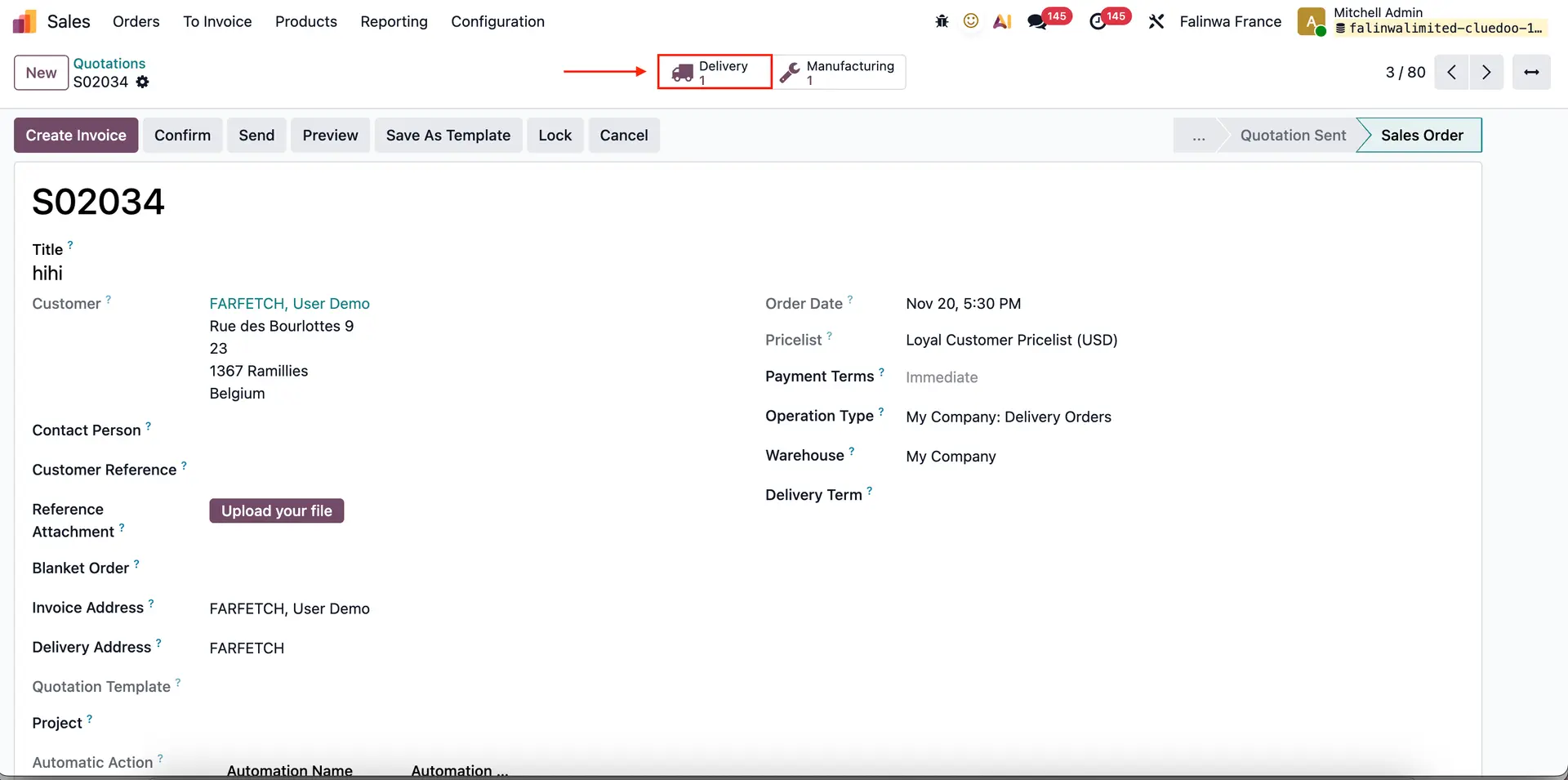 |
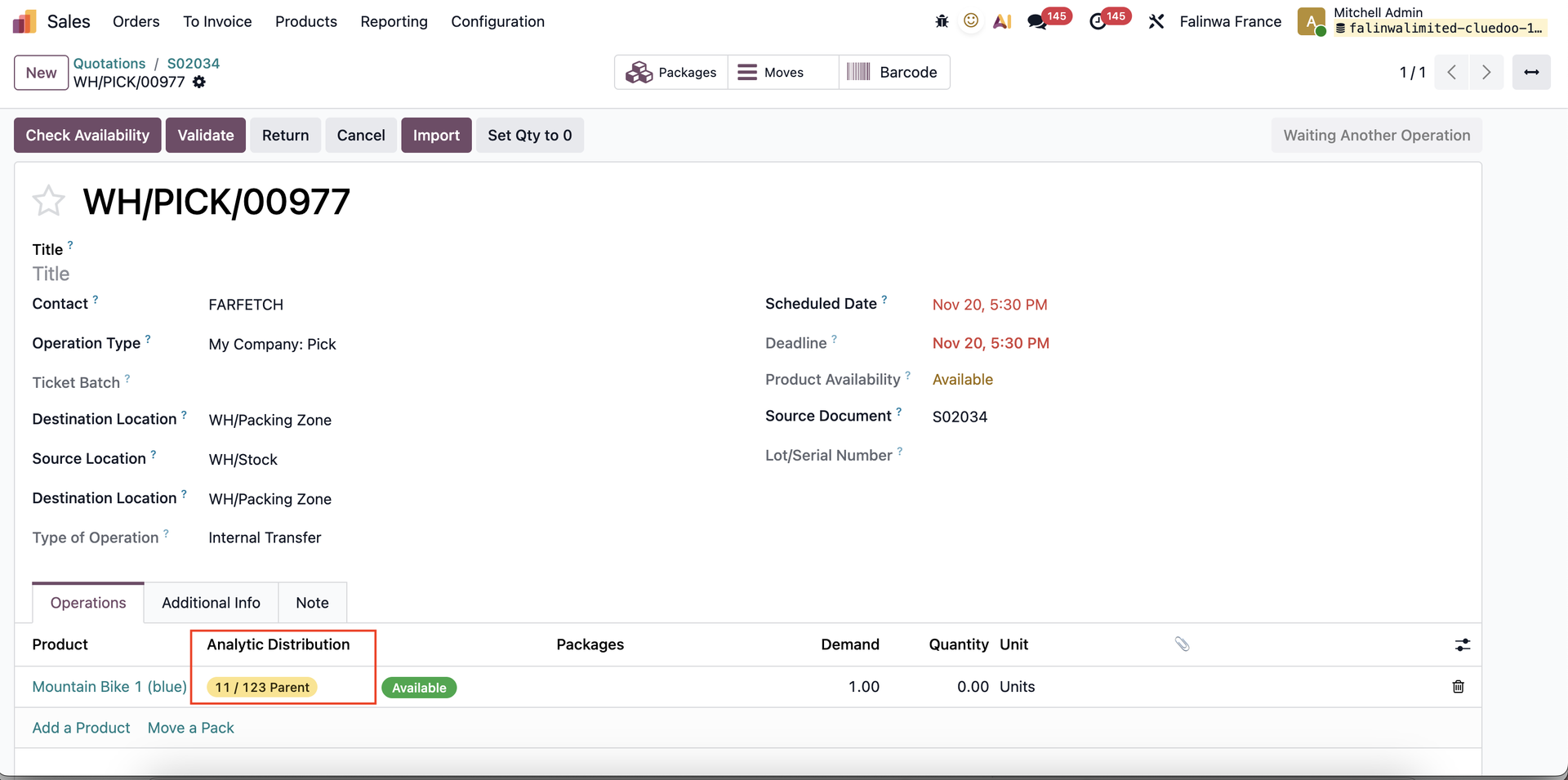 | |
3. Inventory > Operations > Transfers > Deliveries In the Deliveries List View, the Analytic Account will also be visible. | 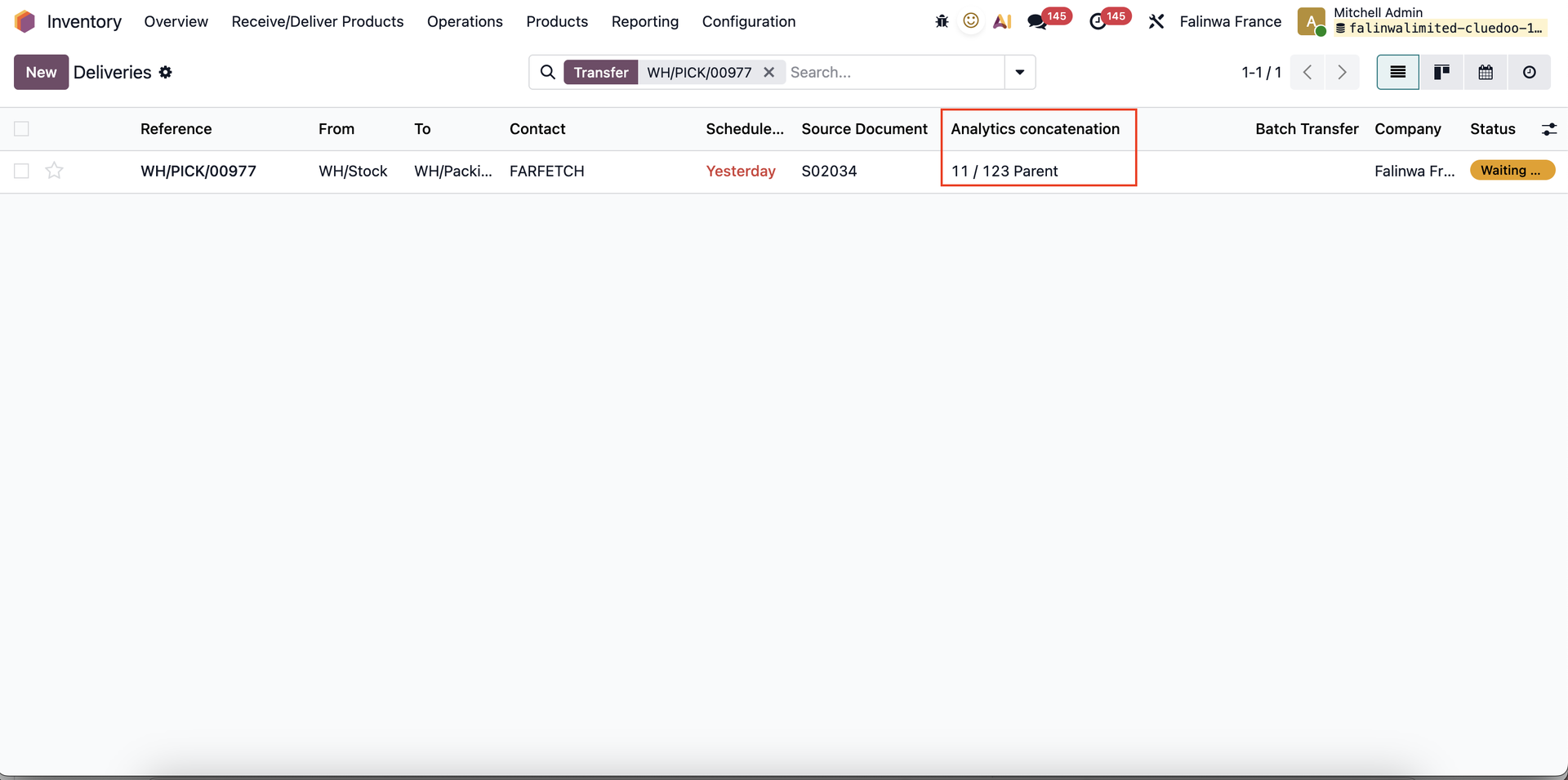 |