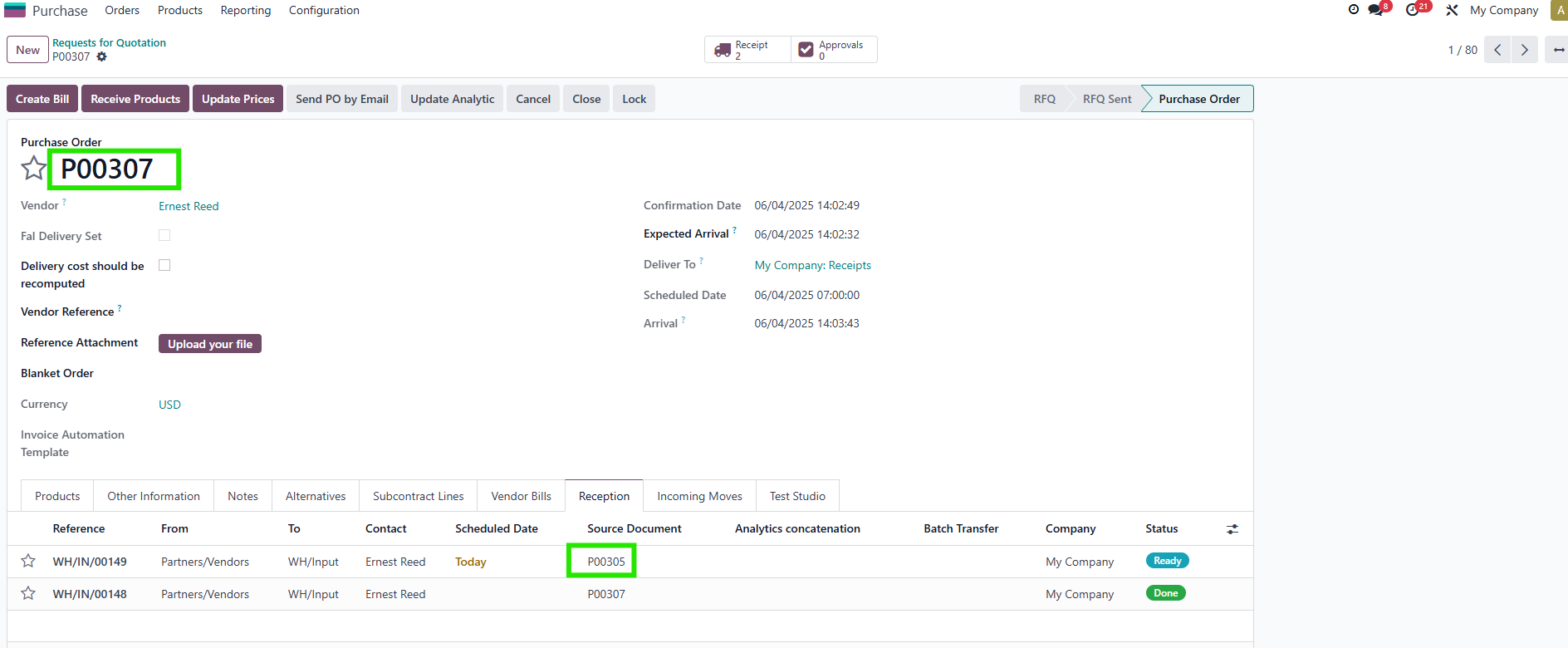



ODOO'S FUNCTION
In standard Odoo, purchase receipts (incoming pickings) are linked to the Purchase Order but are only accessible via the smart button or through the Inventory application. There is no dedicated tab on the Purchase Order form to display receipt lines or stock moves, and users without access to receipt records cannot easily track what has been received directly from the PO.
CLUEDOO'S FUNCTION
Cluedoo improves this by adding two dedicated tabs on the Purchase Order form:
1️⃣ Reception tab that lists all receipts related to the PO, including partial receipts, backorders, and receipts from multi-step flows, and keeps them visible even if the source document is edited, while still being accessible to users who do not have direct rights on receipt records.
2️⃣ Incoming Moves tab that shows all inbound stock moves for the PO’s products, making it easier to monitor actual quantities received versus expected.
Together, these additions give users clearer, centralized visibility of receptions and stock movements directly from the Purchase Order, without requiring separate access to inventory documents.
1. Create PO > fill information> confirm PO > Receipt will be created and displayed in the Reception Tag Note: All your receipts will be displayed (including back order, 3-step receipts) | 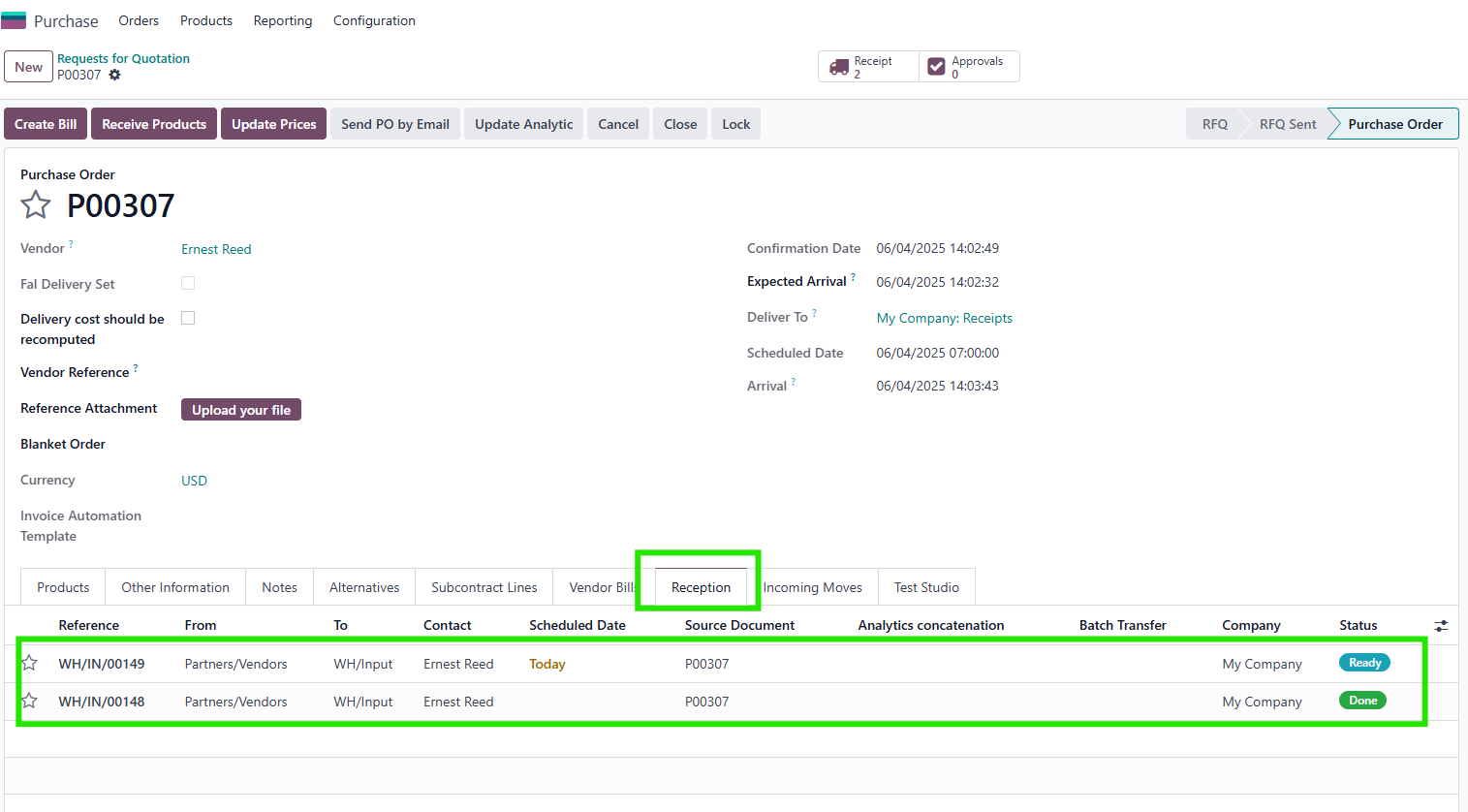 |
| |
Users without stock.picking access still see receipts in the Reception tab | 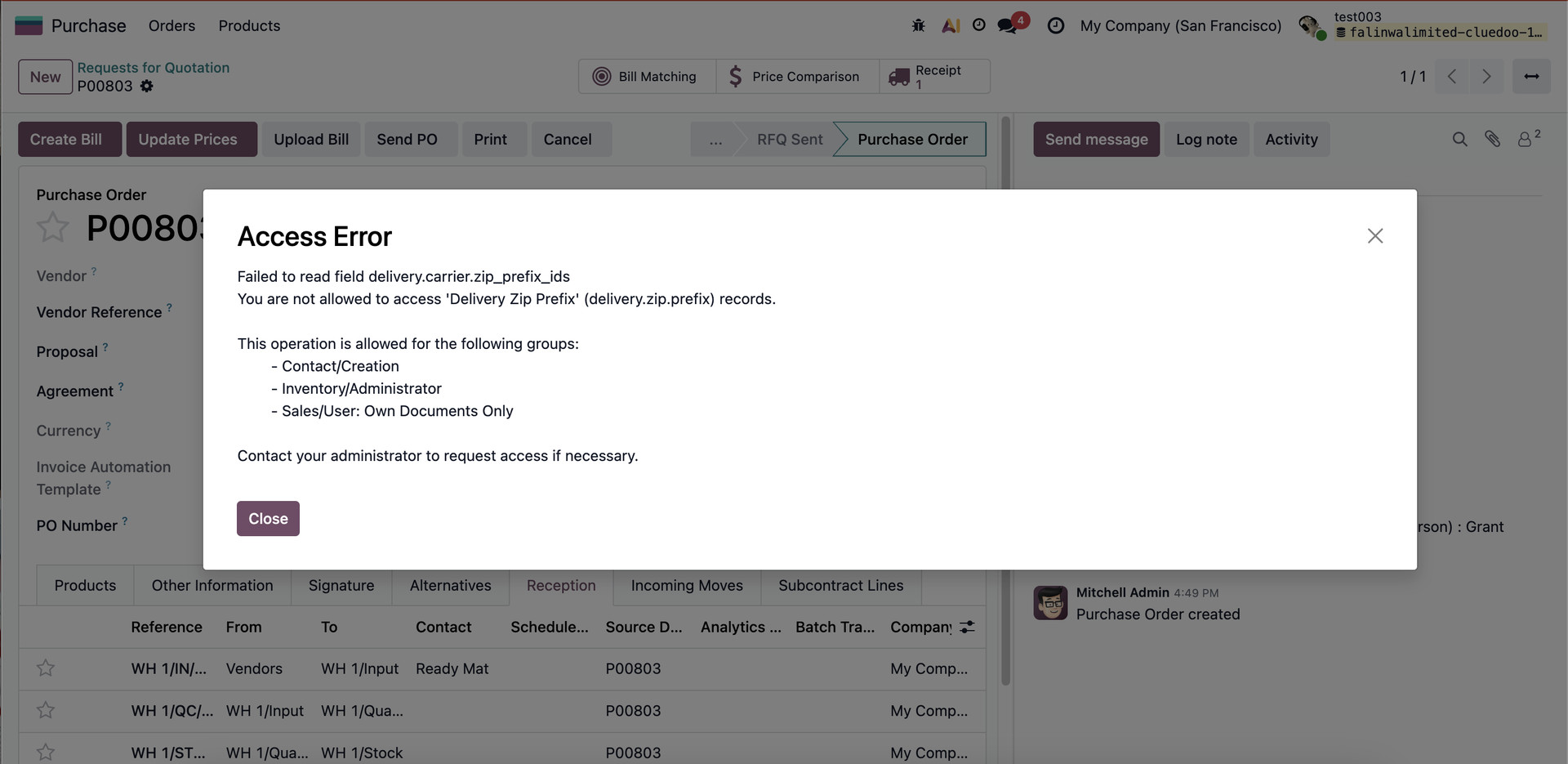 |
2. In the Incoming Moves tab, you can see the IN moves (e.g.,, receipt) of your product | 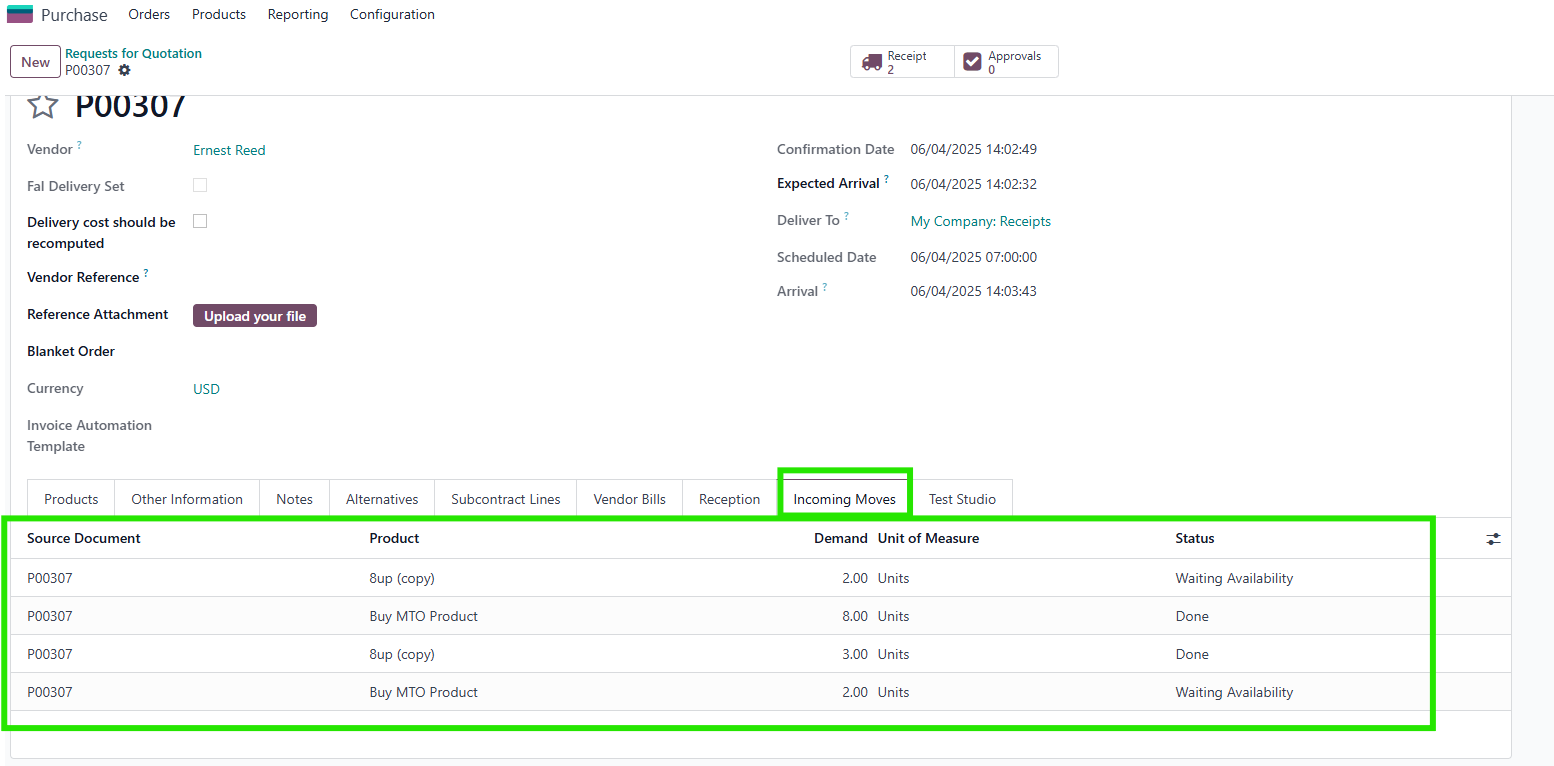 |