



ODOO'S FUNCTION
Odoo does not currently provide a way to track which products on a sales order originate from a quotation template, nor does it include a chatter feature on the quotation template for direct communication.
CLUEDOO'S FUNCTION
1️⃣ Add an additional field on SOL to tell which product on a sales order are from the quotation template
2️⃣ Add a chatter to the quotation template, allowing users to send messages directly from it
Go to Sales module. | 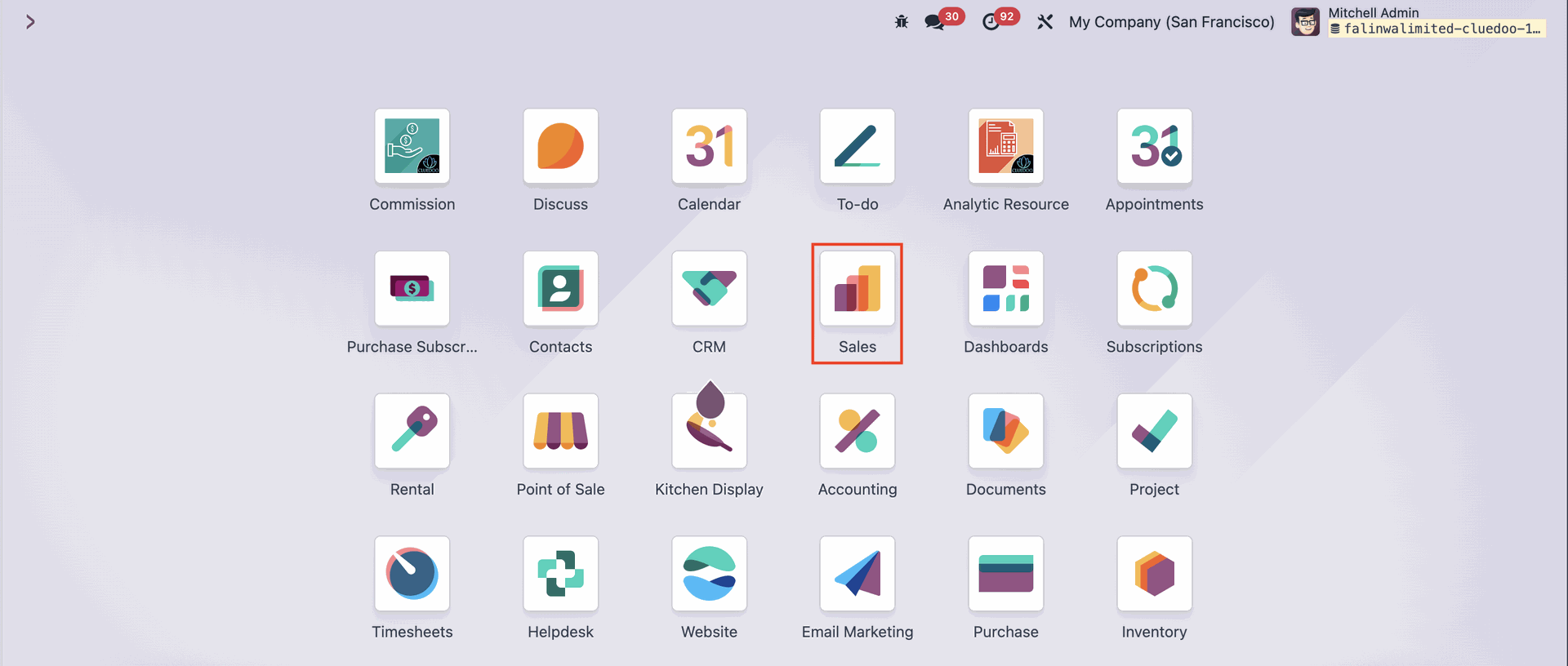 |
Reach for the Configuration menu on the upper side of the screen, then choose Quotation Templates. | 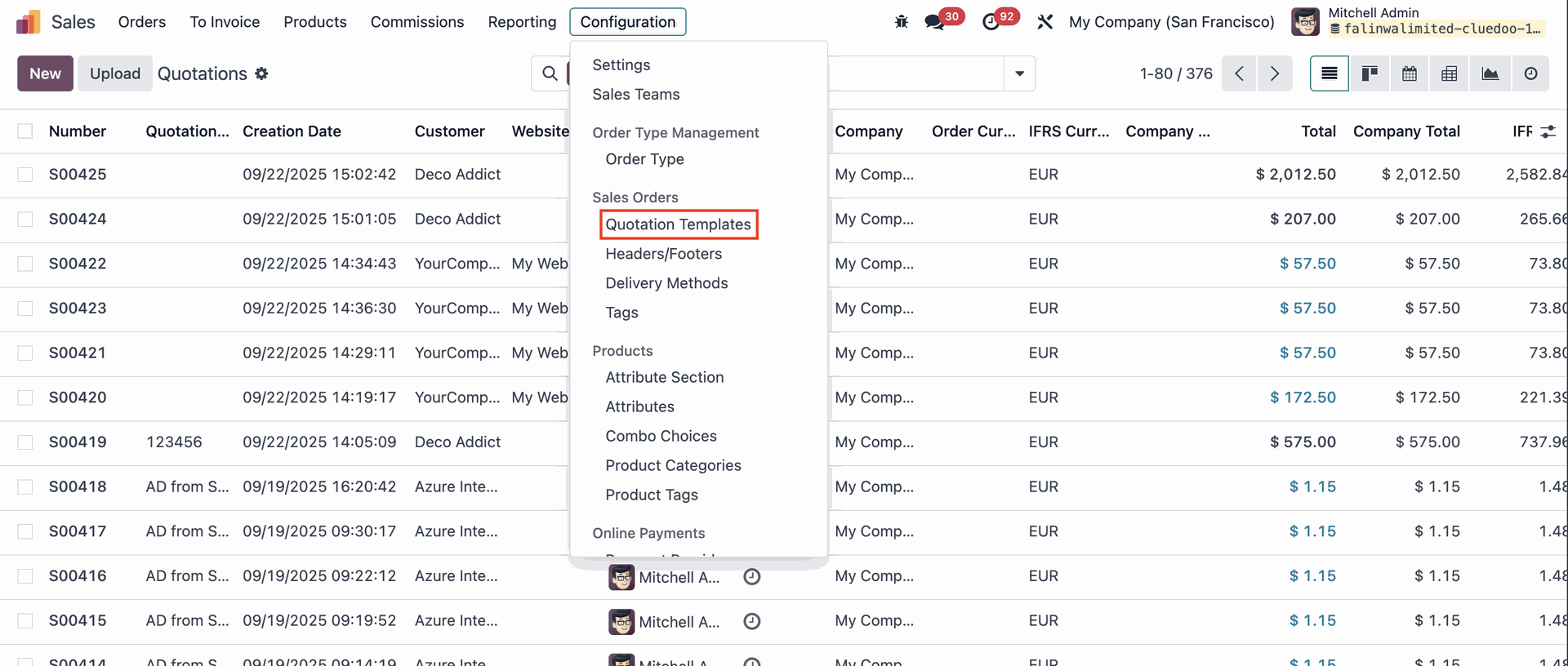 |
Create a new Quotation Template by clicking the New button. | 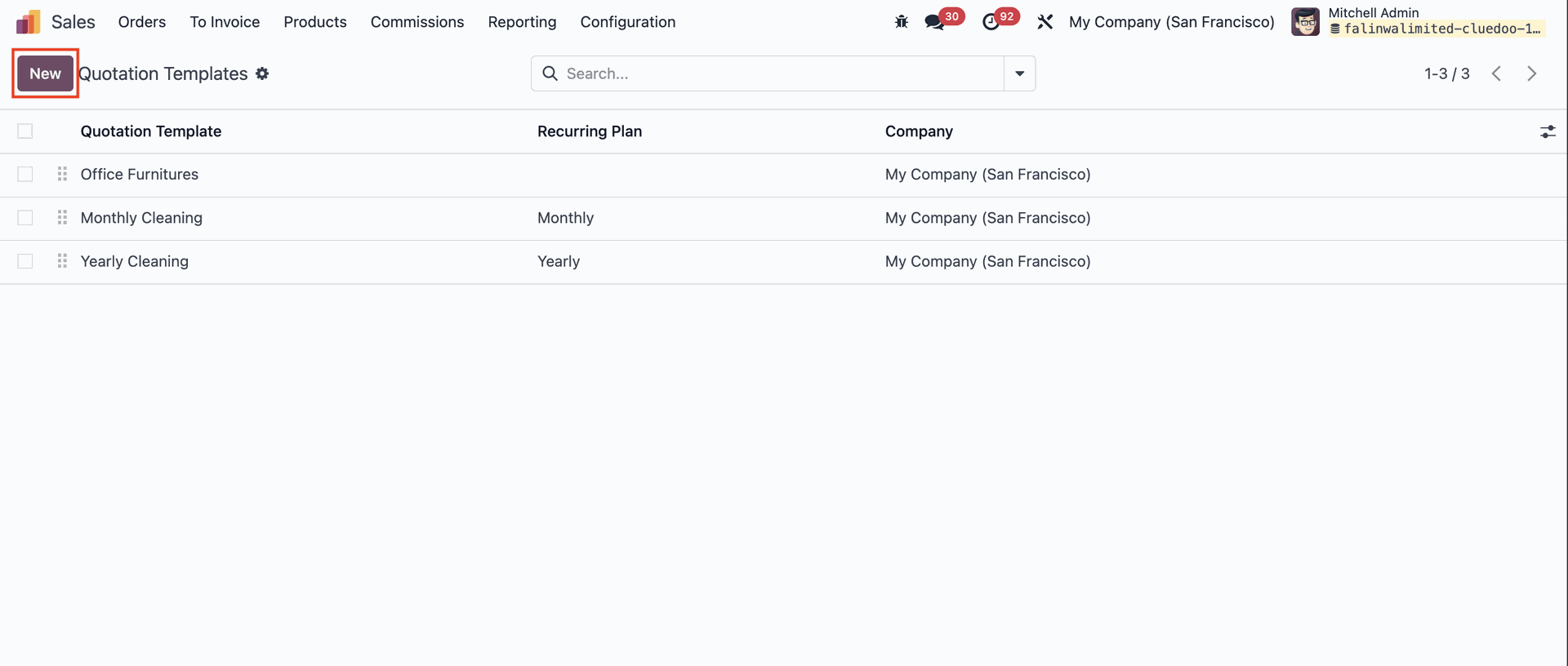 |
Fill out the new Quotation Template and list the product on the Lines tab. | 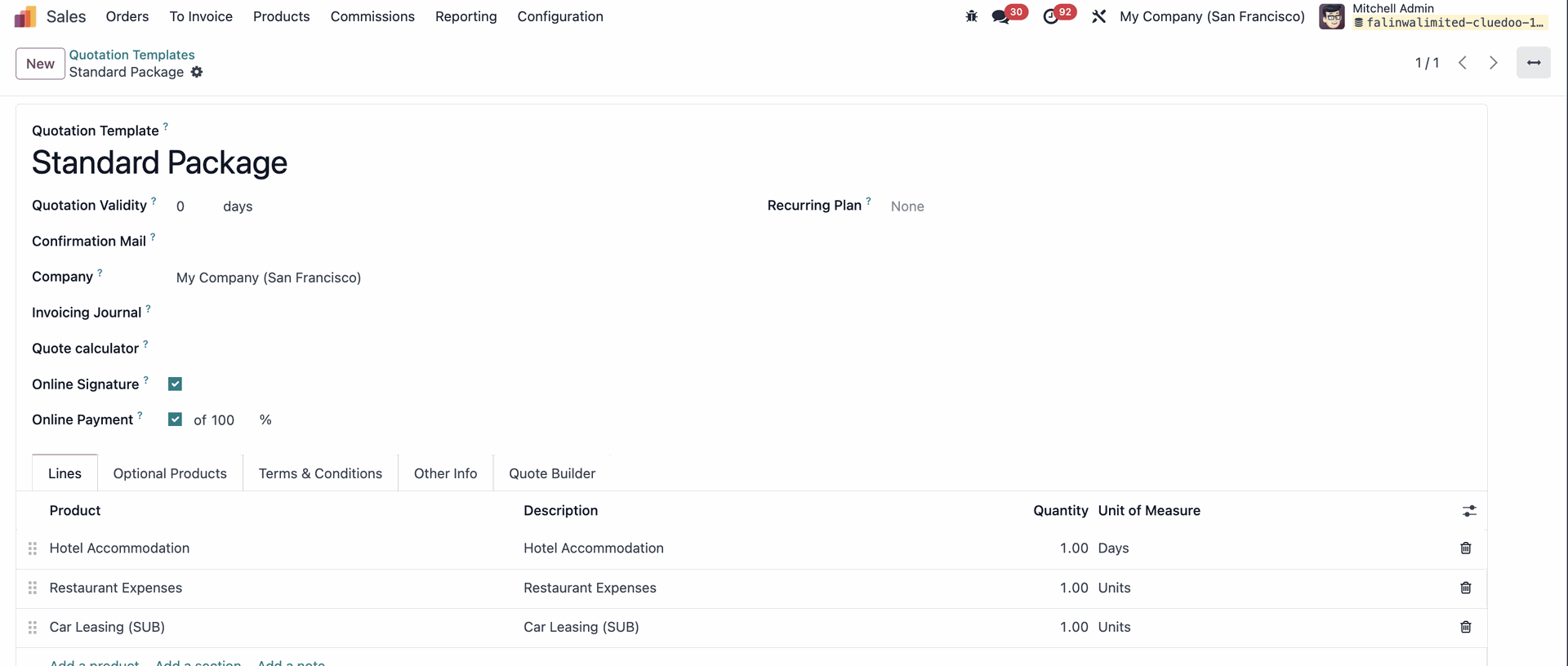 |
You can log notes, send messages, plan activities, and attach files directly on the template using the chatter feature. | 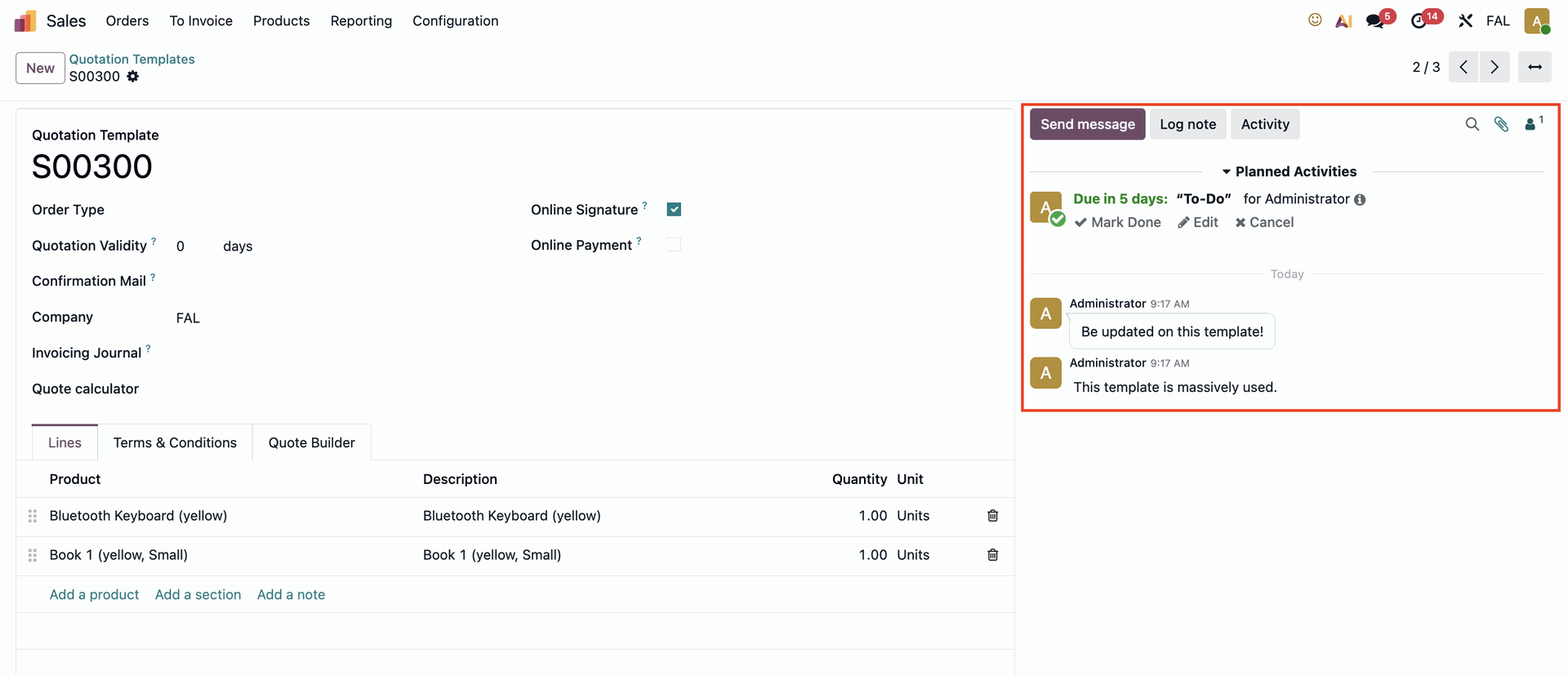 |
When creating a Quotation, select the preconfigured Quotation Template to automatically populate the Order Lines with the products linked to that template. | 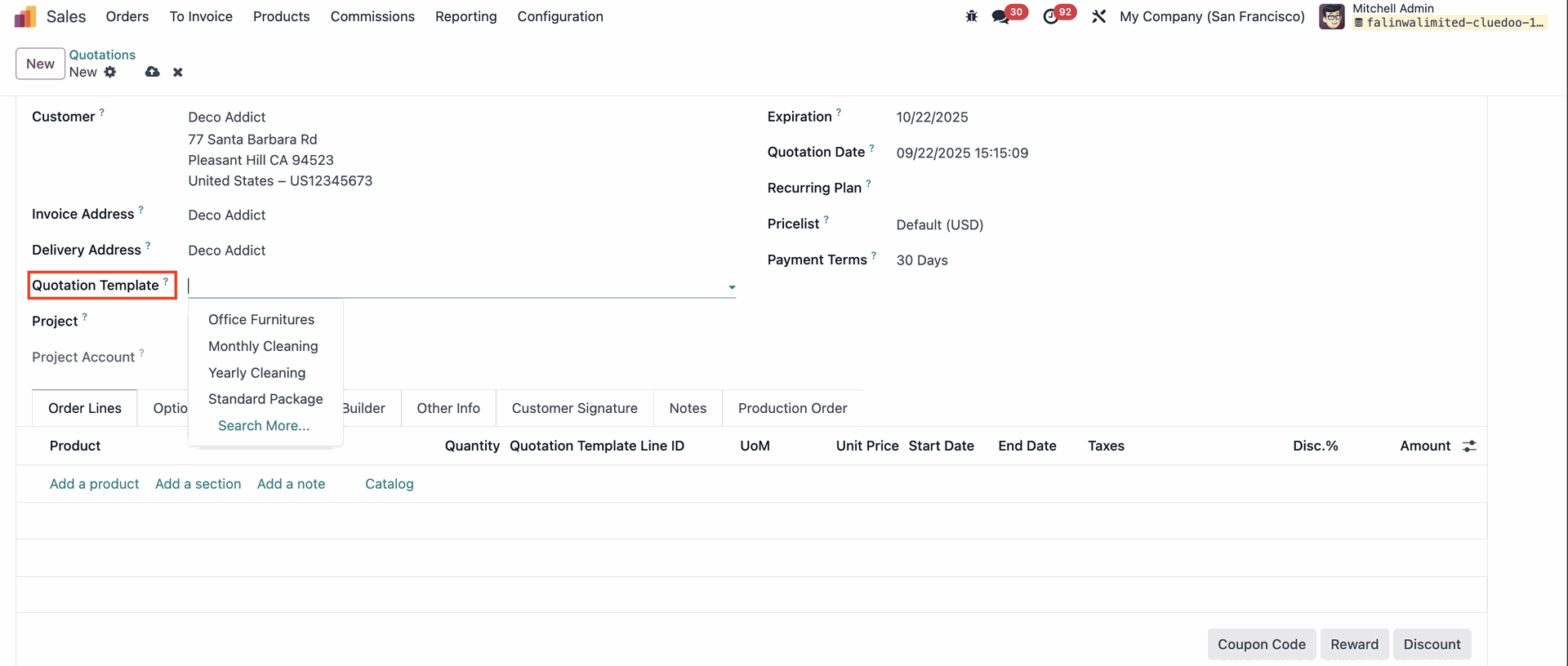 |
Quotation Template Line ID column on order lines will show which products are added from quotation template and which products are not, which will be left blank. | 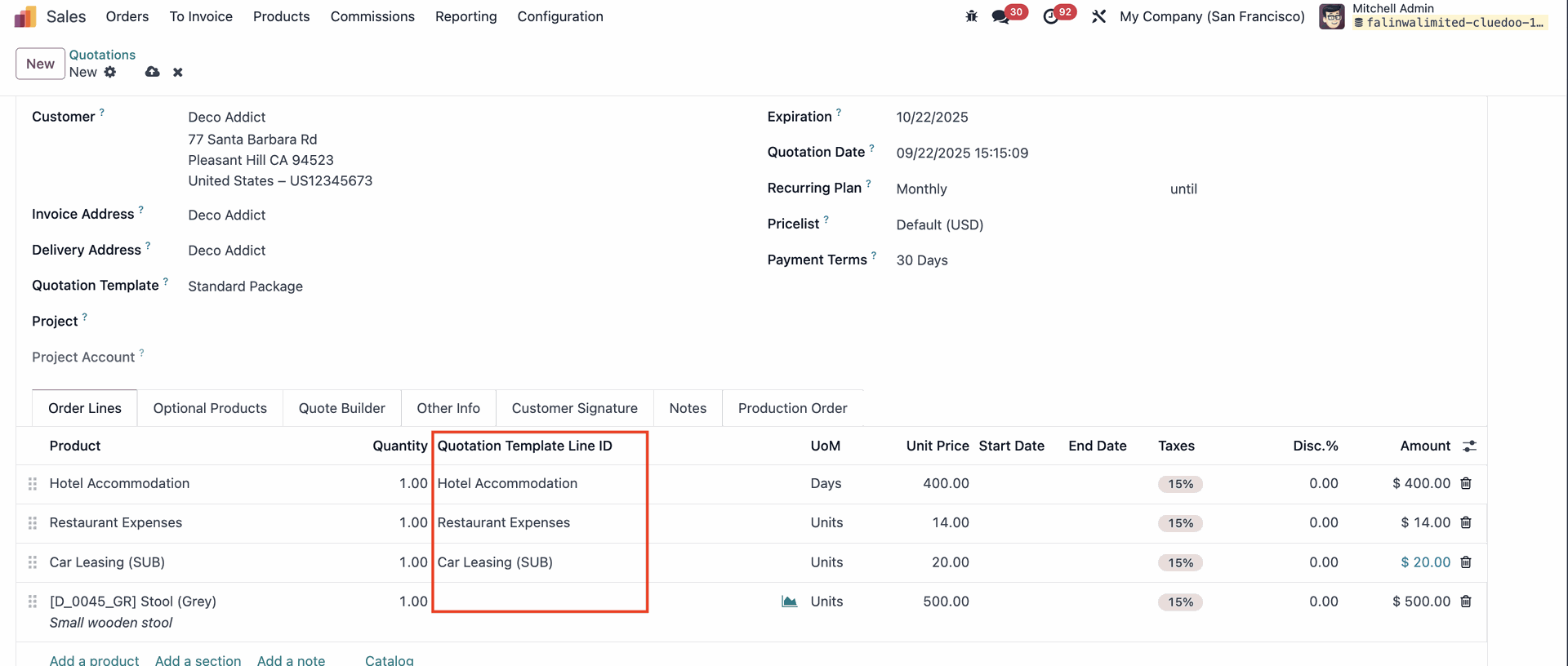 |