


ODOO'S FUNCTION
Odoo allows configuration of Quality Control Points per product.
No built-in feature to print product stickers during Quality Check.
Users must rely on third-party tools or custom reports for label printing.
Lack of standard formats (A4, small labels, QR) directly linked to the manufacturing or sales order.
CLUEDOO'S FUNCTION
✅ Adds sticker printing actions directly on the Quality Check form.
✅ Supports multiple formats:
- A4 Sticker Format
- Label Format 1
- Label Format 2
- Label Format with QR Code
1. Go to Settings → Companies → Report Configuration tab, import the sticker and fill in other information if needed | 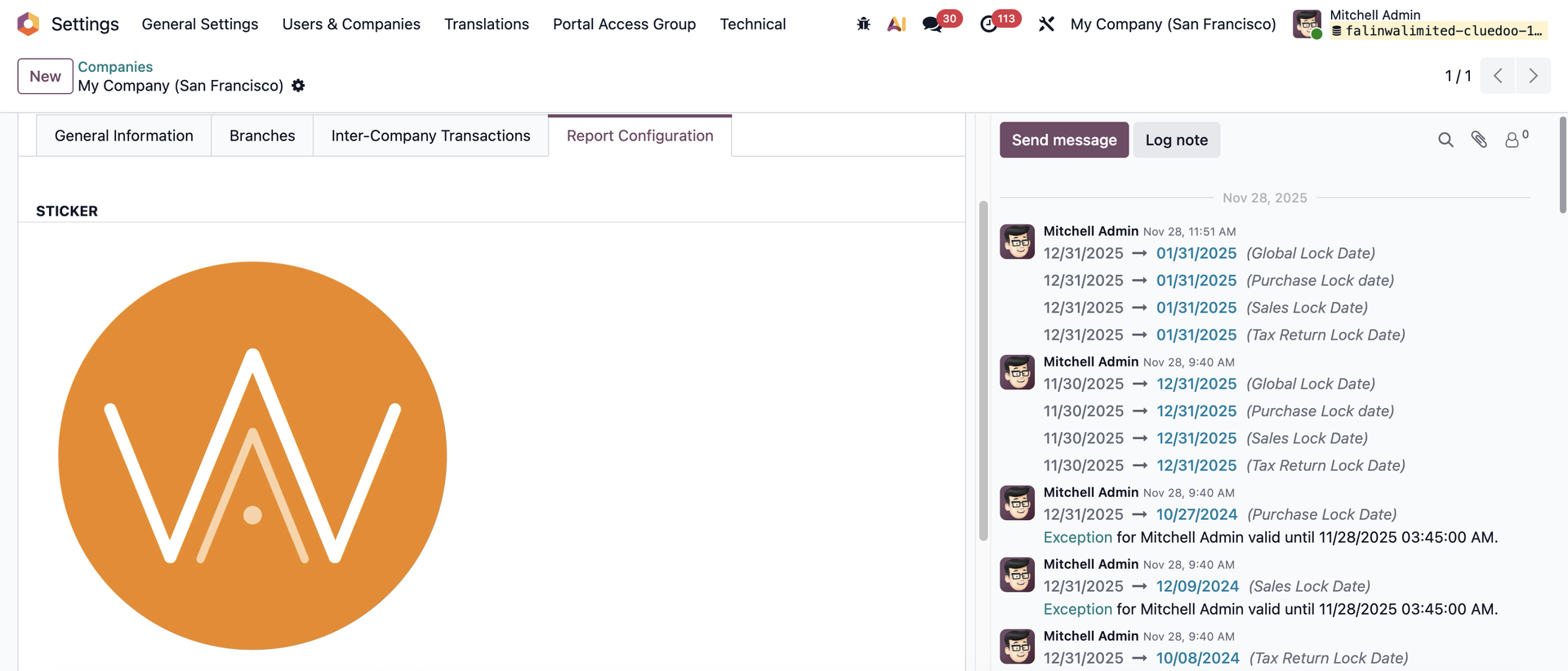  |
2. On Inventory → Configuration → Product Categories, check Finished Product | 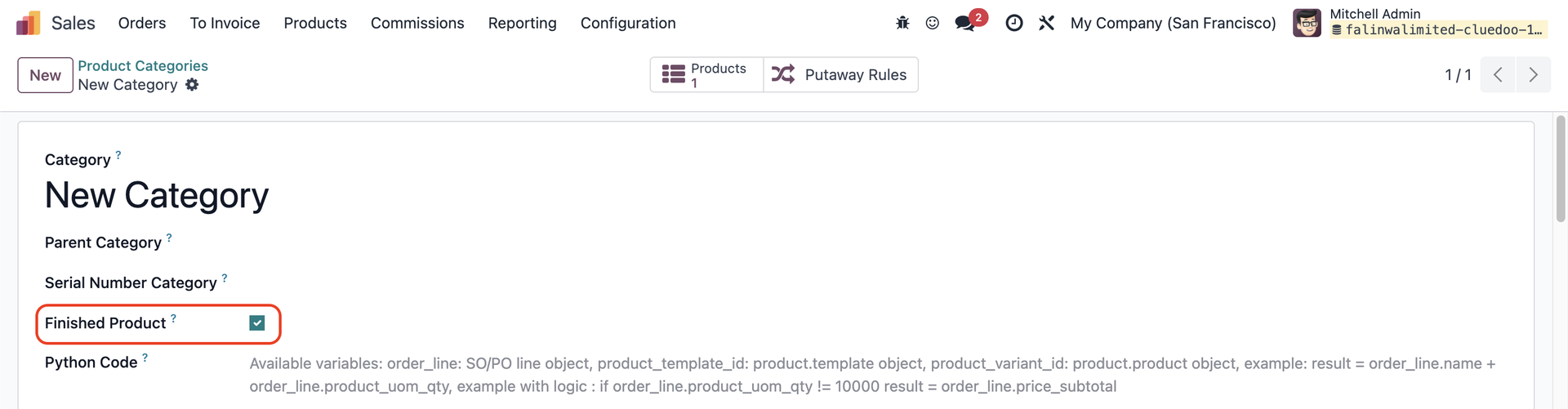 |
Notes:
| 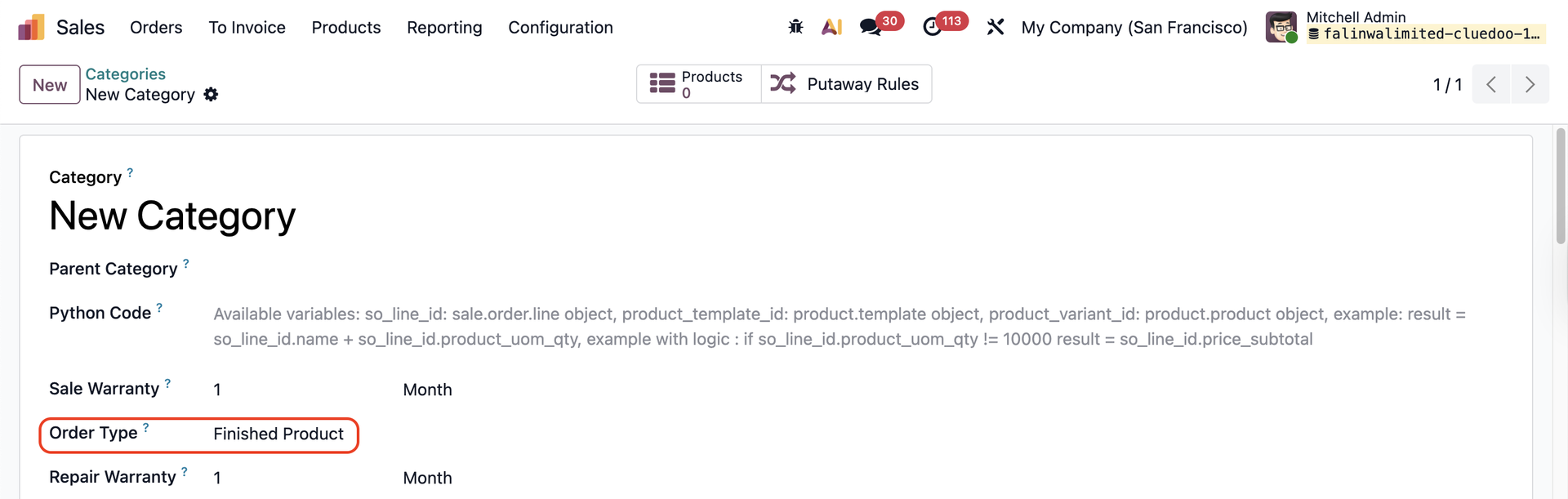 |
3. Create a manufactured product in this category e.g., Sticker |  |
4. Go to Quality → Quality Control → Control Points → Create a new QCP and fill in the information | 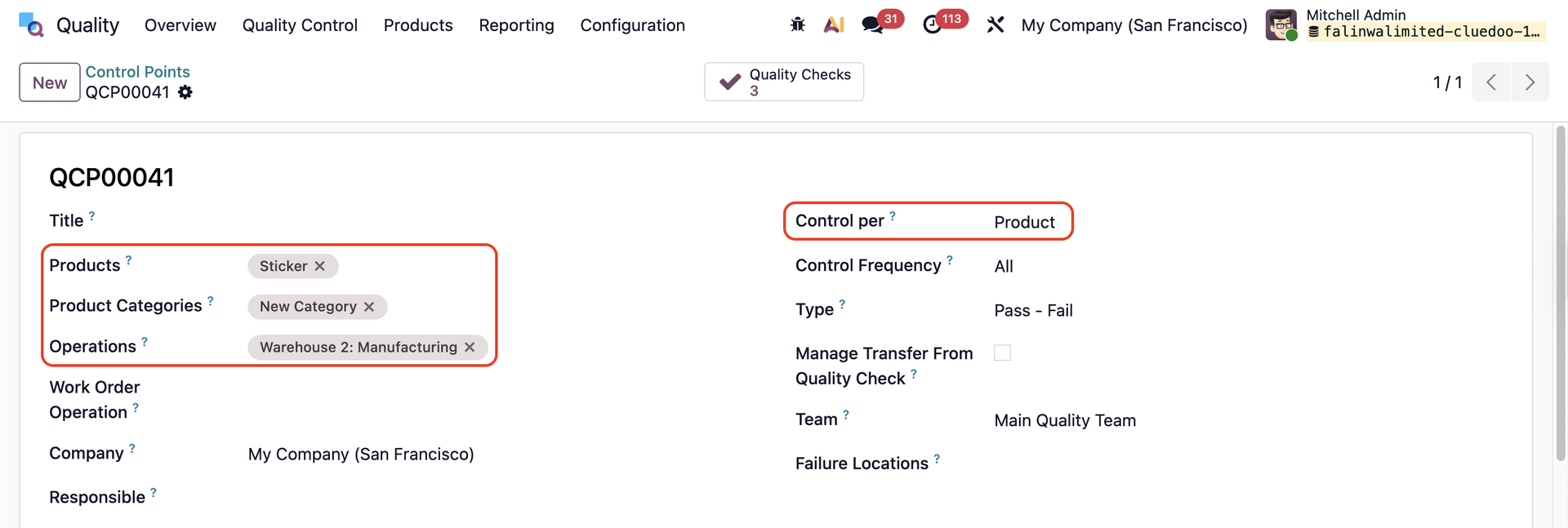 |
5. Head to Manufacturing → Operations → Production Order → Create a new PO, add the product and the quantity → Create MO | 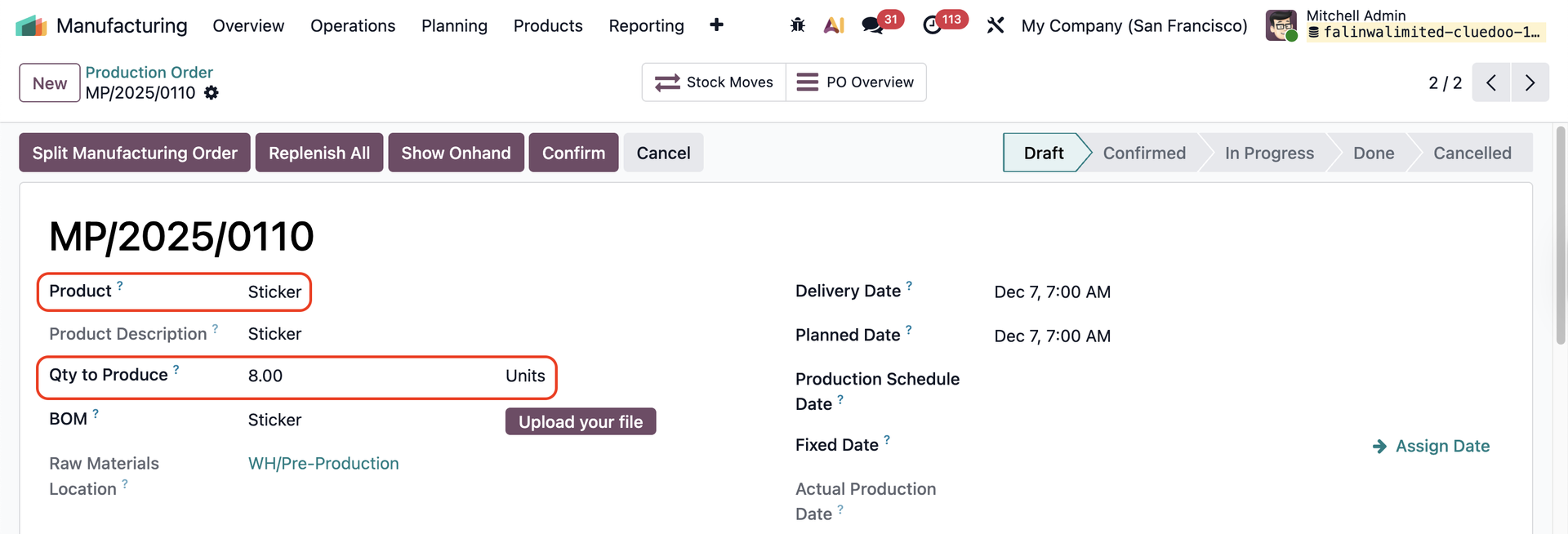 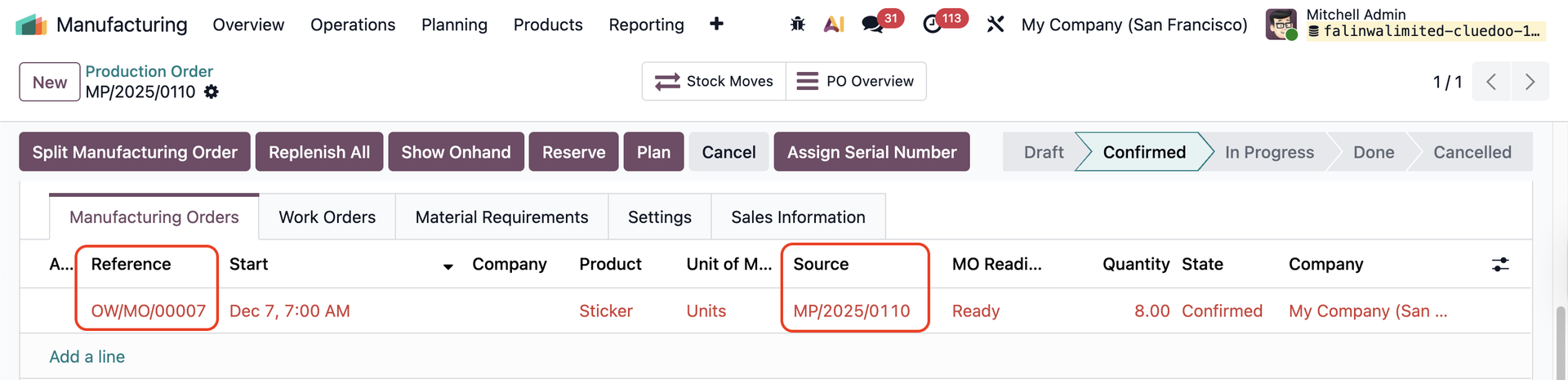 |
6. Go to the corresponding MO → Confirm → Quality Checks will be generated | 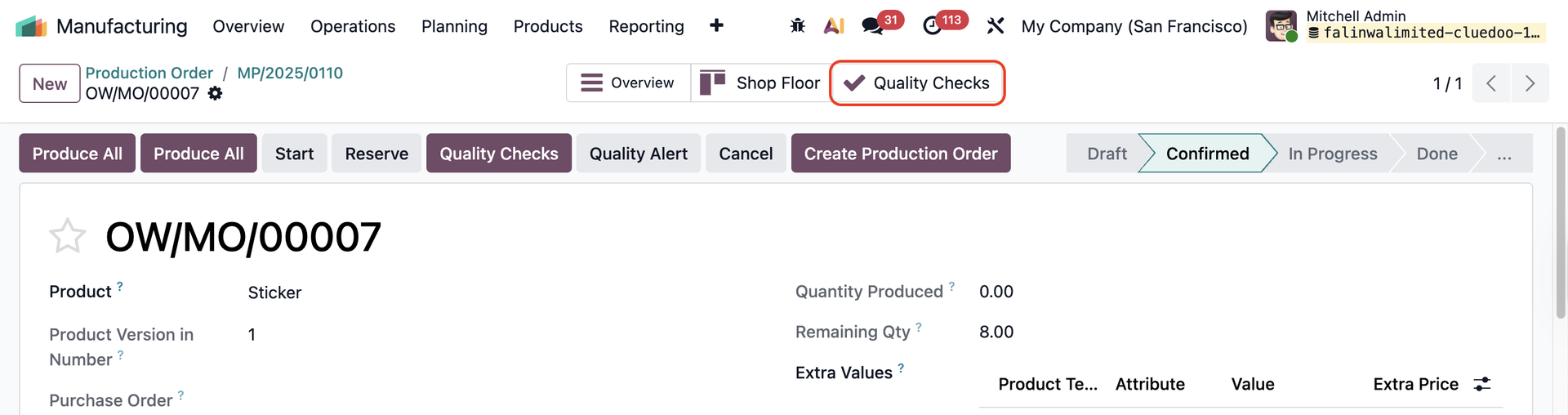 |
7. Access the QC → Click on the saw-edged icon → Print → There are 4 printable sticker formats The original Production Order is also linked. | 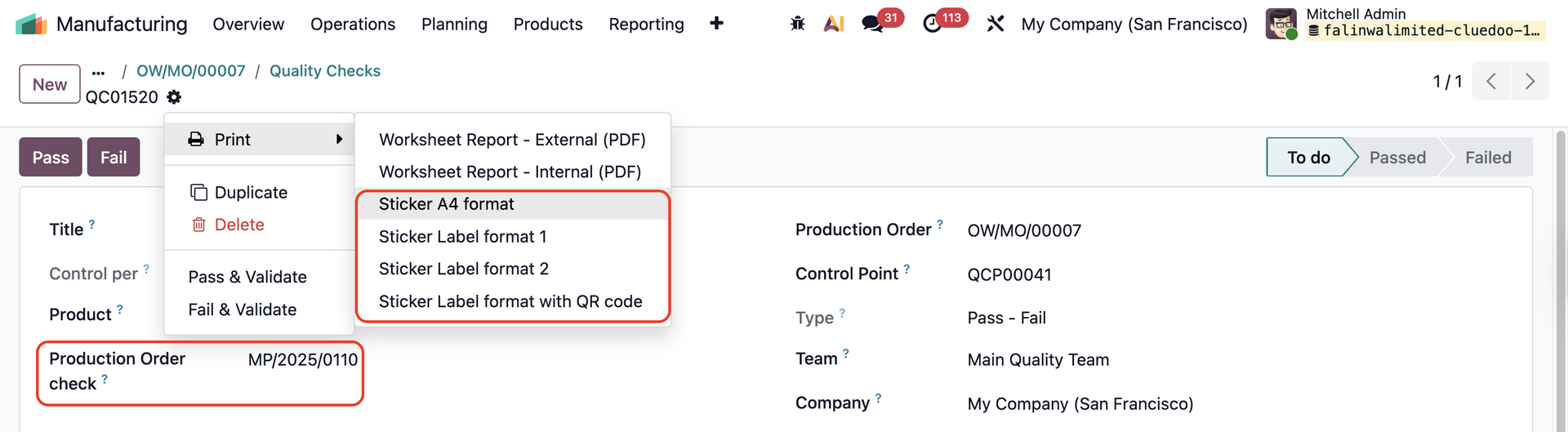 |
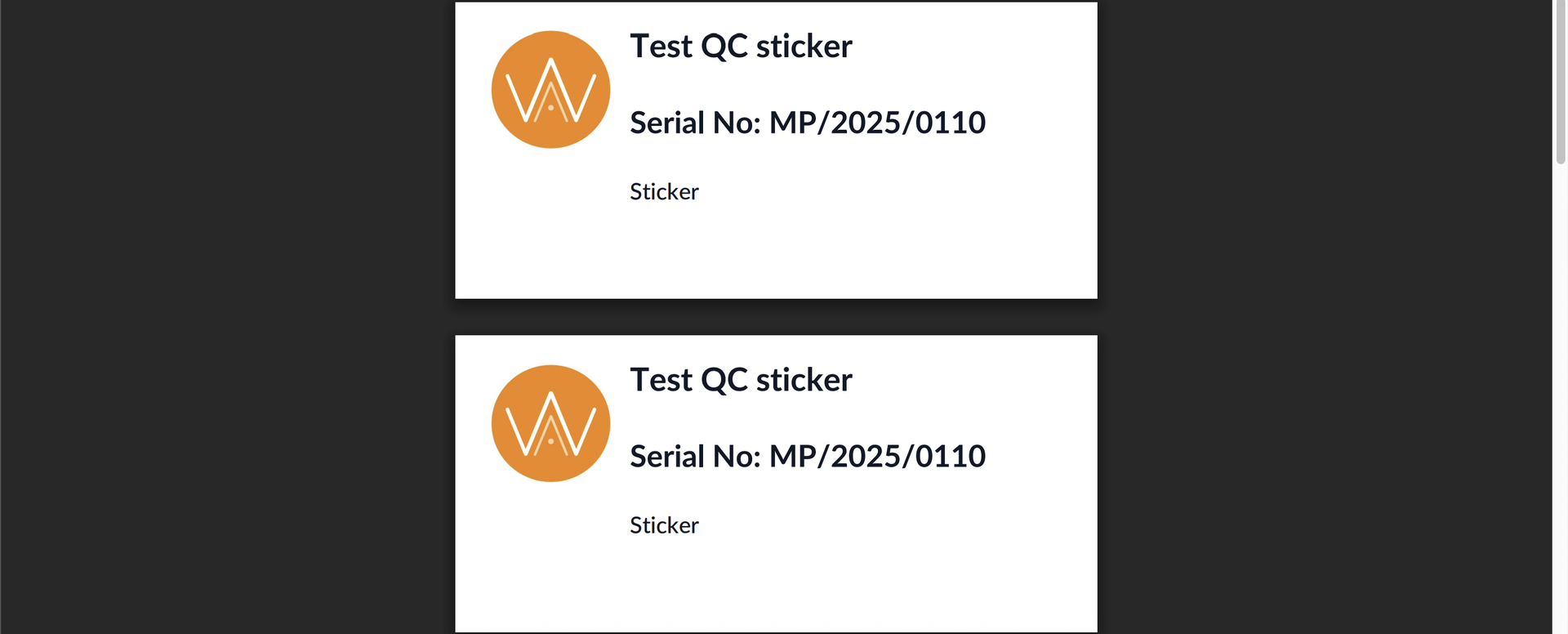
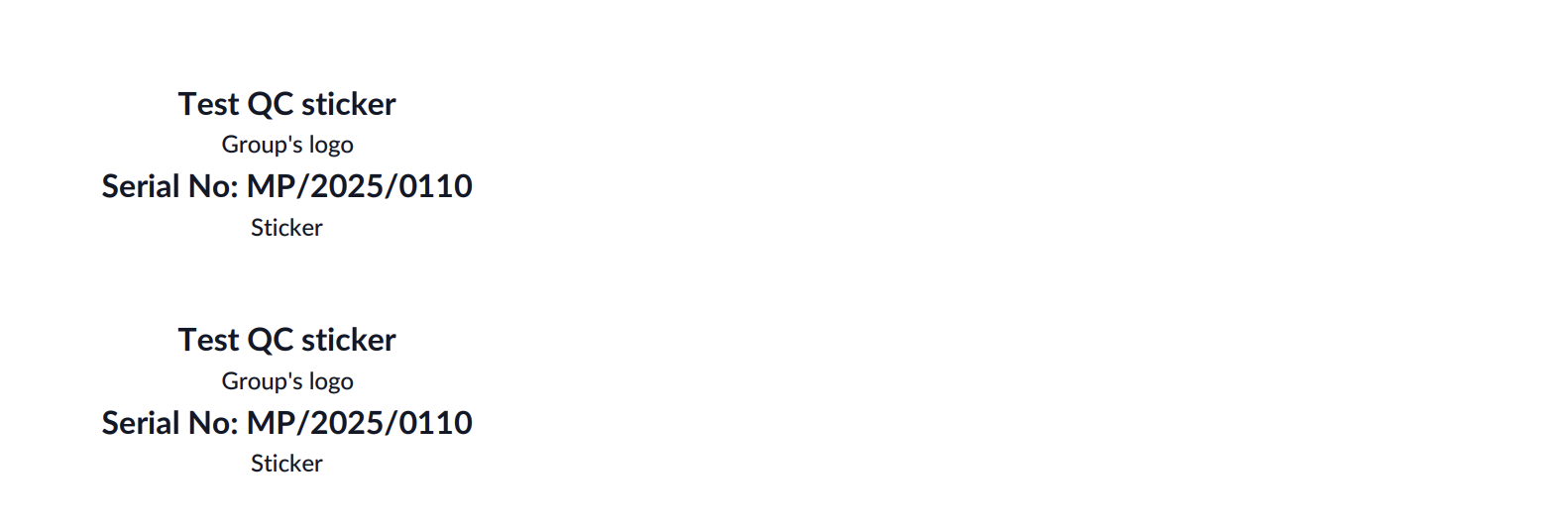
Sticker A4 Format Available information:
|  |
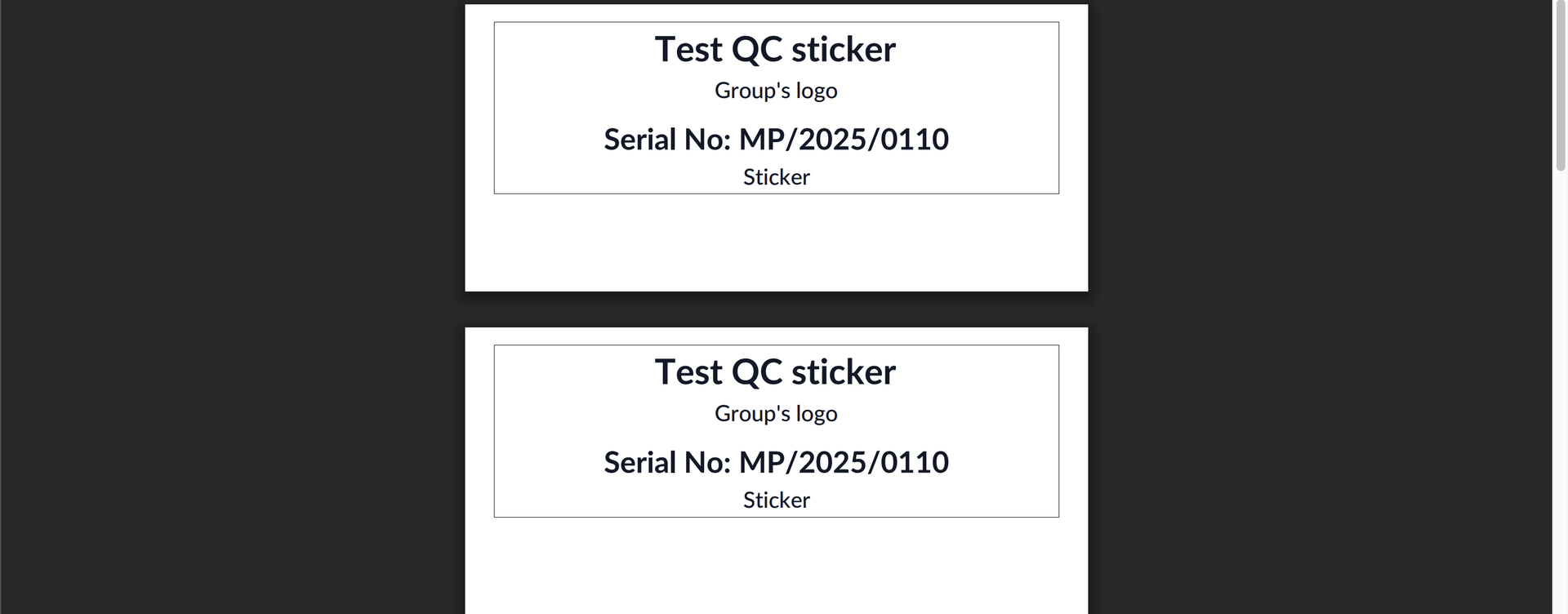
Sticker Label Format 1 Available information:
|  |
Sticker Label Format 2 Available information:
| |
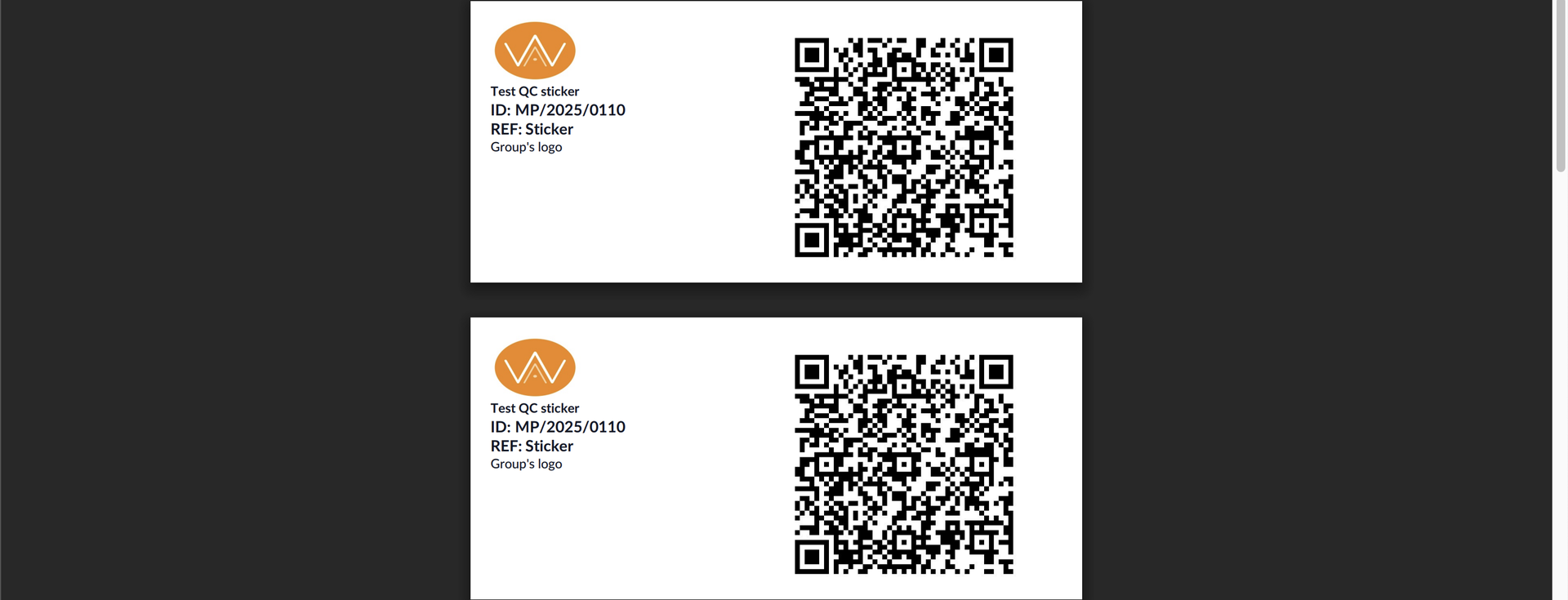
Sticker Label Format with QR Code Available information:
|  |