ODOO'S FUNCTION
In Odoo Point of Sale, Self-Order relies entirely on manual browsing. Without a search function, customers must navigate through multiple categories to find specific items, which is inefficient and time-consuming for restaurants/businesses with large or complex menus.
CLUEDOO'S FUNCTION
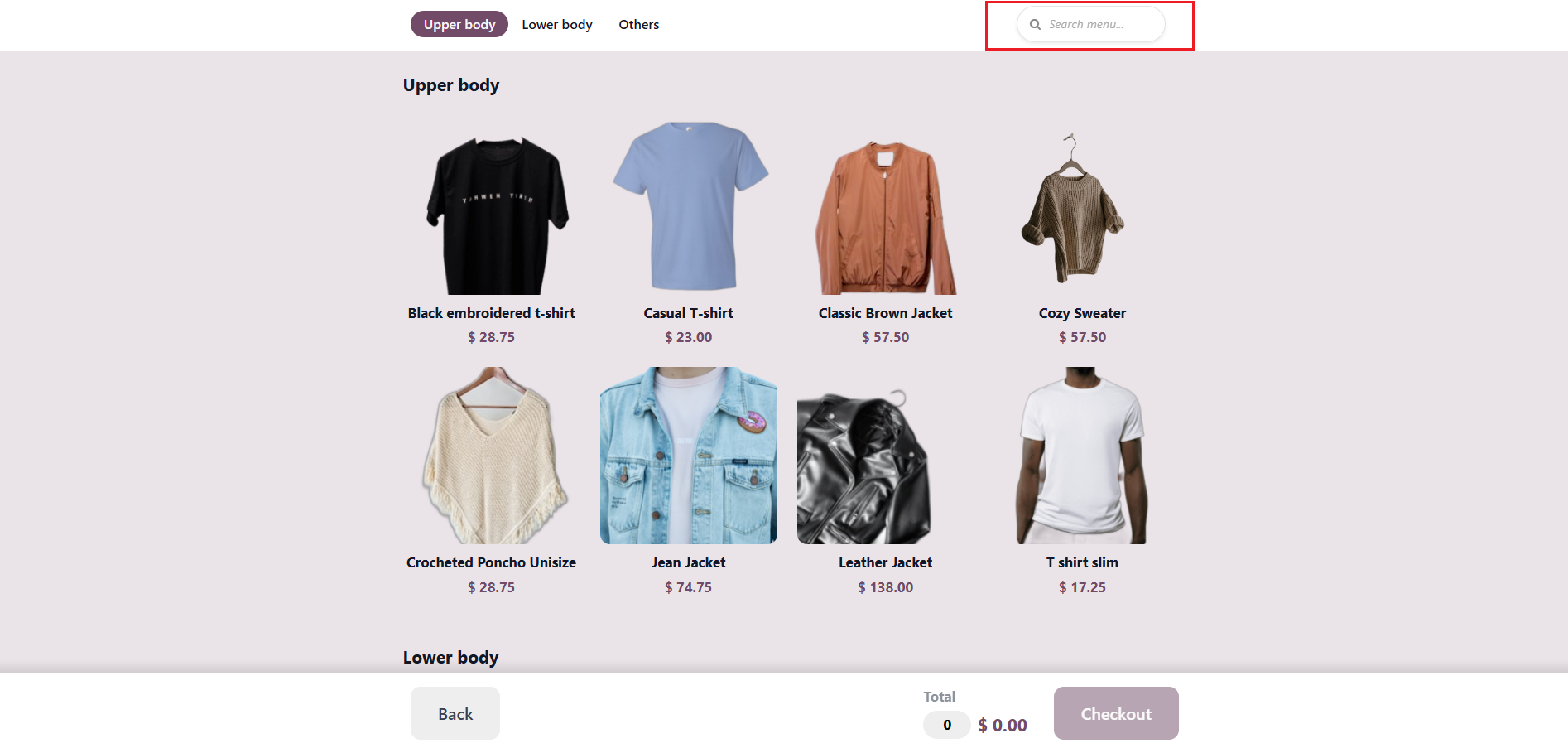
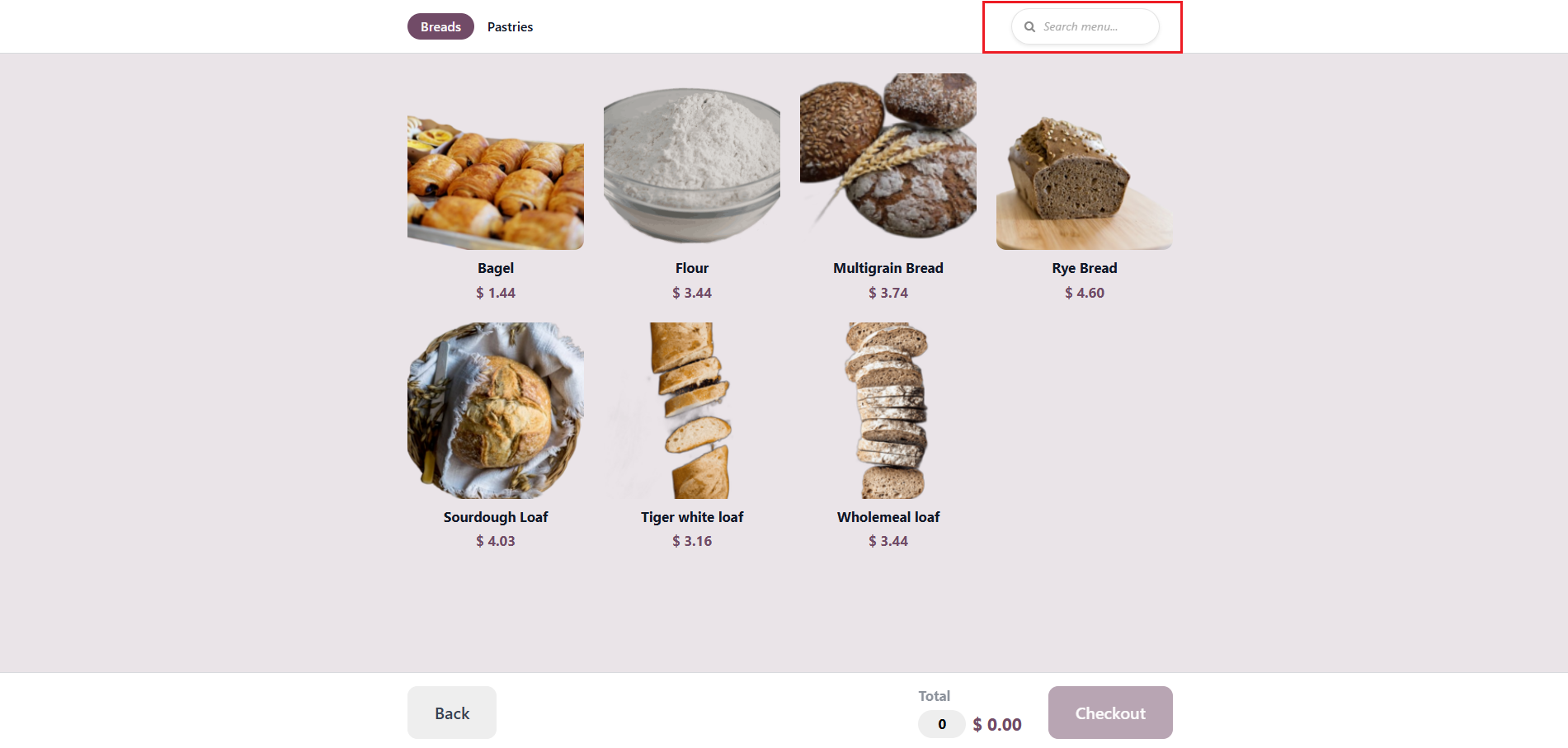
CLuedoo introduces a universal "Search & Find" feature across all self-service modes (QR Menu, QR Ordering, and Kiosk). This allows customers to instantly locate specific products, significantly speeding up the ordering process and enhancing the user experience.
CONFIGURATION1. Go to Settings > Point of Sale Choose Shop and Self-Ordering type. | 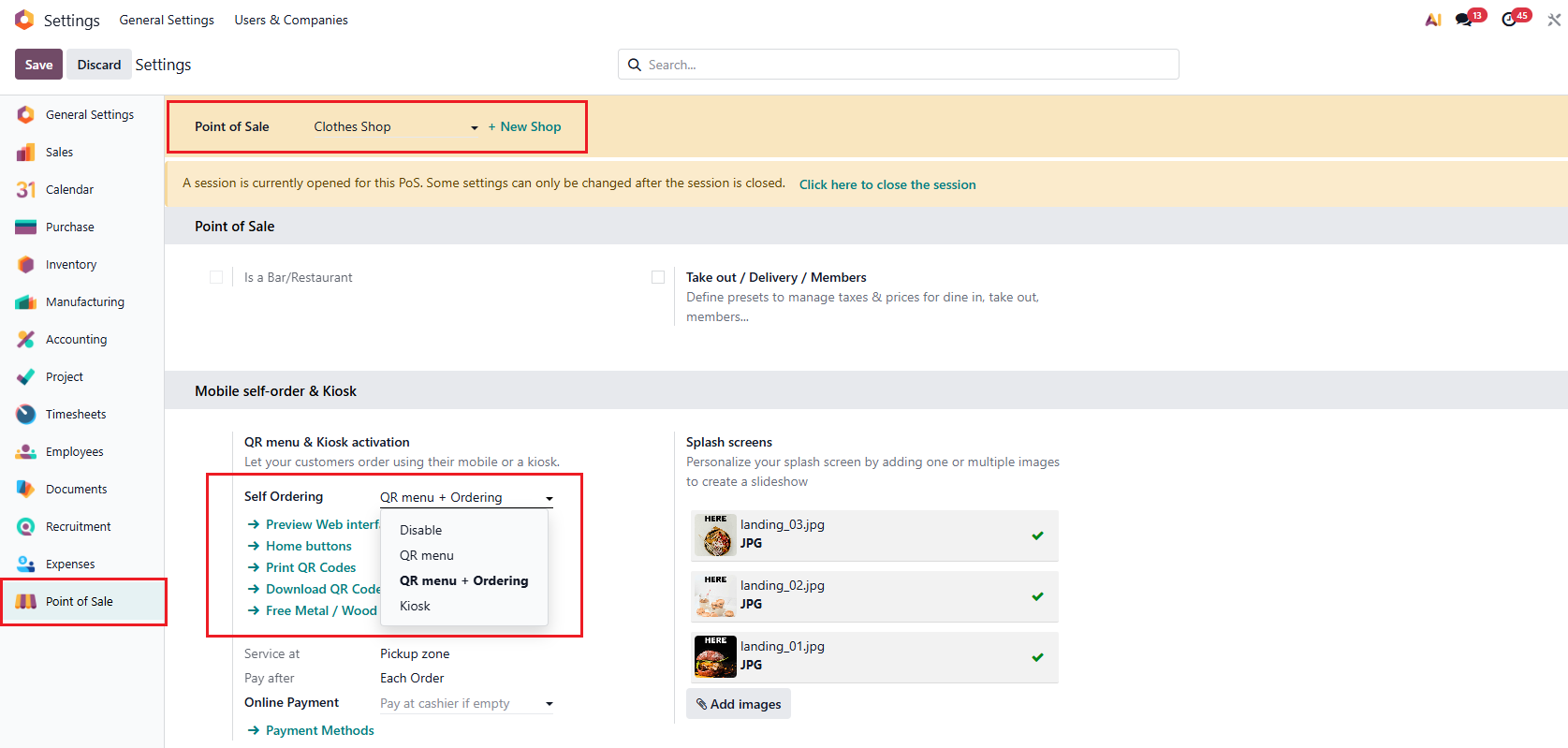 |
For example, set up:
|  |
USAGE1. Go to Point of Sale > Click on Mobile Menu or Open Kiosk. |  |
| Search box for QR Menu | 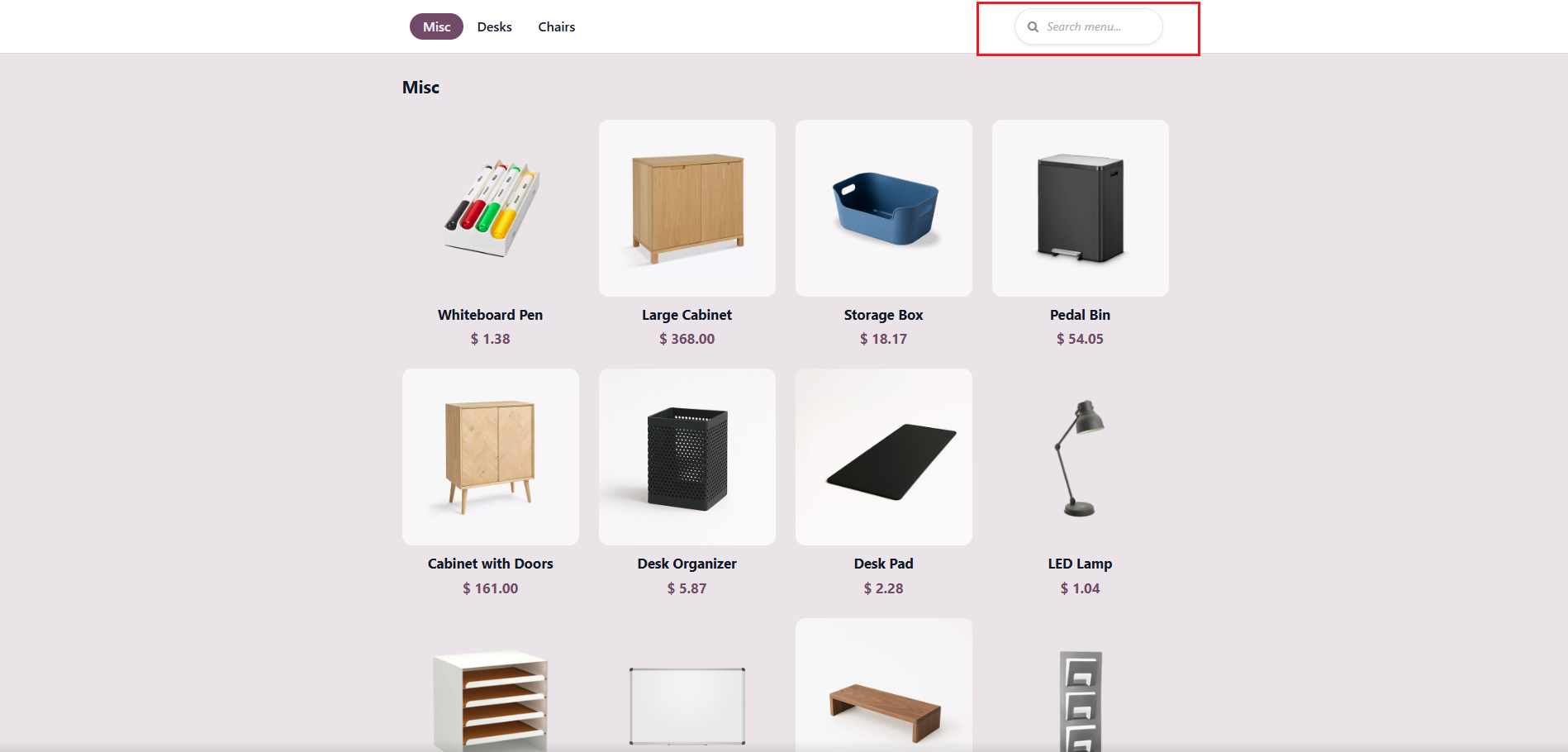 |
Search box for QR Menu + Ordering |
|
Search box for Kiosk |
|