



ODOO'S FUNCTION
Odoo does not provide a built-in feature that allows updating the version of lot/serial numbers or modifying the information of specific lot/serial numbers through ECOs.
As a result, managing engineering changes at the lot/serial level is limited, making it difficult to ensure full traceability, consistency, and control over product changes
CLUEDOO'S FUNCTION
CLuedoo introduces an enhanced feature that allows users to update the version of lot/serial numbers and modify specific lot/serial information directly through ECOs.
This functionality enables better control over product changes, ensuring traceability and accuracy at the lot/serial level while streamlining engineering change management and reducing manual effort.
1 Go to ECO > Create a new ECO > Set Apply on to "Serial Number" > Choose a lot/ serial number > Start Revision EX: I have updated "com001" with the current version which is 1 |  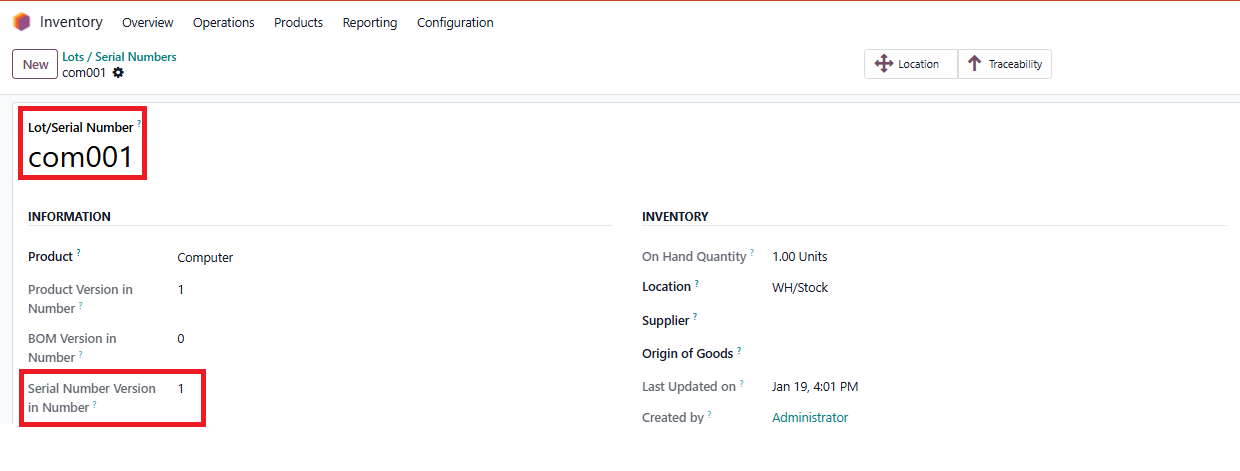 |
2 Apply Changes > Go to com001 form > Can see that the version of this serial number has been updated to 2 | 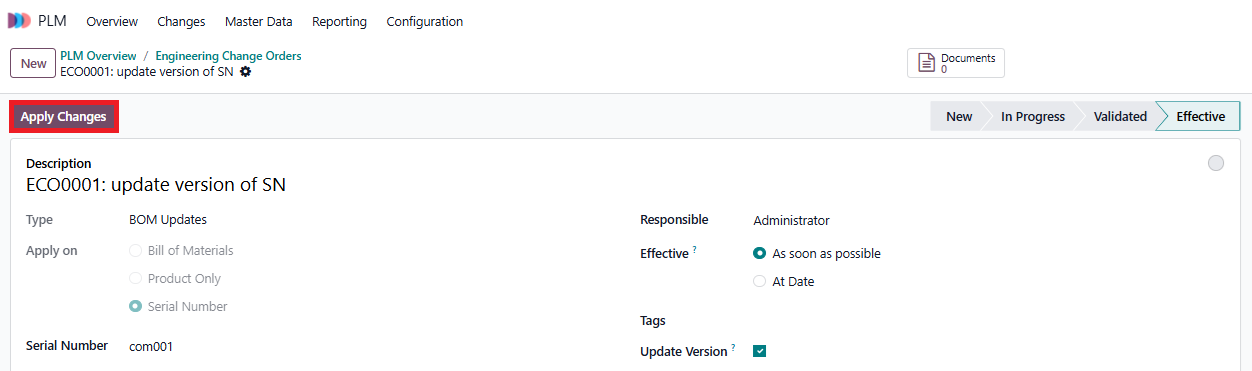 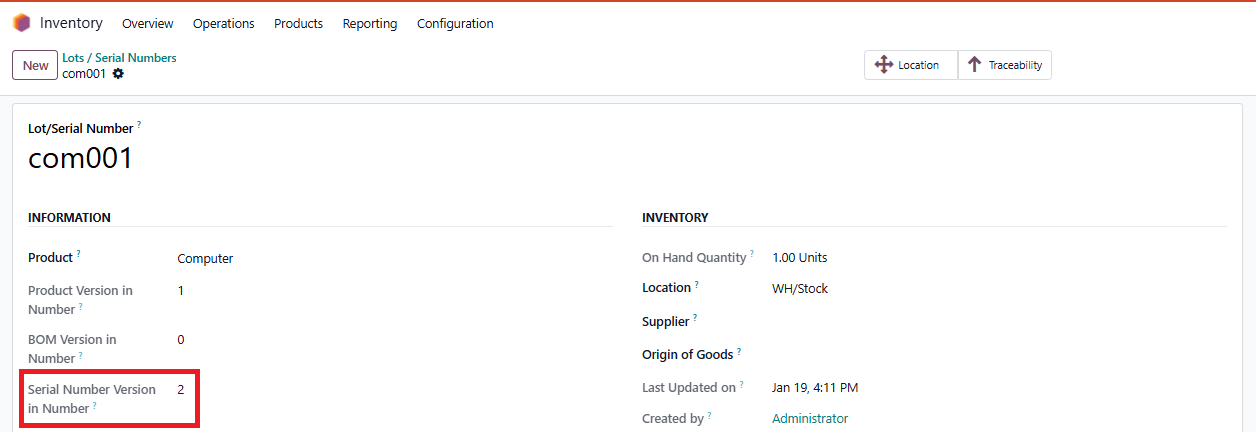 |
3 On ECO, we can see a tab named "Serial Number Changes" which allows us to update the information of specific fields EX: I want to update this serial number's internal reference from "blank" to "00000123" > Set up on Serial Number Changes Tab:
> Apply Changes > Come back to com001 form > See that the internal reference has been updated to 00000123 | 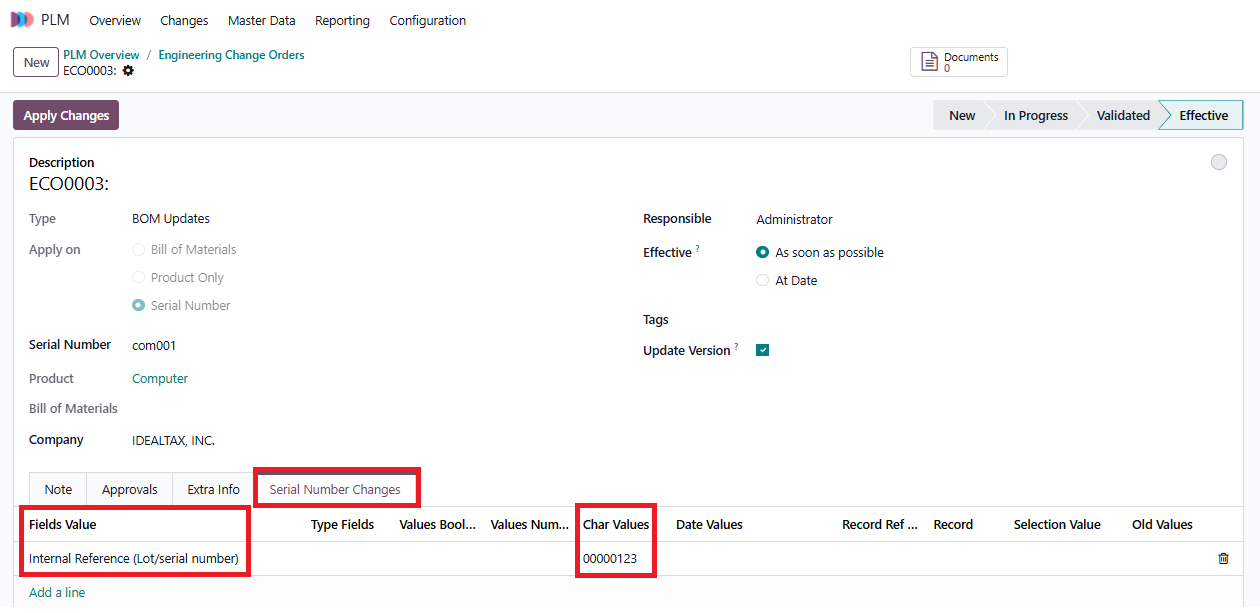 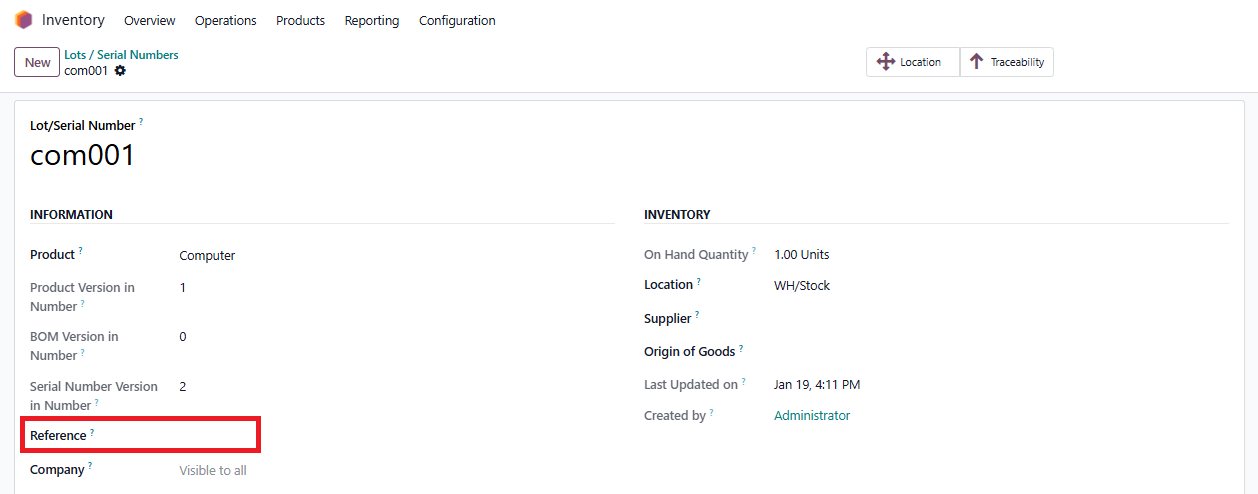 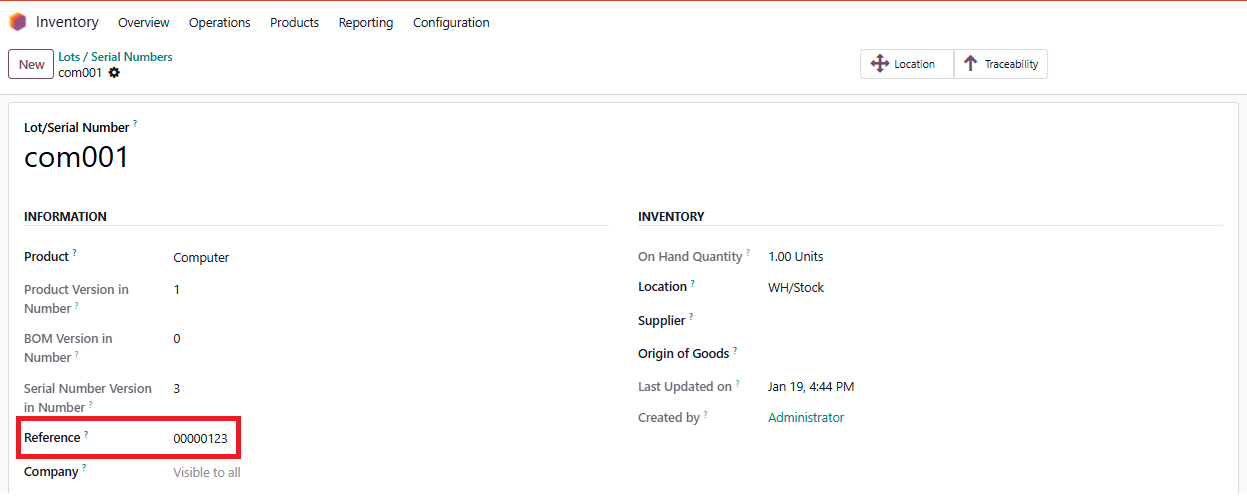 |