ODOO'S FUNCTION
In Odoo, if a package contains no products, its location remains empty. As a result, the package cannot be selected in Inventory Adjustment or Barcode operations, which limits handling of empty or pre-created packages.
CLUEDOO'S FUNCTION
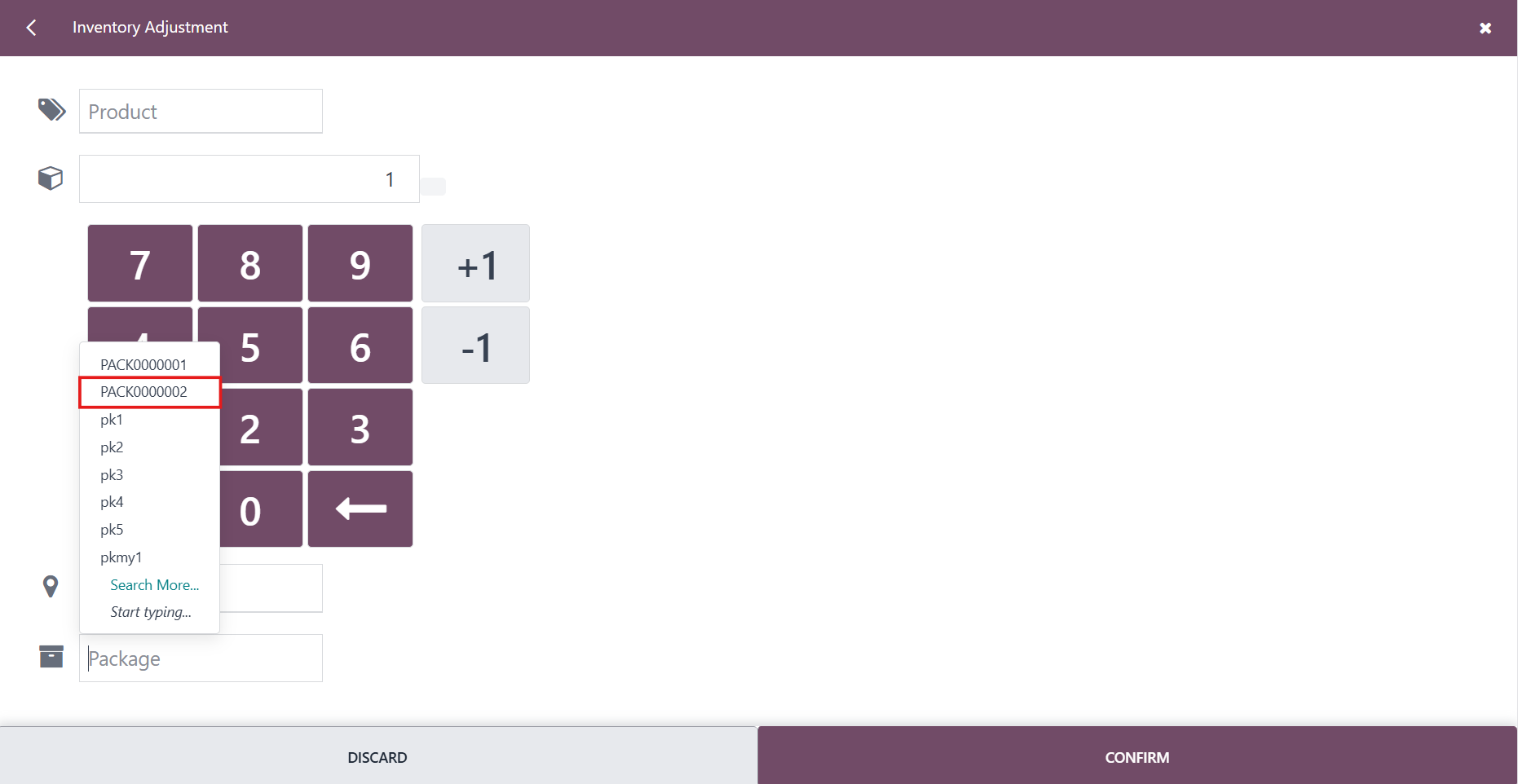
CLuedoo allows packages to be selected in Inventory Adjustment and Barcode operations even when they have no assigned location. This provides greater flexibility for managing empty packages and preparing logistics operations in advance.
INVENTORY ADJUSTMENTSGo to Inventory → Products → Packages to create an empty package | 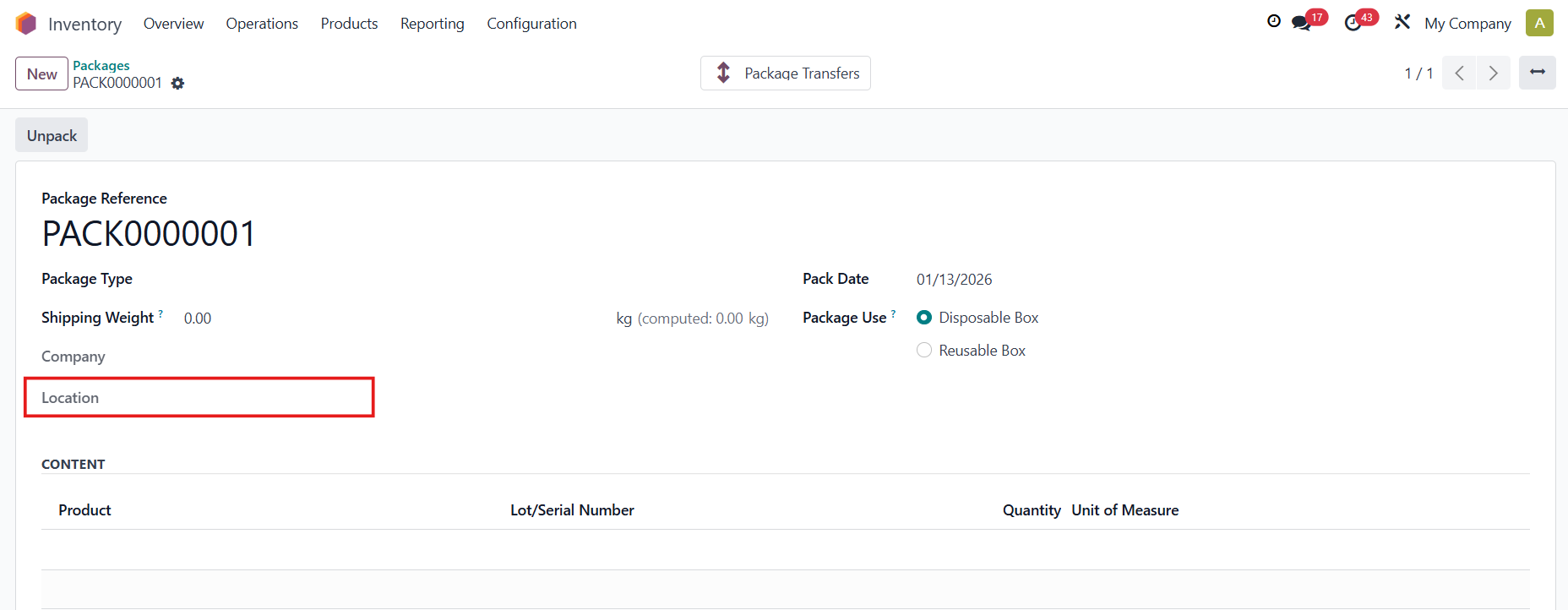 |
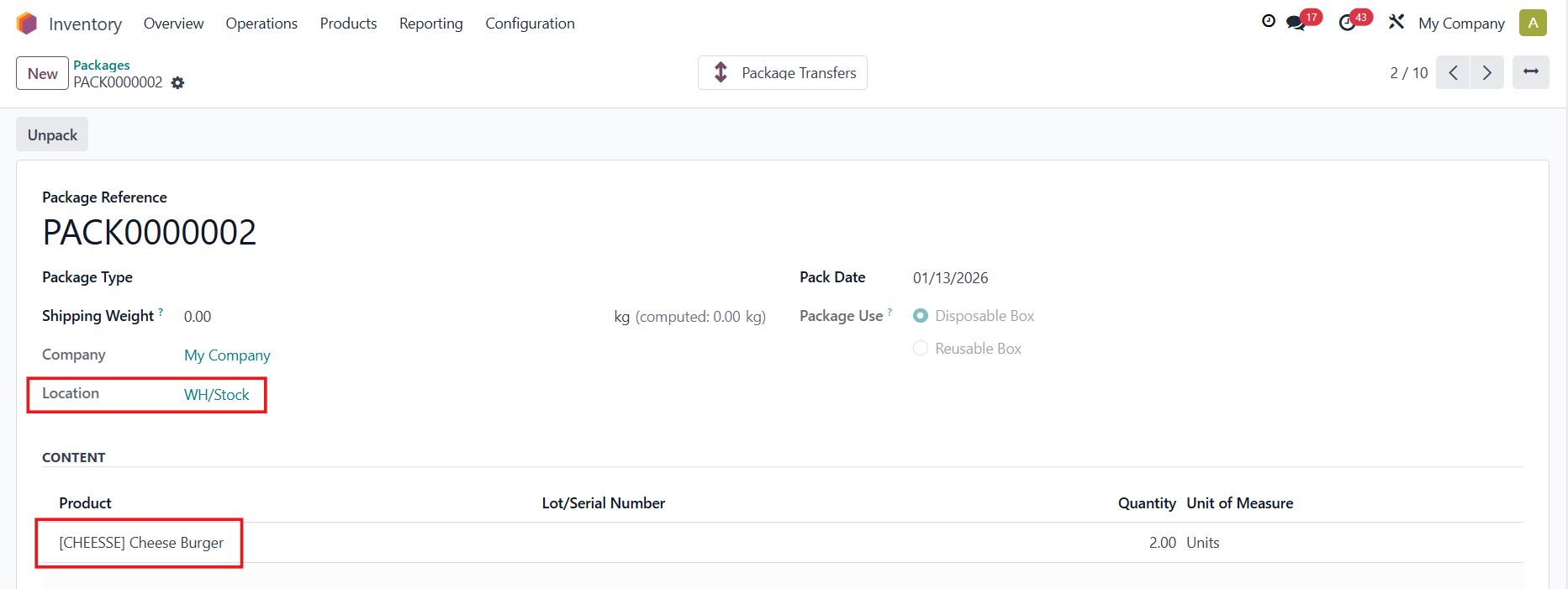
Access Inventory Adjustments → The package with no location can now be selected Fill in the necessary information → Apply |  |
Head back to the package → The product and the location have been added to it | 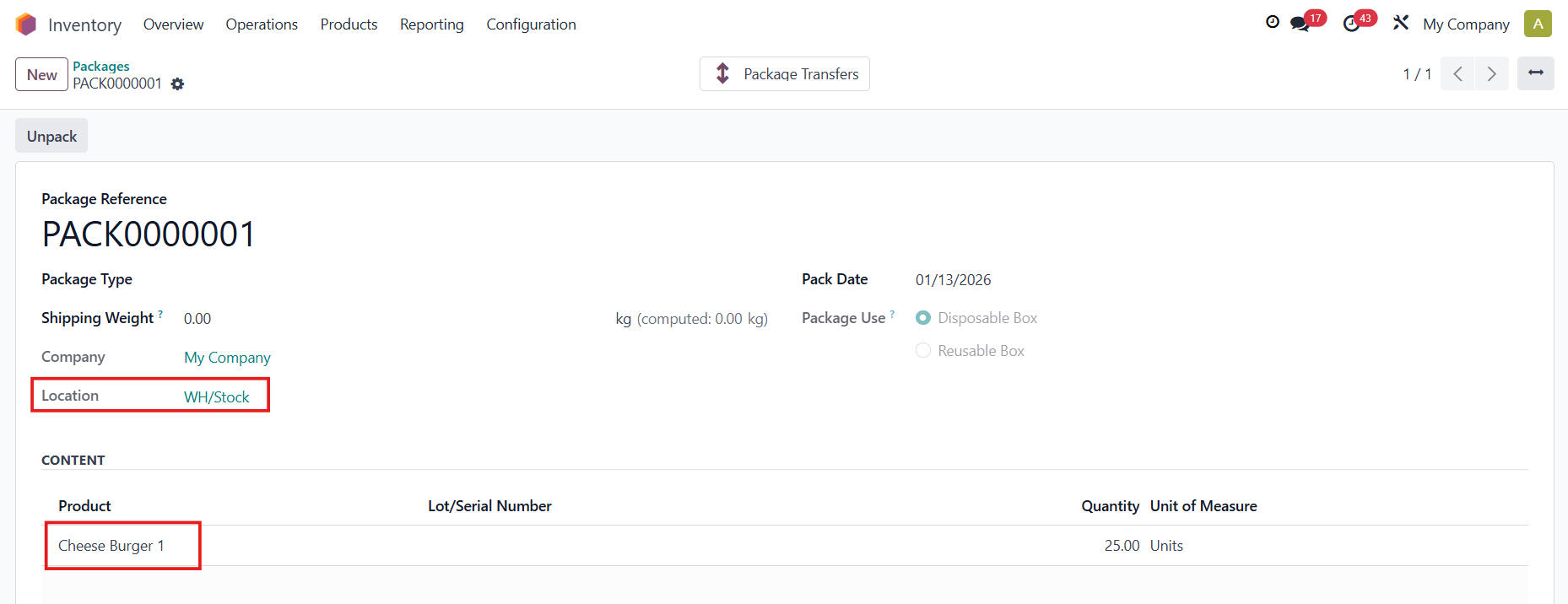 |
BARCODECreate a new empty package | 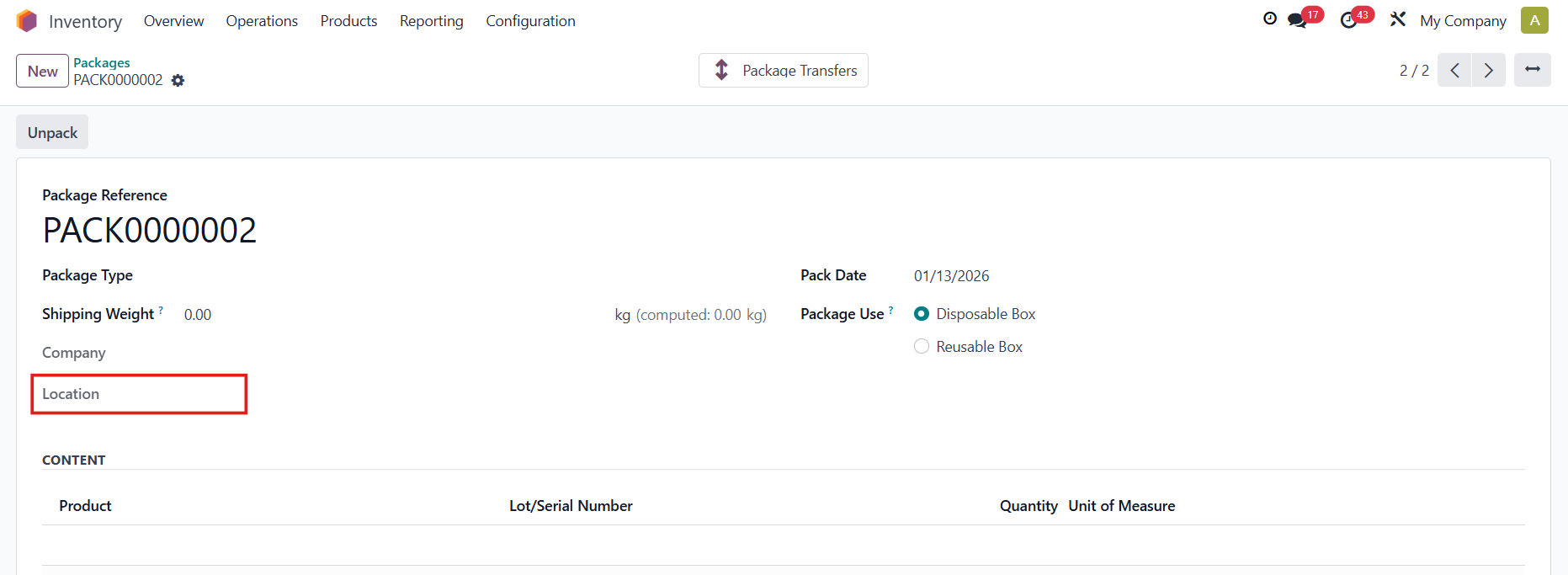 |
Access the Barcode app
→ Inventory Adjustments / Count Inventory → Add Product | 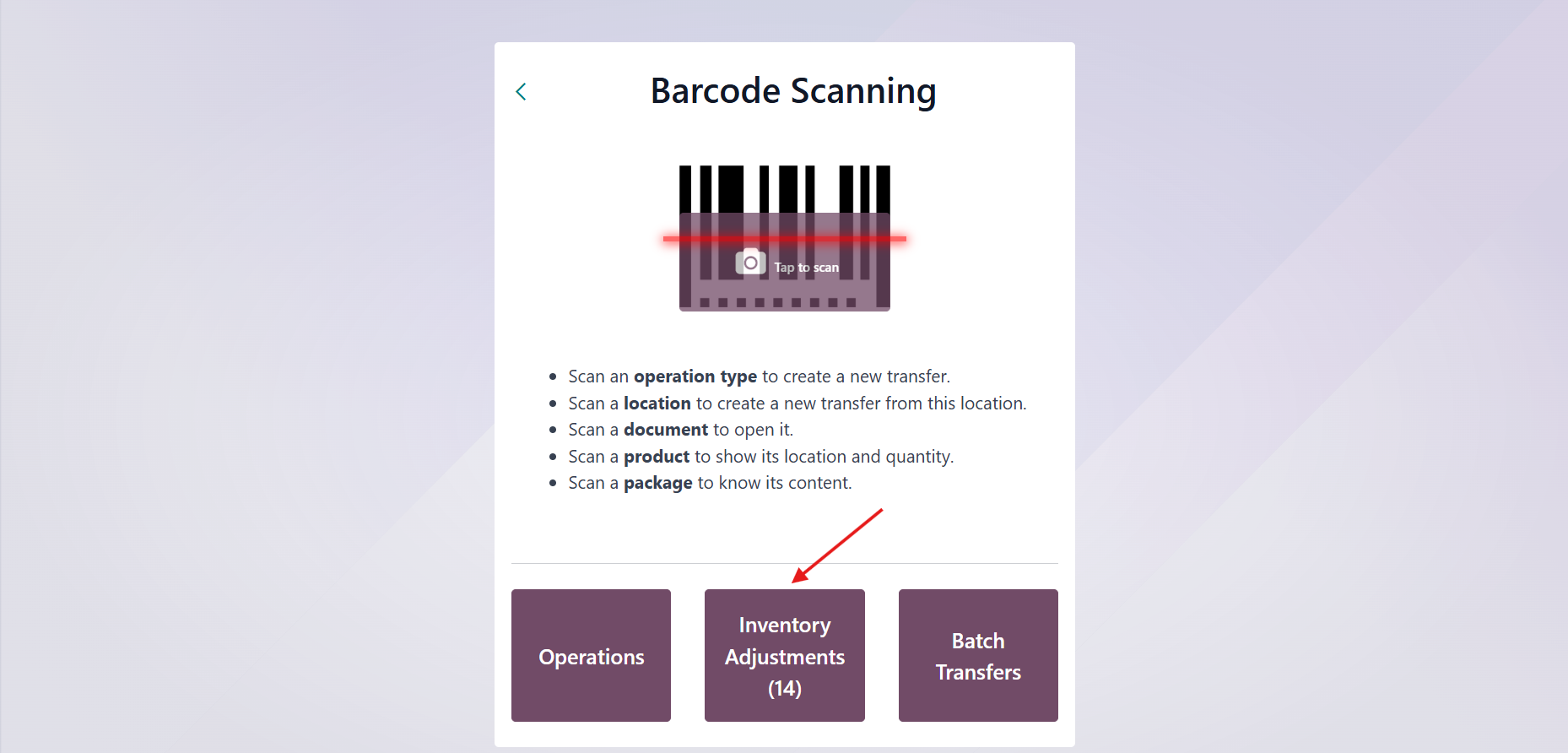 |
The package with no location can now be selected Fill in the necessary information → Confirm → Apply |
|
Head back to the package → The product and the location have been added to it |
|