



ODOO'S FUNCTION
In Odoo, return requests can only be linked to stock records using simple filters such as sales order, customer, or product. It does not check parent/child customer relationships and does not allow filtering by lot or serial numbers.
CLUEDOO'S FUNCTION
Cluedoo considers both parent and child customers, adds filtering by lot and serial numbers, and uses a more precise way to filter products. This makes handling returns more accurate and complete.
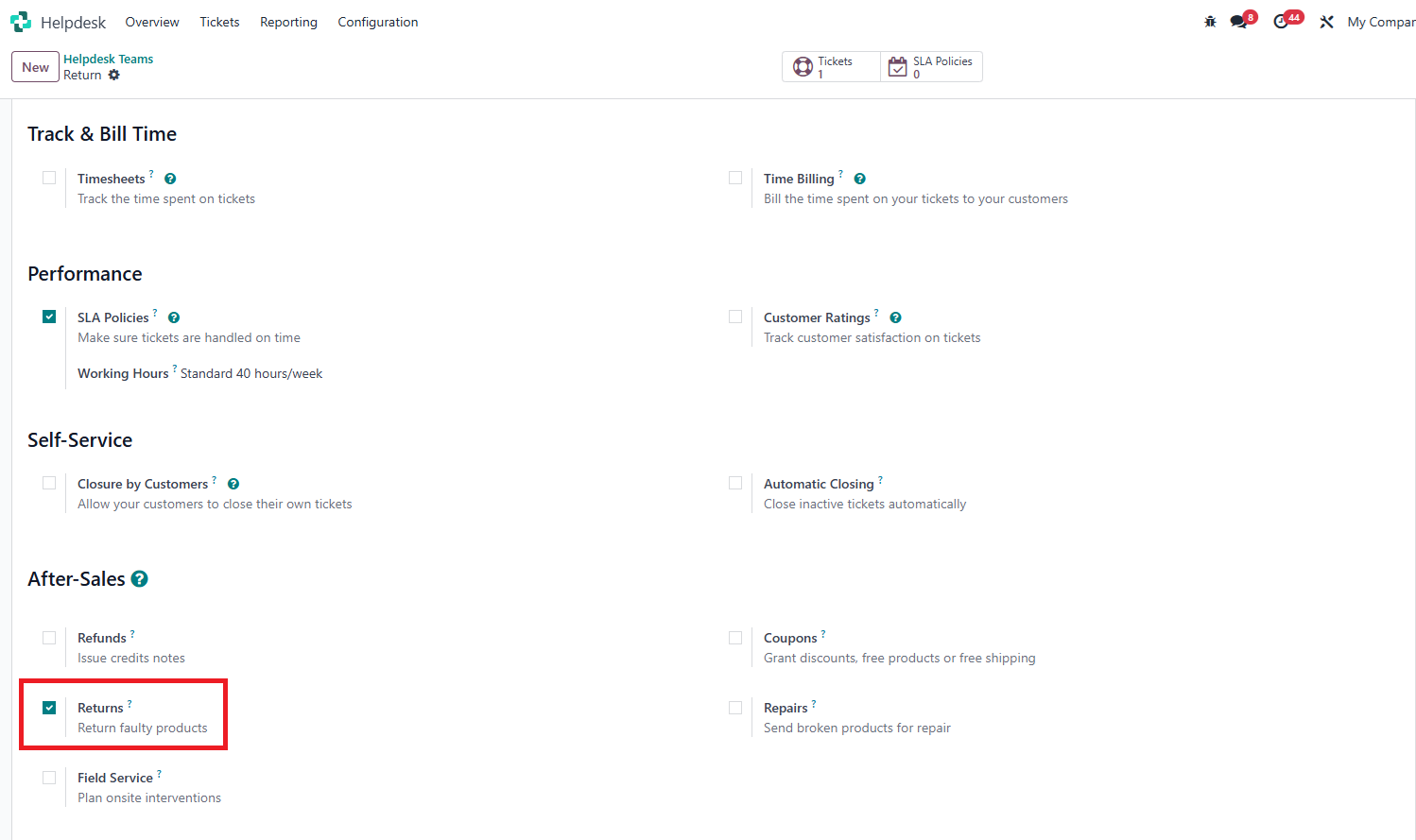
1. Go to Helpdesk > Configuration > Helpdesk Teams > New > check on checkbox Returns |
|
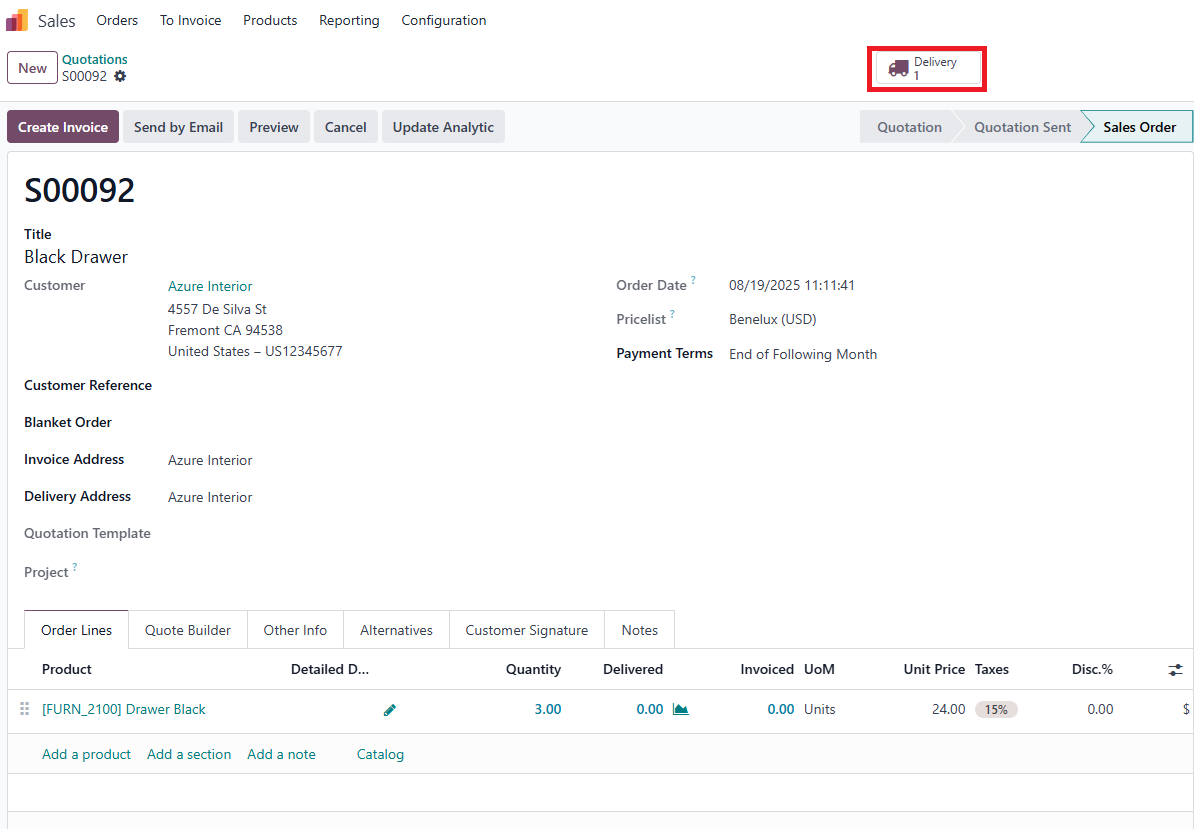
2. Create new Sales Order and Confirm > go to Delivery by the Delivery smart button |
|
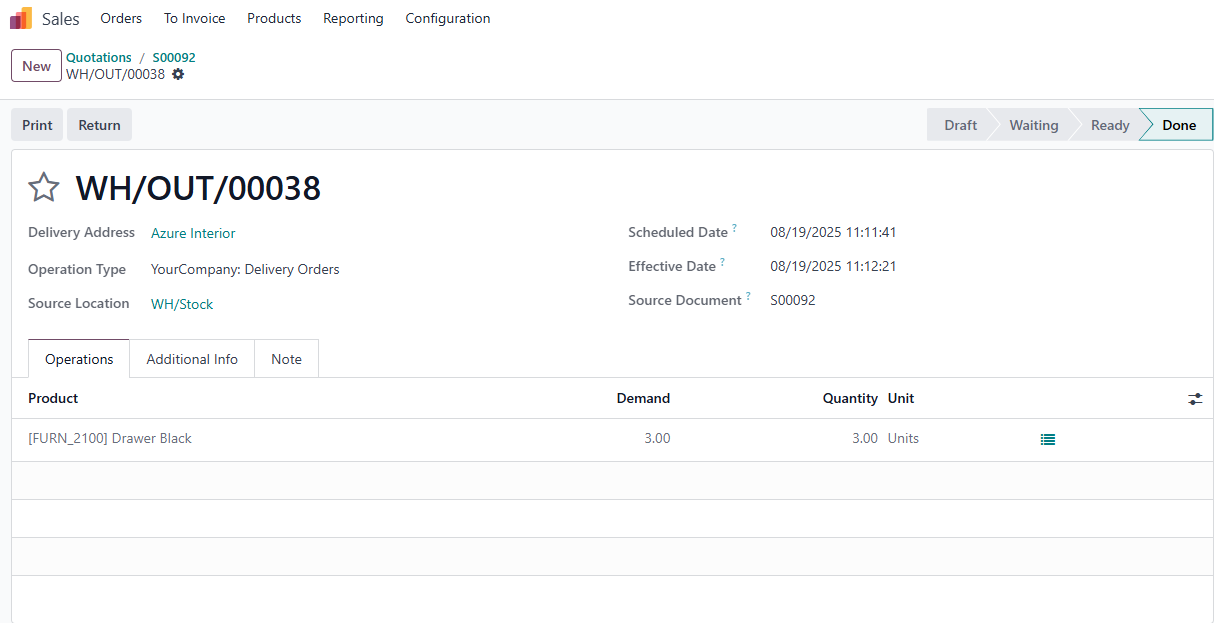
3. Validate the Delivery |
|
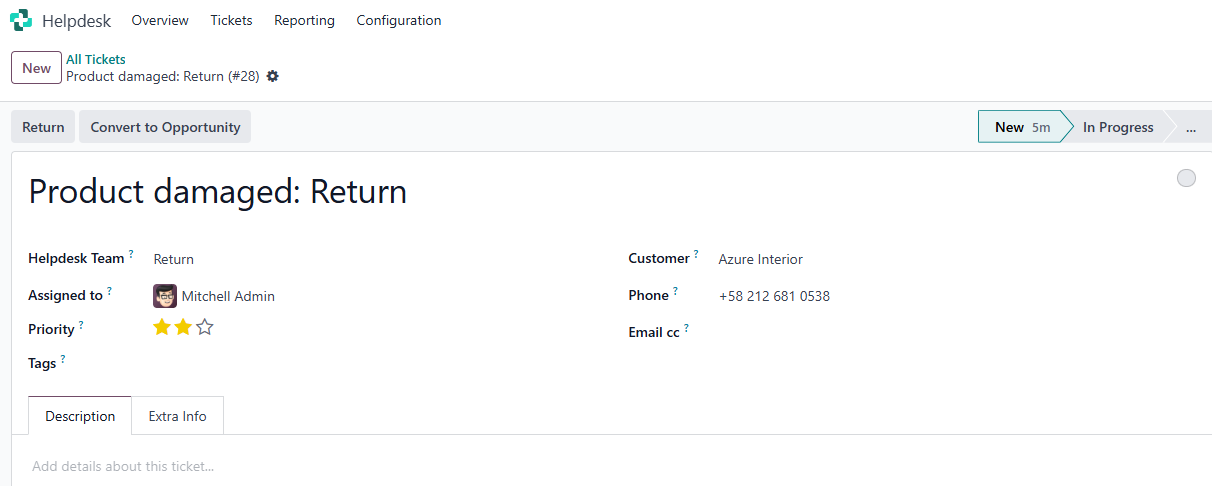
3. Go to Helpdesk > All Tickets > New > fill in necessary informations (Assigned to, Customer, Priority, etc.) |
|
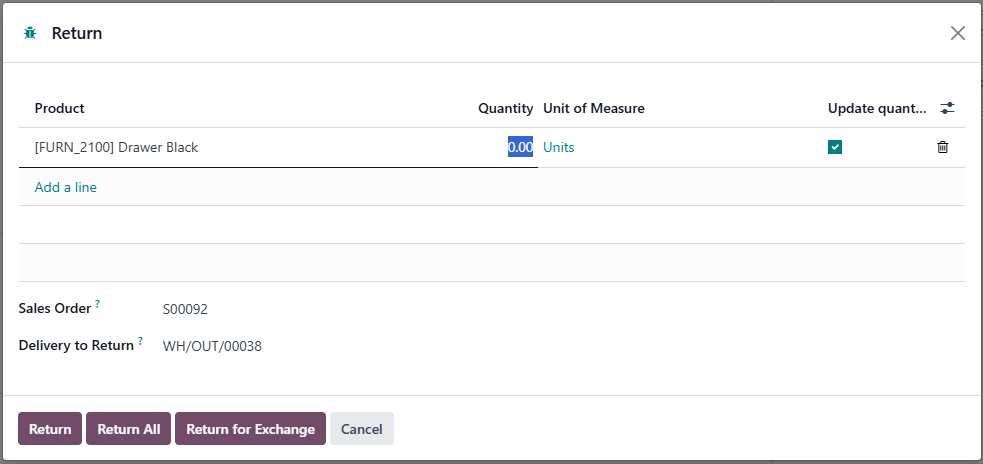
4. Choose the correct Sales Order and the corresponding delivery/transfer/location of the product will be automatically filled in |
|
5. Validate the Return | 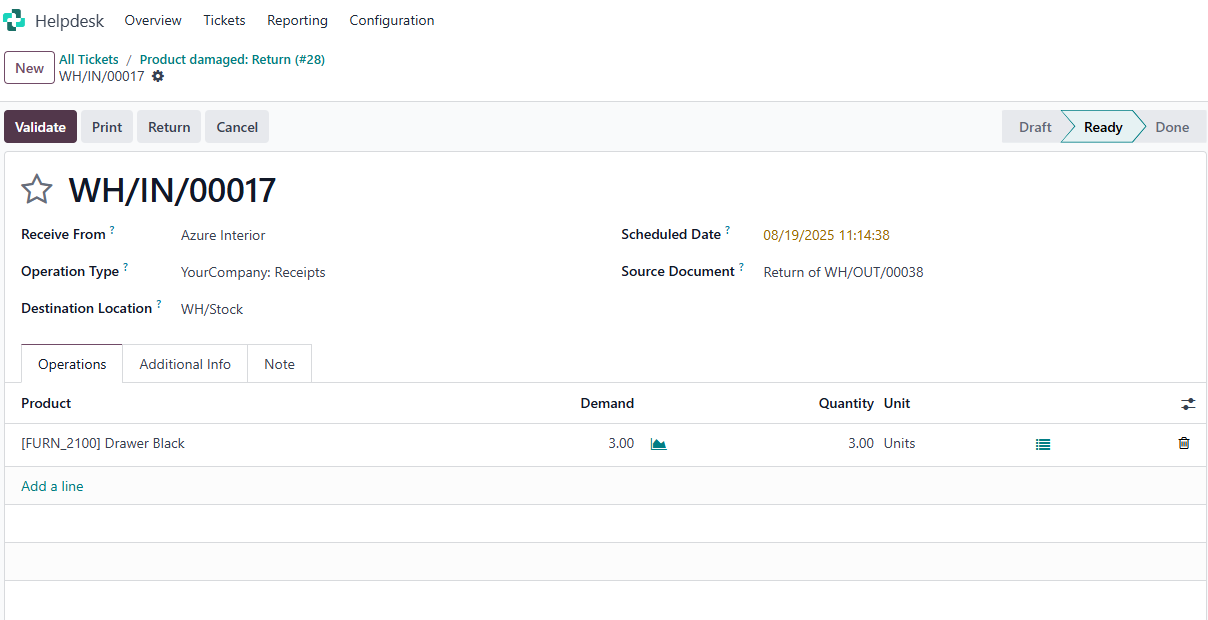 |
ODOO'S FUNCTION
In Odoo, the write-off entry pop-up during reconciliation does not include an Analytic Distribution field. As a result, any adjustments posted through this wizard cannot be analytically tracked unless they are manually edited afterward. This creates a drawback for companies that rely on accurate cost allocation across analytic accounts.
CLUEDOO'S FUNCTION
Cluedoo enhances the standard reconciliation process by introducing:
1️⃣ An Analytic Distribution field in the write-off entry pop-up during reconciliation
2️⃣ Automatic inheritance of the analytic distribution in the resulting journal entry
This allows users to assign analytic values at the time of adjustment, ensuring accurate and consistent analytic tracking without the need for manual corrections.