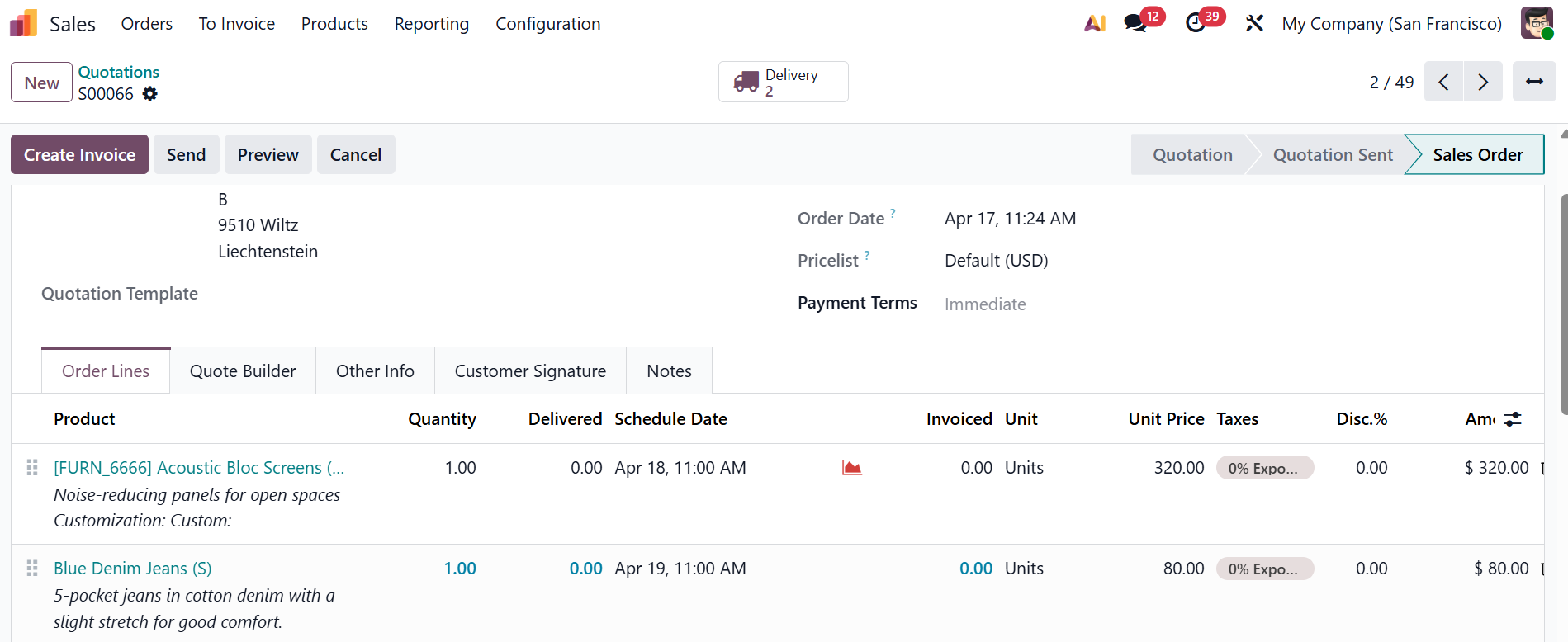
ODOO'S FUNCTION
By default, Odoo manages access rights through user roles, groups, and record rules. While this provides a solid foundation for controlling data access, it may not always offer clear visibility into exactly who can access a specific record.
CLUEDOO'S FUNCTION
CLuedoo introduces dedicated access rights to precisely control who can view each record, ensuring that sensitive information is accessible only to the right users. This enhances data security, improves accountability, and gives greater confidence in managing business information.
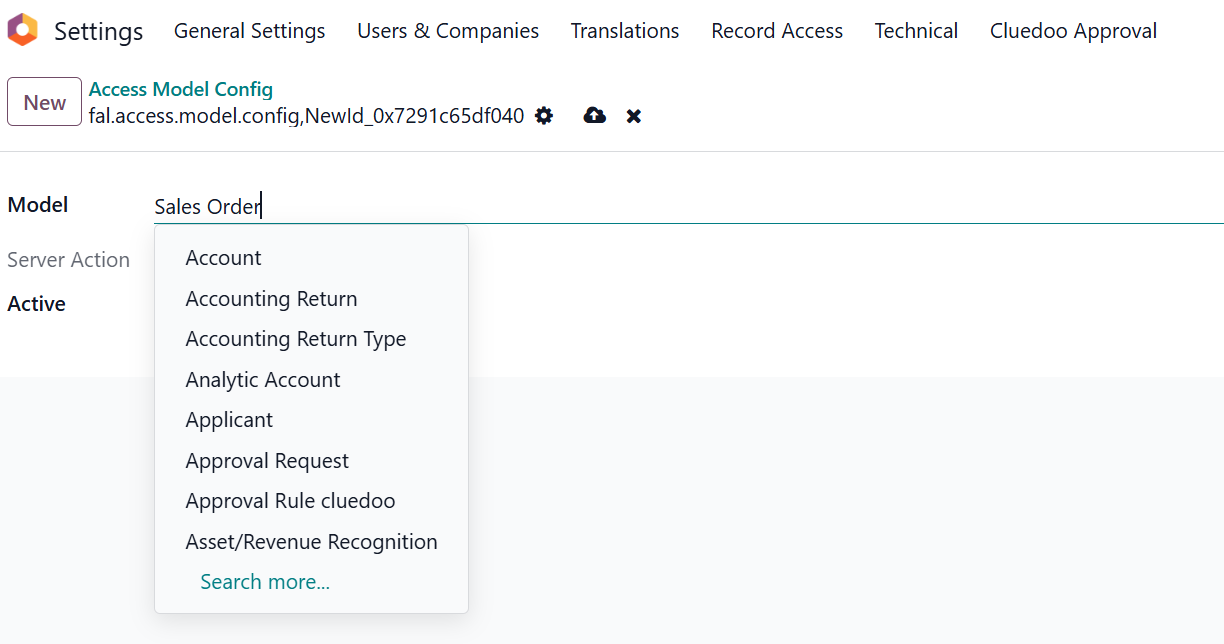
CONFIGURATION Go to Settings > Record Access > Model Config > We can view the list of existing Access Models | 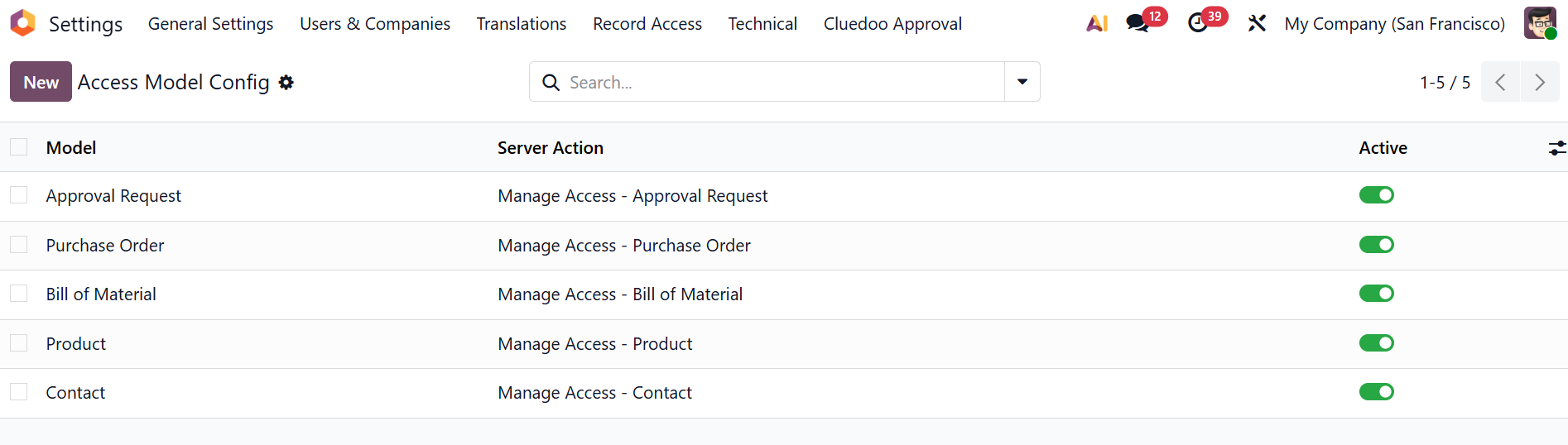 |
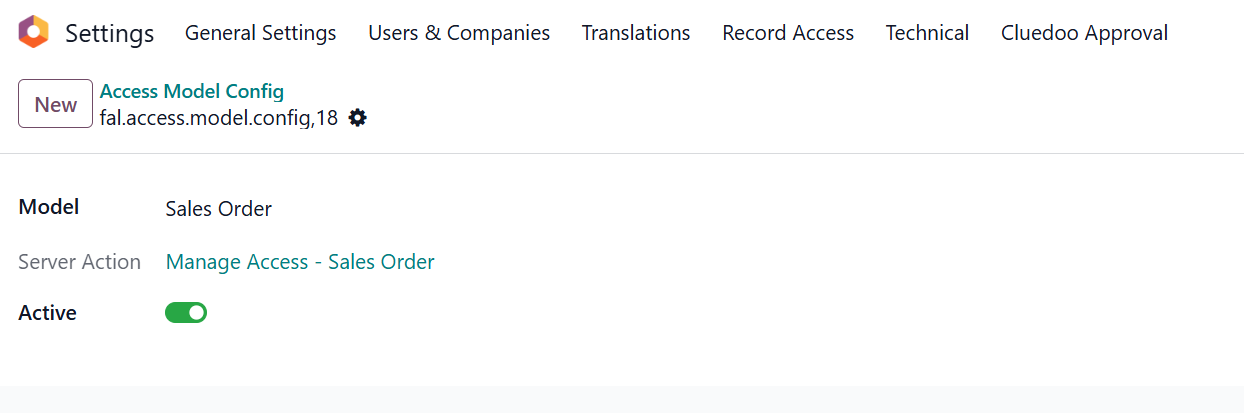
or we can click New to create a new one by selecting the desired model. For example, I create a new access model for Sales Order |
|
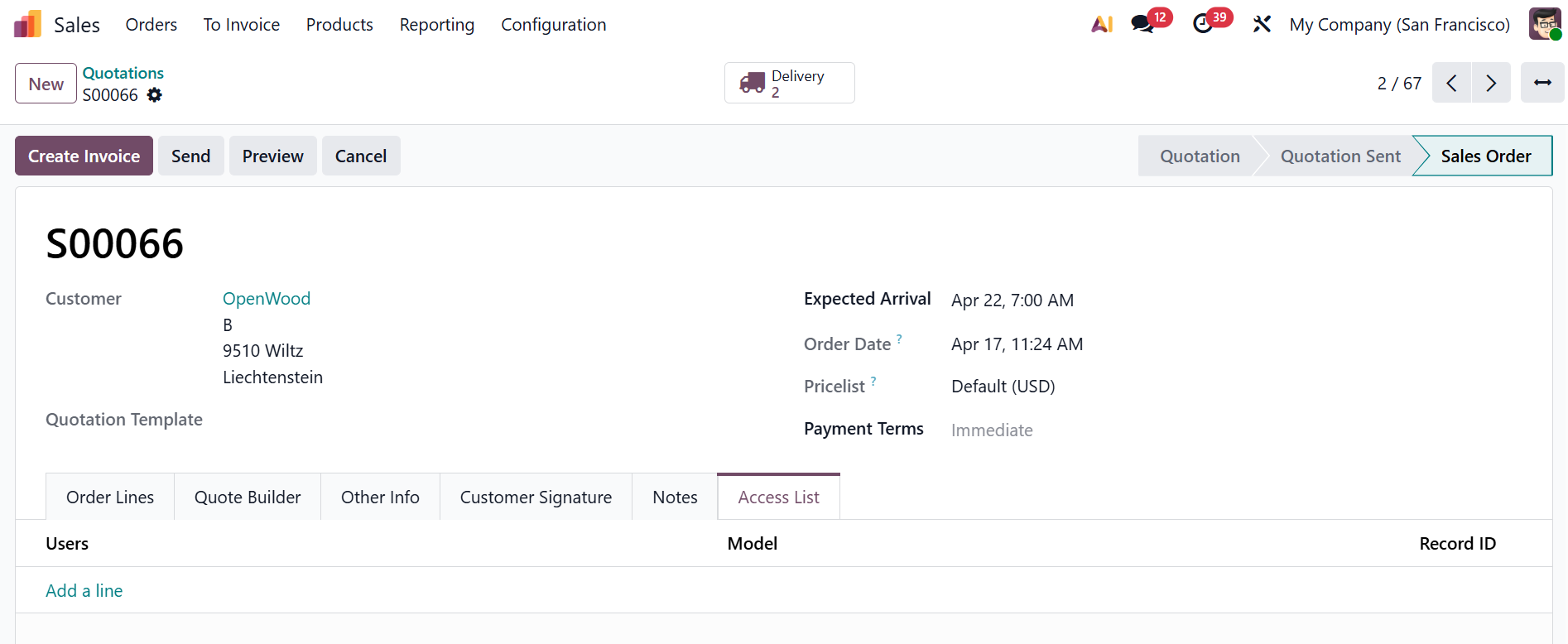
USAGE 1. When an Access Model Configuration is activated, an Access List tab is automatically added to the corresponding object. |
|
| 2. Click the Gear icon button > Manage Access to add or delete the access rights. Alternatively, you can edit access rights directly in the Access List tab. For example, only Joel Willis and Mitchell Admin can view the Sales Order number S00066 | 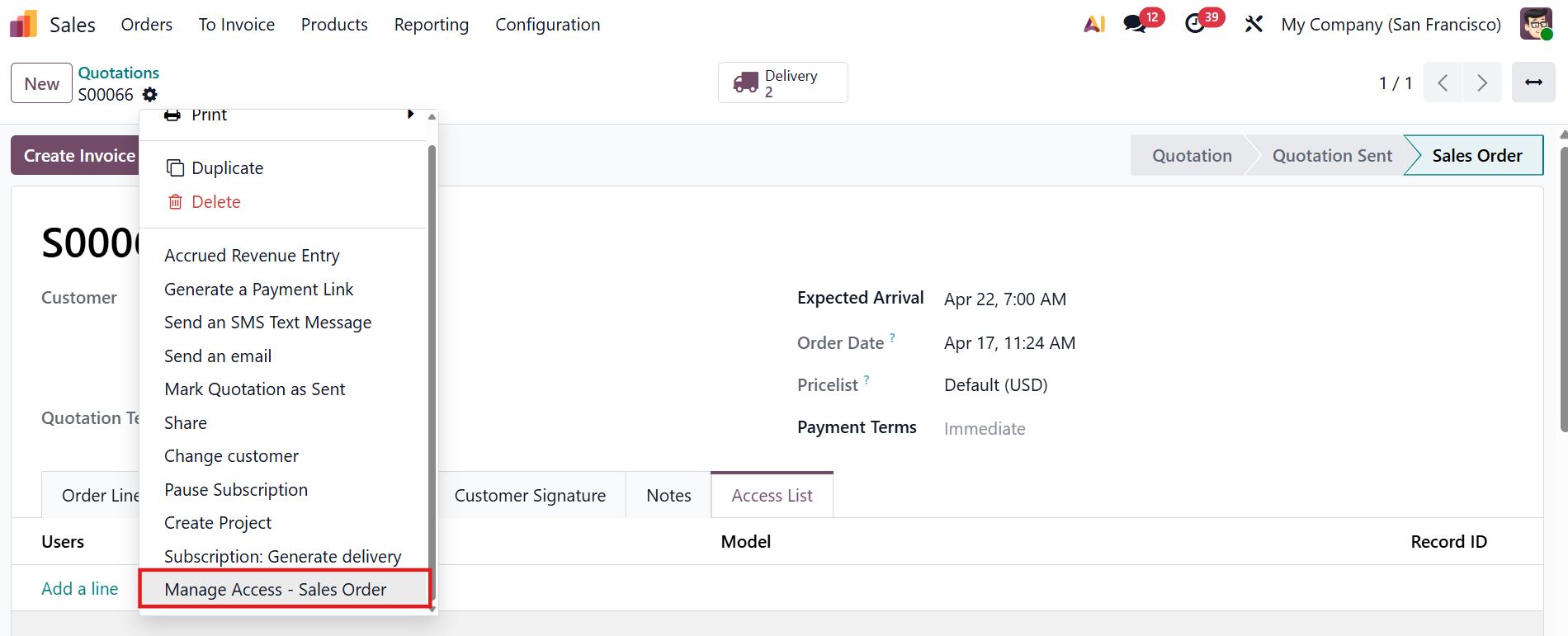 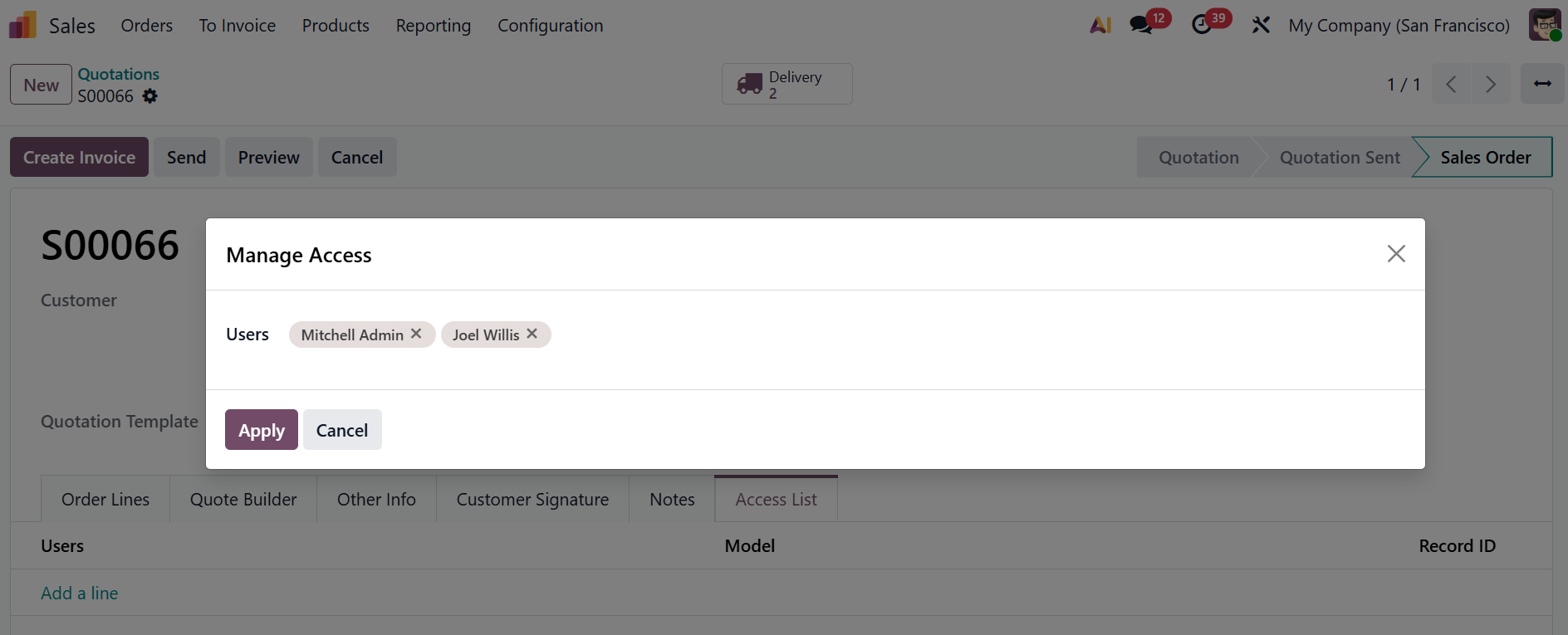 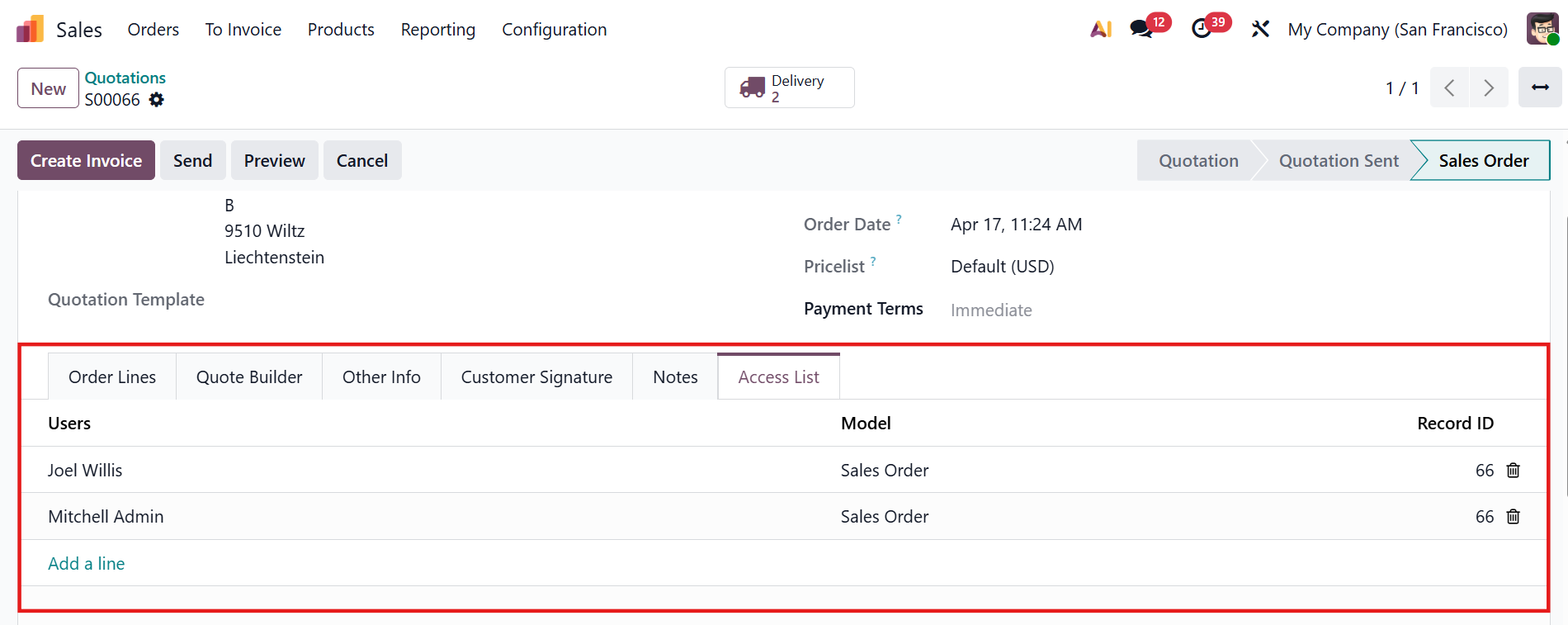 |
3. We can also delete access rights through the Record Access > The corresponding entries in the Access List tab of the record will be removed as well. | 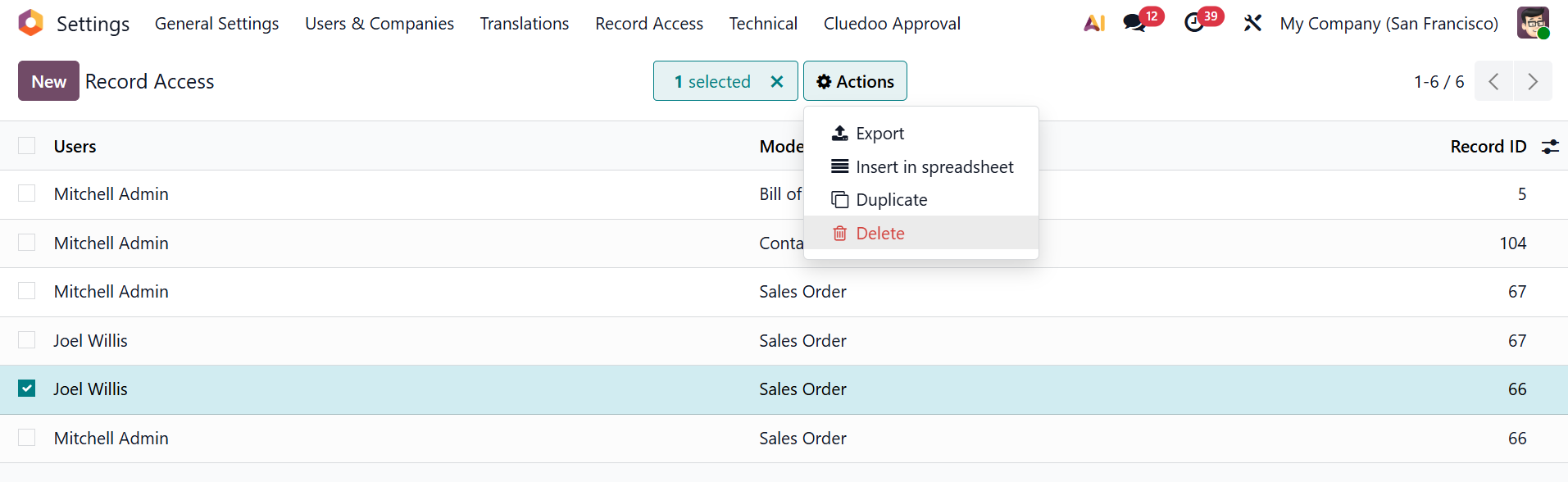 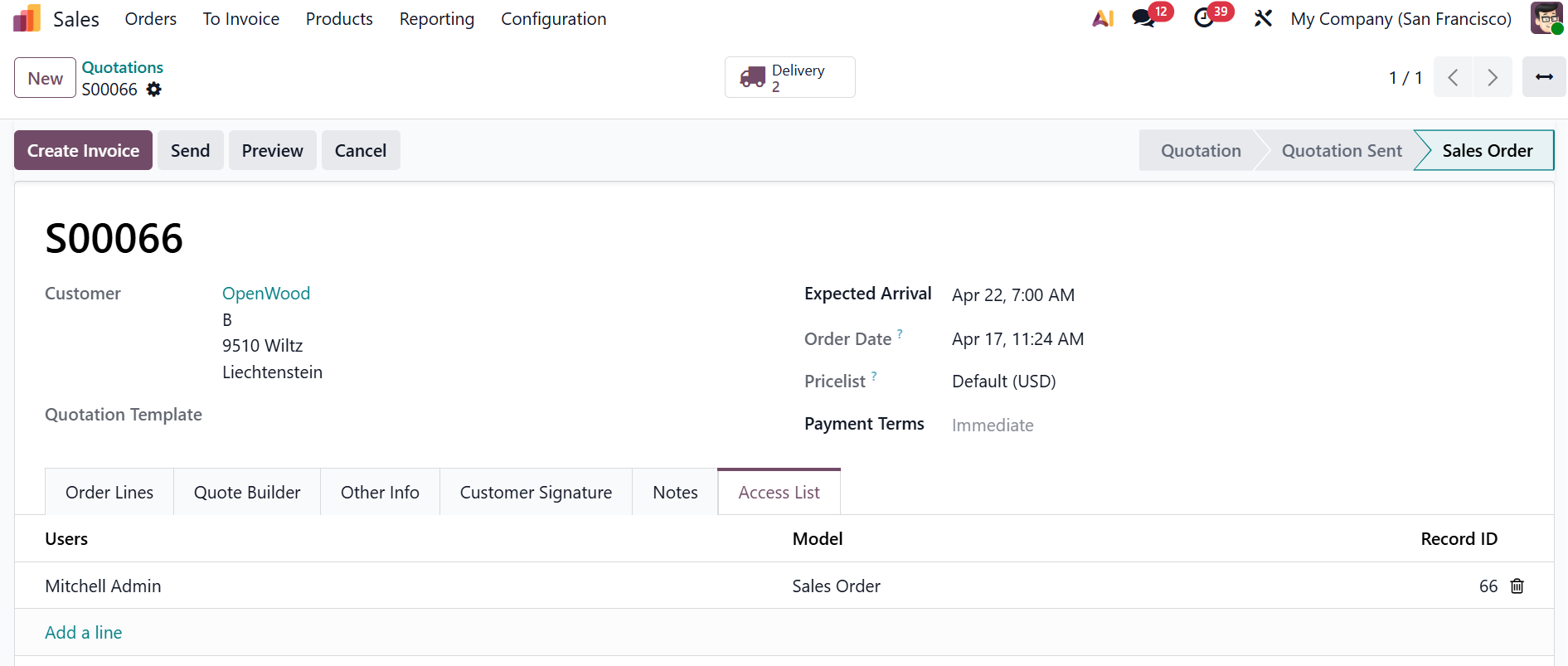 |
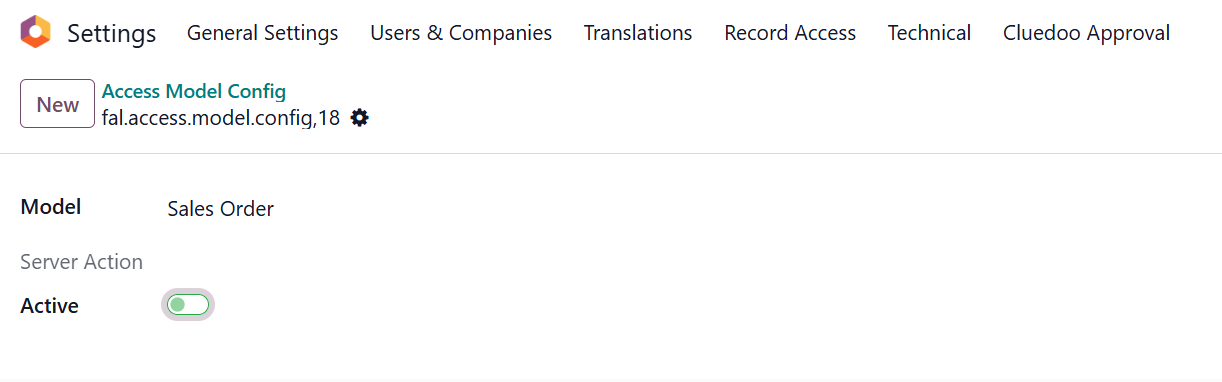
4. When the access model configuration is deactivated, its associated record rules are also deactivated, and the system returns to its default behavior. We can not see the Access List tab anymore |
|