


ODOO'S FUNCTION
Odoo allows creating Analytic Accounts and associating them manually to Projects or Tasks.
However, there's no built-in mechanism to:
- Automatically create an Analytic Resource that links Projects and Tasks.
- Inherit analytic distribution settings from a Project Template.
CLUEDOO'S FUNCTION
Cluedoo introduces the following features:
- Create Analytic Resources and automatically generate linked Analytic Accounts.
- Allow defining Analytic Distribution on Project Templates.
- When a project is created from a template, the linkage with the Analytic Resource is inherited.
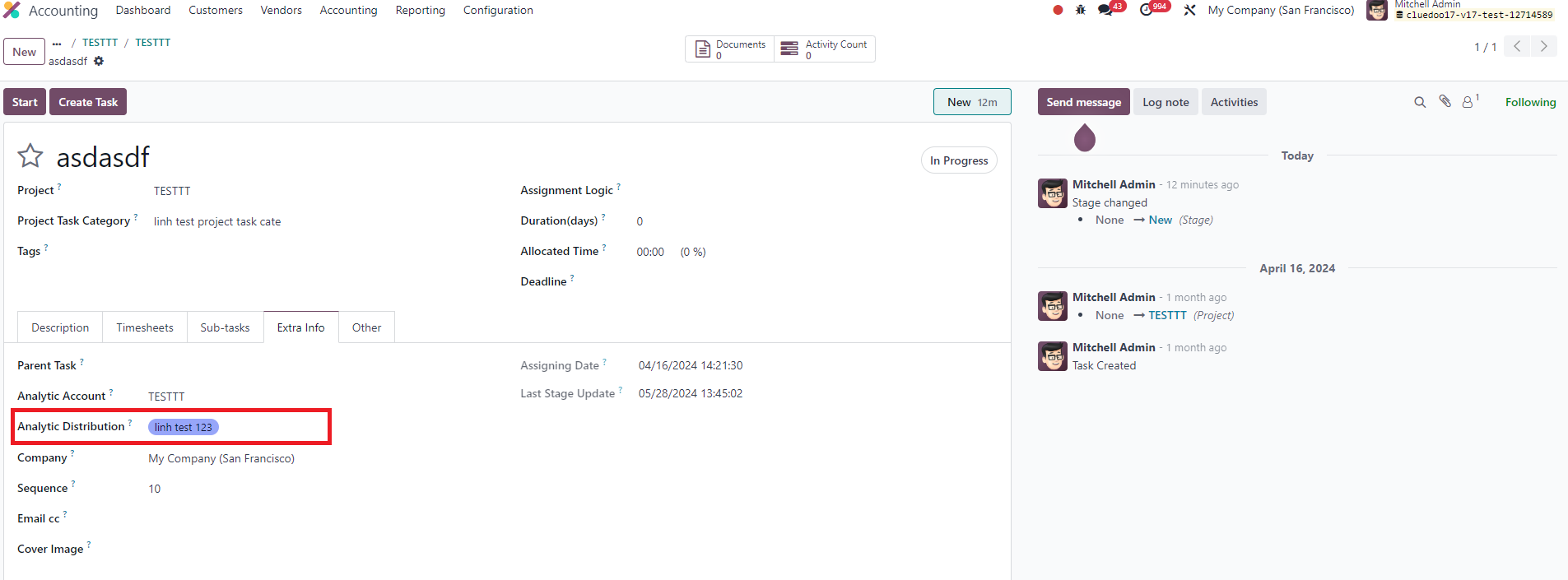
- Task-level Analytic Distribution can also be configured and reflected back in the Analytic Resource.
1. Go to Accounting > Create new Analytic Resource (AR) > Automatically Analytic Account created. | 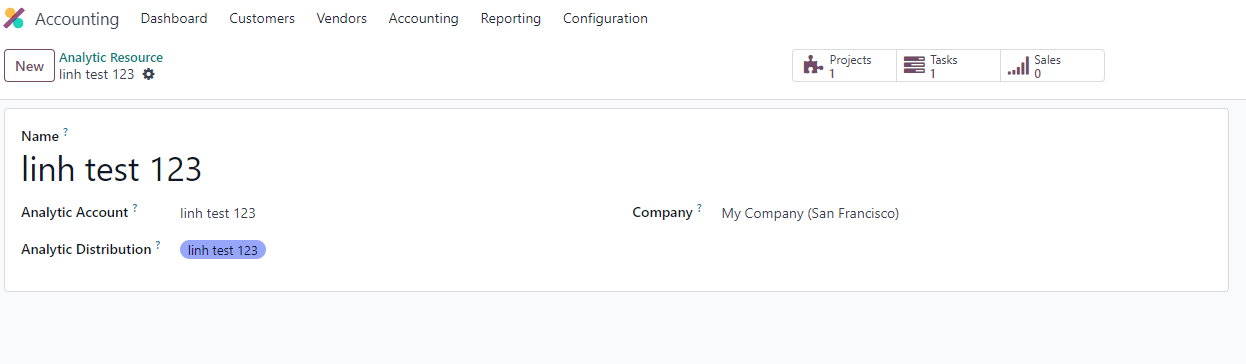 |
2. Go to Project > Configuration > Project Template > go to Settings tab > Fill Analytic Distribution | 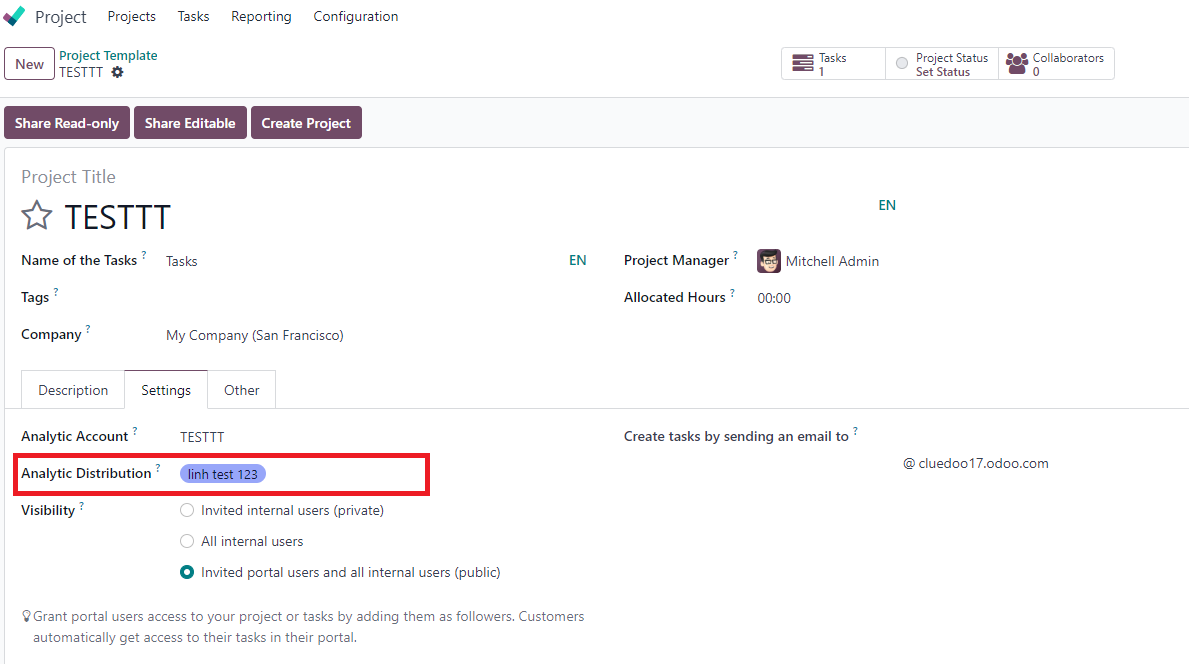 |
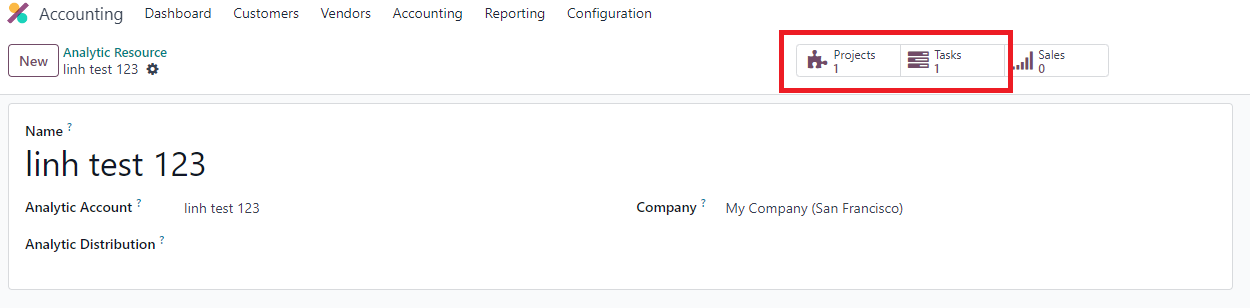
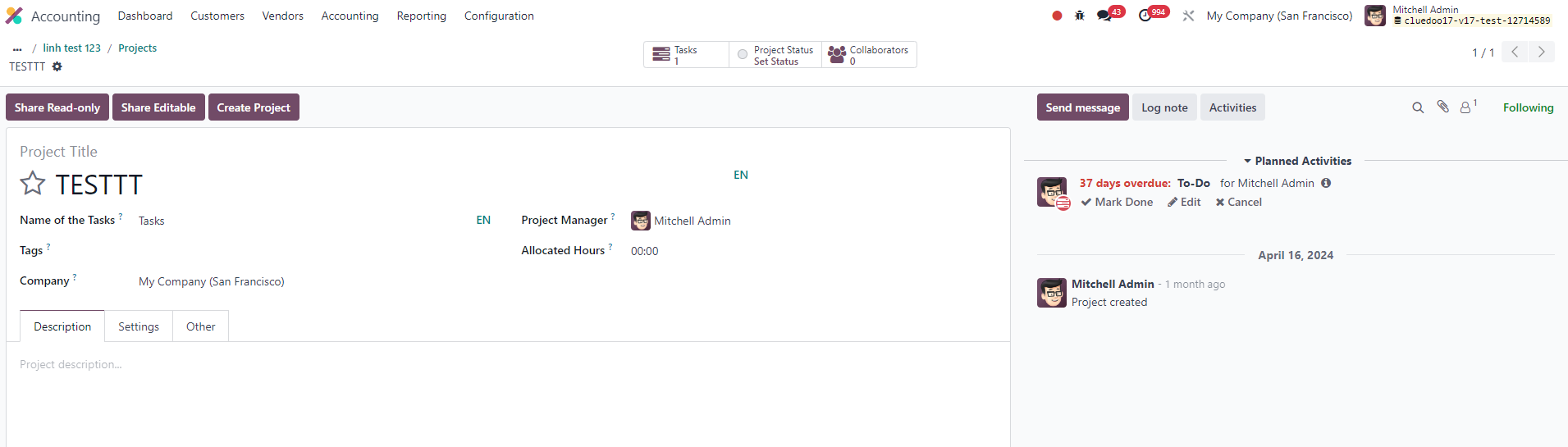
3. Go to Analytic Resource > Choose the AR which already picked > Check that Project linked with Analytic Resource | 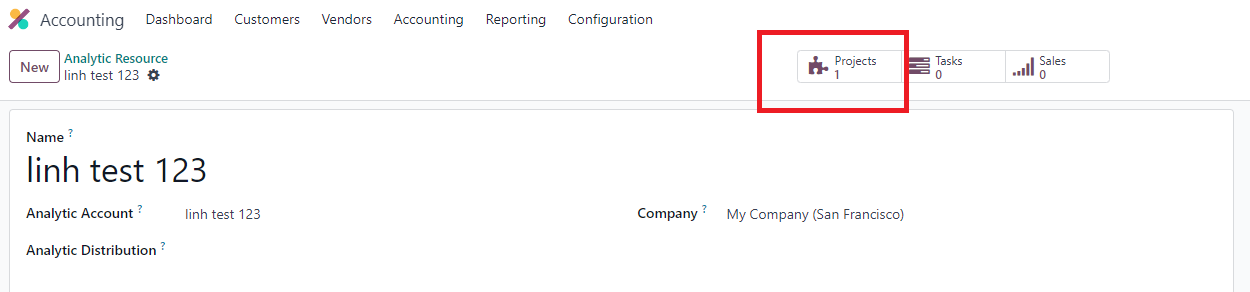 |
|  |
4. Go to Project's task > Extra Infor tab > Fill Analytic Distribution |
|
5. Go back to AR > Check that project and task linked with AR. |
|