



STORY BEHIND THE FEATURE
ODOO BEHAVIOR
In Odoo, the timesheet feature includes a timer that allows users to track the time spent on tasks. However, in certain situations, this timer may be unnecessary.
CLUEDOO BEHAVIOR
Cluedoo provides an option to hide the timer for users who do not require it
CLUEDOO RECOMMENDATION
Install on 100% of your database.
HOW TO USE THIS MODULE
1. Go to Timesheet > My Timesheet. If the module is installed, the timer will no longer appear. This applies to all views: Grid view, List view, and Kanban view. | 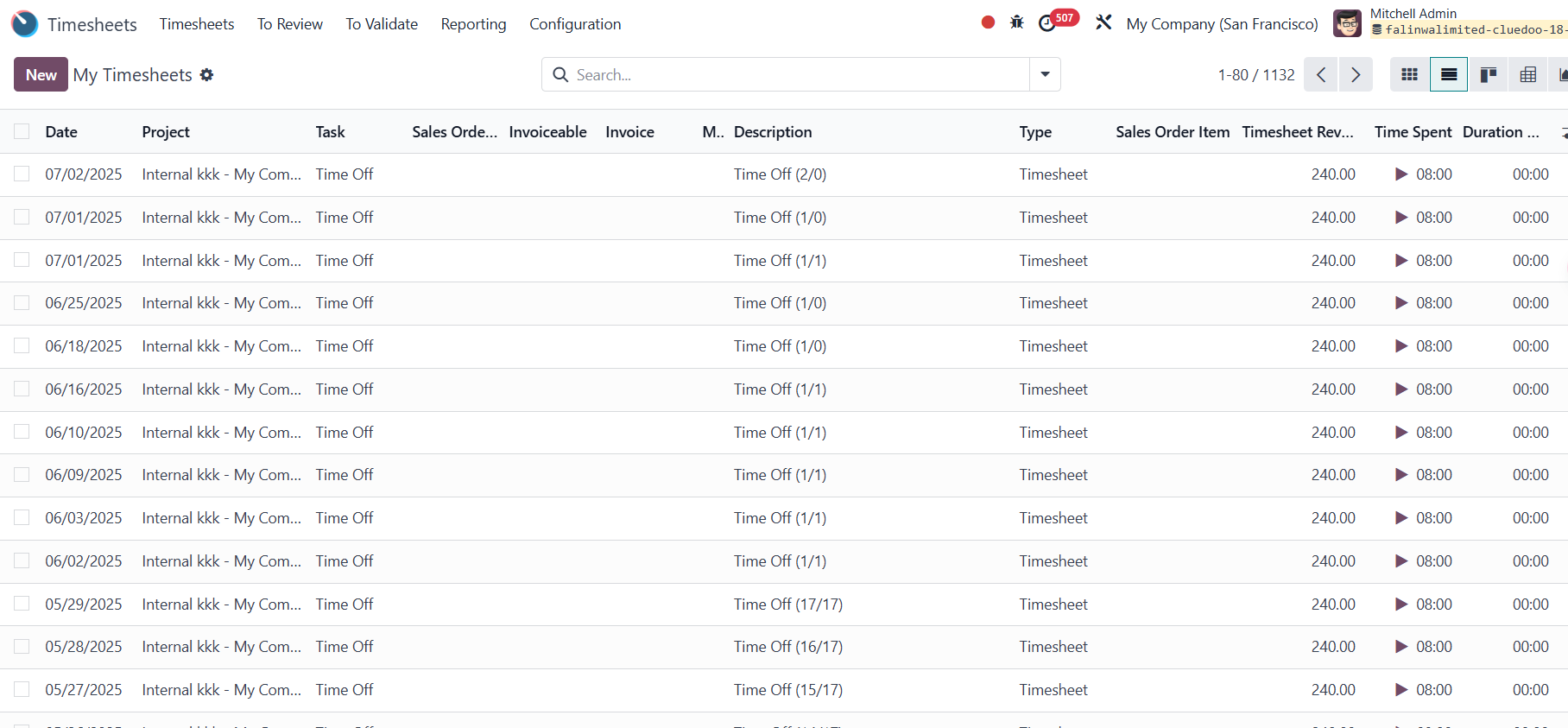 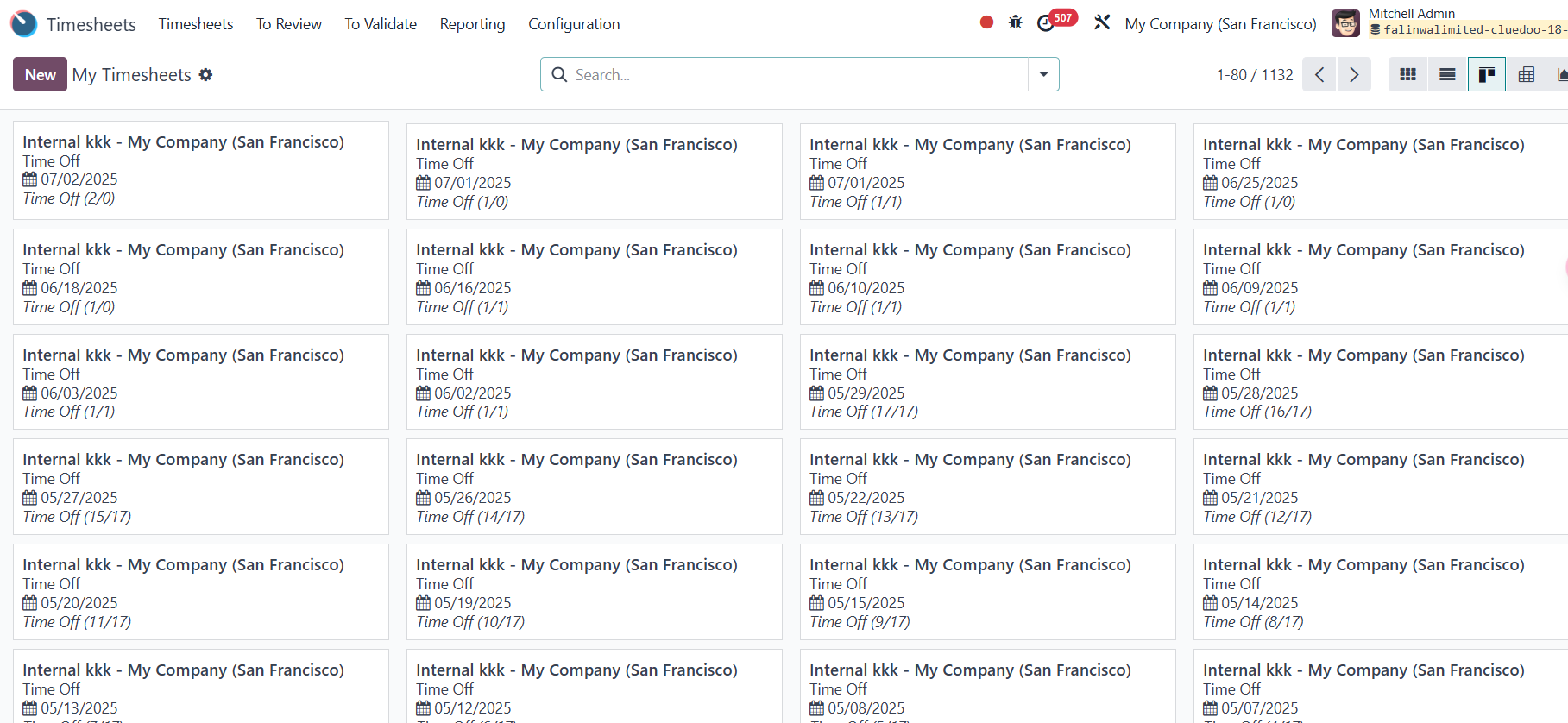 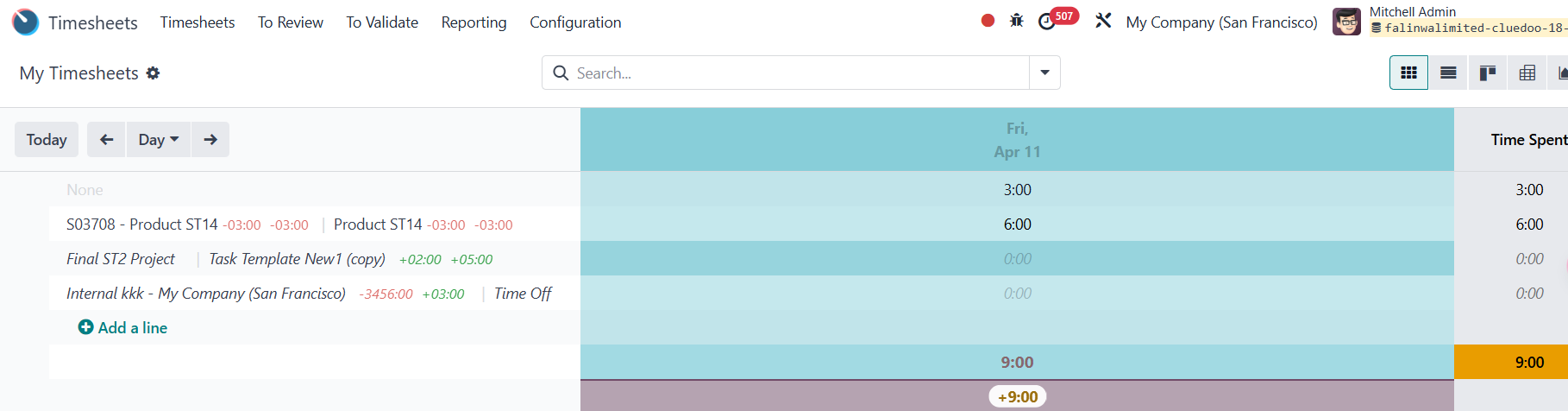 |